
Here's a quick update on top of our recent Major Graphics Update.
Since then, we've rebuilt the entire interface, put you in control of how the game looks, sounds and feels, filled the forest with life, and pushed the maps closer to real orienteering standards.
We hope that the game will feel more like a cohesive unit.
Here's everything new.
Replays worth watching
Replays are now filmed in the same world you ran in, with a first-person footage camera and a video preview. See your route play back the way you actually ran it while analysing the replay map.
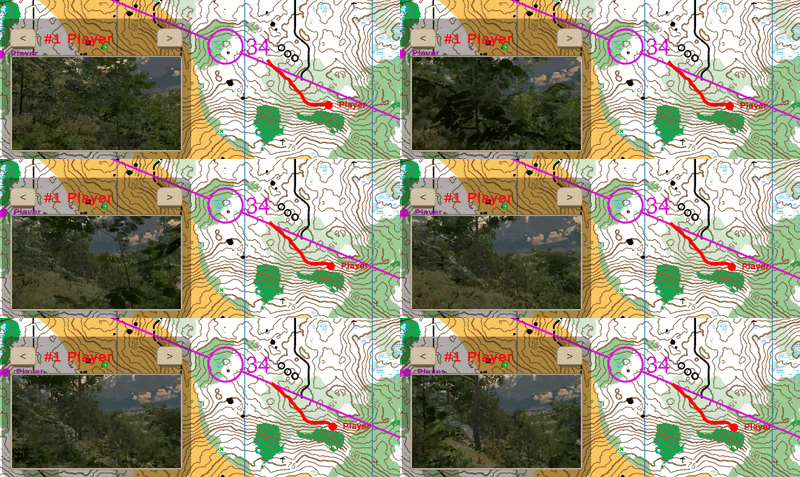
Recorded video preview.
A brand-new interface
Every screen — the main menu, the in-run HUD, the pause menu, replays and recent maps — has been redrawn from the ground up with a clean, consistent "paper map" theme. Menus are sharper, convey more information and options, easier to read, and faster to move through, including full controller support.
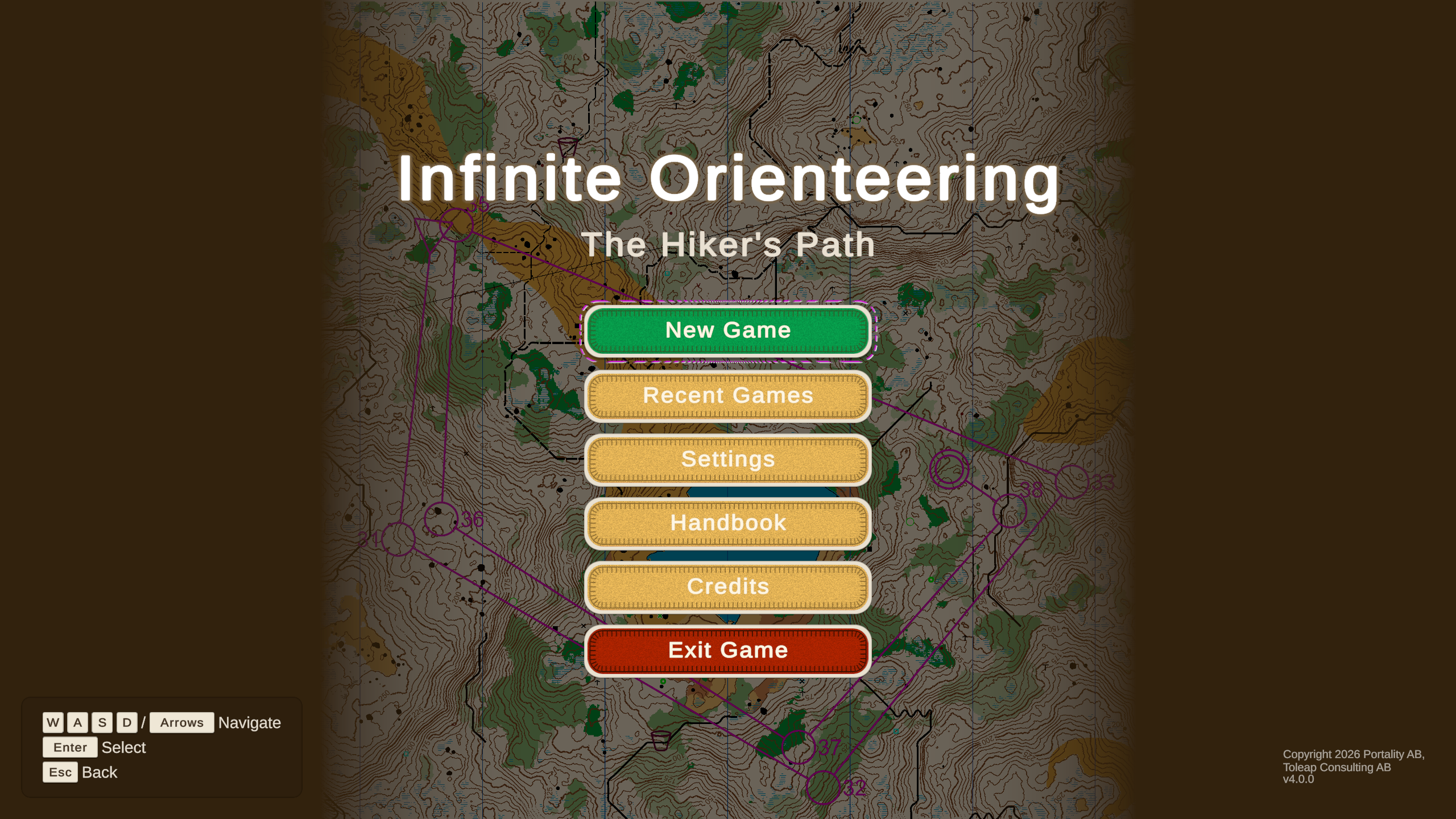
The main menu screen with the new theme.
Player Preferences — play it your way
A new preferences menu lets you tune the experience:
- Solid compass option for those that prefer high contrast between the compass and the map rather than the ability to see the map through a transparent compass.
- Hide the timer if you'd rather run by feel, not knowing how you'd done until finishing
- Map rotation: options to invert it, and set the rotation speed
- Look and walk sensitivity if you're not happy with the presets
- Head-bob toggle, turn off the head-bobbing effect on sprint
- Per-channel volume: master, footsteps and ambience on separate sliders
Performance & graphics quality
There's now a graphics quality selector so you can trade detail for frame rate. On first launch the game auto-detects your hardware and picks a sensible starting preset, with an explicit frame-rate cap and terrain draw-distance tied to the preset. Smoother runs on your old laptop. Realistic quality on your powerhouse desktop PC.
At current, we support six different presets ranging from Very Low to Ultra.
Steam Deck performance
The default graphics quality settings on Steam Deck is now a more sensible tradeoff between graphics and frames, and enables a much more fluid experience (typically around 30-35 fps, further optimizations to come). Optionally, turn the settings down for more frames, or up for more details at cost of framerate, just like on PC.
A living forest
The woods aren't quiet anymore. Ambient birdlife — including crows and tits that perch on branches, rocks and wires — now moves and calls around you, over a new layered forest ambience bed. Small thing that makes a big difference to immersion.
Truer maps and terrain
The map and the ground under it took a big step toward real orienteering:
- IOF/ISOM colours rendered from a proper printed reference, colors are more true to the real-life counterpart
- Marsh placement is improved from the terrain's own hydrology, drawn as a proper overlay pattern blending with several area types
- New terrain: broken ground, cliffs, rough open ground and a boulder biome improvements
- Water & swimming: depth-based speed and momentum, so a long crossing feels like a real decision
- Smarter control placement so flags no longer land where you can't reach them, plus clearer control numbers
- Intelligent speed blending with more factors taken into consideration, you're no longer running into clear invisible borders immediately upon ground type change, speed behaves more intelligently and nuanced, which allows for new competitive considerations and more immersion
…and lots more
Volume control, legend and handbook reachable straight from the main menu, night-mode lighting fixes, terrain shaping fixes (pits, knolls, depressions), and dozens of UI and stability polish passes.
Thanks for playing — as always, let us know what you think in the Steam Community Hub, or on Discord.
See you in the forest. 🧭