
Default Branch (Full Release) Update — Version 1.0.4.2
Improvements – Convenience Controls
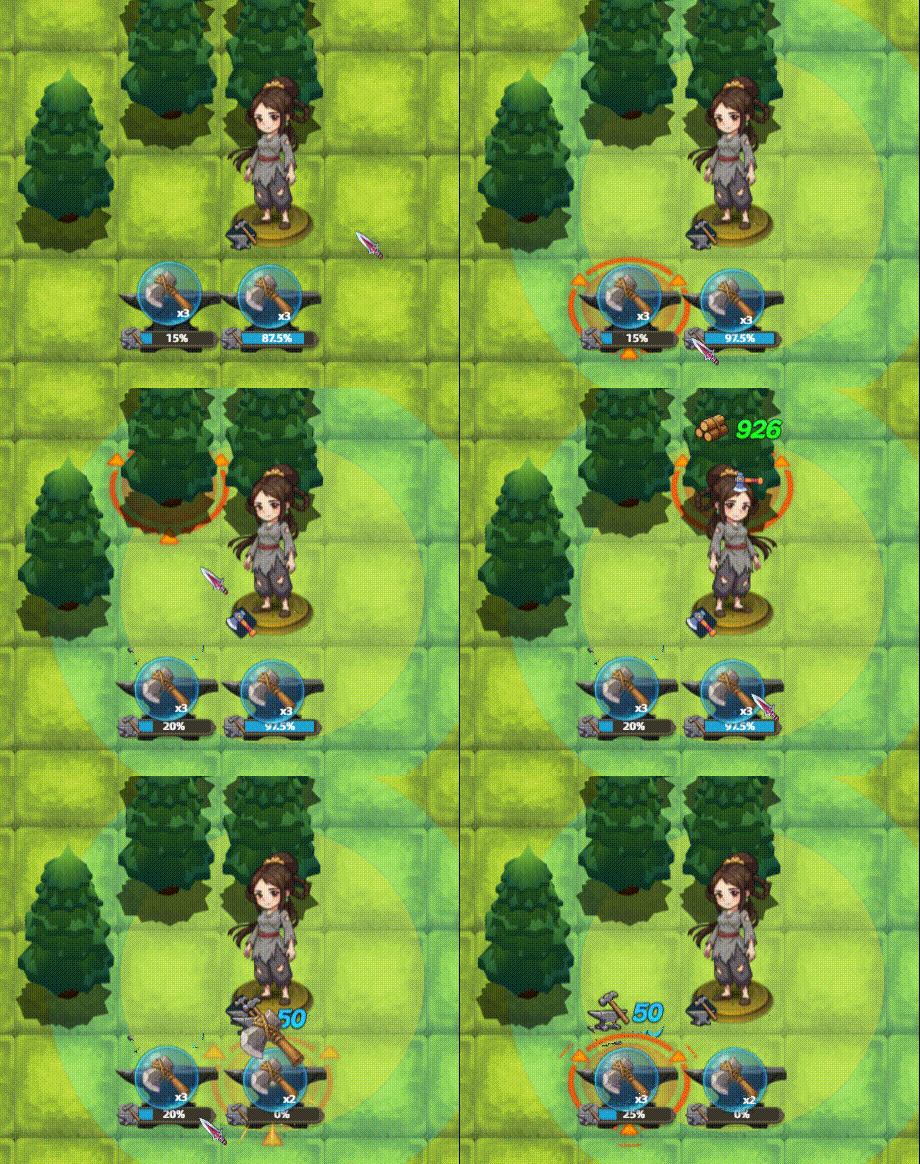
1. Now, when you select a character and click on a resource or facility within their work range, it will quickly change their priority work state and set that target as their priority target.
2. Similarly, with a character selected, clicking on a road (the floor tile characters move on) in the combat area will quickly set them to combat state.
3. Improved the item interface display — you can now directly select equipment categories.
4. Now, clicking an empty equipment slot on a character will directly switch to the corresponding equipment category screen.
5. Added hotkeys for major functions, and added a quick-control guide (in the system menu).
(If custom hotkeys are needed later, I can continue to improve this.)
Fixes
1. Fixed incorrect display layers and positioning of spirit creature tooltips on the map.
2. Fixed residual issues with incorrect material icons and "new" icons.
3. Fixed an issue where high-multiplier crafting required extra materials.
4. Fixed an issue where the back button in idle mode was difficult to click.
If you enjoy this game, we sincerely beg you to leave a positive Steam review! It helps the game go further! Thank you so much!
Solutions for Crashes or Being Unable to Enter the Game
- Crashes (mainly Win11 users): Right-click the game in your Steam library → "Properties" → select "Game Versions & Betas" → select "win11stable"
- Can't enter (Win7 users only): Right-click the game in your Steam library → "Properties" → select "Game Versions & Betas" → select "win7compat"
- Can't enter (NWjs error shown): Clean up your C drive to free up enough cache space. (The engine needs some virtual cache space.)
- Stuck on the blue "Enter Game" button in Steam: Right-click the game in your Steam library, open the game installation directory, and "Run as administrator"
- 50-series GPUs: Please disable AI frame generation in your GPU settings, set the GPU to high-performance mode, or try updating your graphics driver.
- "Failed to start the game's process" error: This is caused by Win11's Smart App Control blocking it. Disable it in Windows Security Center → App & Browser Control → Smart App Control settings.
If problems persist, you can contact me via email or the QQ group for one-on-one support.
Finally, I hope you'll follow Xiao Mang's Steam developer page. With AI games on the rise, I'm afraid we might lose track of each other T . T
https://store.steampowered.com/curator/44065864