
Add multi-camera functionality
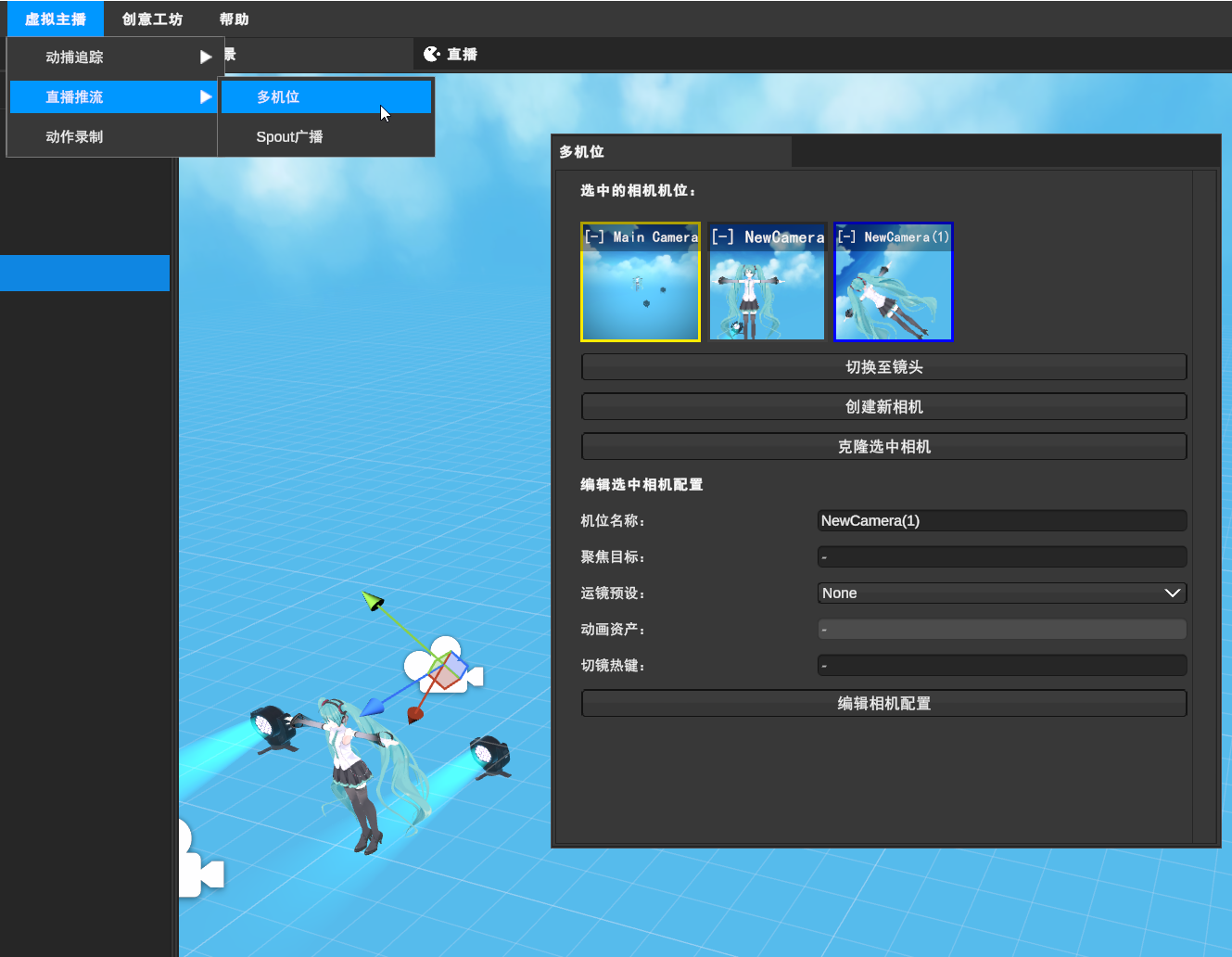
Go to the top menu "Virtual Streamer" → "Live Streaming" → "Multi-Camera", and open the multi-camera panel.
Multiple cameras can be added, and basic loop animations built into the system can be set for the cameras. The camera that is currently outputting the final picture (the live streaming window) can be switched in a director-like form. Additionally, the lights have Build-in and URP materials (reserved for pipeline switching in future versions).
Add DMX lighting-related functions
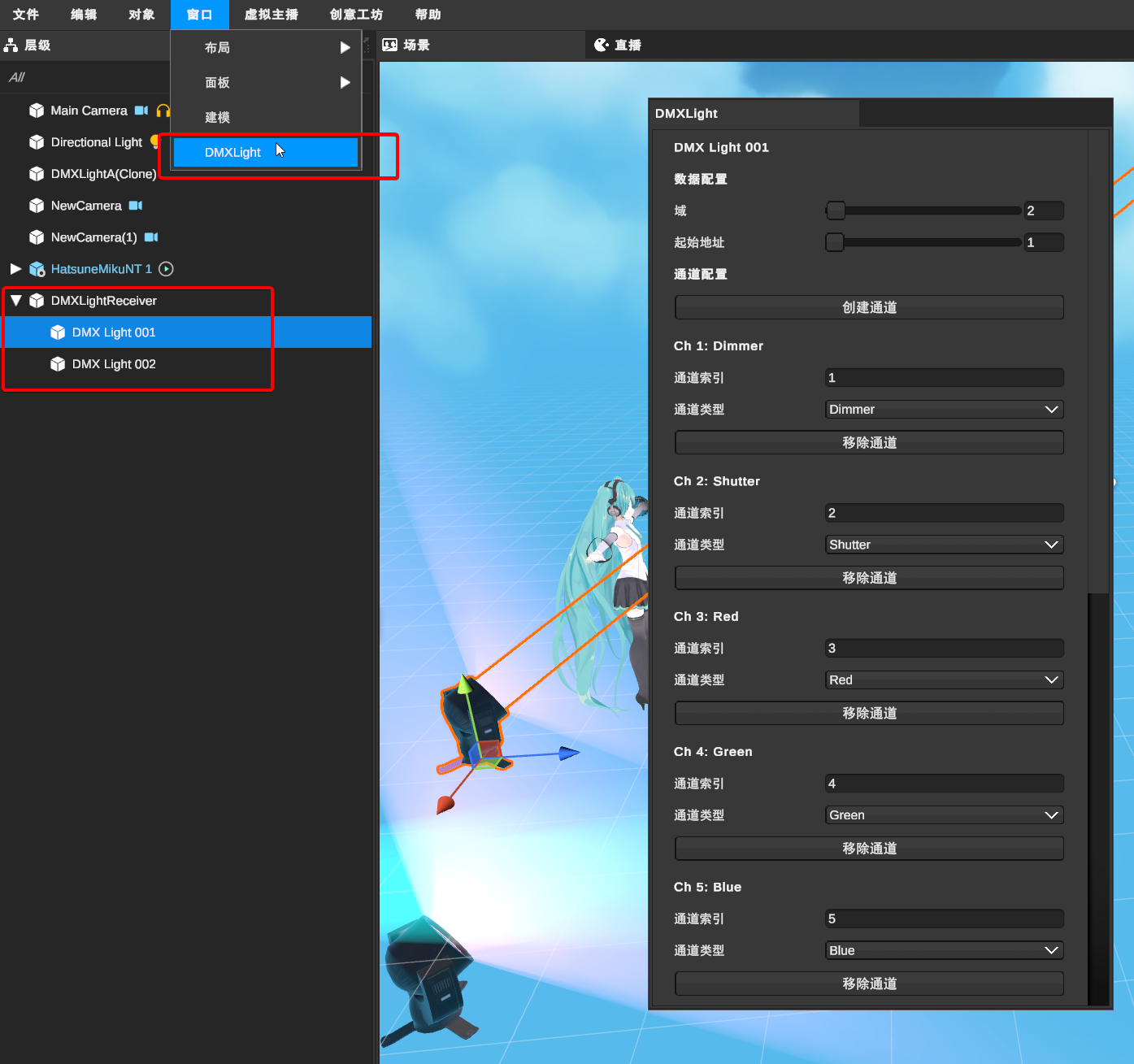
From the top menu, select "Window" → "DMXLight" to open the DMX Light Series function panel.
You can directly create a new DMX receiver on the panel (usually one is enough), and then continue to create lights and configure the light domain, starting address, and channel function (currently, the DMX A moving head light model has defaulted to basic functions such as brightness, strobe, RGB color, and horizontal and vertical rotation. There may be slight changes after adding other light models later).
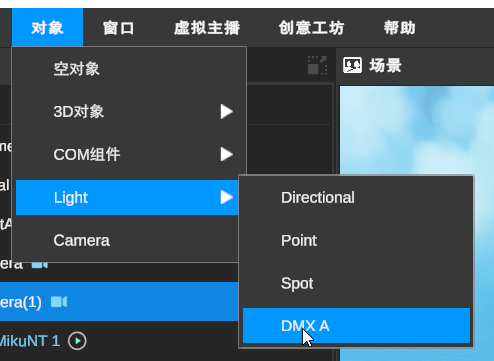
In addition, the lamps can also be imported as 3D objects separately. Go to the top menu: "Object" → "Light" → "DMX A".
Other developments in progress:
Agent, Blueprint (Reconstruction)