Another Eden Begins launches simultaneously worldwide!
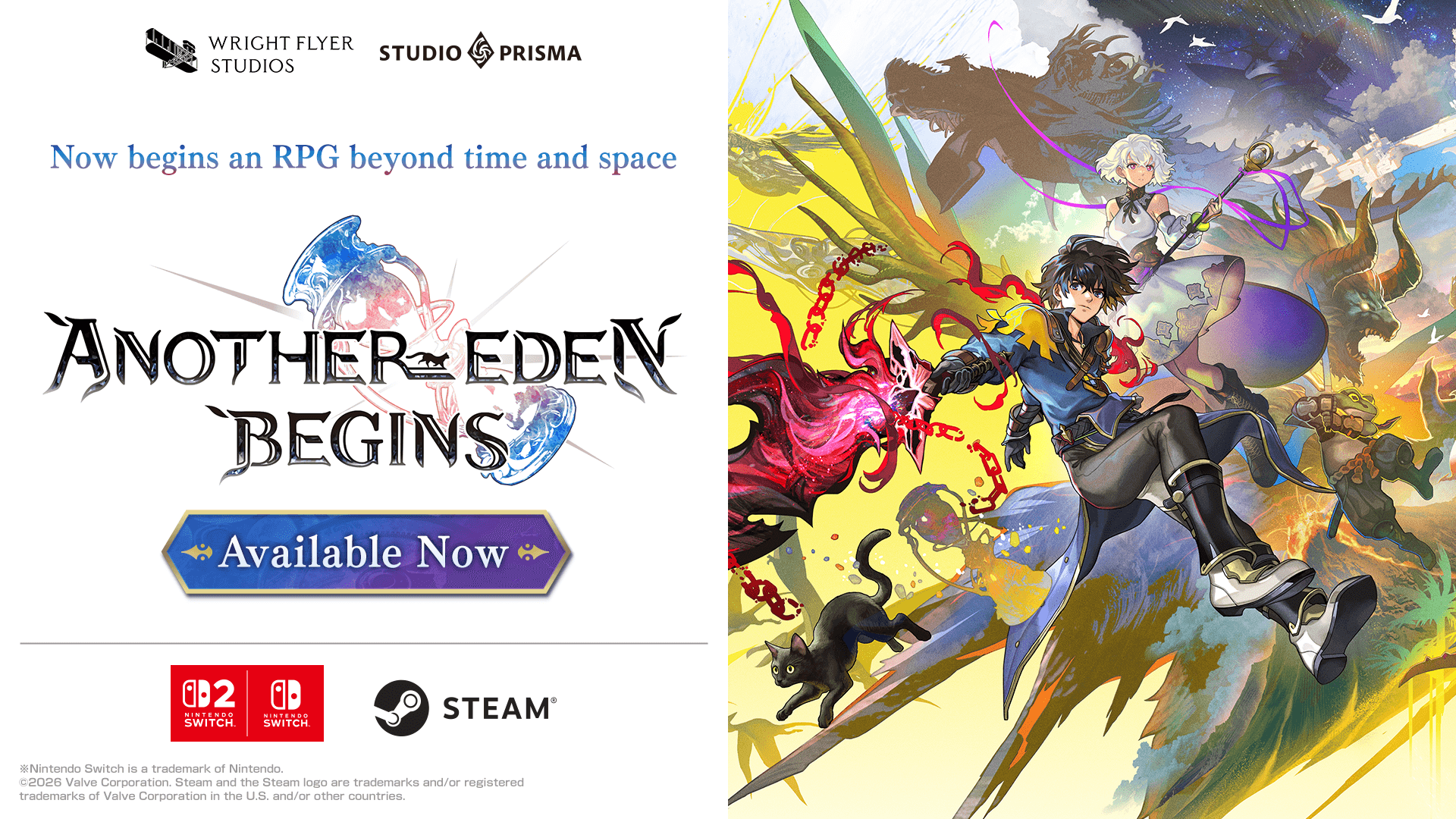
Another Eden Begins, is a New Time-Travel RPG Released Today for Nintendo Switch 2, Nintendo Switch, and Steam
About Another Eden Begins:
Another Eden Begins is the brain child of Masato Kato, the creator of numerous classic RPGs such as Chrono Trigger, Xenogears, and Final Fantasy XI and invites players to discover this time-travel RPG that spans the ancient past, the present, and the future.
The epic main story is fully voiced, and the adventure is brought to life by the main theme composed by Yasunori Mitsuda, as well as music produced by Procyon Studio that incorporates orchestral and traditional instruments.
Serial Code Bonuses
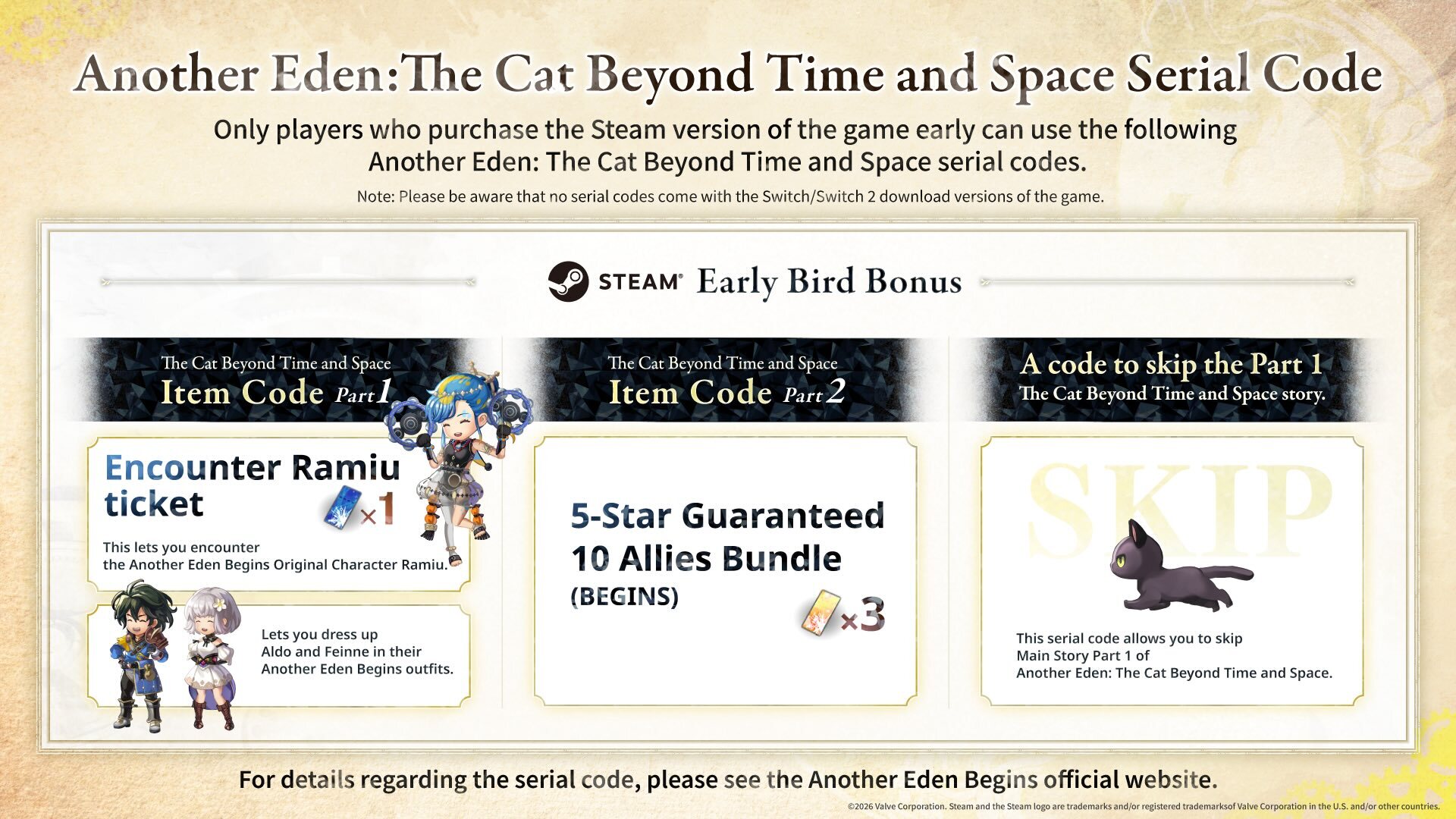
Only players who purchase the Steam version of the game early can use the following Another Eden: The Cat Beyond Time and Space serial codes. Note: Please be aware that no serial codes come with the Nintendo Switch™ 2 / Nintendo Switch™ download versions of the game. For more information about serial codes, please read the following. https://anothereden.games/en/#serialcodes
Additional Character Pack DLCs Coming One After Another!
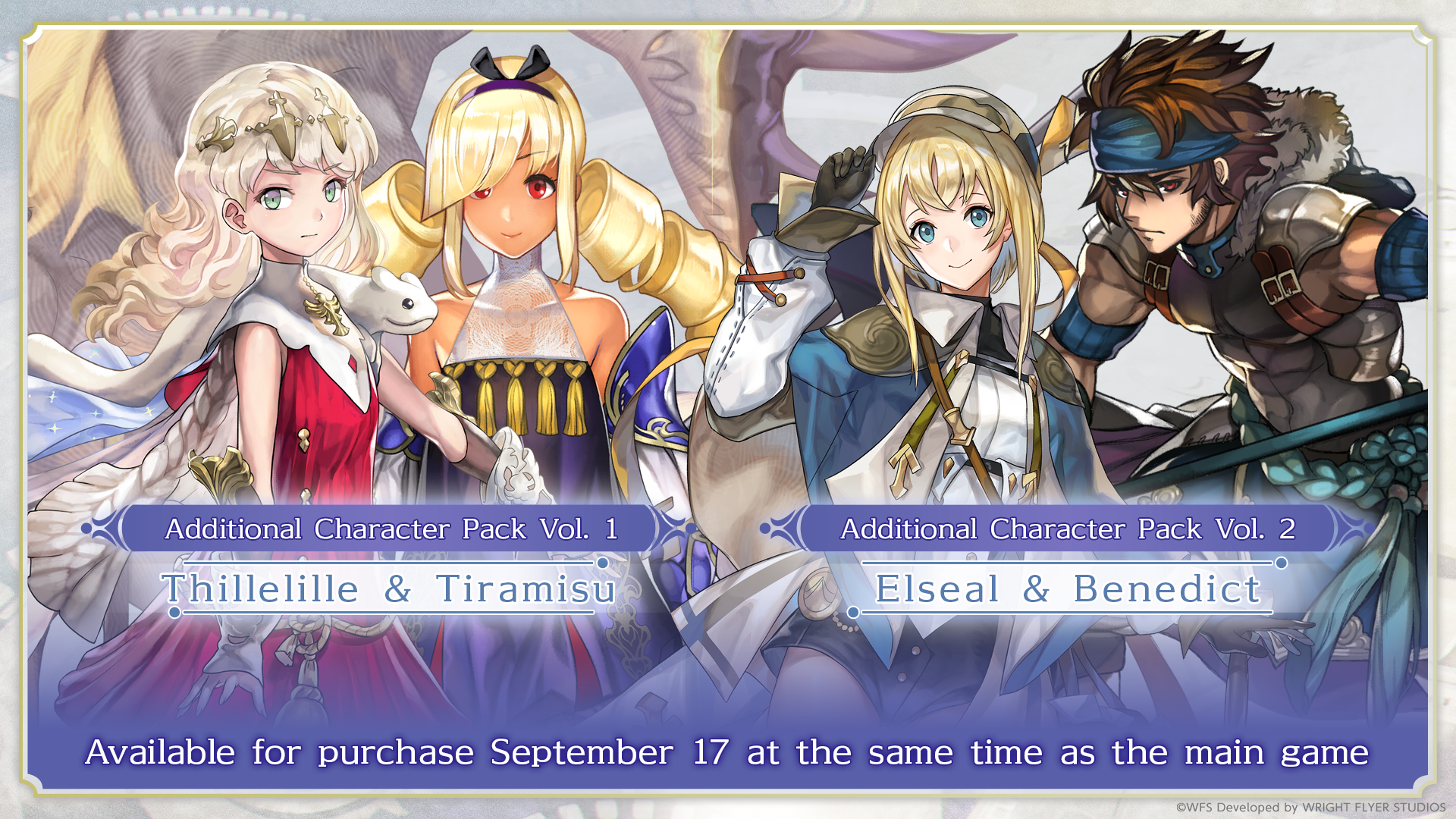
Additionally, Character Expansion Pack Vol. 1 and 2 have been made available as DLC and as part of the game’s Season Pass. The Season Pass allows players to purchase the extra characters in the DLC at a discount. Both, DLC and Season pass are available on this release date.
Apart from two additional playable characters, the expansions each feature its own exclusive quests for players to enjoy.
Character Expansion Pack Vol. 1: Thillelille & Tiramisu
Character Expansion Pack Vol. 2: Elseal & Benedict
Content:
The DLC for Another Eden Begins allows players to recruit new playable characters as party members.
In addition to new quests, they can also enjoy storylines for each of these characters, including party quests and affinity quests.
DLC Price: 9.99 USD (per Expansion)
Note: To access DLC, players must own the main game.
Season Pass offering discounted access to Additional Character Packs Volumes 1-5 is now available!
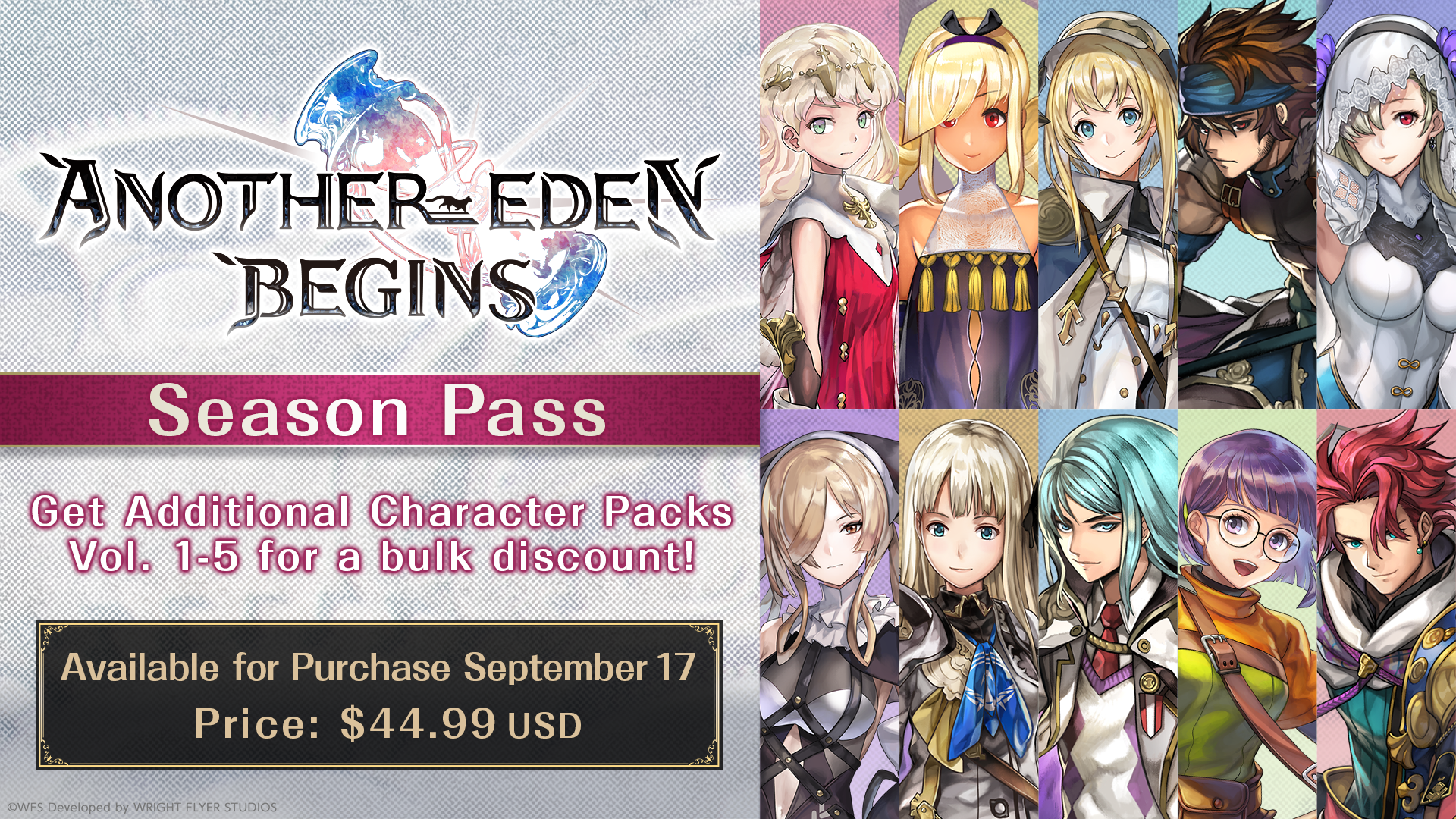
Season Pass: Includes Character Packs Vol. 1–5 at a discount:
Character Expansion Pack Vol. 1: Thillelille & Tiramisu
Character Expansion Pack Vol. 2: Elseal & Benedict
Character Expansion Pack Vol. 3: Aoife & Wenefica
Character Expansion Pack Vol. 4: Claude & Isuka
Character Expansion Pack Vol. 5: Ashtear & Victor
Season Pass Price: 44.99 USD
Note: Volume 3 through 5 for the Character Expansion Packs are scheduled to be sold in 2026. As soon as they are released they can be downloaded.
Another Eden Begins Demo Transferring Save Data
Steam®
You will need to transfer your demo save data manually.
Please follow the steps below.
1. To prevent Steam Cloud syncing, select the game in the Steam launcher library, click on the cog in the upper right, and select Properties.
2. In the General tab, turn off "Keep game's saves in the Steam Cloud for Another Eden Begins."
If you have already launched Another Eden Begins on Steam, proceed to step 3. If not, proceed to step 4.
3. Paste the following link into the Explorer address bar, press Enter, and delete "SaveData" if it exists.
%UserProfile%\\AppData\\LocalLow\\WRIGHT FLYER STUDIOS\\AnotherEdenBegins"
4. Paste the following link into the Explorer address bar, press Enter, and copy "SaveDataDemo."
%UserProfile%\\AppData\\LocalLow\\WRIGHT FLYER STUDIOS\\AnotherEdenBeginsDemo"
5. Paste the following link into the Explorer address bar, press Enter (or press the back button in your Explorer window to return to the "AnotherEdenBegins" folder from Step 3), and open the AnotherEdenBegins folder.
%UserProfile%\\AppData\\LocalLow\\WRIGHT FLYER STUDIOS\\AnotherEdenBegins
Paste "SaveDataDemo" from Step 4 into the folder.
6. Rename the SaveDataDemo folder "SaveData."
Note: The AppData folder is usually hidden. Instead of opening each folder one at a time, please paste the links above into the Explorer address bar.
7. Launch the full game.
Once save data has been successfully transferred, enable Steam Cloud as needed.
Steam® Deck
You will need to transfer your demo save data manually.
Please follow the steps below.
1. Press the STEAM button, select Settings, and scroll down to the Cloud tab. Turn off "Enable Steam Cloud."
2. Return to the home screen, press the STEAM button, and go to Power. Select "Switch to Desktop."
3. Select the file manager (default: Dolphin) to go directly to the compatdata folder.
If you are not directed to the compatdata folder, click the ≡ icon and select "Show Hidden Files."
4. Go to Home > .local > share > Steam > steamapps > compatdata.
If you have already launched Another Eden Begins on the Steam Deck, proceed to step 5. If not, proceed to step 7.
5. Go to 4163960 > pfx > drive_c > users > steamuser > AppData > LocalLow > WRIGHT FLYER STUDIOS > AnotherEdenBegins.
6. Select "SaveData," press L2 or right click, and select "Move to Trash" to delete the folder.
7. Click the ≡ icon on the upper right of the file manager, and select "New Tab."
8. Go to 4391790 > pfx > drive_c > users > steamuser > AppData > LocalLow > WRIGHT FLYER STUDIOS > AnotherEdenBeginsDemo.
9. Select "SaveDataDemo," press L2 or right click, and select "Copy."
10. Return to the AnotherEdenBegins folder in the file manager window.
11. In an empty space, press L2 or right click to paste the folder, check "Apply to All," and select "Write Into" or "Overwrite."
12. Press L2 or right click on "SaveDataDemo," and select "Rename."
13. Press the STEAM button and the X button to open the on-screen keyboard, and rename the folder "SaveData."
14. Press the B button to close the keyboard.
15. Close the file manager window, and select "Return to Gaming Mode."
16. Launch the full game.
Once save data has been successfully transferred, enable Steam Cloud as needed.