
0.1.6 brings a new bridge and tutorial, with balancing and features focused on faster-paced, more streamlined battles.
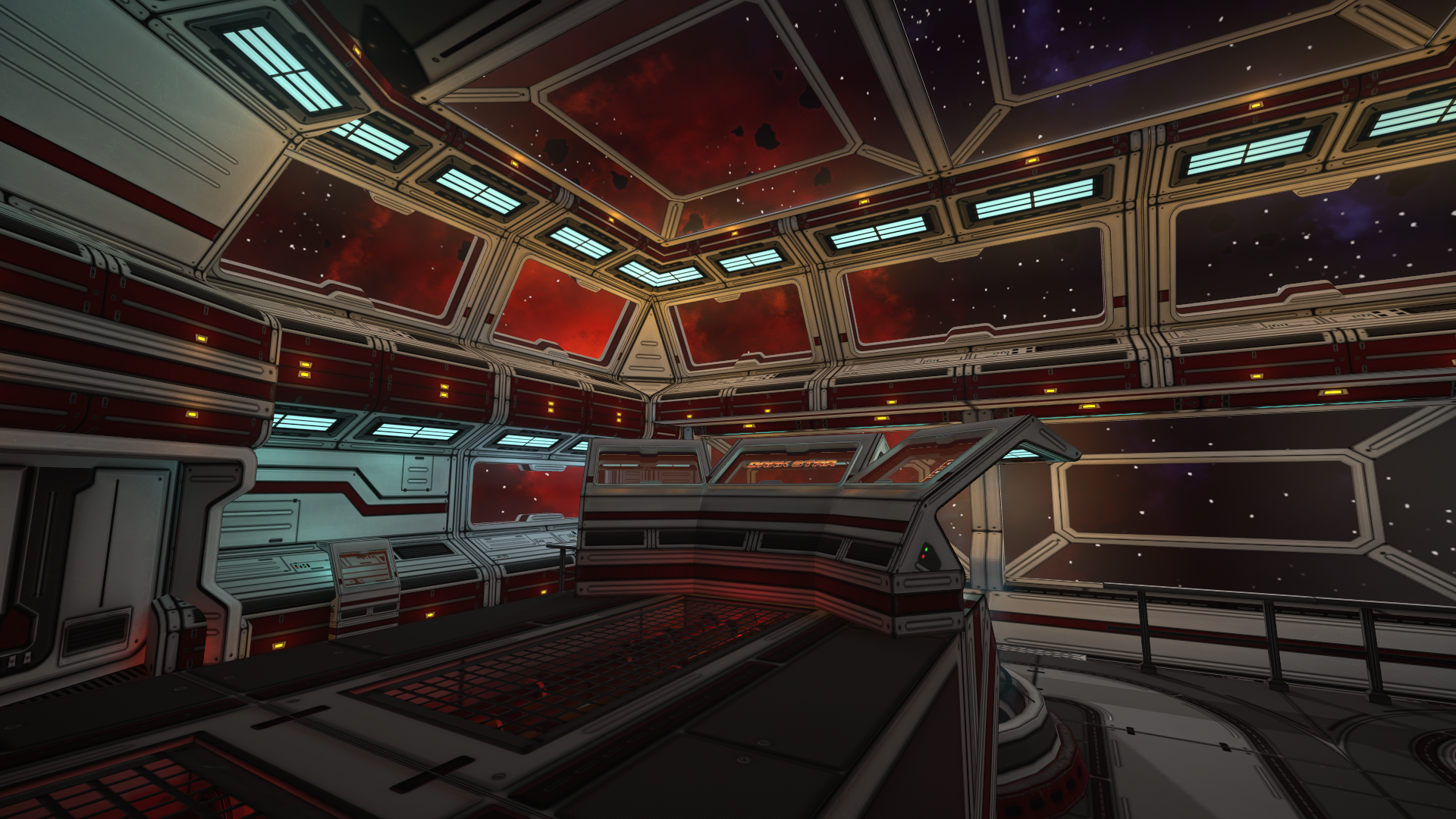
The new placeholder bridge brings Dark Star one step closer to its final vision. Everything outside of combat takes place in the bridge, so it’s important that it feels good to the player. All the game controls exist as physical consoles you can walk to and interact with. And the huge windows show off the surrounding environment.
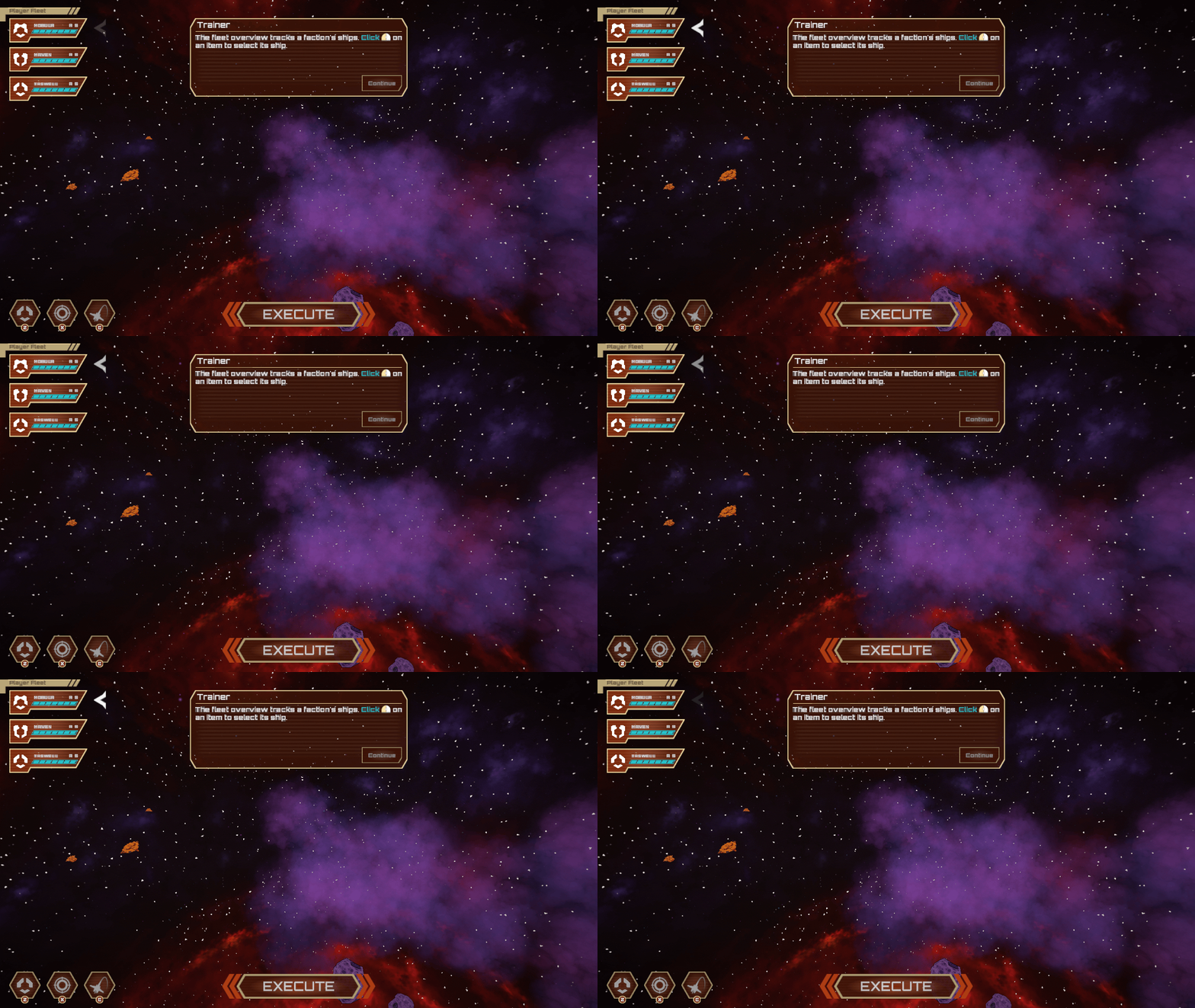
Last update’s tutorial received a lot of negative feedback - it was text-heavy, too long, and overall very clunky. So it’s been completely remade and split into two modules. The underlying tutorial systems have been overhauled with dozens of bug fixes and QOL improvements. This should make Dark Star much more approachable to new players.
Tutorial 1 introduces basic camera movement and ship controls.
Tutorial 2 introduces advanced battle mechanics and fleet management.
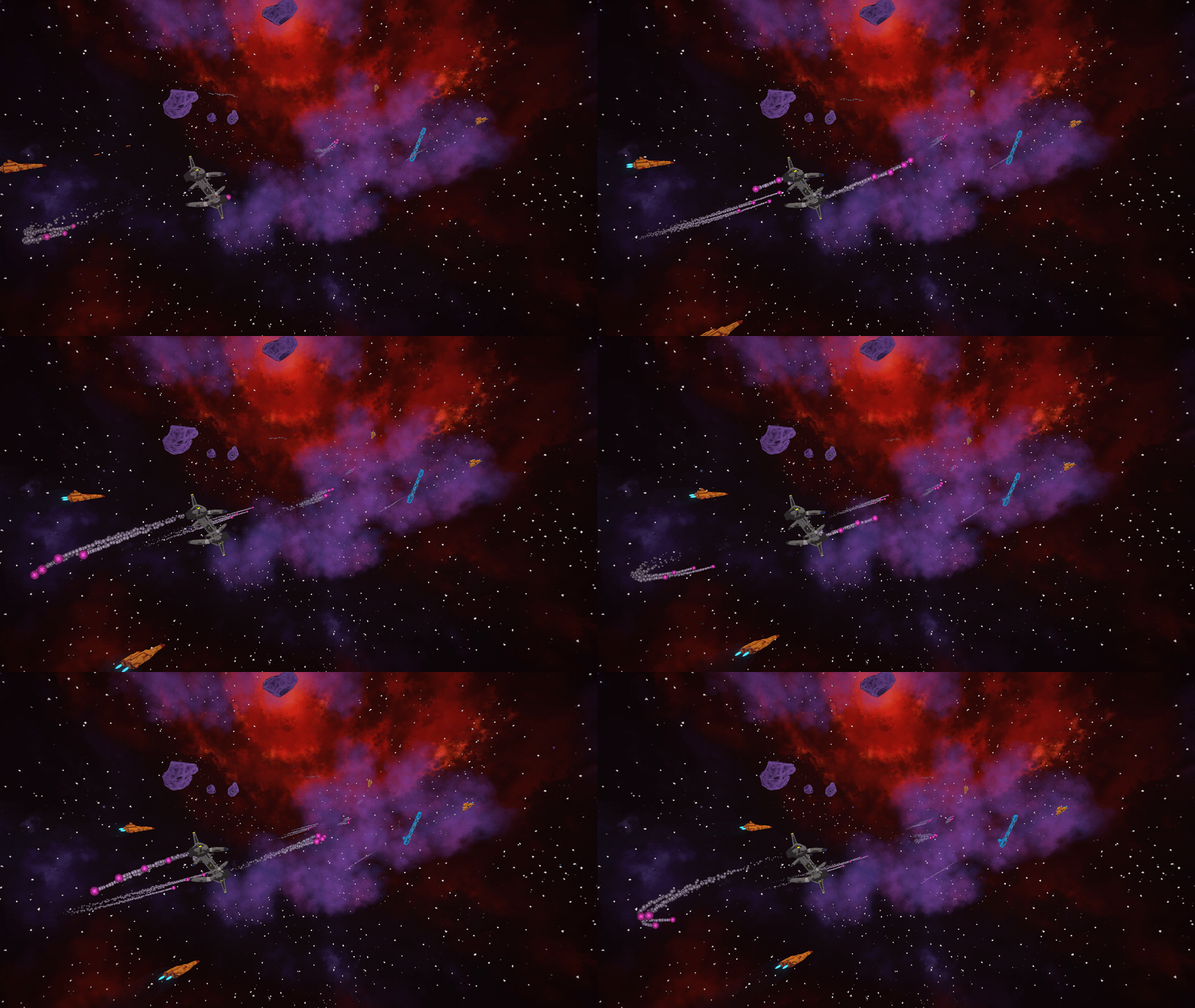
A lot of changes have been made to keep battles feeling fast and dynamic. Most significantly is the 10-turn rule: For each turn after the 10th in battle, all damage scales by a global modifier. This means the tail-end of a battle (when most damage-dealing entities have been destroyed) should wrap up quickly.
Turret arcs have been increased and turret fire rates generally raised, for a higher volume of fire overall. And AI navigation has been improved; ships will fly much closer to potential collisions without actually crashing. This is especially important for squadrons, as they follow their targets much more precisely.
This update also adds henges. Remnants of ancient battlefields, they can be captured to fight on your side - or the enemy’s. This opens up a lot of exciting possibilities in the future. Henges that summons swarms of fighters? How about henges that heal nearby allies?
In addition to new kinetic sounds, the audio system received some balancing. The default audio range is increased and the low pass filter reduced so sounds can be heard from farther. This makes audio less muddy, especially large sounds like explosions.
Finally, the VR experience is improved in many small ways. The most noticeable (and helpful) is adding a pop-up effect when hovering your finger over an interactive element.
Want to play Dark Star while it's in Pre-Alpha? Download from itch for free!
Changenotes:
Bridge:
Designed a complete ship’s bridge to act as a home base between battles. Walk around the environment and use physical consoles to control the game.
On PC, walk up to a console and press E to enter the interaction mode. Use movement keys to exit seamlessly.
In VR, walk up to a console and interact with it using your hands.
New Henge:
Missile Henge: A fragile, long-range defensive emplacement that fires barrages of missiles.
Tutorial:
Overhauled tutorial system with numerous new features and bug fixes.
Tutorial dialogue can be grouped together to go back/forward.
Input sprites are inserted into tutorial text to make controls more obvious.
The cursor can point towards ships and destinations.
UI Changes & Improvements:
All UI elements have mipmaps generated to reduce flickering when far away.
The battle summary screen displays total damage taken and dealt, and the number of turns.
Systems now have their own icon, instead of using the munition icon.
Icons now have custom physics outlines. This means the empty space within an icon registers clicks, but the space without doesn’t.
The depth visualiser used in Analysis view has been removed. It’s replaced by a circle that shows the closest point on the destination pane to the ship’s destination.
Many dotted lines now scroll over time to show direction.
The current segment on the duration bar fades in and out.
On PC, hovering the cursor over an entity or fleet overview item brings up its icon at an increased size.
In VR, interactive elements will have their frame pop up when hovered over.
Visuals:
Added faux-lighting to the battle environment, using gradient environment lighting. Surfaces that face the skybox’s hotspot are brighter, those that face away are darker.
Dust motes fade from farther away.
Dust clouds are coloured darker.
Audio:
Redesigned kinetic emission sounds.
An object can’t play a sound if it’s already playing the max number of sounds and the oldest sound isn’t halfway complete.
Made the high pass filter less aggressive; it starts at a greater distance and has less strength at max.
Reduced the number of sounds that can play at one moment for less muddy audio.
Minor features:
Improved the PC bridge FPS controller. Movement is smoother and more responsive, the player can jump.
In the bridge, press Escape on PC to teleport to the settings console.
Procedural environment creator that generates asteroid clusters and dust clouds at any density.
Turret tracking is affected by the Calculation Frequency setting. Turrets will search for a target twice as often on Full - this visually improves beam turrets.
Beam turrets update their tracking angles more often for smoother tracking.
Improved path generation: AIs can fly much closer to obstacles without crashing.
Added a long-range collision avoidance that checks for obstacles directly in front, to supplement general collision avoidance.
AI ships will calculate a slower path when close to the target.
The farther away the nearest obstacle is, the less the AI will weight collision avoidance.
Collision detection distances decrease as a ship slows.
When setting a ship’s path, increasing rotation and decreasing linear speed will exaggerate the arc so the ship’s final orientation faces further towards the back.
10 turn rule: All damage is increased by 10% for each additional turn.
Generated flight paths are smoothed with 4-point Lagrange interpolation.
AI ships will move towards the map’s center if out of bounds.
The debris of destroyed ships doesn't occupy the same position in the fleet overview.
The AI admiral sets ship targets according to which enemy ship is closest to forward, instead of choosing randomly.
In PC, When focusing on a ship, the camera will attempt to stay at the current distance instead of moving to the previously stored focus distance.
Performance:
Prediction objects used for pathfinding are reused between planning phases instead of destroyed and recreated.
Balancing:
Reduced the collision avoidance radius for all ships and squadrons. This has a significant impact on squadrons - they can follow their target with fewer delays.
Reduced ships’ desired distance to their target.
Reduced the collision audio scale, audio scale is determined by the smaller mass instead of the larger.
Asteroids move and rotate much slower.
AI ships are more likely to have an aggressive stance over evasive.
Increased turret firing arcs for more consistent enemy tracking.
Reduced minimum distance at which icons are viewed.
Rebellion ships don’t have reduced hull, only reduced armour.
PC: Reduced the camera’s follow speed from 0.2 to 0.17 for smoother snapping.
Bug fixes:
Rapid-fire weapons run out of projectiles to fire.
If a large ship approaches a small ship from behind, neither will attempt to avoid collision.
Ships move slower than they should when at minimum speed.
AI ships only use their munitions and abilities at the start of a battle.
During simulate mode with path view enabled, clicking from a ship the player is aware of to one he isn't causes the first ship's destination hologram to appear. Clicking from a ship to a squadron does the same and also shows the path.
Kinetic turrets sometimes don’t have muzzle flash.
Kinetic turrets stop firing forever if their target is destroyed.
When dragging a destination, it doesn’t sync with the shown path and snaps back when applied.
Various issues with paths and destination visualisers when clicking through AIs.
Focus and follow icons remain after their ship is destroyed.
Fighters spawn behind their mothership.
The info pane can be interacted with during simulate mode.
The player can give quick Focus/Follow commands during simulate mode.
Errors when a battle closes.
Error when a fighter dies.
Error when cycling the fleet overview as the battle initialises.
Munitions stop jittering after the first launch.
Munition warhead VFX don’t activate on launch; they activate sometime during flight.
Munition trails are frozen in the scene when a munition is deactivated.
Pressing space can begin the battle before the UI is ready.
PC: Gimbal lock when the camera yaws beyond 90 degrees.
PC: Various mouse and movement issues when fullscreen.
PC: Pressing MMB cancels the camera follow.
VR: When using a UI slider, the hand position doesn’t correspond to the slider value.
VR: The player can interact with allied AI commands.
VR: The player can't interact with commands properly.
VR: Icons rotate and roll as the player’s head rotates and rolls.