More Control, More Options
We've been working on a new update focused on giving players more control over how they experience Treasures of the Maipo.
Several of these improvements were also inspired by feedback and requests from players who tried the demo. Thank you for helping us continue improving the game!
⌨️ Custom Keybindings
You can now customize your keyboard controls and choose the keys that feel most comfortable for you.
🎮 Improved Keyboard & Gamepad UI
The game's UI now updates depending on whether you're playing with a keyboard or a gamepad, helping you see the correct input prompts for your current controller.
🎥 New Camera Options
New camera settings have been added to give players more control over their experience.
☀️ Sun Settings
We've also added options to adjust the sun settings, giving players more control over the game's visual experience.
🎵 Music Controls
Music can now be adjusted directly through the options menu.
🖥️ Graphics Settings Are Now Saved
Your graphics settings will now be saved, so you won't need to configure them again every time you launch the game.
💬 Improved Dialogue Timing
Following player feedback, dialogue text now pauses at commas and periods, creating a more natural reading rhythm.
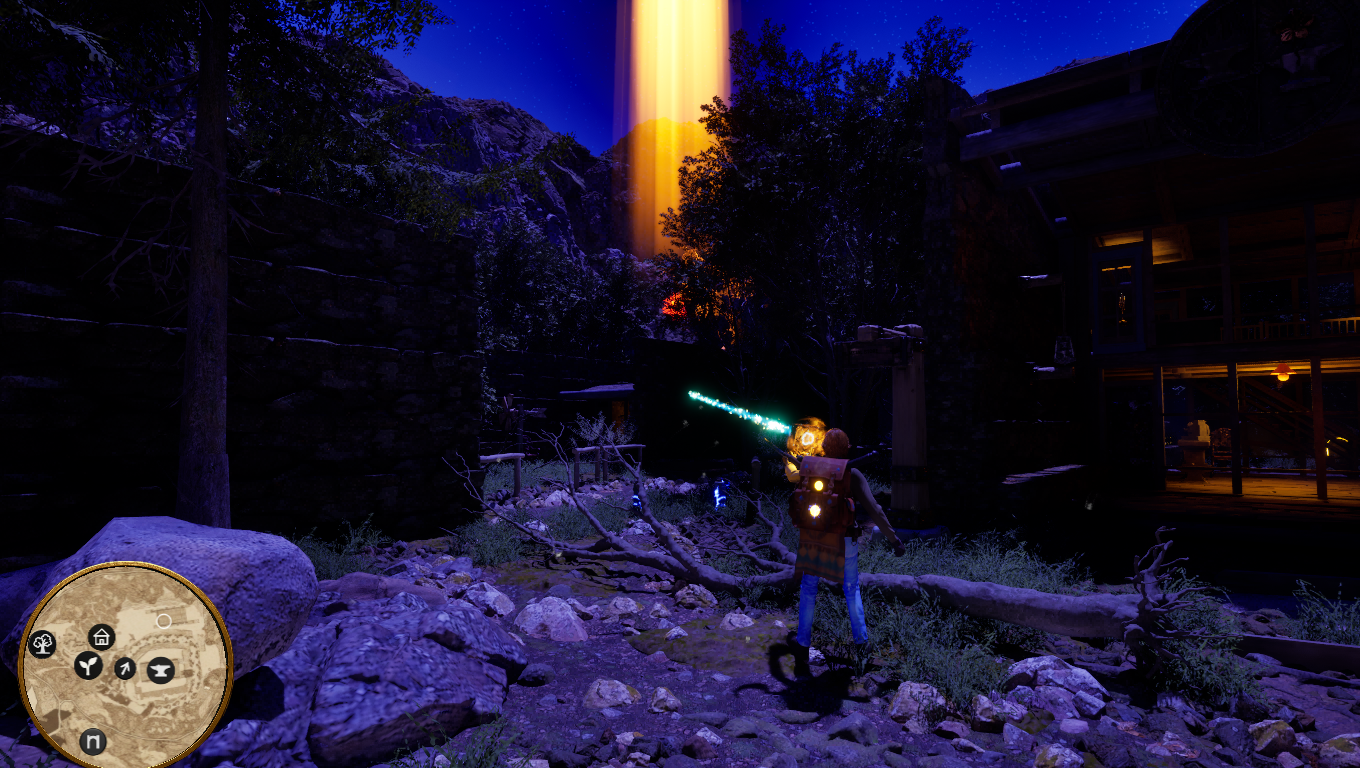
✨ Improved Quartz Book Beam
The beam from the Quartz Book has also been improved, making it clearer and more visually polished.
We're continuing to improve Treasures of the Maipo based on development progress and player feedback.
Thank you to everyone who has tried the demo and shared their thoughts with us!
🎮 Don't forget to wishlist the game and try the free demo on Steam!