
This is the biggest Deskworm update yet! Update 2.0 brings a sleeping worm with its very own ID card, and most importantly, a Multiplayer mode. A few features got polished and reworked too, all to make the game feel even better.

✨Features
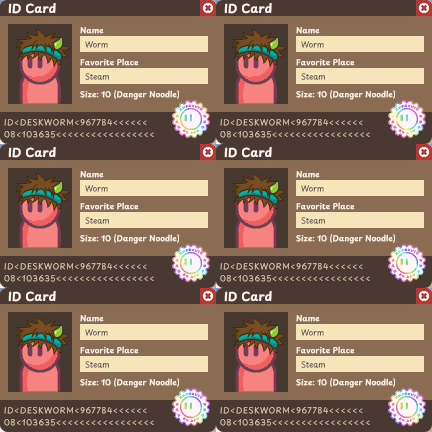
🪪Name Your Worm
You have asked for this a lot, and it is finally here. Your worm now has an ID card you can customize a bit, officially approved by the Worm Authority.
🌐Multiplayer
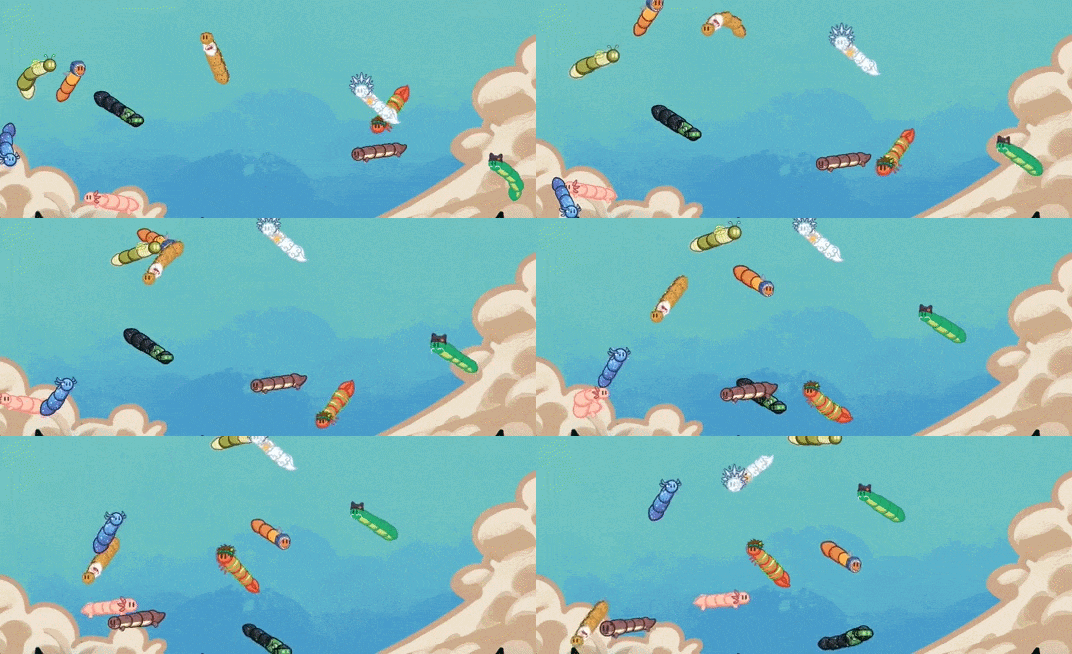
The menu now has a brand new Multiplayer tab. You can play with friends or with strangers, and there are lots of settings to tweak. You can show your co-players on the screen, in the pocket, see their loot, and even check out their ID card.
🎮Gaming Mode
A new Gaming Mode can be turned on and off with F2. While it is active, all interactions with the game are ignored, except for opening treasure chests. To turn it back off, just hover your mouse over the game and press F2. You can also enable a little indicator in the Settings that shows a small gamepad icon whenever the mode is active.
💤Sleeping Worm
Autostart can now be paired with Admin Mode. Admin Mode is a pretty important setting, since some games block the worm's input. With this combo, the game might open before Steam does, and until the connection to Steam is ready, you will see a sleeping worm.

This update took a really long time, and I truly hope you like it. Thank you to everyone for all the suggestions, messages, and bug reports over the last few weeks. You are a wonderful, slimy community!
Happy Wiggling together!🪱♥️