
Hi miners, 😄
Thank you for your continued support, reports, feedback, and suggestions.
This update focuses on making everyday factory management more convenient, especially when working with large numbers of boxes or navigating through dense production layouts.
We have added new bulk box interactions, a Walk Through Conveyors Playstyle option, additional Catalog information, several automation improvements, and fixes based on player reports.
With that in mind, here is what is included in this update.
Main Updates
1. Bulk Box Handling
Managing large numbers of boxes should now require fewer repeated interactions.
Several new controls have been added for picking up, selling, discarding, and dropping boxes in bulk.
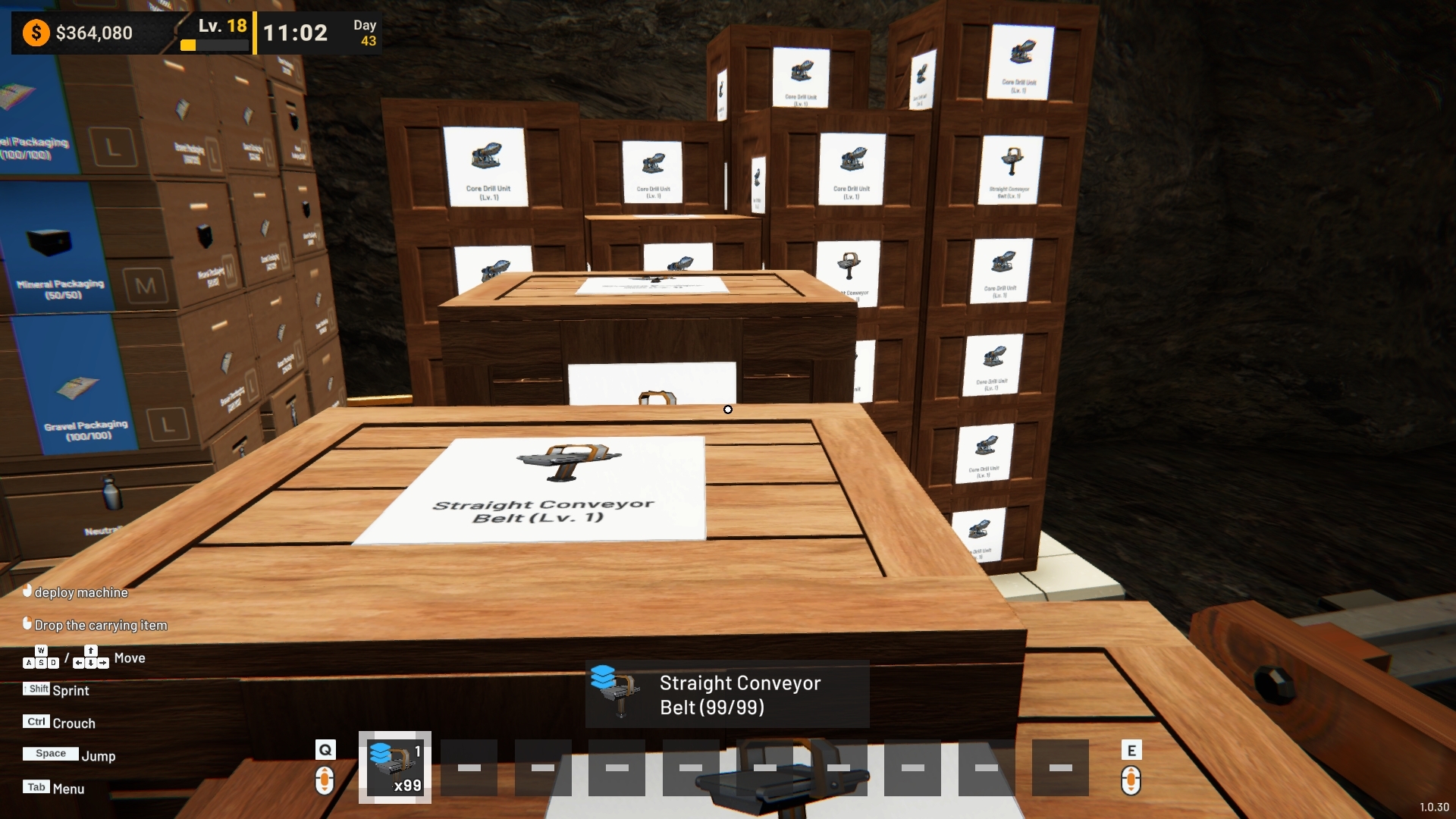
a. Pick Up Multiple Matching Boxes
Holding the interaction button on a box can now pick up multiple matching boxes at once and place them into the same Hand Slot.
If the selected box belongs to an organized stack, matching boxes from that stack can be collected together.
A normal interaction still picks up only one box.
Boxes that are currently being used by employees or other players, are moving, or are stored on Racks will not be included.

b. Sell Multiple Matching Boxes
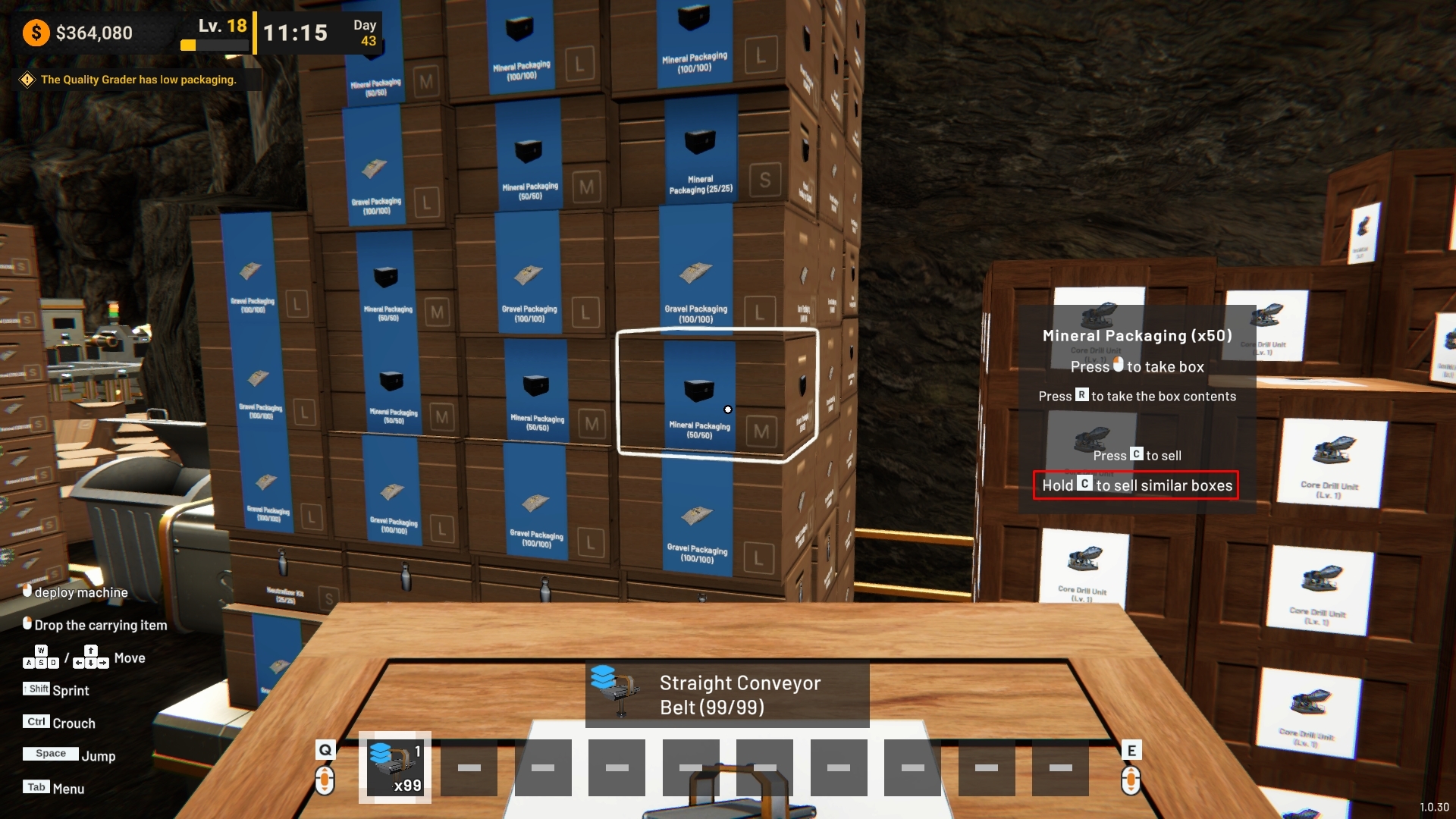
Holding the Sell interaction now allows multiple matching boxes to be sold together.
This is supported for both machine boxes and supply boxes.
When selling multiple supply boxes, the confirmation displays the number of boxes and the total amount of items they contain before the sale is completed.

c. Discard Box Stacks
When bringing a stack of boxes to a Trash Bin, players can now choose whether to discard a single box or the entire stack.

d. Hold to Drop Boxes Continuously
When carrying multiple boxes in the same Hand Slot, holding the drop button will now continue dropping boxes one after another.
This removes the need to repeatedly press the button for every box in the stack.

2. Walk Through Conveyors Playstyle Option
A new Walk Through Conveyors option has been added to the Playstyle settings.
Players can choose between:
Enabled
Disabled
The default setting is Disabled, preserving the existing behavior.

When enabled, the player can walk through:
Conveyors
Rotary Splitters
Their supporting pillars
This can make movement easier in factories with dense conveyor layouts.
Other machines remain solid, while employees, boxes, and items transported on the conveyors continue interacting with them normally.
Conveyor Lifts remain solid even when this option is enabled, as players can use them to move between different heights.

Improvements
1. Better Box Placement & Interaction
Box interaction has been adjusted to behave more consistently, particularly in dense production areas.
a. Easier Box Placement
Previously, aiming at a distant machine, Platform, or other interactive object could prevent a box from being placed even when that object was outside the actual interaction range.
Boxes can now be placed or unpacked normally when the object under the crosshair is still too far away to interact with.
Once an object is within interaction range, its regular interaction will take priority as usual.

b. Hold Interaction Now Respects Interaction Distance
Hold interactions now follow the same interaction distance as regular interactions.
Objects that are outside the valid interaction range can no longer be picked up or interacted with through a hold action.
This also applies to the new bulk box interactions.

c. Cleaner Trash Bin Interaction
Trash Bin interaction prompts have also been adjusted to display only the controls relevant to the current action.

2. Base Selling Prices in the Catalog
The Catalog now displays the base selling price of items for each Grade.
Prices are displayed as a per-unit value, making it easier to estimate the value of different products before choosing where to sell them.
The final selling value can still vary depending on the selected Sales Location.

3. Core Drill Automatic Reactivation
Core Drill behavior has been improved when moving between Mining Nodes.
If a Core Drill automatically turns off because its current Mining Node has been depleted, moving the Drill to another valid Mining Node will now automatically turn it back on.
This only applies when the Drill was turned off automatically because the previous Mining Node was depleted.
A Core Drill that was manually turned off by the player will remain off after being moved.

4. Better Supply Area Box Organization
Box organization in Supply Areas has been improved when employees are actively using boxes.
Boxes reserved by employees will now remain properly included in the organized stack.
This prevents empty gaps from appearing and avoids boxes above them being left floating when another box is removed.

Bug Fixes
1. Delivery Trains Without a Destination
Fixed an issue where a newly unlocked Delivery Train could be automatically dispatched before the player had selected a Sales Location.
Delivery Trains without a destination will now remain available until a destination is selected.
2. Core Drill Output Belt
Fixed an issue where the final ore on a Core Drill output belt could stop moving when the Drill was turned off.
Items already on the output belt can now continue moving normally after the machine is powered down.
3. Delivery Train Operating Cost
Fixed an issue where the operating cost of a Delivery Train could sometimes not be deducted correctly when claiming sales income.
The operating cost will now be applied correctly when the sale is claimed.
4. Trash Bin Machine Box Crash
Fixed an issue that could occur when repeatedly interacting while discarding machine boxes into a Trash Bin.
Under certain conditions, a box being discarded could be interacted with again during the process, resulting in an error that prevented further box or Hand Slot interactions until the game was reloaded.
Boxes being discarded are now temporarily unavailable for interaction until the process has been completed.
5. Toxic Gas Event Save Data Fix
Fixed an issue where a Toxic Filter Machine could unintentionally enter a specific processing state while handling a Toxic Gas Event, which could cause an error in the save data.
This processing state is now handled correctly to prevent it from affecting the saving and loading process.
Thank you again for your continued support and for sharing your reports and feedback with us.
We will continue reviewing player reports and suggestions while improving existing systems, usability, and overall game stability through future updates.
If you encounter any issues or unexpected behavior, please report them through the in-game report feature or through the Steam Discussions page so we can investigate further.
See you in the next update!