
Chesscape Room now supports 31 interface languages. I've also simplified the path into an online match, with direct Steam friend invitations and clearer lobbies.
This update makes it easier to choose your settings, see what you're joining, and get back to planning your escape.
Play in your language
Choose from all 31 Steam-supported interface languages in Options, including Polish, Russian, Japanese, Korean, and Simplified and Traditional Chinese. Menus, settings, gameplay messages, and the board editor have been localized. I've adjusted fonts and text spacing across languages, too. Board, puzzle, and campaign titles remain unchanged.
Challenge a Steam friend
Choose Play with a friend and select someone from your Steam friends list. The game creates your casual match and sends the invitation. You can also share a match code or invite more friends from the lobby.
See the match before you join
Matchmaking now shows the board, timer, and rules before you confirm. Lobbies show who has joined and which seats are open. Additional match settings sit behind a separate button, keeping the main choices easy to find.
Keep track of your online game
Online clocks now use the match's timer settings when you join, resume, or reconnect. Untimed games no longer display stale clocks. Reconnection notices stay visible during recovery, and switching to asynchronous play clearly explains what changes for everyone.
I've also fixed dialogs letting clicks through to the menus behind them, made overflowing match settings scrollable, and clarified sign-in errors.
Start in the wooden room
New players now begin with the wooden indoor environment, board, and pieces. If you've already chosen your own appearance settings, those are preserved.
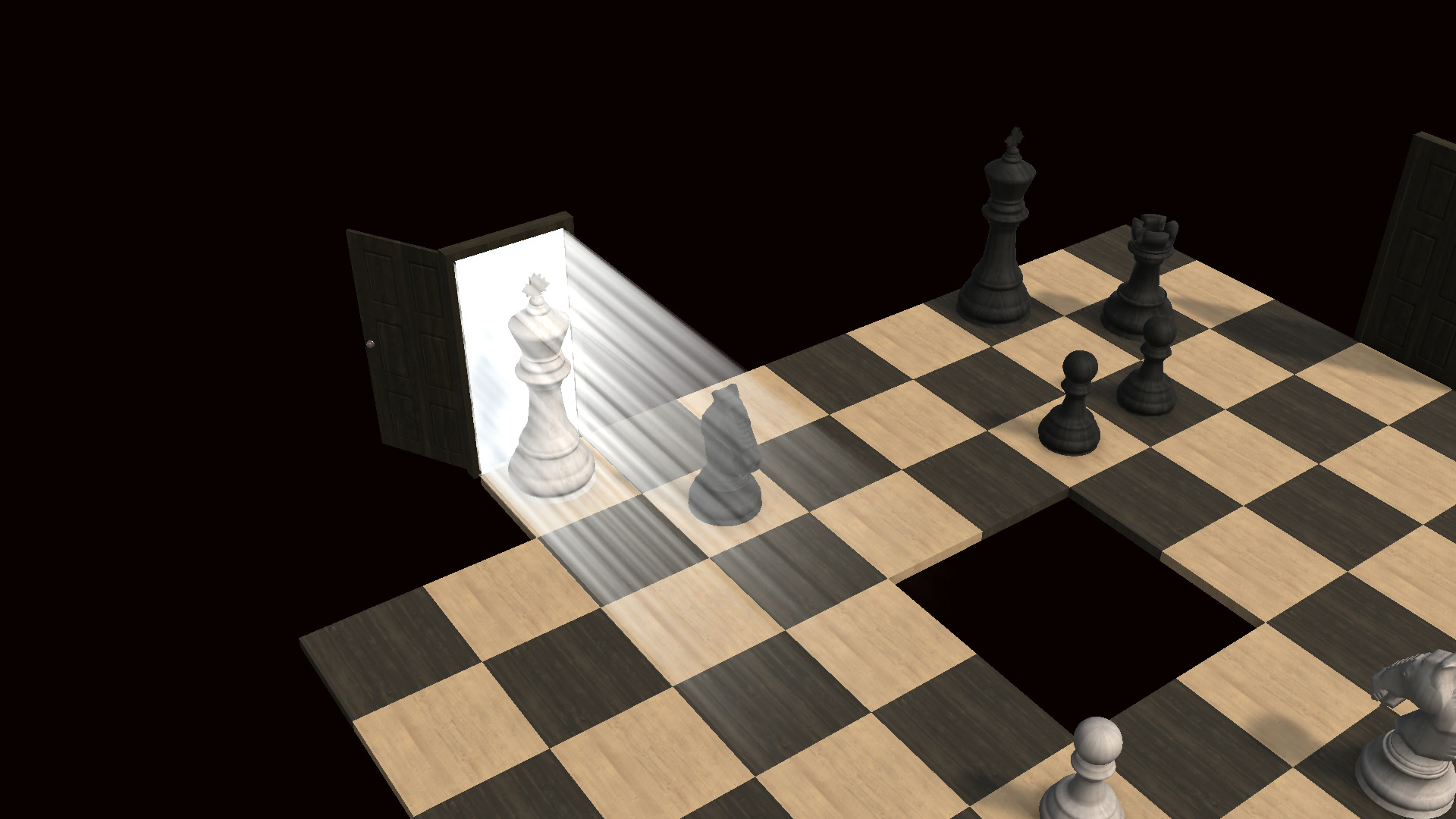
Choose your language in Options, then challenge a friend to your next game.
Thanks for playing Chesscape Room and sharing your feedback.