
News in the Lobby
Dot Clicker now tells you what changed without sending you to a browser. The play menu
carries the latest announcement, a full reader sits behind it, and when you come back after a
while the game recaps what you missed.
The latest announcement, on the play menu
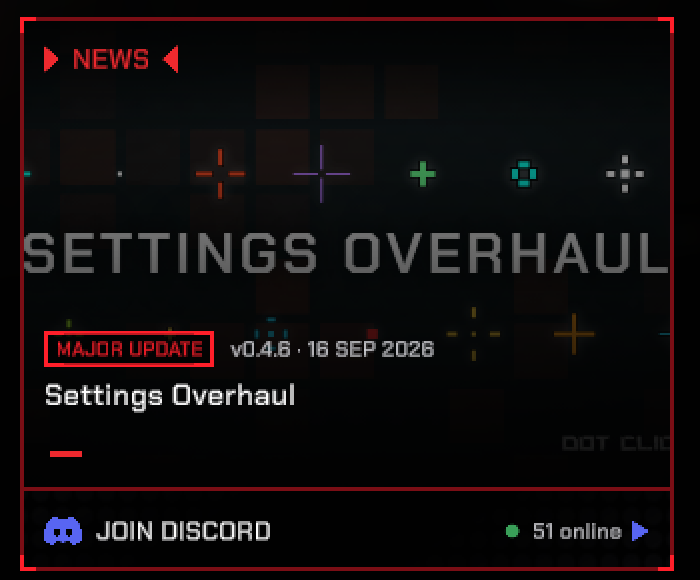
A card in the lobby carries the newest announcement with its artwork, so an update is something
you notice on your way into a run rather than something you find out about a week later.
- Tagged and dated — every announcement shows whether it is a major update, an update, patch notes or news, along with its version and the day it went out.
- The three most recent — the card cycles through them on its own, and the marks underneath jump straight to one.
- An unread count — anything you have not opened yet is counted on the card, so one look tells you whether something happened while you were away.
Read the whole feed without leaving the game
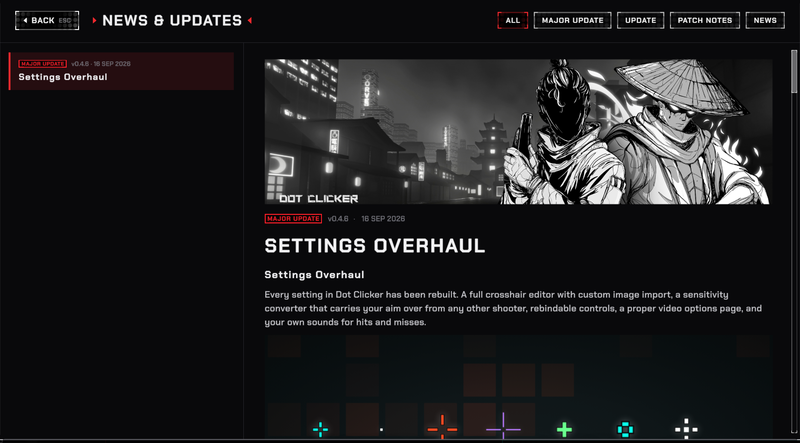
Open News & updates from the card and the full history is there, images and all. No
alt-tab, no store page, no losing your place.
- Filter by type — All, Major update, Update, Patch notes or News.
- Announcements as written — headings, lists and artwork are rendered in-game, not flattened into plain text.
- Read on Steam — one click through to the Steam page when you want the comments.
Picking up where you left off
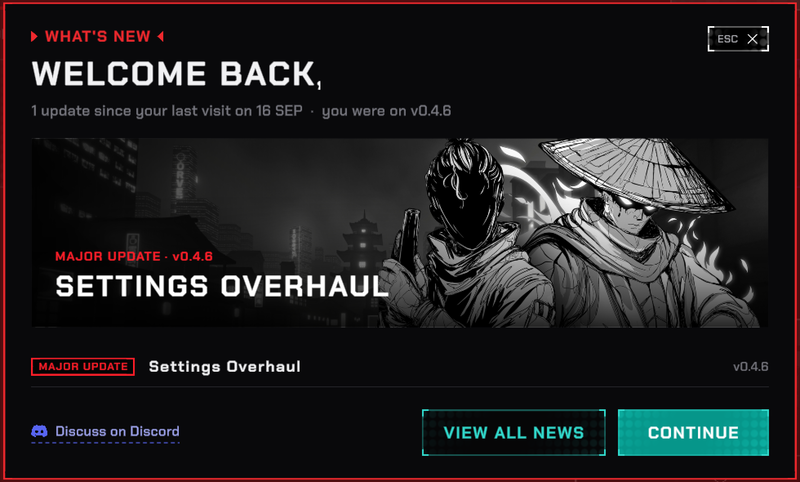
Come back after a few updates and the game opens with a short recap instead of leaving you to
work out what is different.
- What you missed — how many updates went out since your last visit, and which version you were on.
- Straight to the detail — pick any line to open that announcement.
- Once, then out of the way — the recap is shown once and does not come back for the same updates.
Tell us what to do next
Every one of these changes came out of player feedback. Keep it coming — we read all of it.
Restart Steam if the update does not download automatically.