
[ NoSlack Pets ]Update v1.0.4 (in the last week)
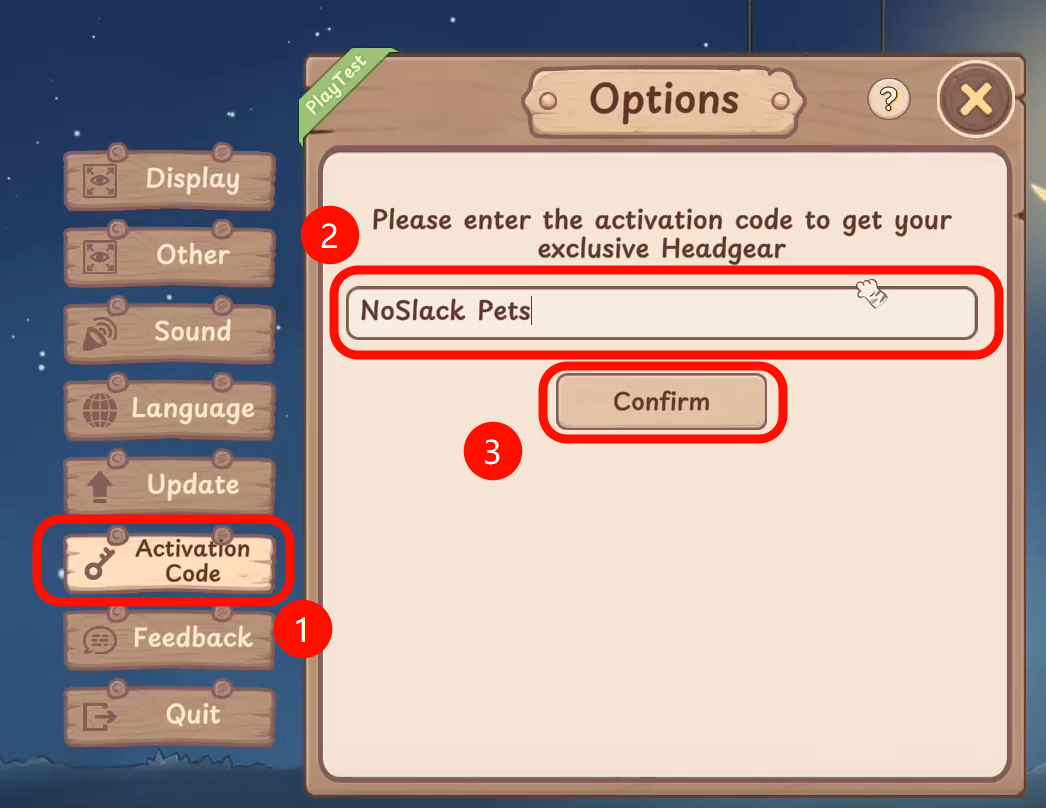
Thank you to every player reading this announcement! To show our appreciation for all testers, during the Playtest period, simply go to [Settings] – [Activation Code] and enter: 【noslack pets】
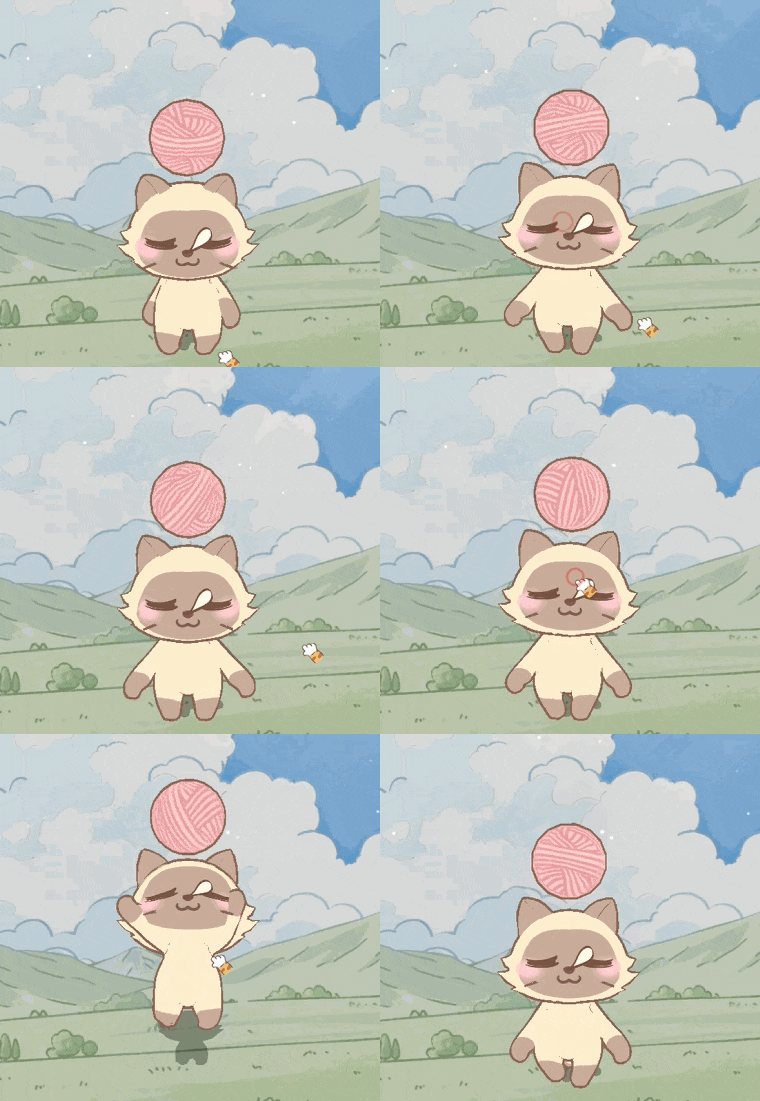
You'll receive an Epic, limited-edition headgear item — Yarn Ball!
"It's time to witness a miracle!"
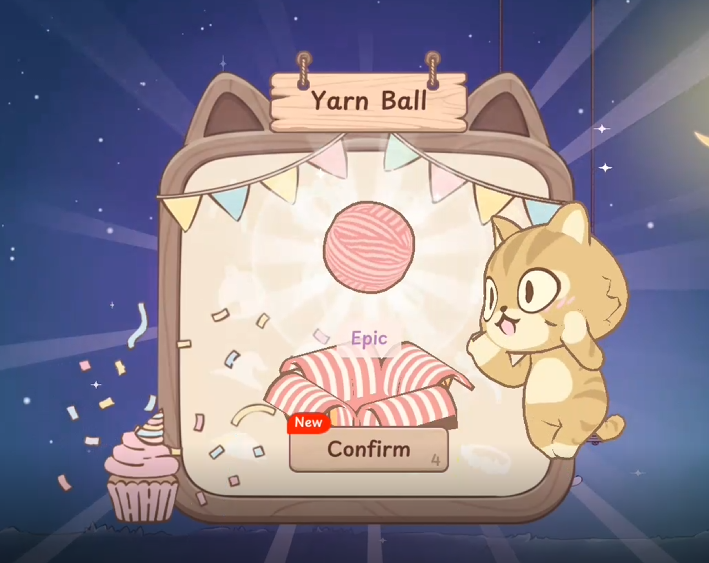
The Epic, limited, and cat-favorite Yarn Ball is now yours!
🆕 New Content
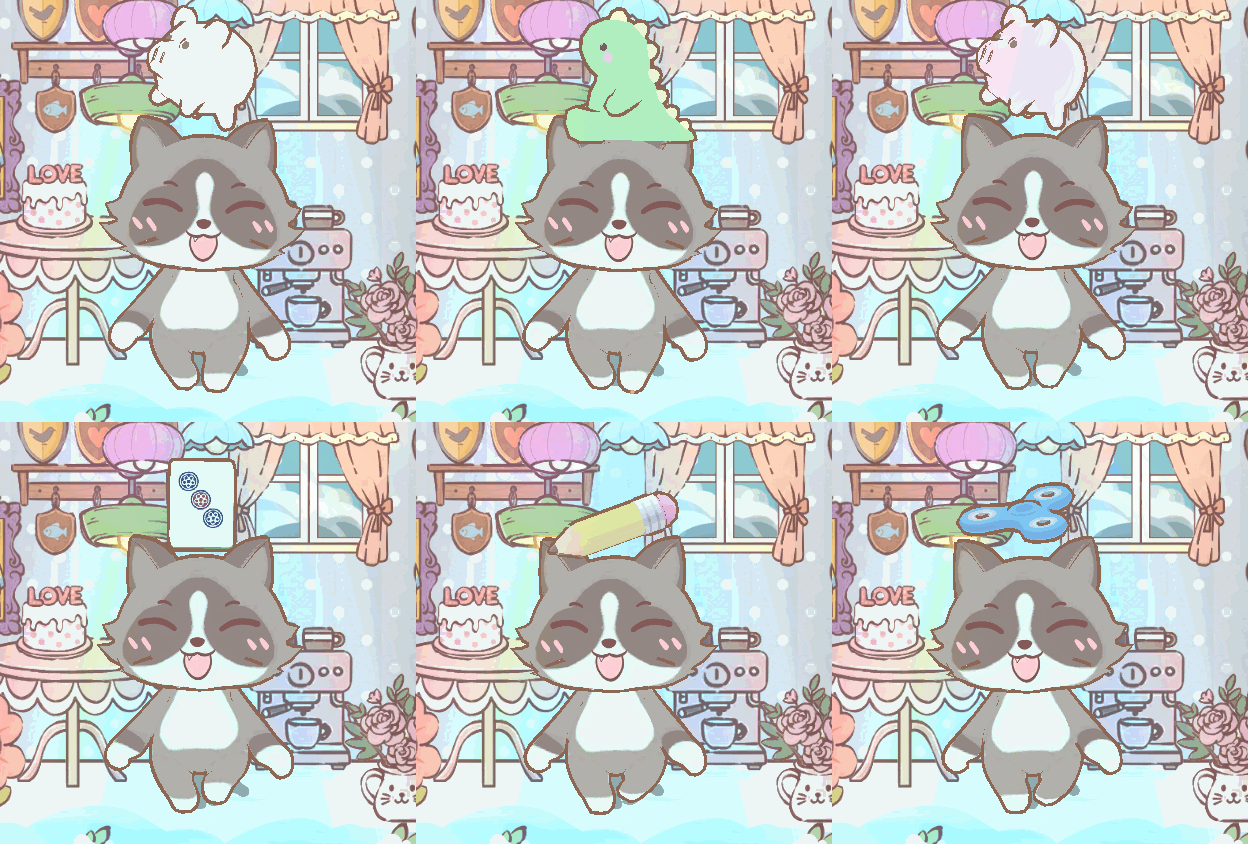
149 New Headgear Items Featuring fun toys, mini weapons, musical instruments, mahjong tiles, and popular designs like the Black Cat Hat and 3D Glasses—many suggested by Players! Feel free to share your ideas in the game, or Discord!
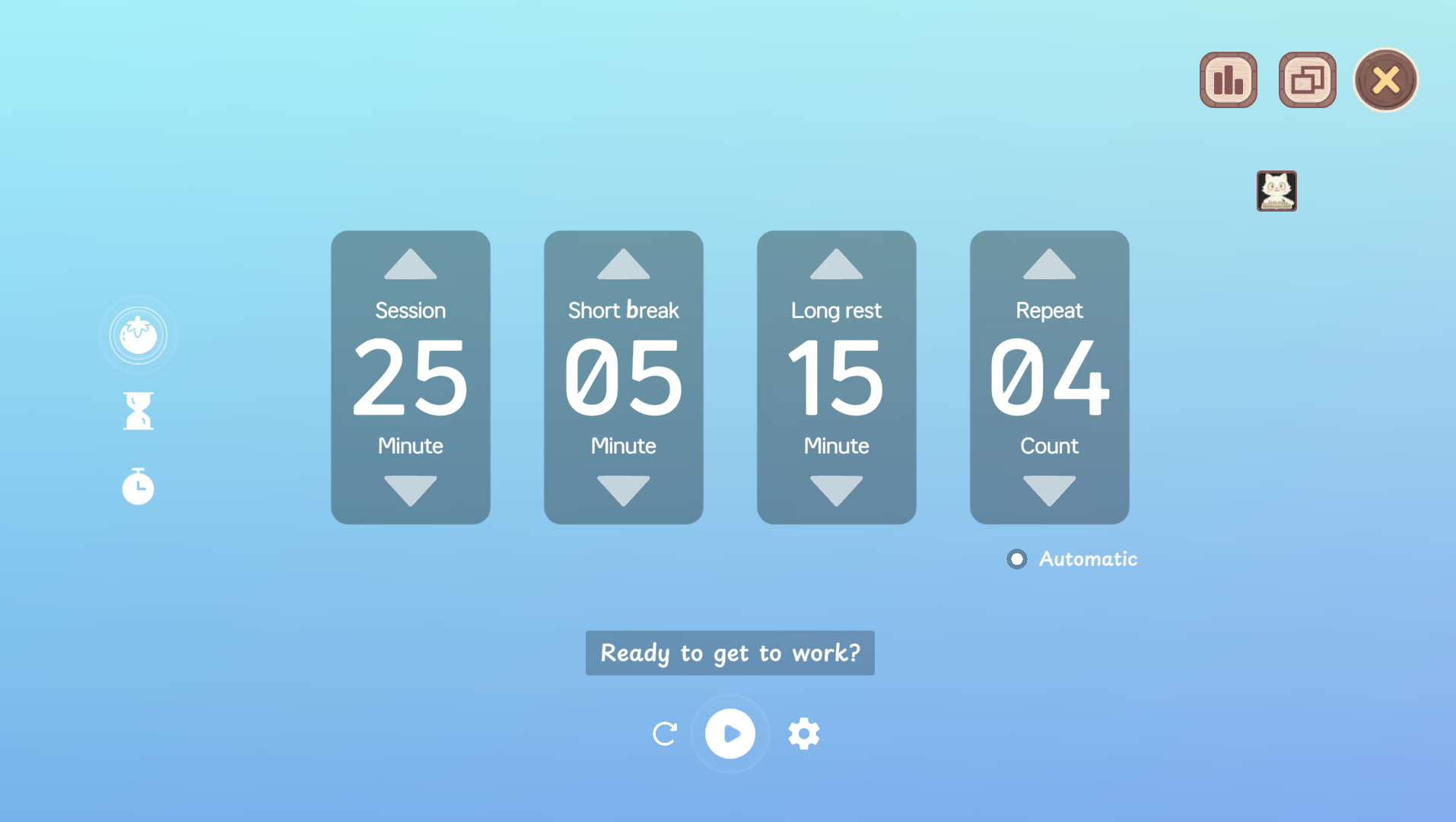
Customizable Pomodoro Timer Settings Create multiple timers, adjust long/short break intervals—perfect for different productivity styles.
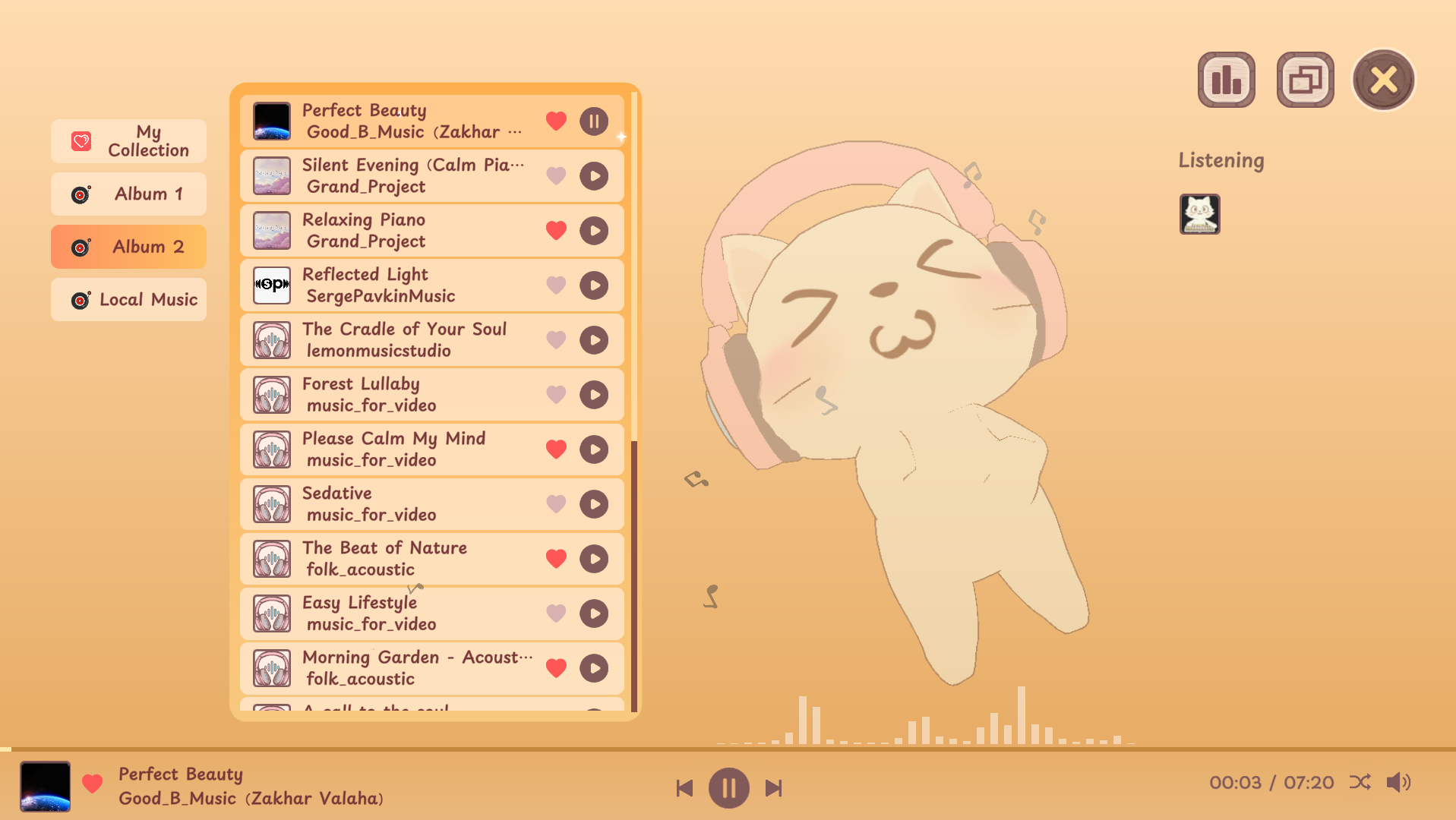
20 New Focus Music Tracks A fresh collection of high-quality, focus-enhancing music, with gratitude to the amazing artists on Pixabay!
3 New Cat Skins Egyptian Mau, Snowshoe, and Black Cat—unleash more cuteness on your desktop!
Local Music Import Support Add your favorite personal music to the in-game music player and create your own cozy playlist!
17 New Room Decor Items Includes 6 floor types, 8 wall styles, and 3 new windows—design your dream cat room!
🔧 Optimizations
Quick White Noise Toggle in Mini Mode Select white noise directly within Mini Mode—faster and smoother operation!
Free Mode Interaction Upgrade When UI and house are hidden, simply right-click your cat to exit Free Mode—more intuitive!
Cats in Free Mode Can Now Snap to Screen Edges Make your desktop buddy even more tidy and playful.
New “Like” Button for Music Tracks One-click to favorite your preferred tracks—easier playlist management!
Movable & Swingable Floor Items Decor can now be adjusted freely and animated in scenes—create more dynamic spaces!
Improved Window Detection for Cats in Free Mode Better accuracy when cats interact with open windows.
Faster Music and White Noise Loading Reduced waiting time—snappier performance overall.
Clearer Auto-Start Program Name Easier identification of the app on startup.
🐞 Bug Fixes
Fixed an issue where full-screen UI was hidden under the taskbar when “Always on Bottom” was active.
Fixed certain decorations being dragged off-screen.
Fixed sticky behavior between mini-game windows and the cat house.
Fixed incorrect white noise count display in Mini Mode.
Fixed overlapping UI prompt when chest opening fails.
Fixed music playback loop bug in Random Mode.
Prevented outdated versions from generating new-version headgear items.
Message from the Developers:
First off, a huge thank you to all the players who left us feedback!We highly value your opinions and are working hard to make the product better. Your feedback drives us forward – let us know everything you want to say! We're actively improving (>^ω^<) meow! 🐱
Secondly, we are now updating frequently every day with various optimizations and new content. While we haven't been able to release an announcement every single day, we will strive to compile a list of all the changes we've made each week, so you can track our progress.
Finally, thank all players again~ (>^ω^<) Meow
💡 How to Stay Updated?
Discord link (Click to join, feel free to leave feedback! We’ll take it seriously and improve! you can see our updates on each new version)
Youtube (Watch gameplay videos and other related content)
x.com (Follow us for announcements and updates)
Thank you all for your support! We look forward to hearing your feedback! If you enjoy the game, please consider adding it to your wishlist and following the game! We truly appreciate it!