Version: A.25.12.3
I’ll start with some general things that apply to all biomes.
Each biome in the game has its own distinct primary color. This color is used not only in the environment, but also in the object outline system. Neutral objects use the biome’s outline color. In the crystal biome, it’s a bluish tone.
At the same time, important objects such as players and weapons are highlighted with a different outline color, so they always stand out from the environment. In the crystal biome, the outline color for players and weapons is pale red.
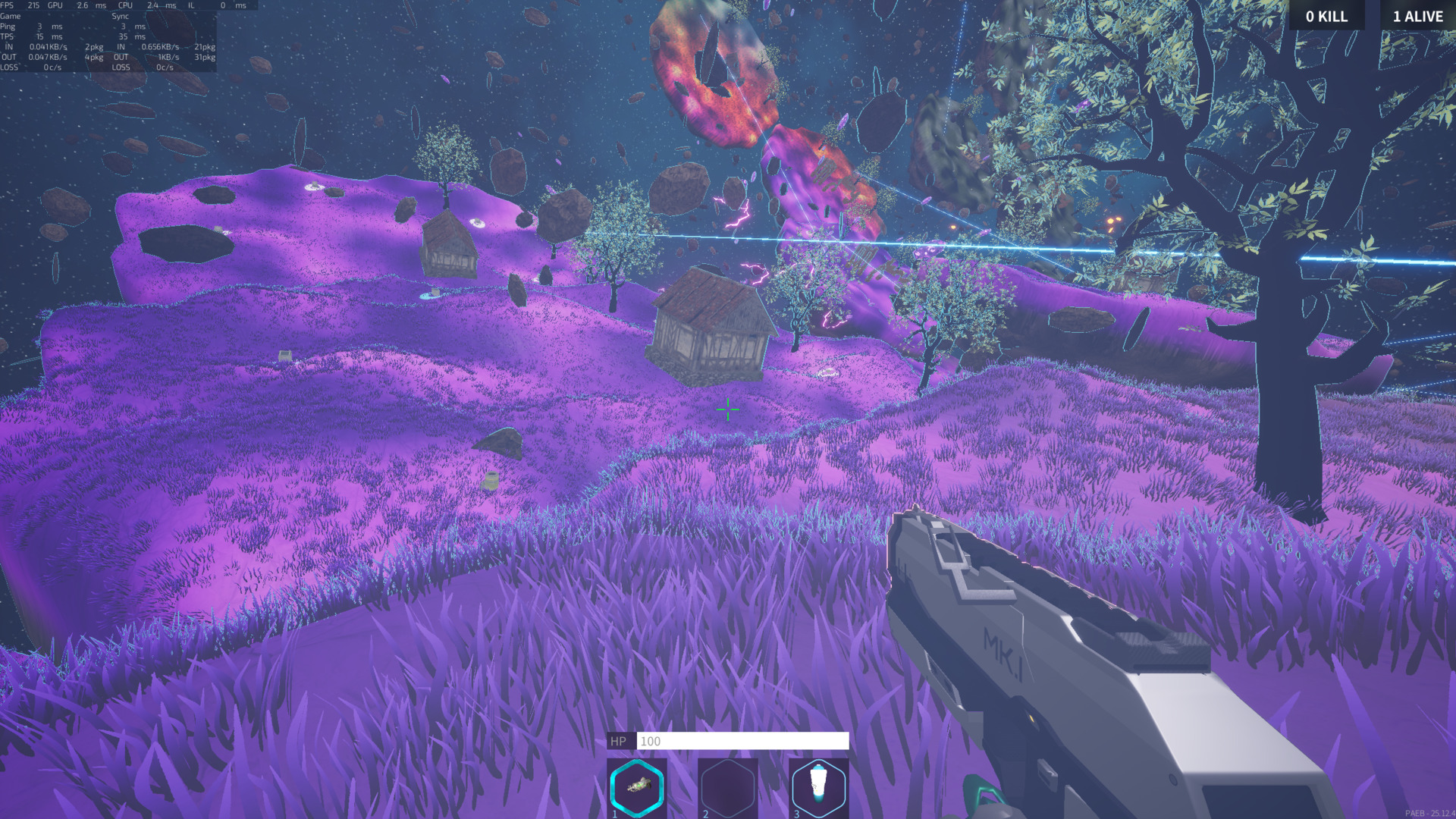
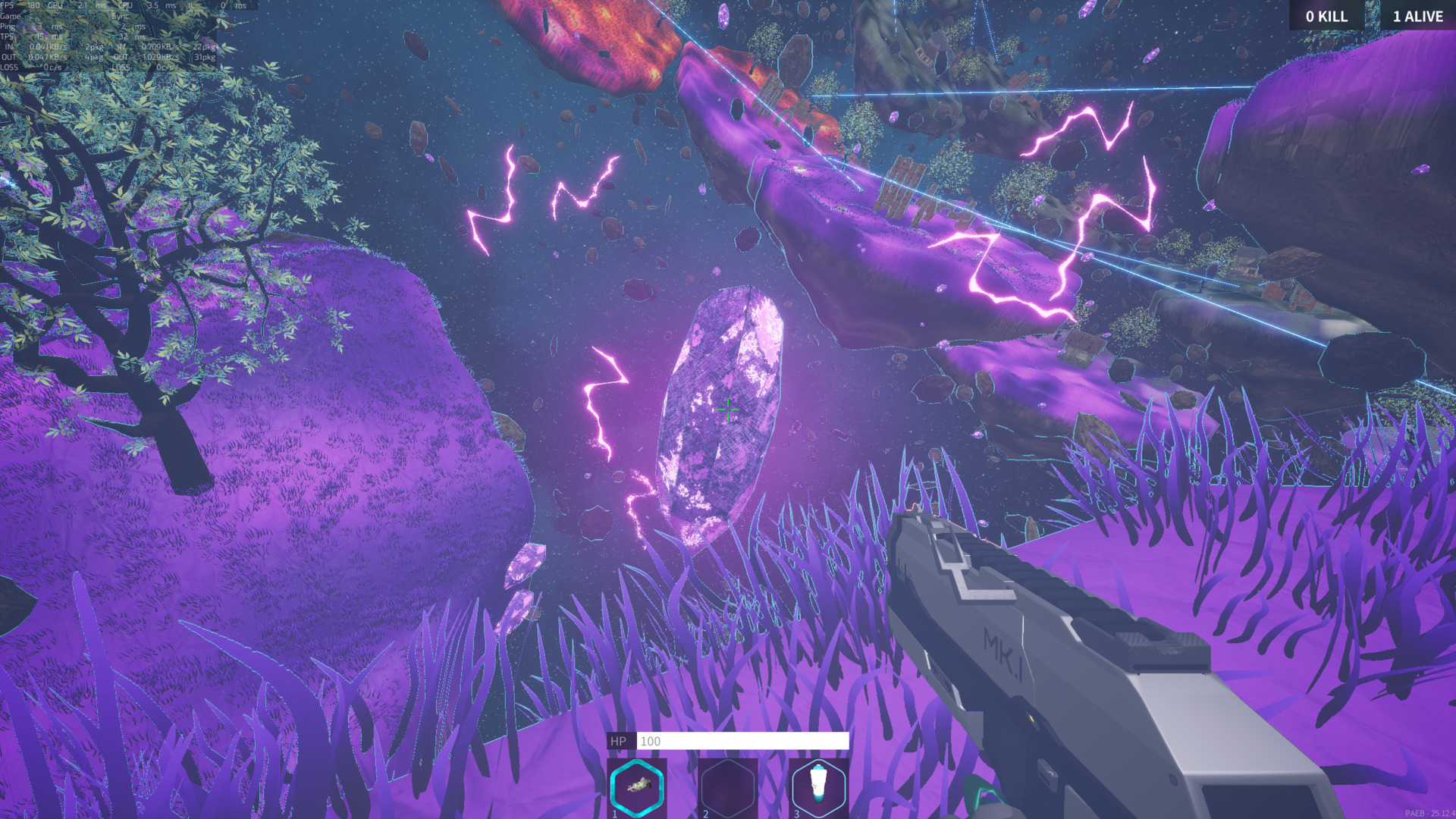
Now a bit of general information about biomes themselves.
Each biome has a sphere of influence with a radius of about 150 meters. All islands that fall within this area receive the visual characteristics of the corresponding biome.
But a biome is not just a recolor. It affects world generation, loot, and other gameplay elements. I’ll talk about the details of generation and loot later in separate posts. For now, here’s how it affects gameplay.
Each biome has its own unique features.
At the moment, a giant indestructible crystal appears in the center of the crystal biome. Around it, there is an area that deals damage to everything inside. When it appears, the crystal scatters smaller crystals in all directions.
These smaller crystals are also indestructible and can be used as solid cover during combat.
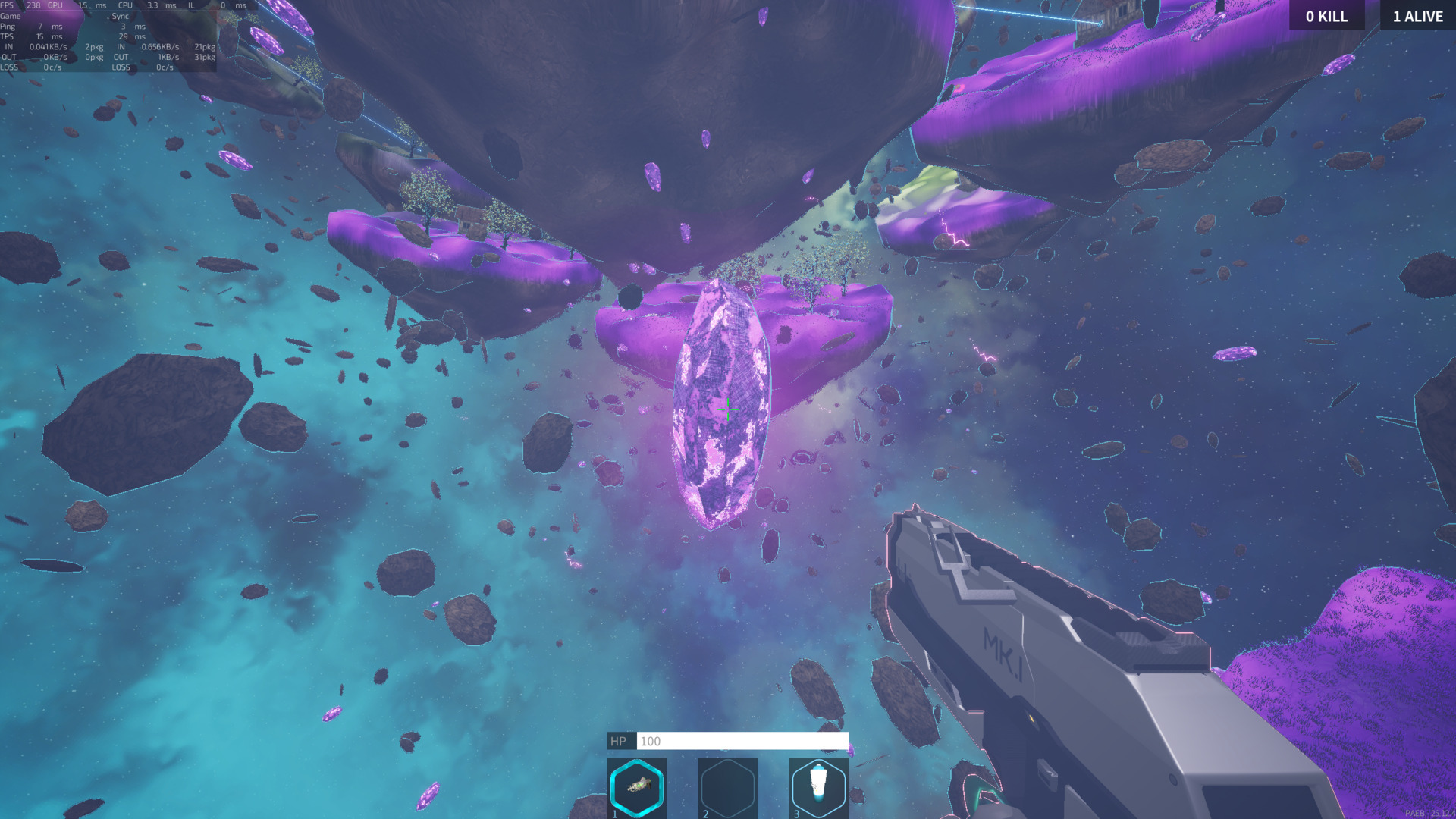
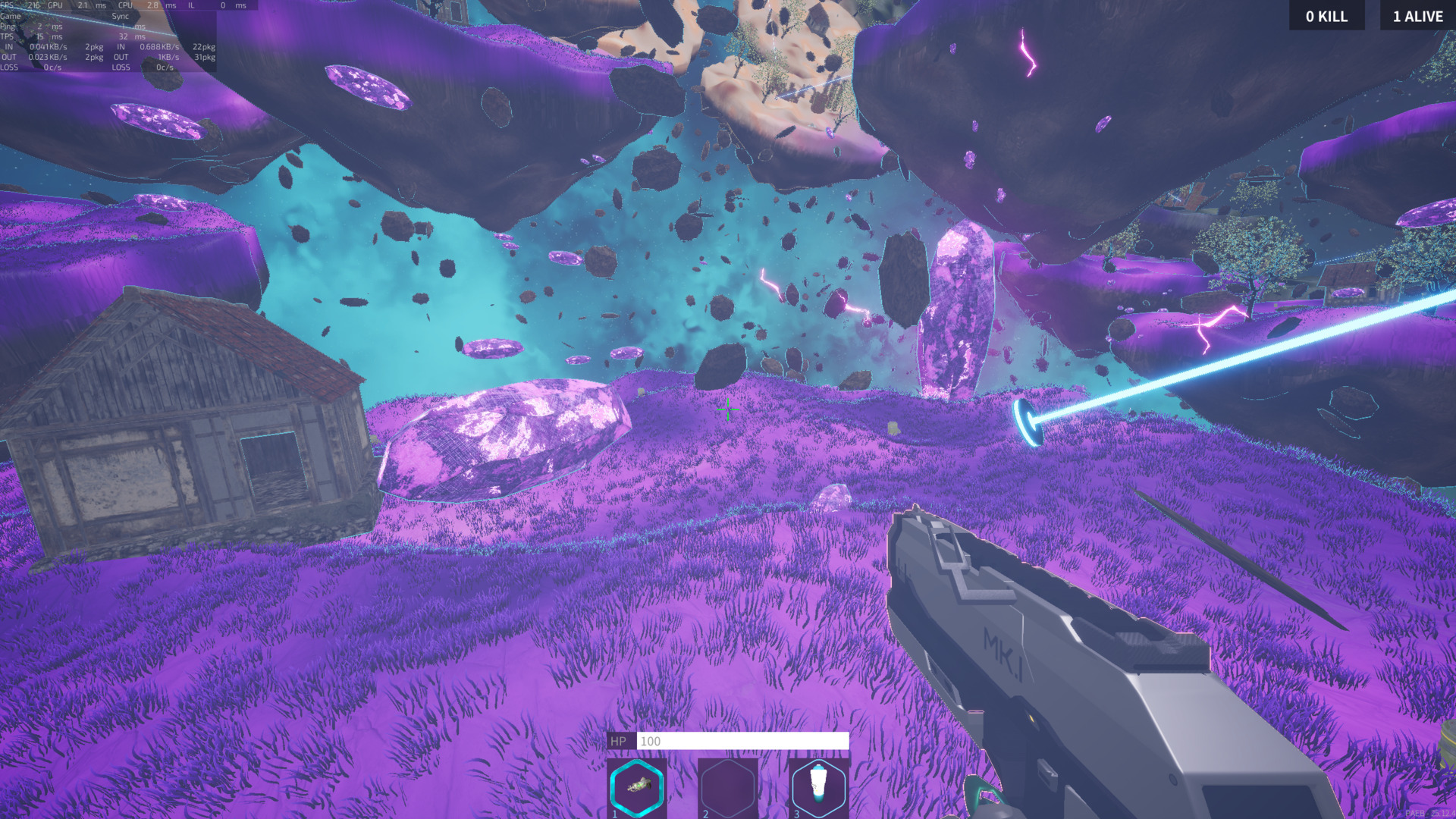
Since a biome may only partially affect an island, I implemented a smooth biome blending system. This helps avoid hard borders and makes transitions feel more natural.
For example, here you can see a transition between the crystal and sand biomes, and here — between the crystal and the default biome.
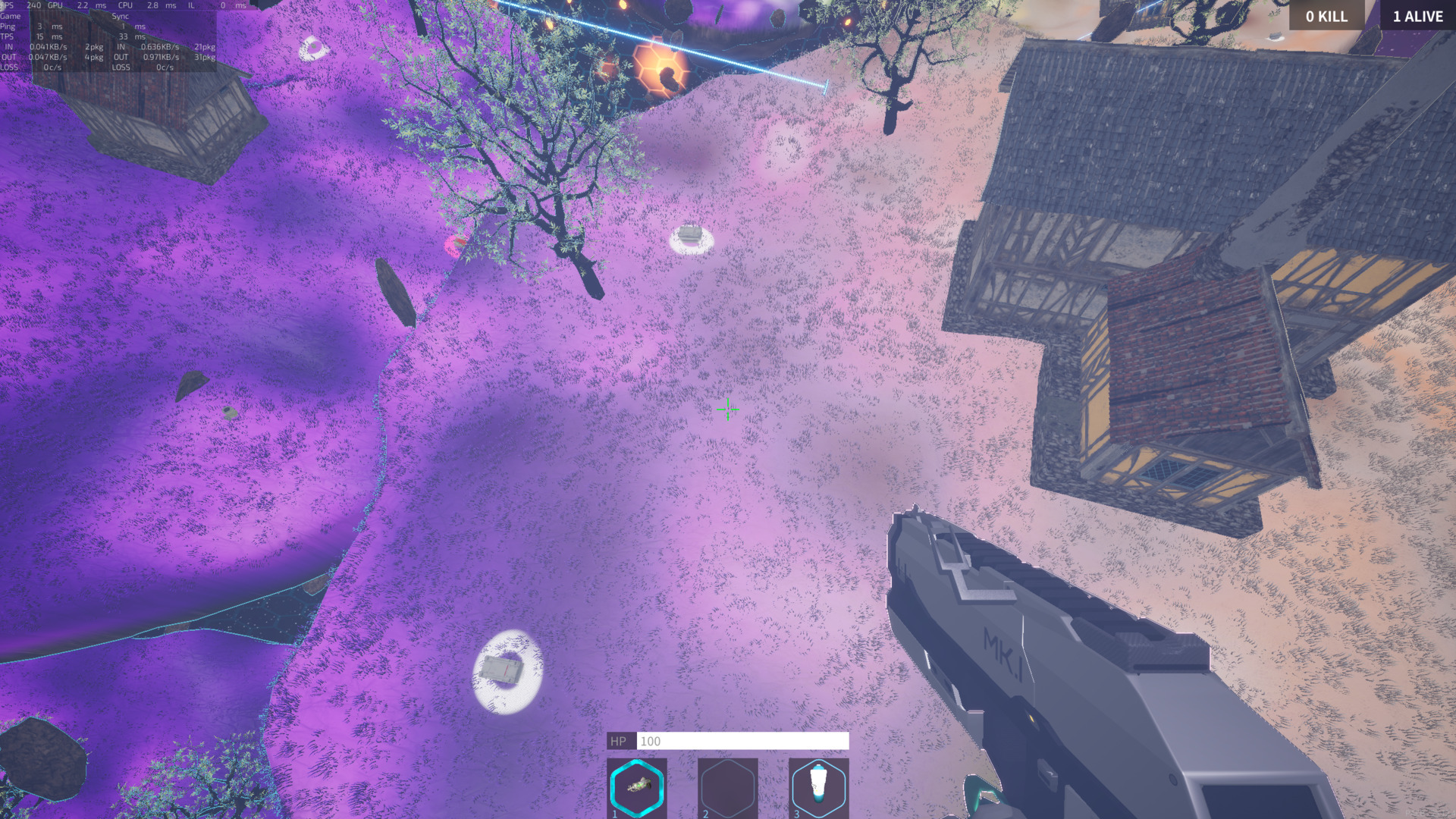
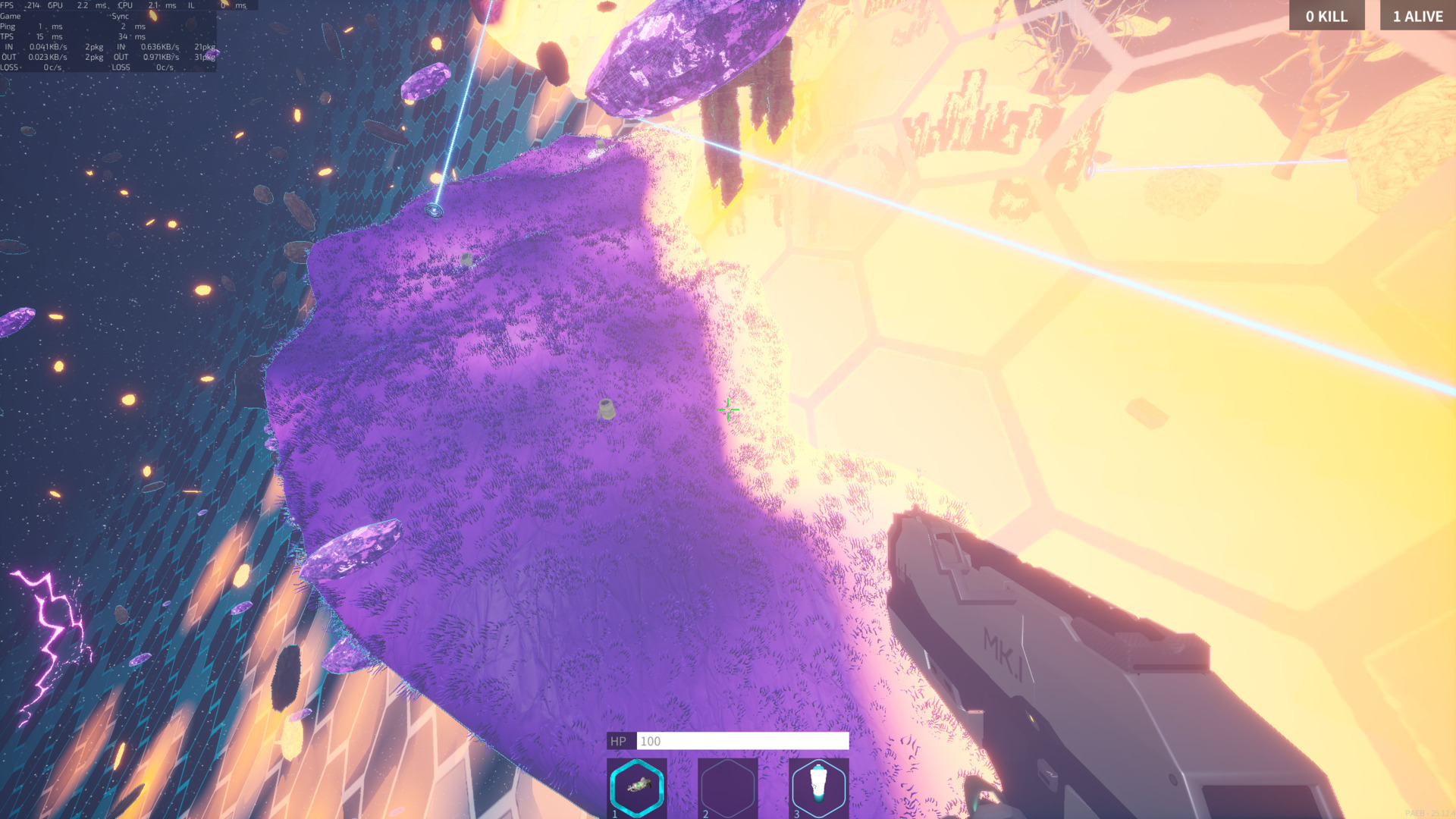
Another example is how the shrinking zone gradually takes over an island. In this screenshot, the island is under the influence of the crystal biome.
In the next STATE OF PAEB posts, I’ll continue breaking down biomes one by one and gradually move on to their mechanics and impact on gameplay.