
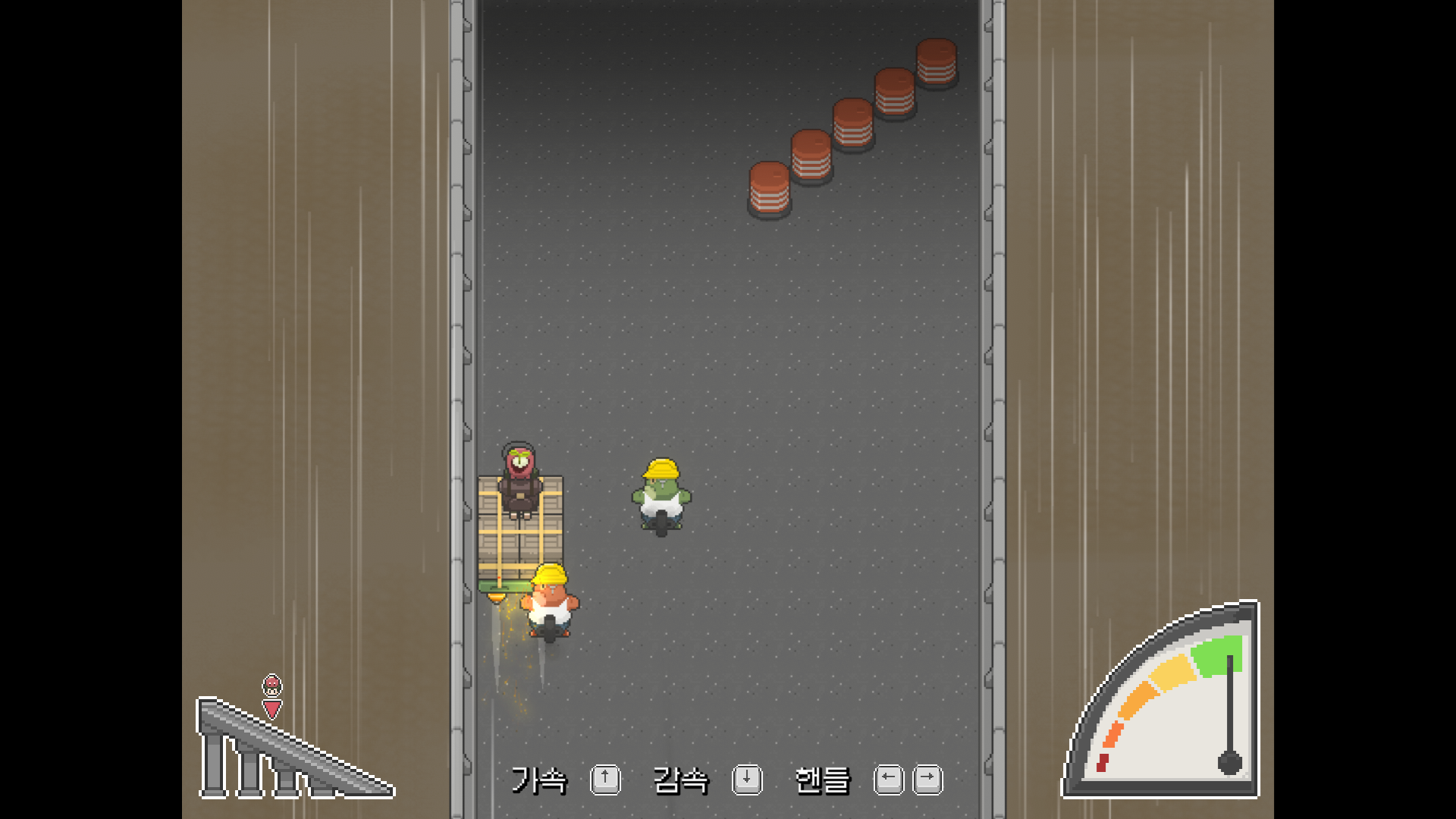
Construction Site Race Section Adjustments
The enemy's random movements and unclear gameplay instructions made the difficulty feel higher than intended. The following changes were made to address this issue.
Enemy AI Adjustments
1. Prevented all enemies from attacking the player simultaneously
2. Reduced the pushing force of enemies
3. Enemy attack and standby states are now represented by character color
4. Enemies stop attacking in front of concrete walls
5. Adjusted attack duration based on enemy attack direction
6. Enemies that go off-screen no longer return immediately
Gameplay Communication Improvements
1. Key description UI is now always displayed
2. Current position UI revised (clearly conveying the downhill running motion)
3. Speed warning UI revised
UI Changes
When the UI for quest start and completion is displayed, it now disappears faster when the player performs an action.
Help and Solution Changes
1. Controllable keys are now displayed on the help screen.
2. Movement path of arrow keys revised for intuitive movement when using Solution.
3. Added a tutorial explaining how to use Solution when accessed for the first time.
Other Changes
1. Adjusted images of impassable objects to avoid confusion.
2. Reflected feedback on horizontal construction site pipe images and revised them.
3. Adjusted terrain and lighting in some areas that were visually unclear or hard to navigate.
4. Fixed an issue where animations didn't display properly when interacting with other objects while using the Magnifying Glass (ladder, key acquisition, vine removal).
5. Adjusted some dialogue that serves as gameplay hints.
6. Increased the display speed of questions in choice speech bubbles.
7. Increased the display speed of item descriptions in the inventory.
8. Added a tab in the settings window to connect to Discord.
Bug Fixes
1. Fixed a bug where system messages didn't display when characters couldn't separate.