
I am happy to announce that playing Copperfell on the Steam Deck has now become much easier! In preparation for Copperfell's full release, which is just over 2 weeks from now, I have published an official controller layout for Copperfell, that maps each action in the game to a controller key that makes sense for it. This should work on any controller via Steam Input, but I've especially designed it to work best on the Steam Deck. It even makes use of the underside buttons on the Deck!
This is the layout as shown for an Xbox controller. The Steam Deck layout is pretty much the same, but you can also use the right trackpad as your mouse, and you can access the remaining lower priority keybinds using the left trackpad and the underside buttons.
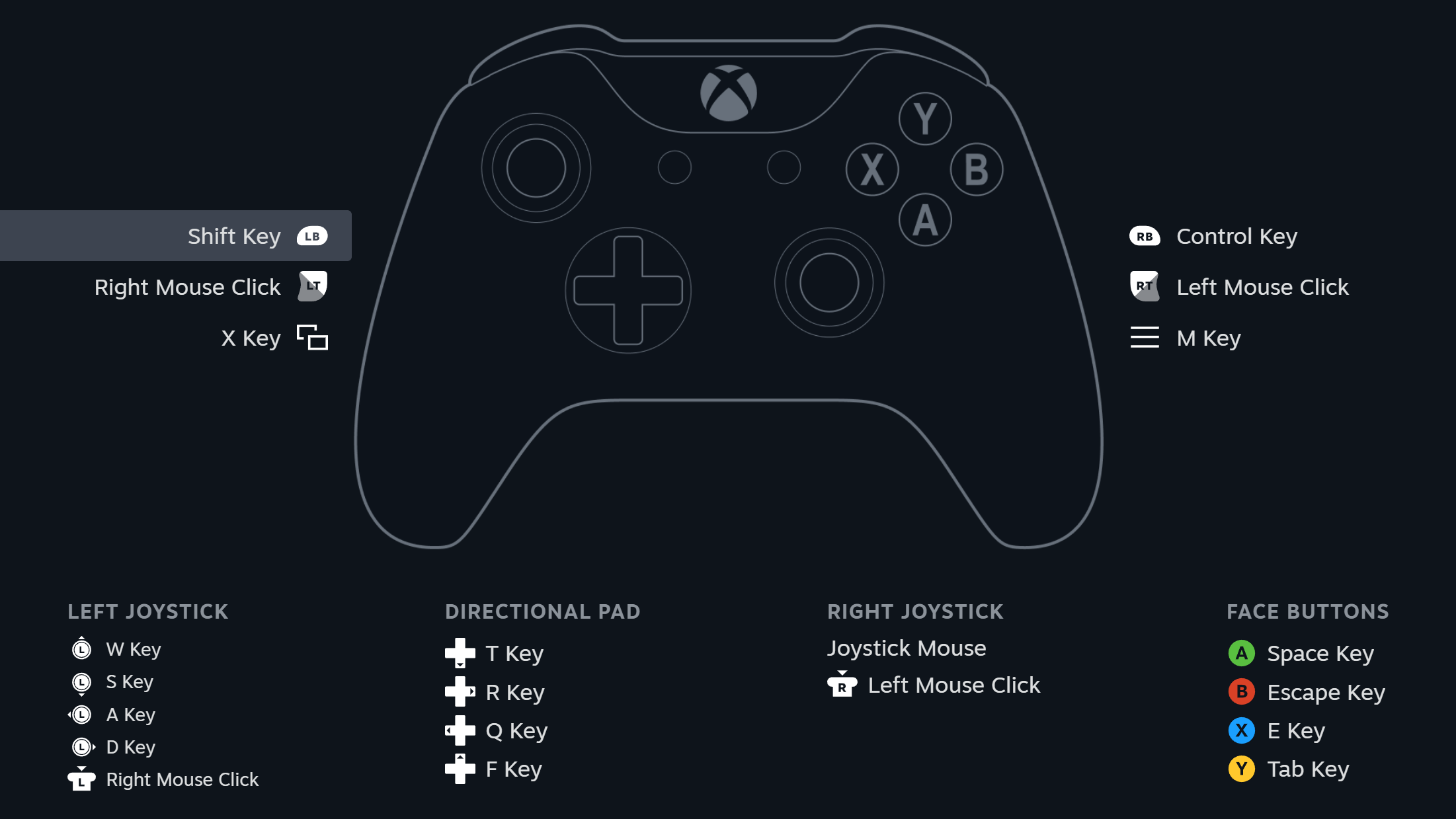
For now, the in-game UI will still show keyboard key names rather than controller key icons unfortunately, but having proper controller UI is in the plans for the future too! However, you can see exactly which controller key maps to which keyboard key. And you can still change the keybinds in the in-game controls tab to whatever you want!
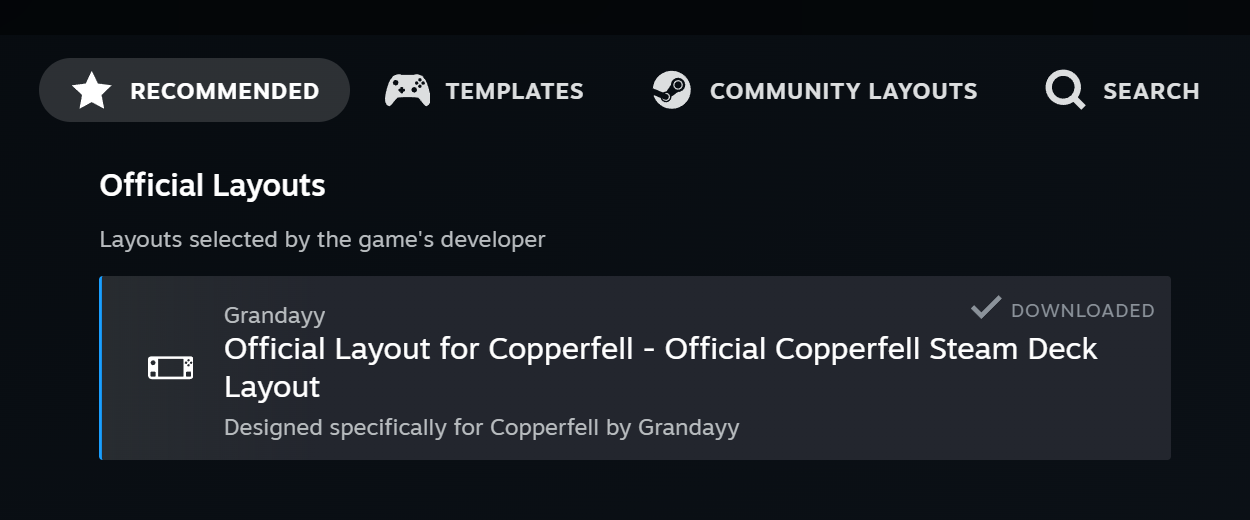
This new controller layout is available right now, on the demo too! You don't need to update your game to use it. If it doesn't enable itself automatically for you, you just need to click the small controller icon next to the Play button in your Steam library, and you should be able to select it from there.
I hope you can enjoy playing Copperfell properly on the Steam Deck now, and I hope you're also excited for the full game release on October 28th! If you have any feedback, please feel free to let me know! Best place to reach me would the the Copperfell community Discord server: https://discord.gg/k6C7WPwc5U