
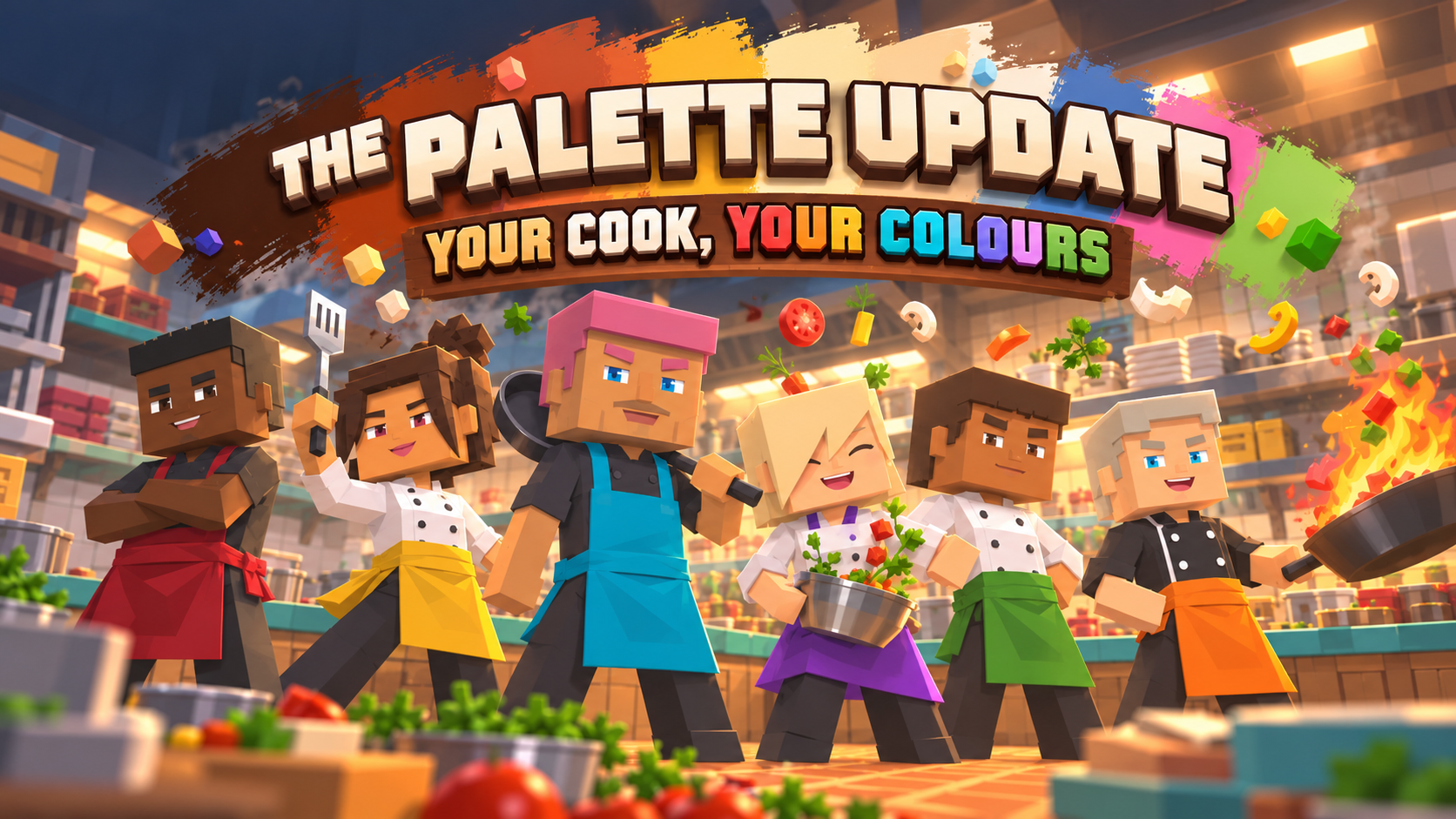
🎨 Your Cook, Your Colours
Every part of your character is now yours to colour.
Skin, hair, beard, shirt, apron, hat, shoes, accessories. Pick the part, pick the colour, and your cook wears it from that moment on, in every kitchen you walk into.
🧑🍳 How It Works
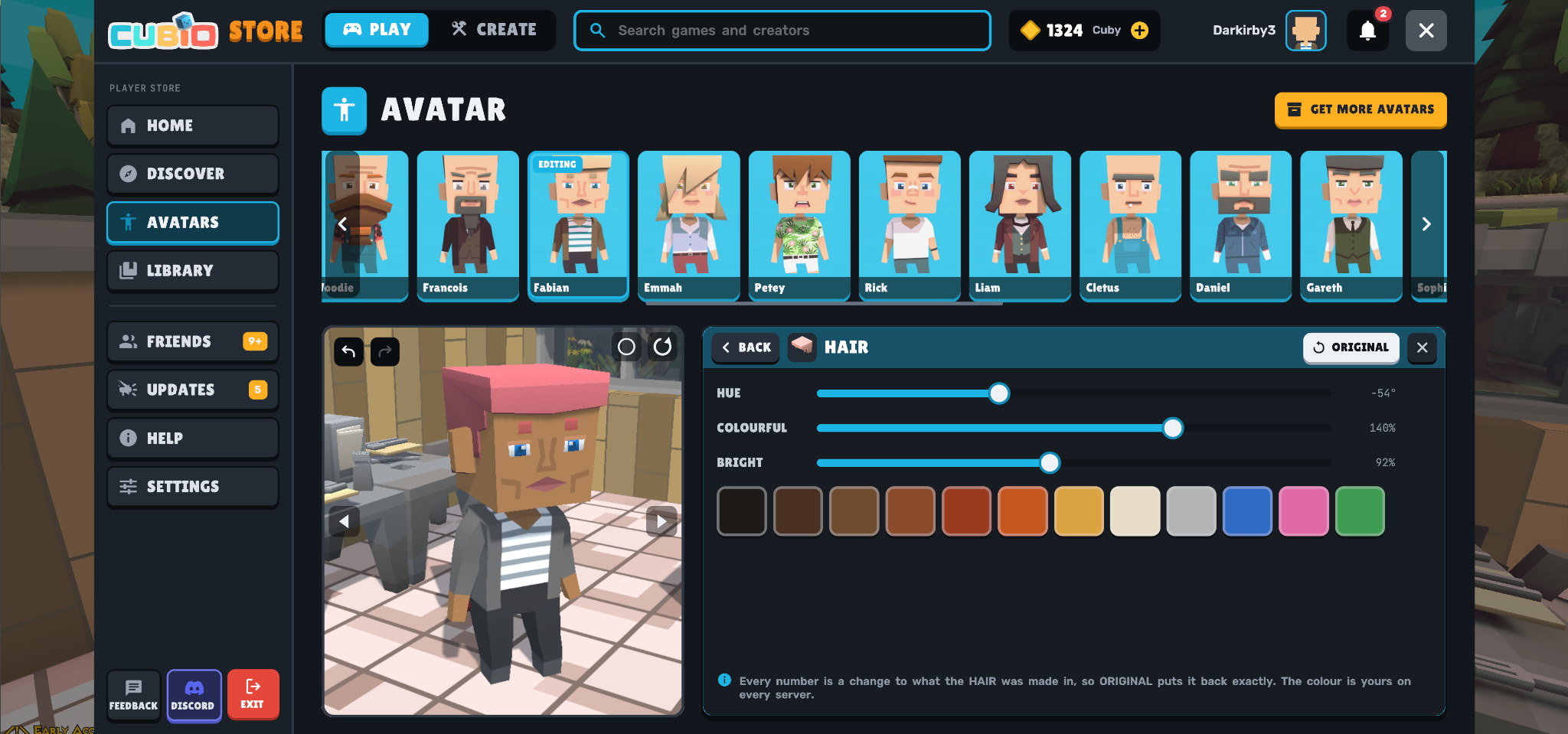
Open AVATARS in the store, press edit on your character, then pick any part of them.
Three sliders do the work. HUE moves the colour itself, COLOURFUL sets how strong it is, BRIGHT sets how light or dark.
Under them sits a row of ready-made colours you can land on in one press.
Your character updates while you drag, standing right there in the scene behind the panel.
Part icons wear the colour you picked, so a shirt or a hat shows you what it becomes before you try it on.
Every number is a change to what the part was made in, so ORIGINAL puts it back exactly, and the undo arrow walks back one step at a time.
🧍 Start With Your Skin
Press SKIN and the row underneath runs from the deepest browns through tan to the palest, so you can land on yours straight away, then nudge it with the sliders until it is exactly right.
Hair works the same way, and nothing stops you from going bright pink while you are in there.
🌍 One Look, Every Kitchen
The colours you pick are yours on every server, so your cook looks like your cook whether you are running a diner with friends or wandering through anything else we make.
You can keep several saved characters too, and switch between them whenever you feel like a different chef.
❤️ Go Make a Mess
Jump in, spend five minutes in the avatar menu, and bring your cook back to the kitchen. If something looks off, tell us in the forums or on Discord, we read all of it.
That's all for today. Enjoy the game, and we hope to see you in the kitchen!