
Release Notes:
New Features and Improvements
Added slipmat customization
Added Steam achievements
Improved tutorial and first-time user experience
Improved rendering performance
Bug Fixes
Fixed potential track database corruption when running two instances at the same time
Notes:
Customizing the Slipmat
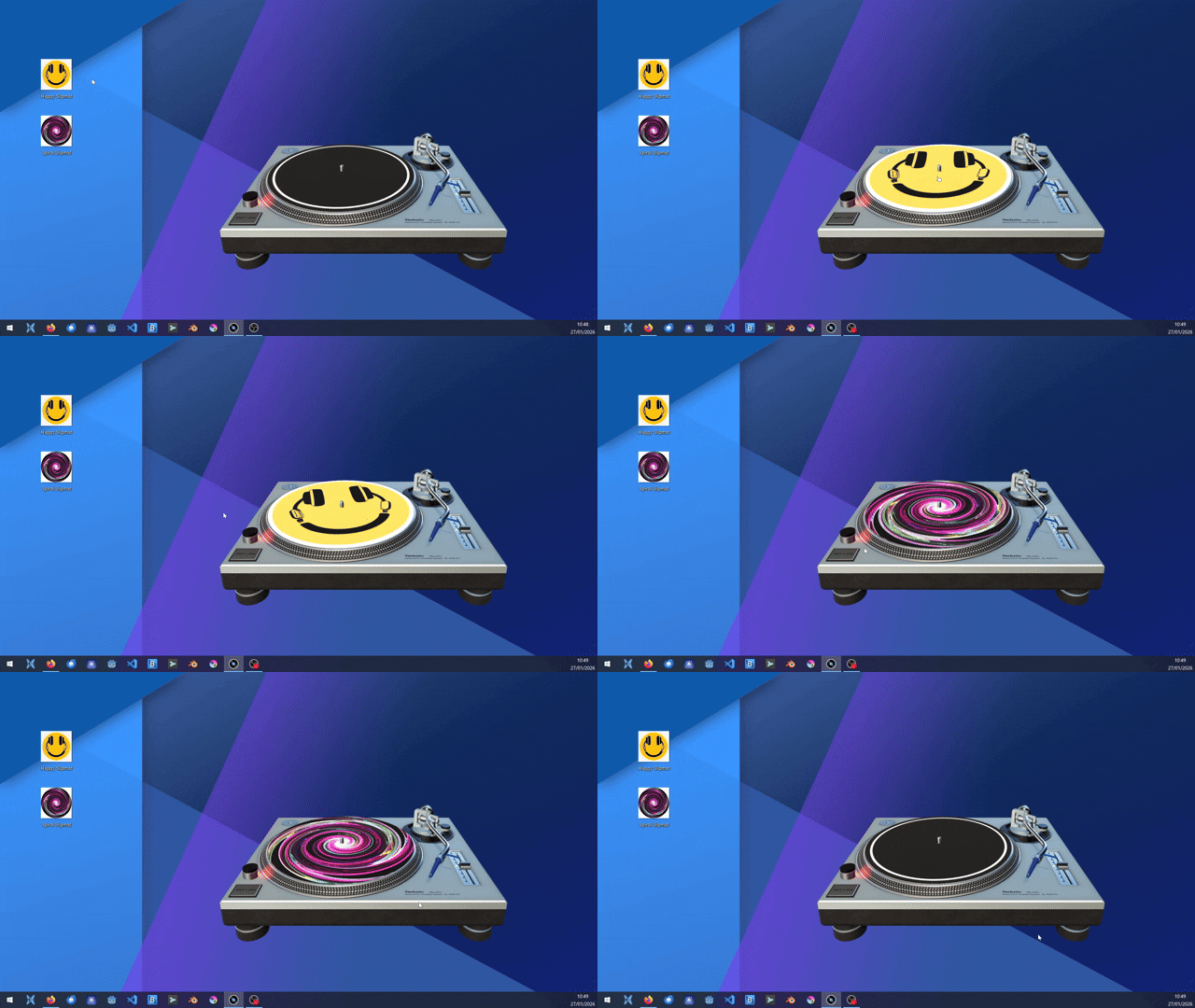
To customize the slipmat, simply drag and drop an image file from the system's file explorer onto the turntable.
Supported image formats are: bpm, jpg, png, tga and webp
Any image will work, but for the best result the image aspect ratio should be squared (1:1) with the design centered. The best resolution is 1024 x 1024, or any other power of two. A UV layout template can be found in the documentation.
The custom slipmat image will be saved and is persistent. To clear it, right click and select Clear Slipmat from the menu.