
Now inside the "Menu animation", the "Add new animations" button will have new functionalities

If you press the button, you'll see this menu:
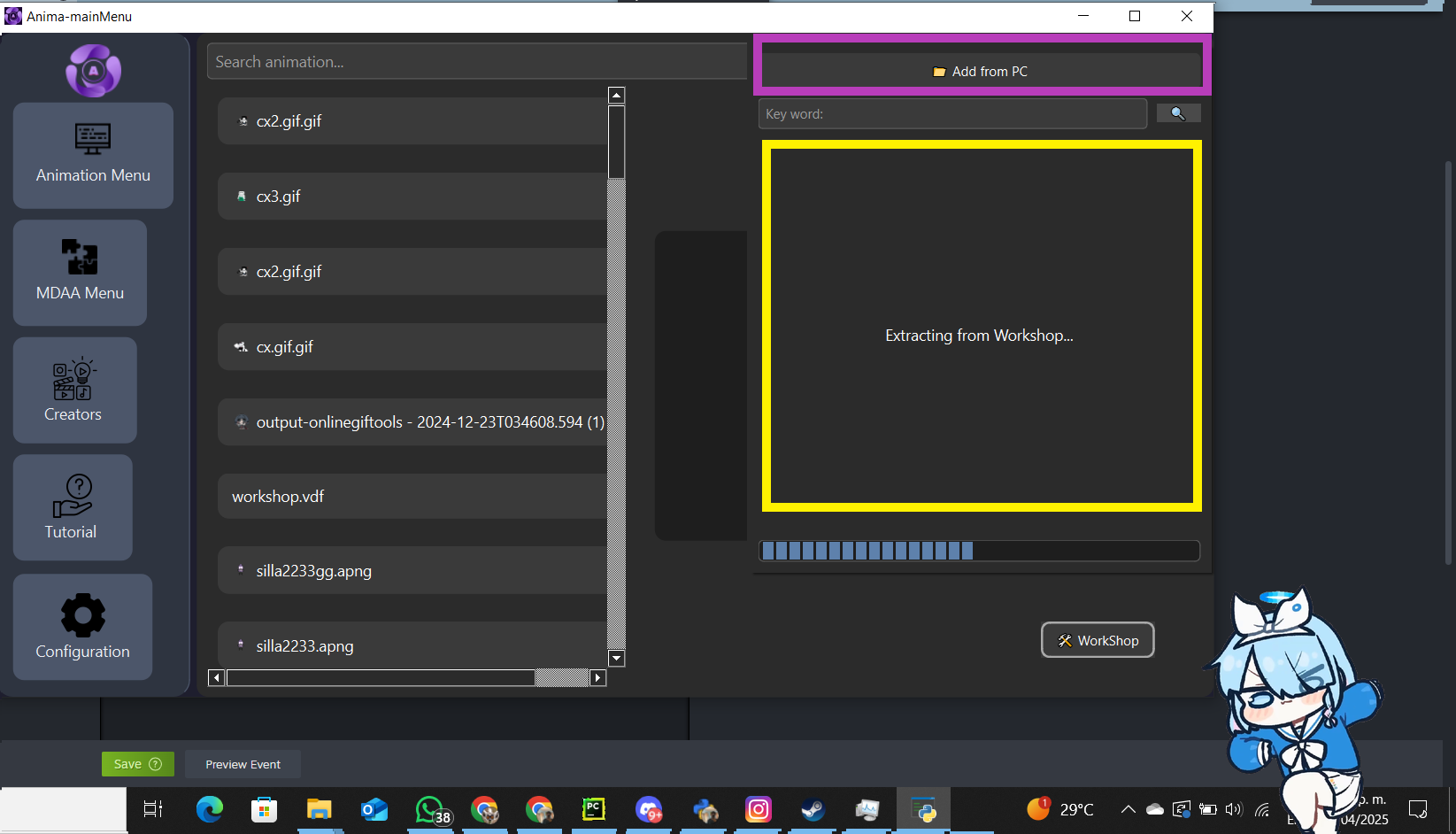
You’ll find several buttons:
1 (purple box): option to load animations from your PC
2 (yellow box): section that loads items from the Workshop
Once the items are loaded, you'll see the items (purple box) and the key section, which is for searching by keyword:

NEW TOOLS TO CREATE ANIMATIONS

New tools and improvements to existing ones
Other improvements:
IMPROVED PLAYBACK ENGINE PERFORMANCE
MEMORY CLEANUP OPTION
IMPROVED SETTINGS MENU