
🚀 **v0.15.10 – Ship Designer Drag & Drop**
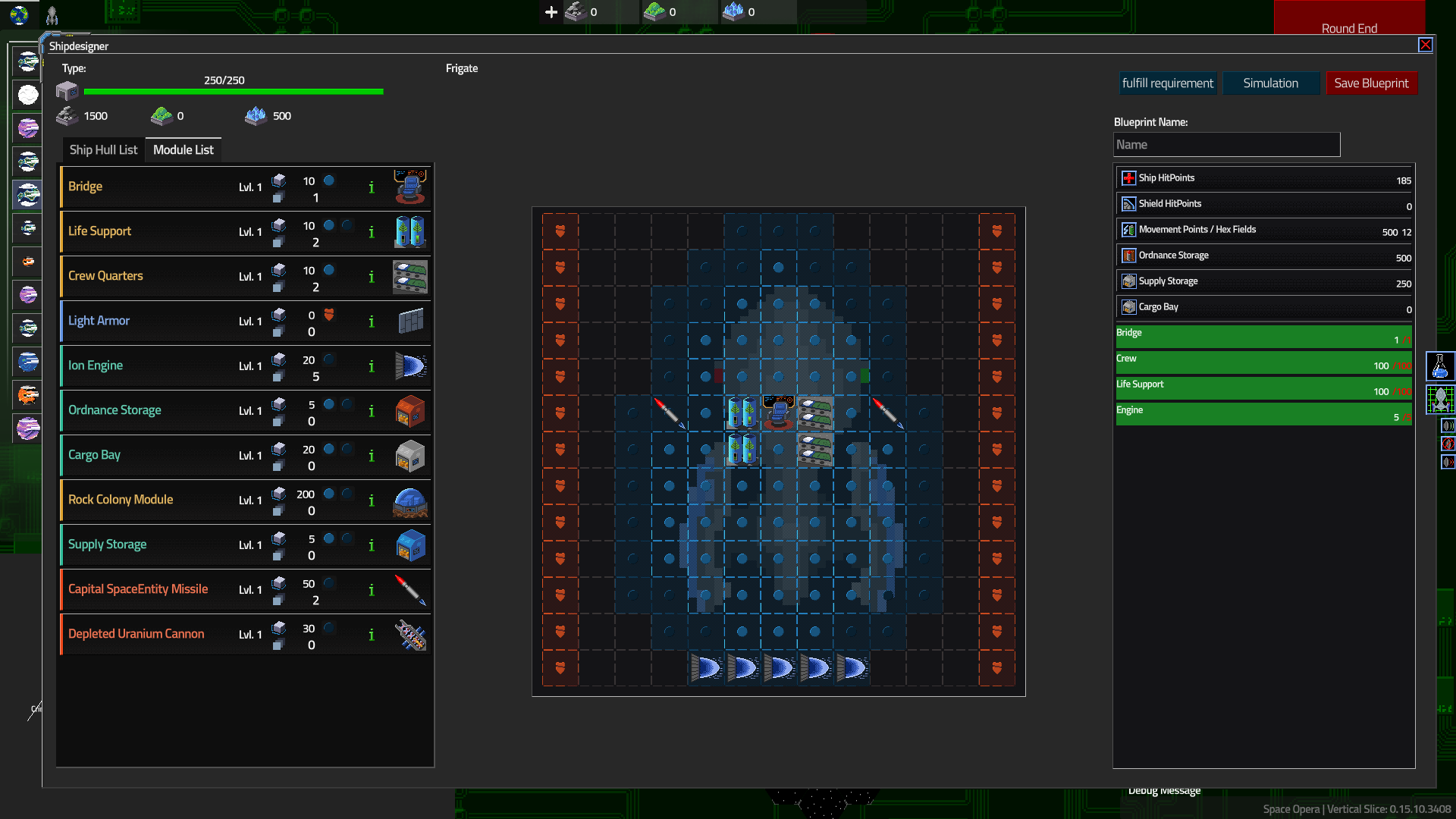
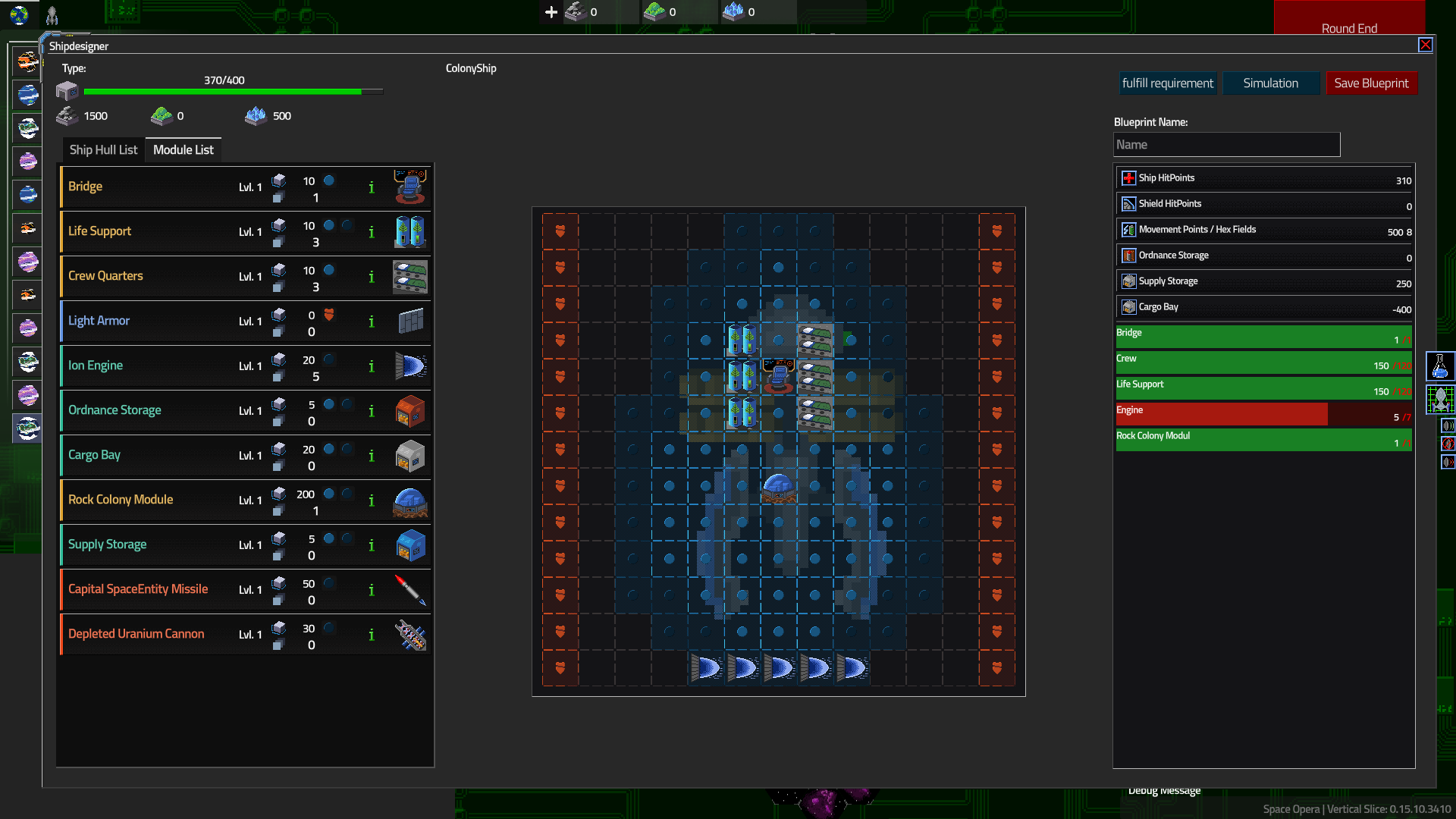
The ship designer has been overhauled. Modules can now be dragged directly onto the hull grid, rearranged freely, and will be exactly where you left them when you reload your save.
**New:**
- Drag & drop modules from the list onto the hull grid; right-click to remove them
- Rearrange placed modules by dragging them to any free grid cell
- Modules can only be placed in compatible hull sections (Armor / Inner Hull / Outer Hull) – small icons in each list entry show at a glance where a module can be installed
- Hull preview image in the designer panel
- Module grid positions are saved with your blueprint and restored on load
🔧 **Fixed:**
- Player ships now display the correct ship set icon chosen in the Empire Generator
- The selected ship set is properly saved and restored from save files
- Required modules (Bridge, Engine, etc.) are applied immediately on hull selection, not only after manually clicking the Requirements button
- Various crashes and inconsistencies in the ship designer