
New map
New world map with 13,892 provinces, 23 scenarios, and 225 formable civilizations.
New province border drawing system with smoother border lines.
Province names displayed directly on provinces.
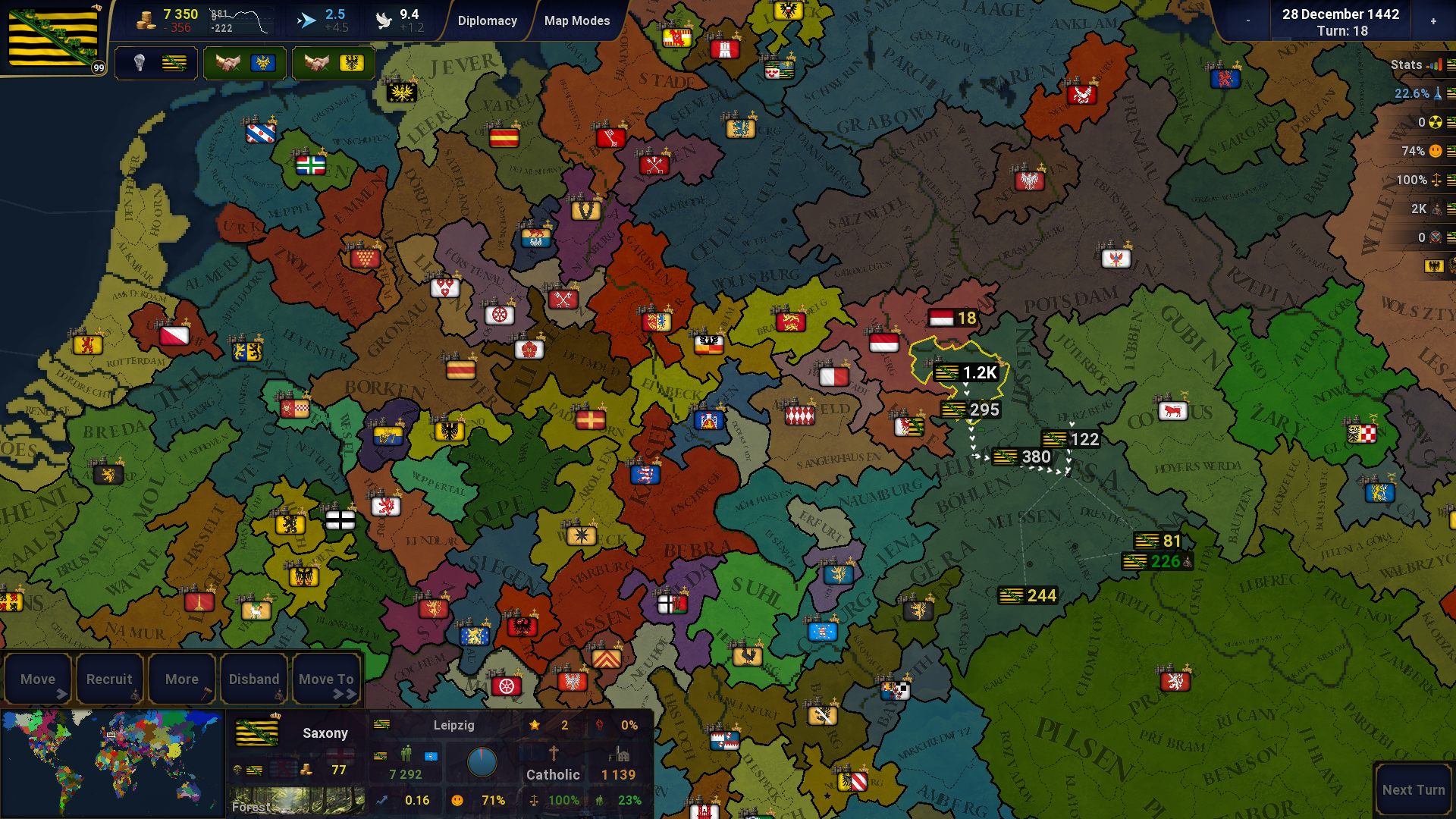
Offer Debt Relief
- Repay a Civilization's loan to improve relations.
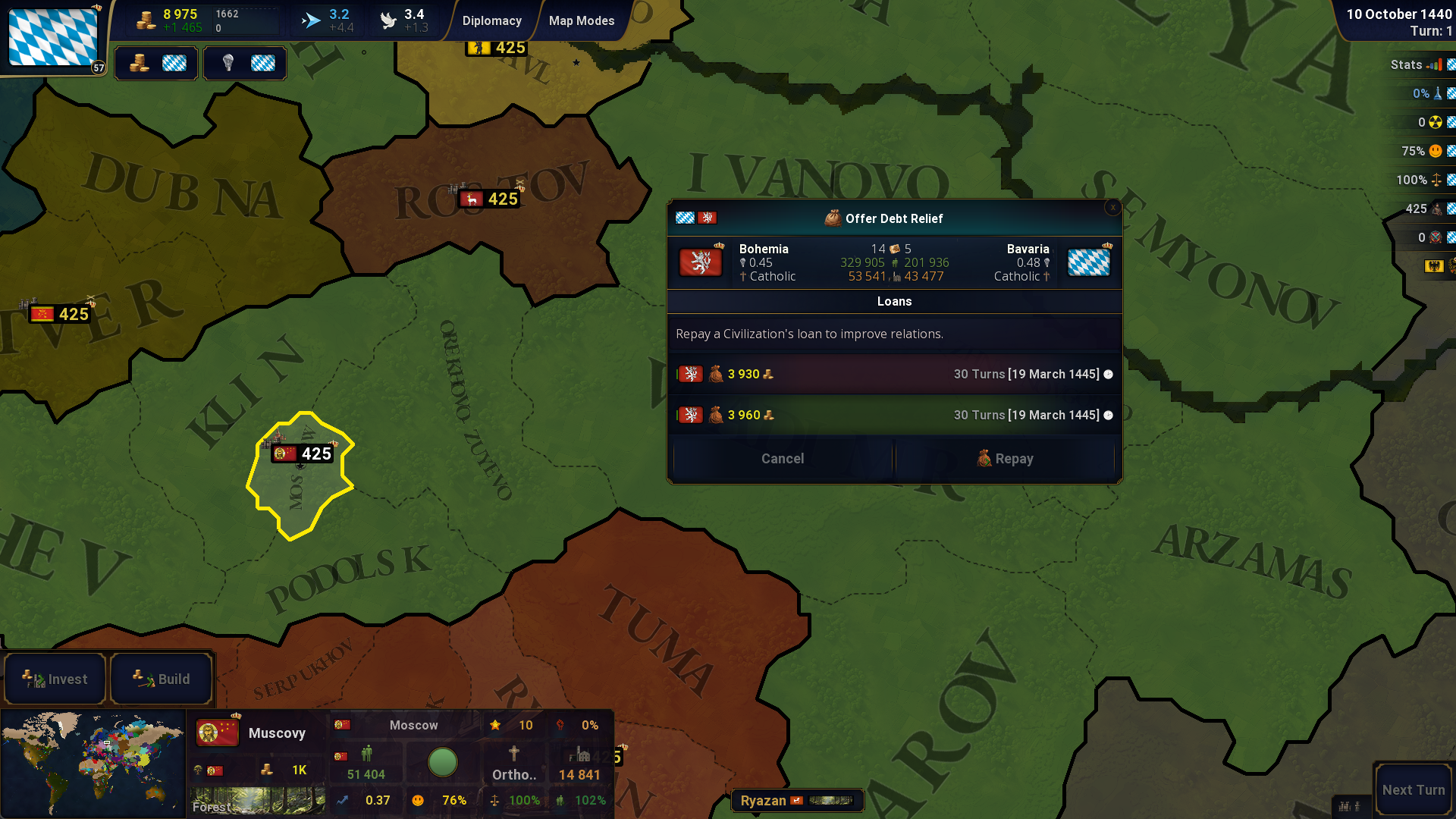
Request Loan
- Ask another Civilization for financial support. Requires positive relations, and the requested Civilization is not at war.
- Grant a loan to another Civilization and receive interest payments.
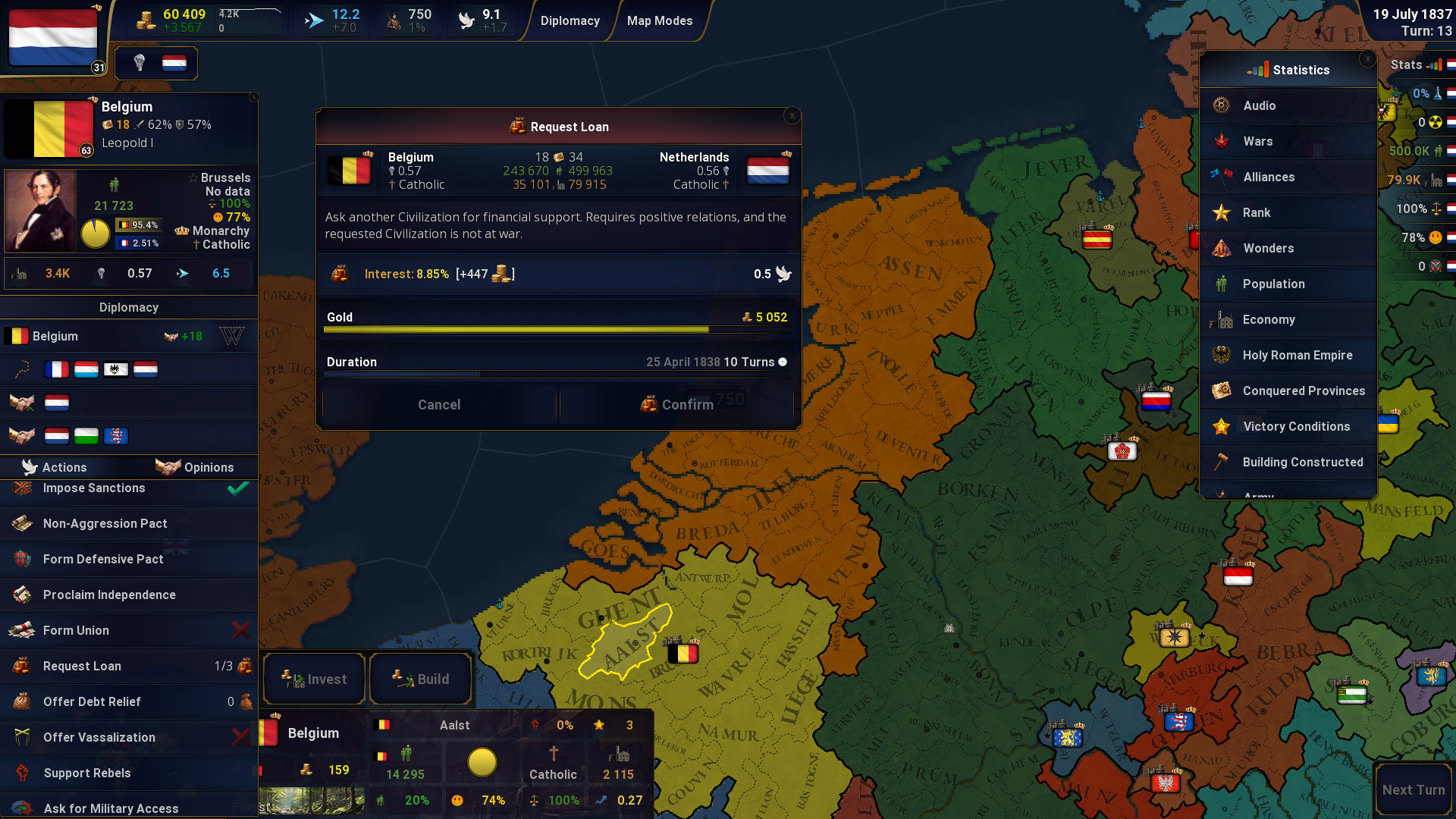
Found City
- Establish a city on the map.
- Founded cities can be saved and are stored only for the current game.
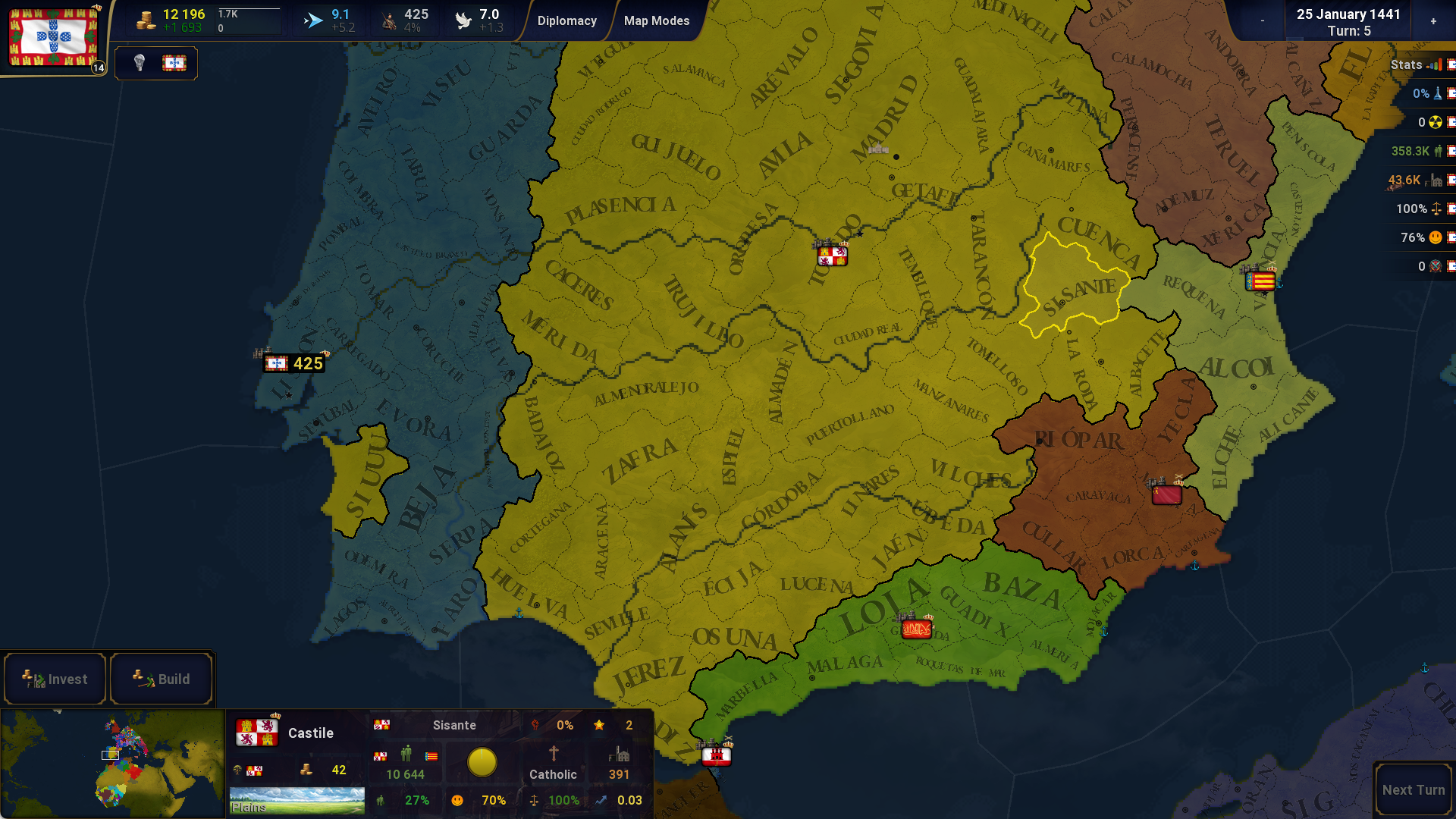
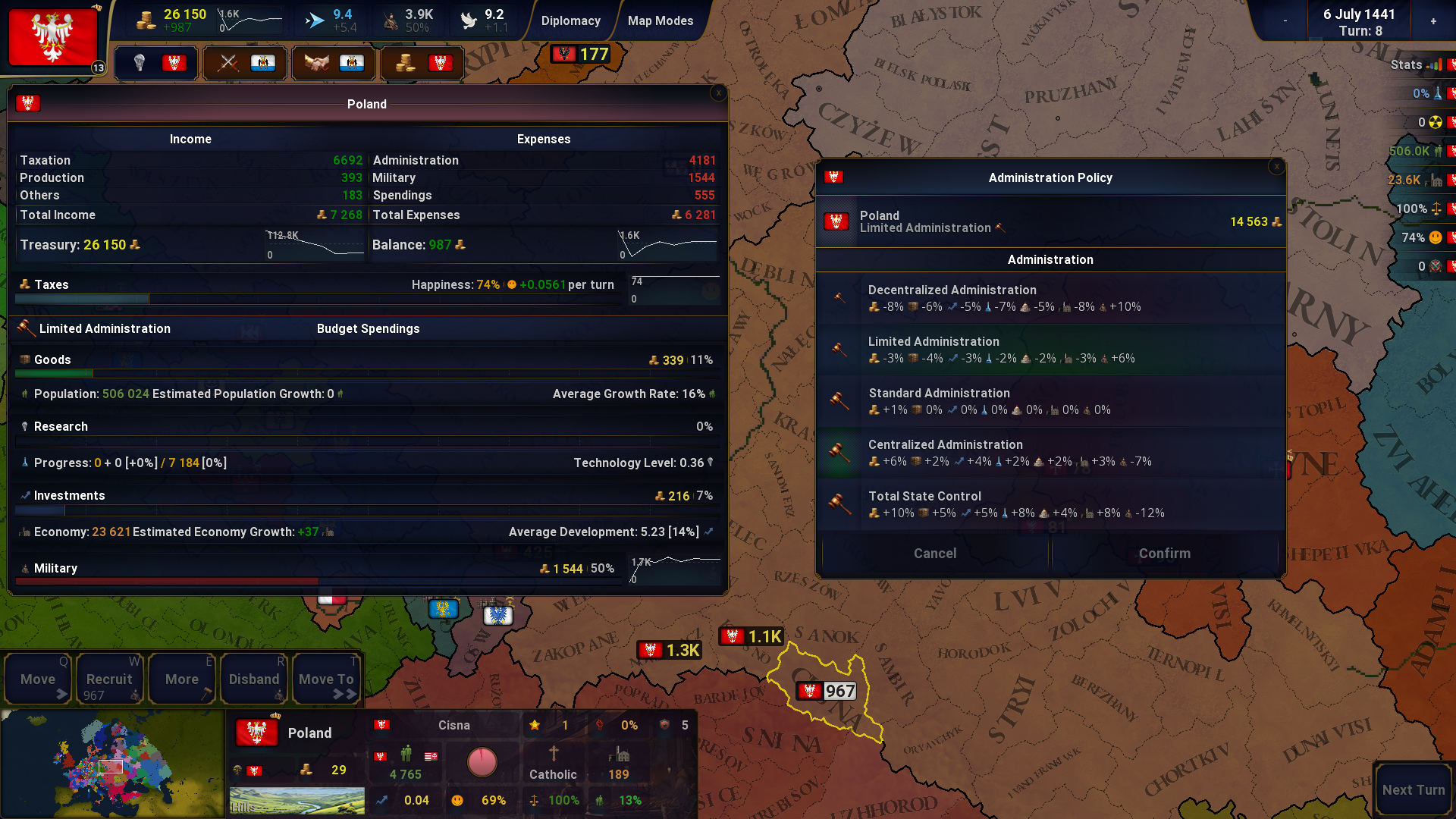
Administration Policy
- The Administration Policy affects acceptable taxation, minimum goods spending, minimum investment level, research cost, administration cost, income production, and military upkeep.
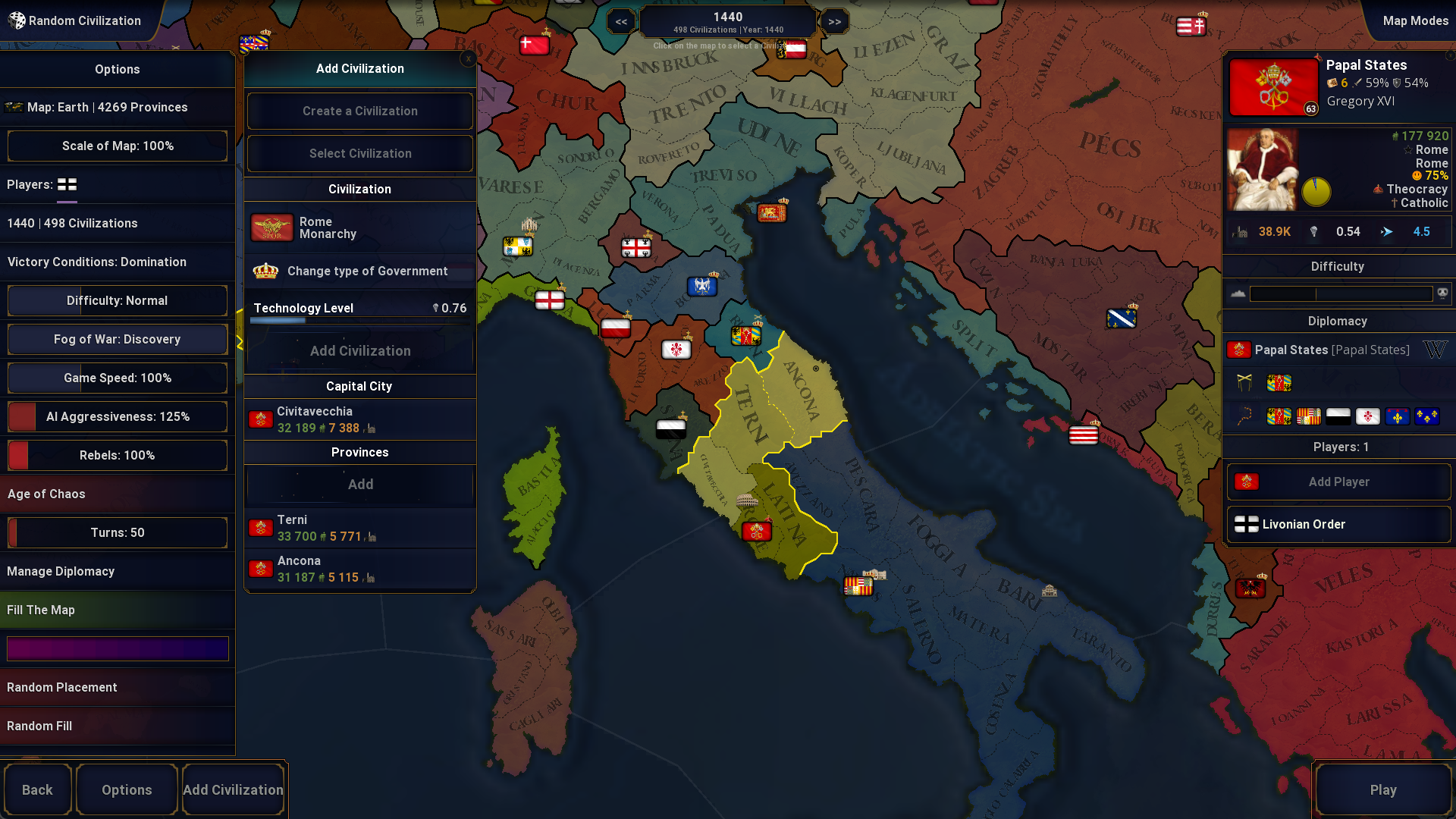
Add Civilization Before Game Start
- Add new Civilizations to a scenario before starting a game without using the scenario editor, letting you jump straight into gameplay with your chosen setup.
https://www.youtube.com/watch?v=6IlH52LX05w
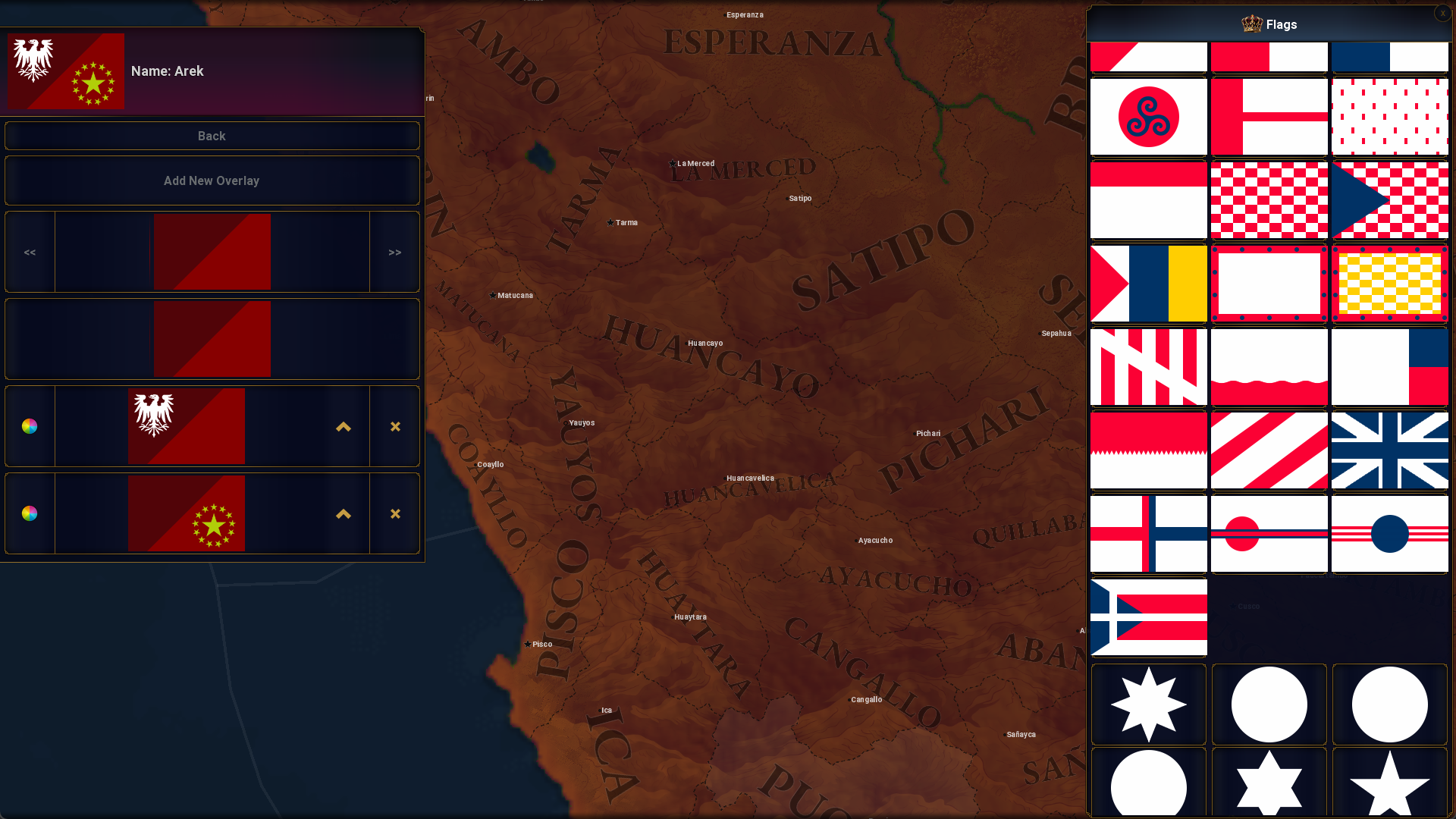
Create Civ, Flags remastered in higher resolution & Flag Editor v2
- All flags and overlays in the "Create a Civilization" menu have been remastered to a higher resolution, from 68×44 px to 154×100 px.
- All flags and overlays are now shown in a special menu for easier selection.
https://www.youtube.com/watch?v=ndNLRdqUKS8
Nation Templates, Scenario Editor
- Civilization Templates allow you to instantly assign all provinces to a civilization with a single click, based on a pre-generated historical time period for that civilization.
- The provinces will be highlighted on the map, allowing you to review them before confirming the assignment.
https://www.youtube.com/watch?v=nllcrA6HRZY
Real Population
- There are two Modern World scenarios: one default (as before) and one special with real population.
https://www.youtube.com/watch?v=mKmYAcXB4r0
When saving a scenario, the game will generate a file named "pop_template.txt".
It will look like this:
Portugal
Spain
France
Rename the file to "pop.txt".
To set the population for France, replace the word France in its line with the population number:
68394000
The final "pop.txt" file, with all populations set, should contain only numbers, one per line, in the order of civilization IDs:
10467366
48592909
68394000
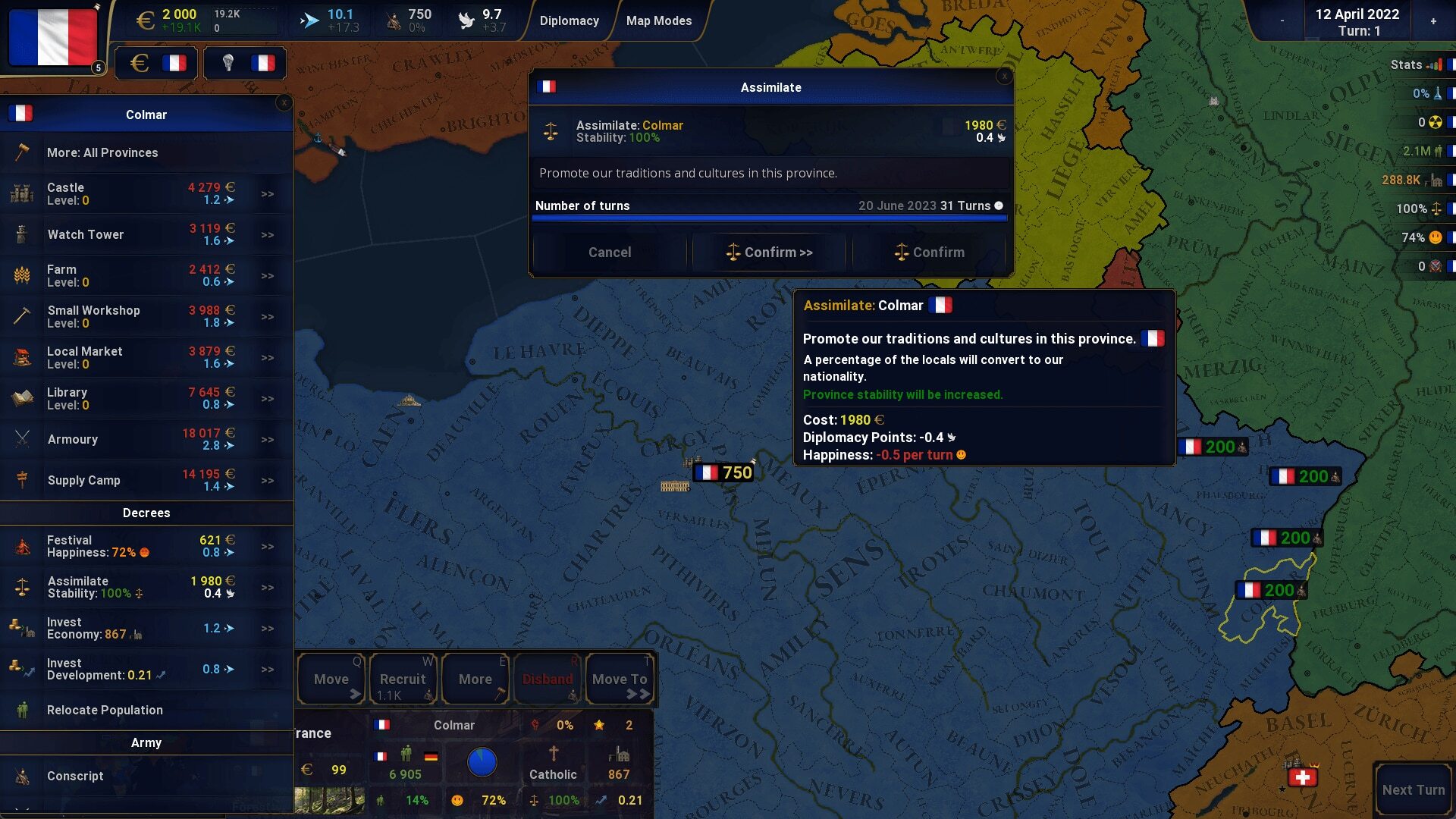
Modern Currency Icons
- A mod adds 55 special currency icons for 55 civilizations.
- The currency icons are loaded only in single-player games and only when the year is after 1999.
https://steamcommunity.com/sharedfiles/filedetails/?id=3680008465
https://www.youtube.com/watch?v=xBOwXJQ034E
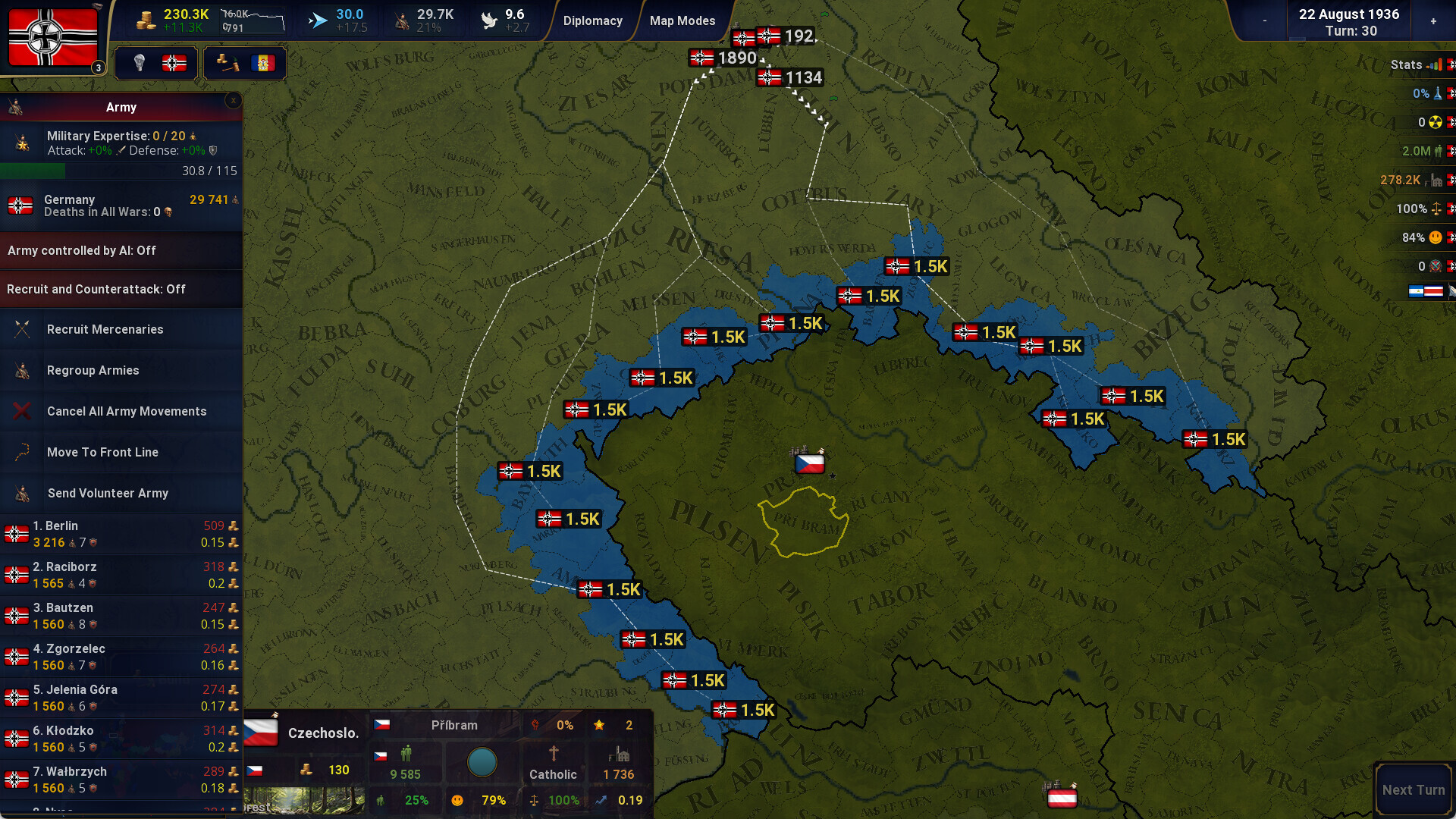
Move to Front Line
- Redistributes all armies from the selected province to all frontline provinces of the chosen civilization equally.
https://www.youtube.com/watch?v=XGwvlCl7Me8
Our spies report unusual military mobilization!
- There is a small chance to receive this information: Our spies report unusual military mobilization.
- The chance can be changed in the GameValues files.
https://www.youtube.com/watch?v=lrGSLLq03Ts
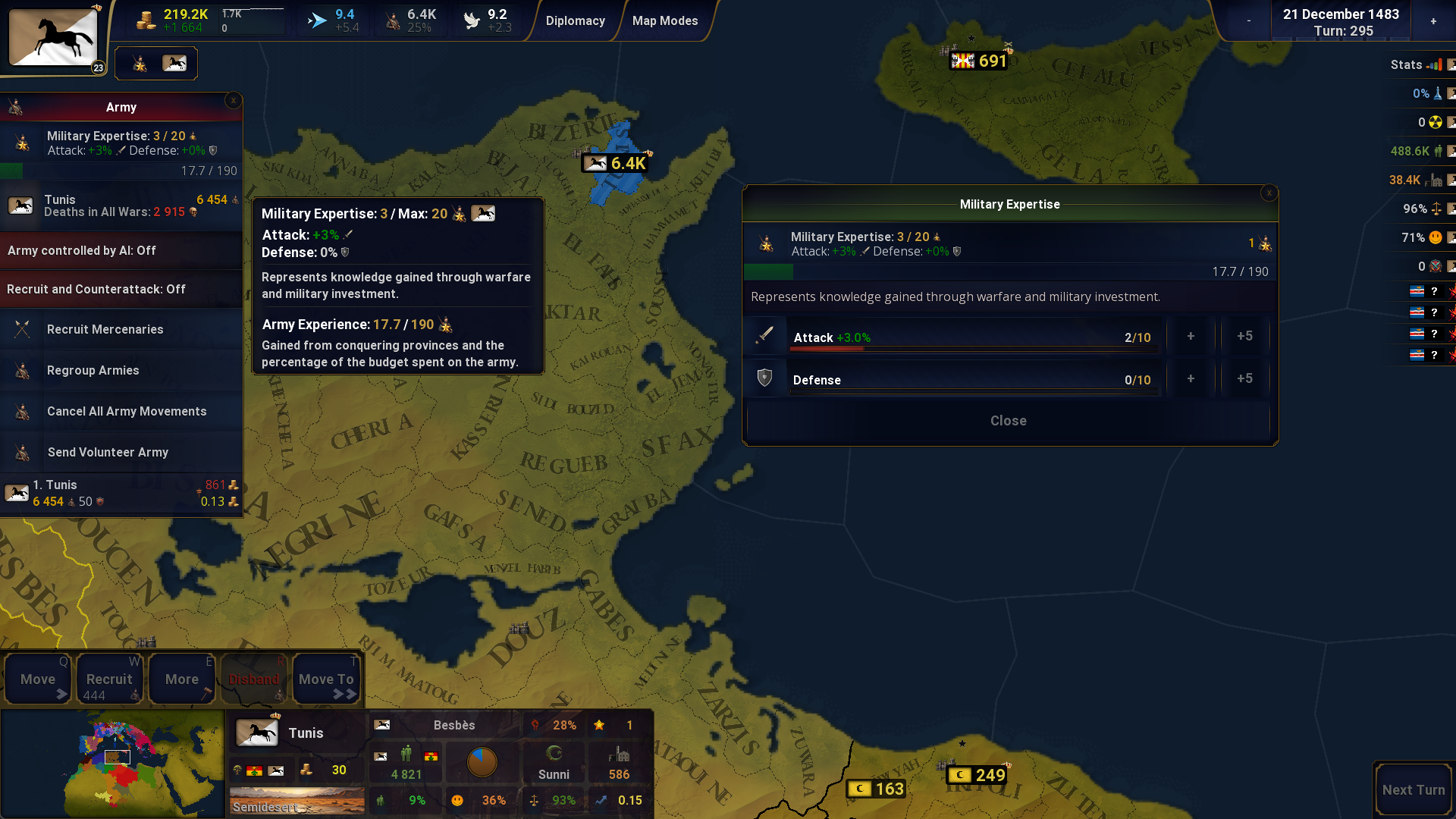
Military Expertise
- Represents knowledge gained through warfare and military investment.
- Gained from conquering provinces and the percentage of the budget spent on the army.
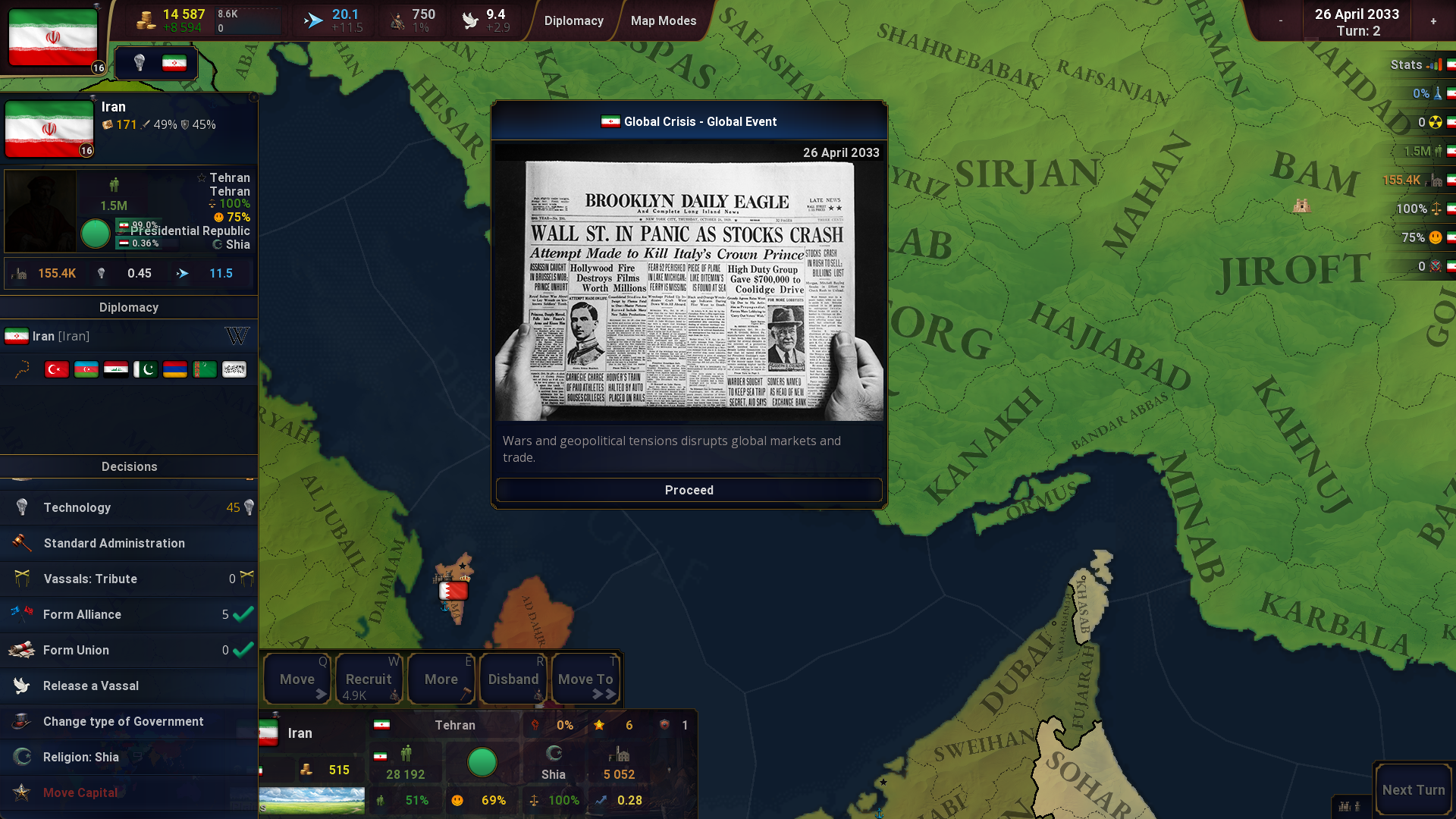
Global Events
- You can use them also as news events, where the event only appears without any effect, or you can give the event a global outcome.
- To create a Global Event, the "Recipient Civilization" must be set to Neutral.
- You can use any triggers and outcomes just like with a normal event.
- A global event will be shown to the player regardless of which civilization they are playing.
- If there is more than one outcome button, the player will be able to choose the outcome.
- “New multiple special global outcomes, such as all provinces getting ±X% economy, happiness, etc.
https://www.youtube.com/watch?v=FWsAxHIAD8U
New Event Outcomes
Change leader to the selected one or kill the current leader in the chosen civilization
Change religion
Change the player's civilization to the chosen one.
Fight a coalition
Build the chosen building in selected provinces (+1 level)
Destroy the chosen building in selected provinces (-1 level)
Add or remove a number of nukes that a civilization has
Drop an atomic bomb on selected provinces
Provoke all rebels in the chosen civilization
Impose sanctions from one civilization on another civilization
Change administration policy to the selected one
Organize a festival in all provinces of a civilization
Assimilate all provinces of a civilization
Change the military expertise of a civilization by +X or -X
Change military expertise attack value by +X or -X
Change military expertise defense value by +X or -X
Civilization enters Golden Age: Prosperity
Civilization enters Golden Age: Military
Civilization enters Golden Age: Science
Build or destroy X farms in random provinces in the chosen civilization
The same for: fort, watchtower, workshop, market, library, armoury, supply camp
Organize X festivals in random provinces of the chosen civilization
Rename a civilization
Rename a selected province
Remove or add X% of all armies of a civilization
Global event: change economy in all provinces by X%
Global event: change population in all provinces by X%
Global event: change development in all provinces by X%
Global event: change happiness in all provinces by X%
Global event: change army size in all provinces by X%
New Event Triggers
Religion in a civilization is the selected religion
Leader of a civilization is the selected leader
Civilization has the selected administration policy
Civilization has more or fewer nukes than X
Civilization has made more or fewer than X investments in the economy
Civilization has performed more or fewer than X assimilation actions
Civilization has organized more or fewer than X festivals
Civilization has spent more or less than X on economic investments
Civilization has spent more or less than X on development investments
Civilization's economy has increased by more or less than X
Civilization has spent more or less than X on assimilation of provinces
Military expertise of a civilization is higher or lower than X
Deaths in all wars of a civilization are higher or lower than X
Civilization has conquered more or fewer than X provinces
Civilization has constructed more or fewer than X buildings
Civilization has recruited more or fewer than X army units
Stability in a civilization is higher or lower than X
Average development in a civilization is higher or lower than X
Civilization has more or fewer than X forts built
The same for: watchtowers, ports, farms, workshops, libraries, armouries, supply camps, markets
Other
- New option to copy an existing event
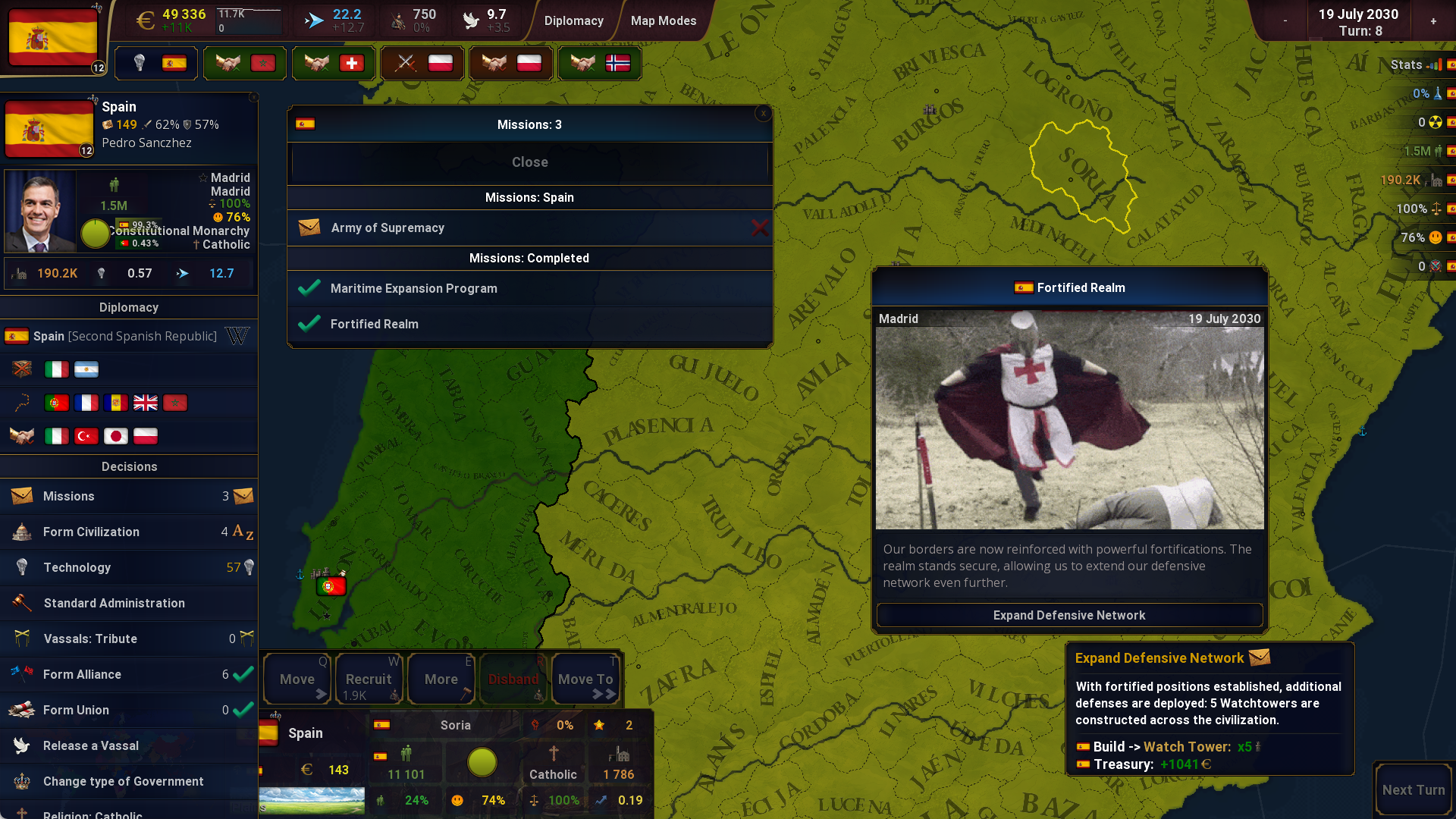
Missions for Civilizations have been added
- When creating a scenario, you can choose if an event is a mission and describe what the player has to do.
- When all mission conditions are met, the player can activate the mission. The AI does this automatically.
- To create a mission for a Civilization, set the recipient to a specific Civilization and enable the mission button.
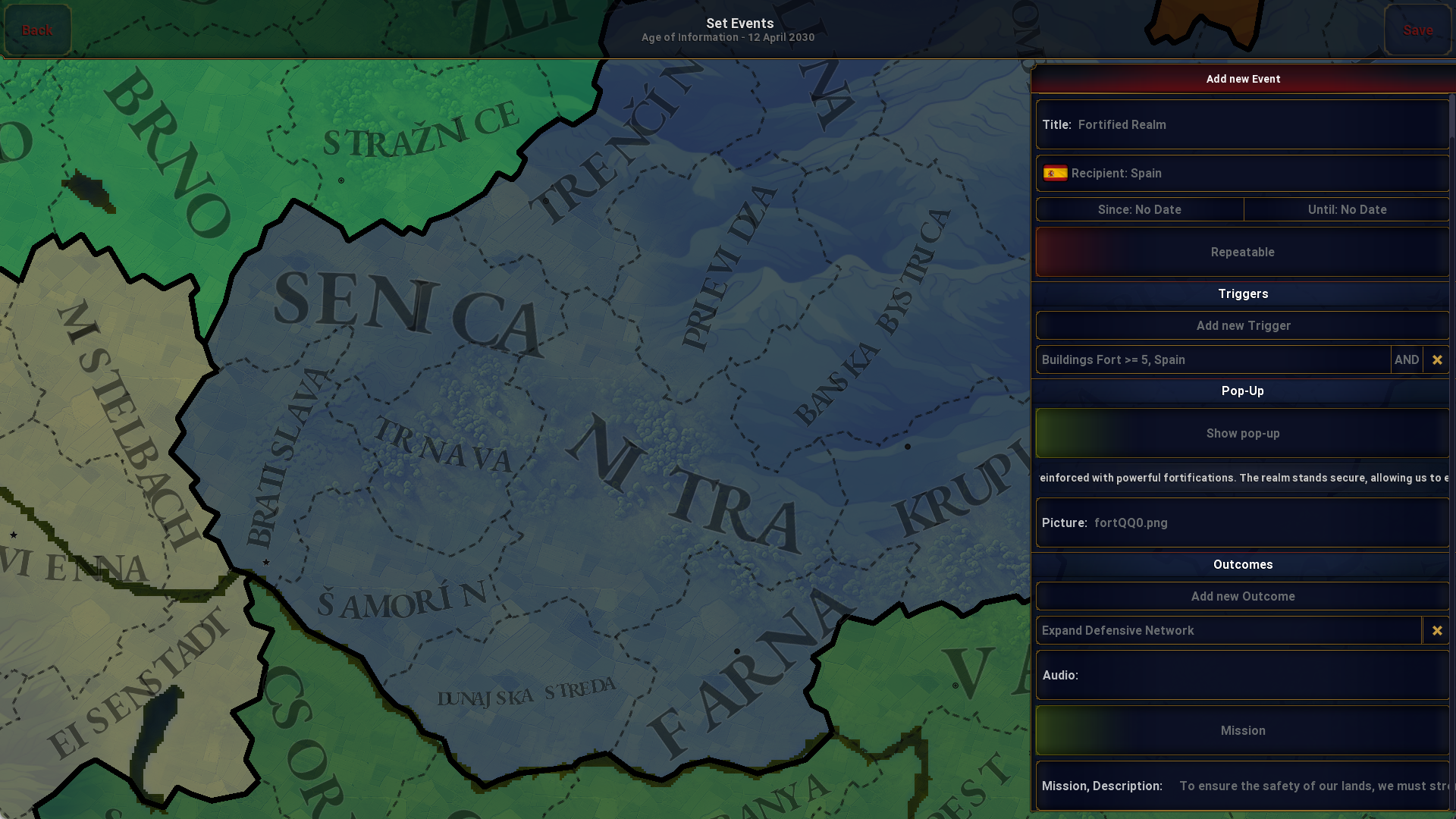
https://steamcommunity.com/sharedfiles/filedetails/?id=3687537505
Events Stored in JSON Files
- Events will now be stored as JSON files, with each event in its own file, making it possible to edit or create events in Notepad if needed.
- The game will still load events from the old event system if there are no events in the JSON files or if loading from JSON files is disabled.
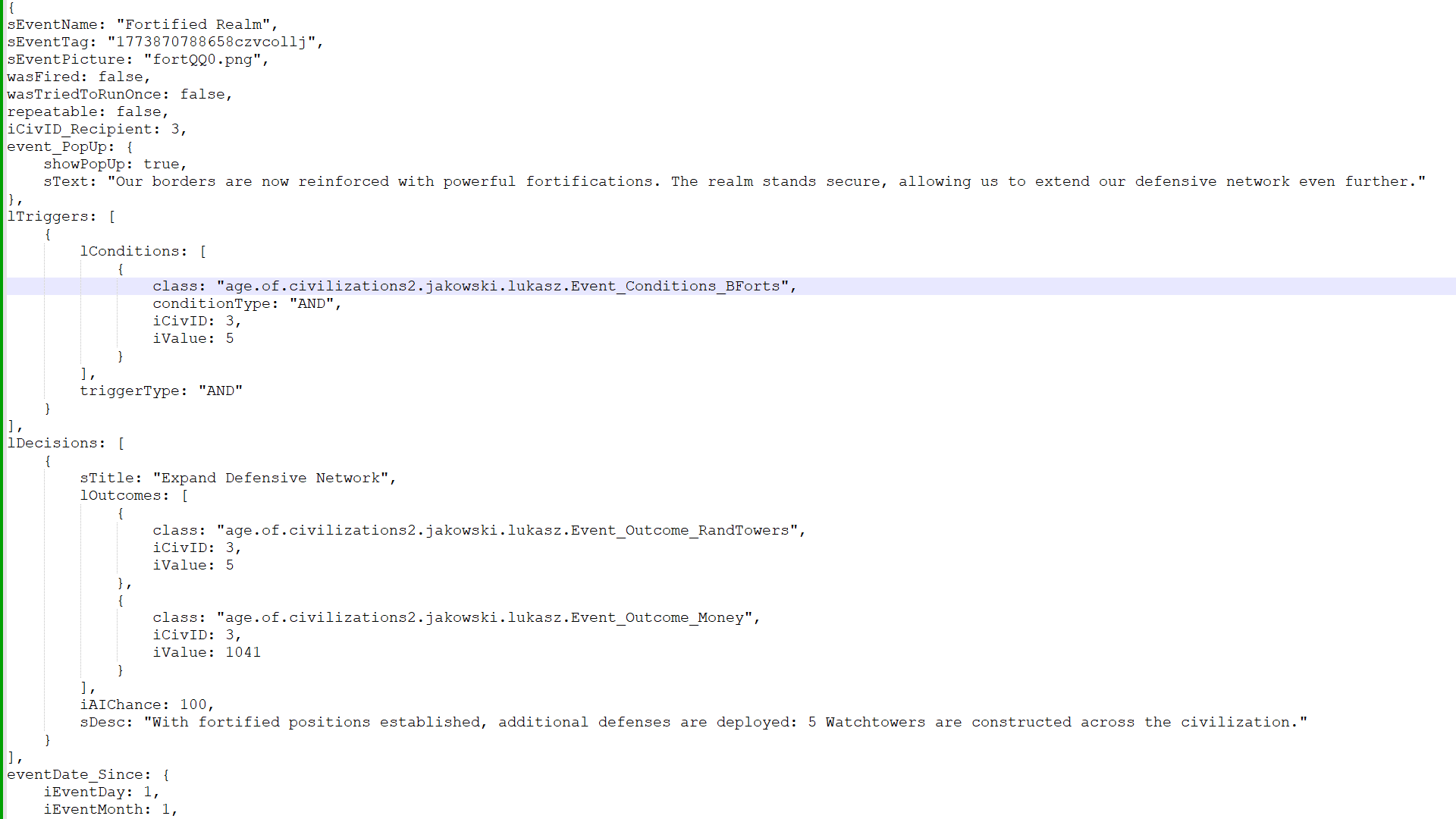
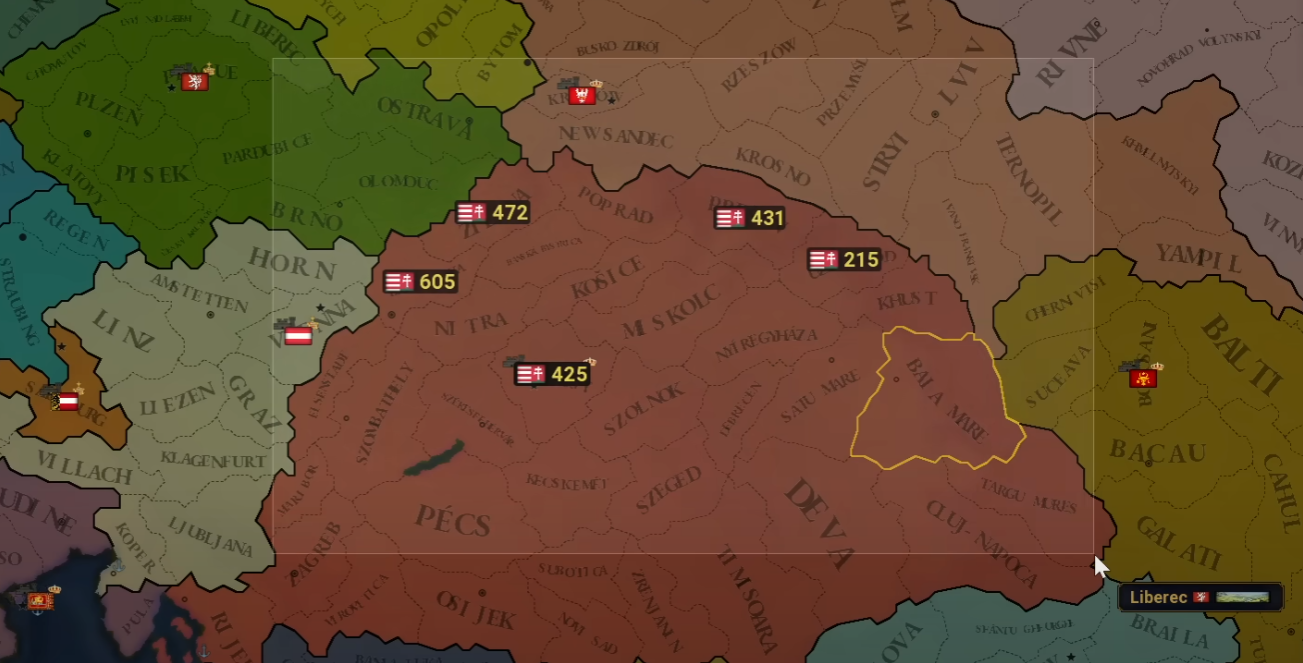
Civilization and province name animations appear after zooming out.
Multiple army selection and movement: Press and drag with the middle mouse button to
Select and move multiple armies at once.
War Declarations Now Display Directly on the Map
https://www.youtube.com/watch?v=8XQJUstYDvw
Automatic Assimilation
- Automatic assimilation will be performed when the player ends the turn.
- Send an army to a province with low stability to raise its stability. Neighboring provinces will also receive a smaller stability bonus. The number of units needed depends on the province's population.
https://www.youtube.com/watch?v=e5ZyrdxjGAU
Radio Stations, multiple music sets
https://steamcommunity.com/app/3381680/discussions/8/756179002520232082/
https://www.youtube.com/watch?v=8XQJUstYDvw
Add & Remove Players During Game
- You can add players only in Sandbox mode, and remove players at any time if there is more than one.
https://www.youtube.com/watch?v=GElYZ4130uQ
Leaders Descriptions
- If the wiki text for a leader does not contain any underscores (_), it is considered a description and displayed as such.
Holy Roman Empire
- The Emperor of the HRE can unite the HRE if 10 or fewer civilizations remain.
- The Emperor can also dissolve the HRE.
- Any member of the HRE can leave via the Decisions menu.
- The Emperor can invite new civilizations to the HRE; positive relations are required, and there is a limit on how many can be invited per game.
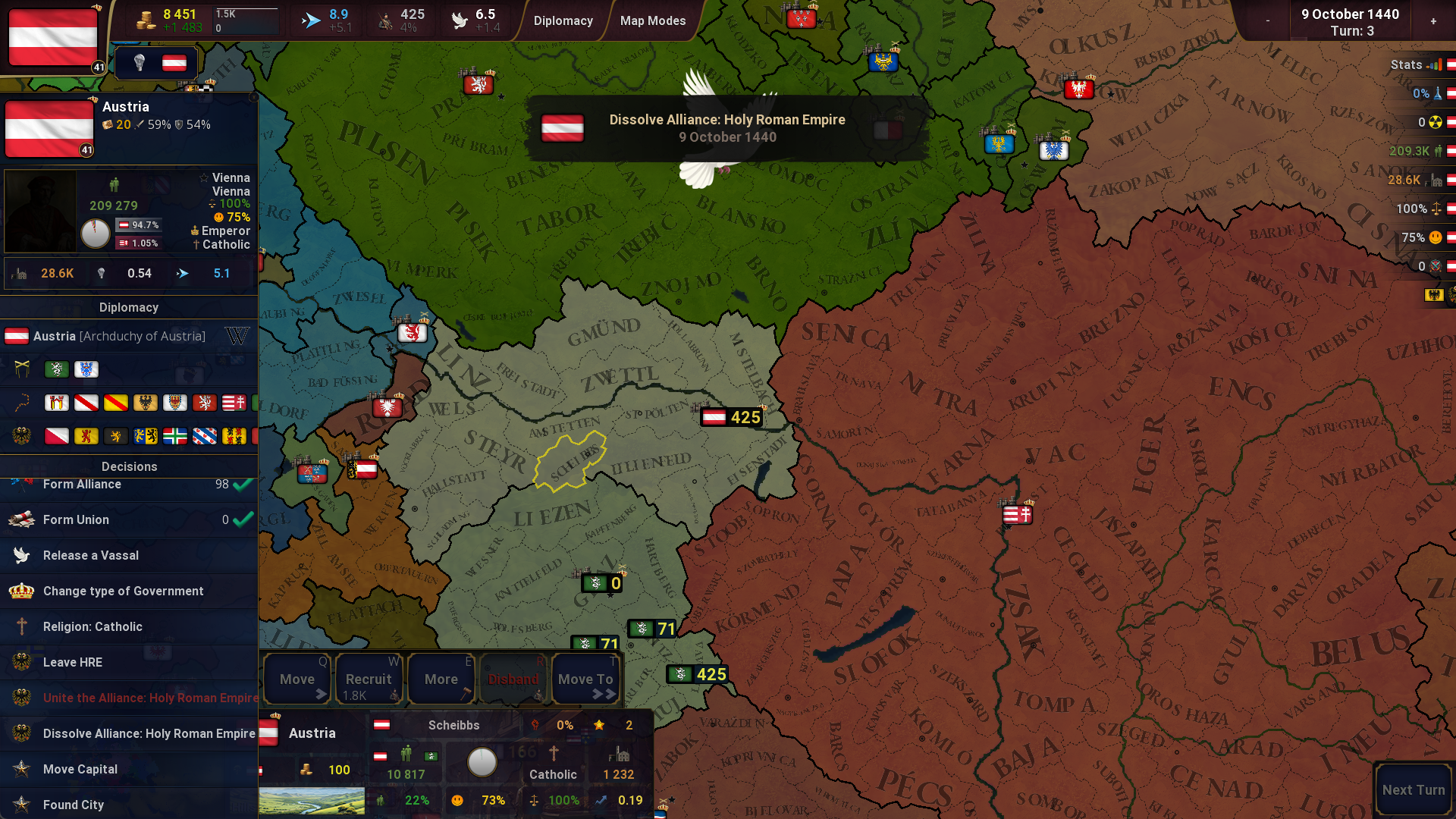
Scenario Descriptions
- t is now possible to add scenario descriptions by placing a ‘Desc.txt’ file in the scenario folder.
Custom Event Templates
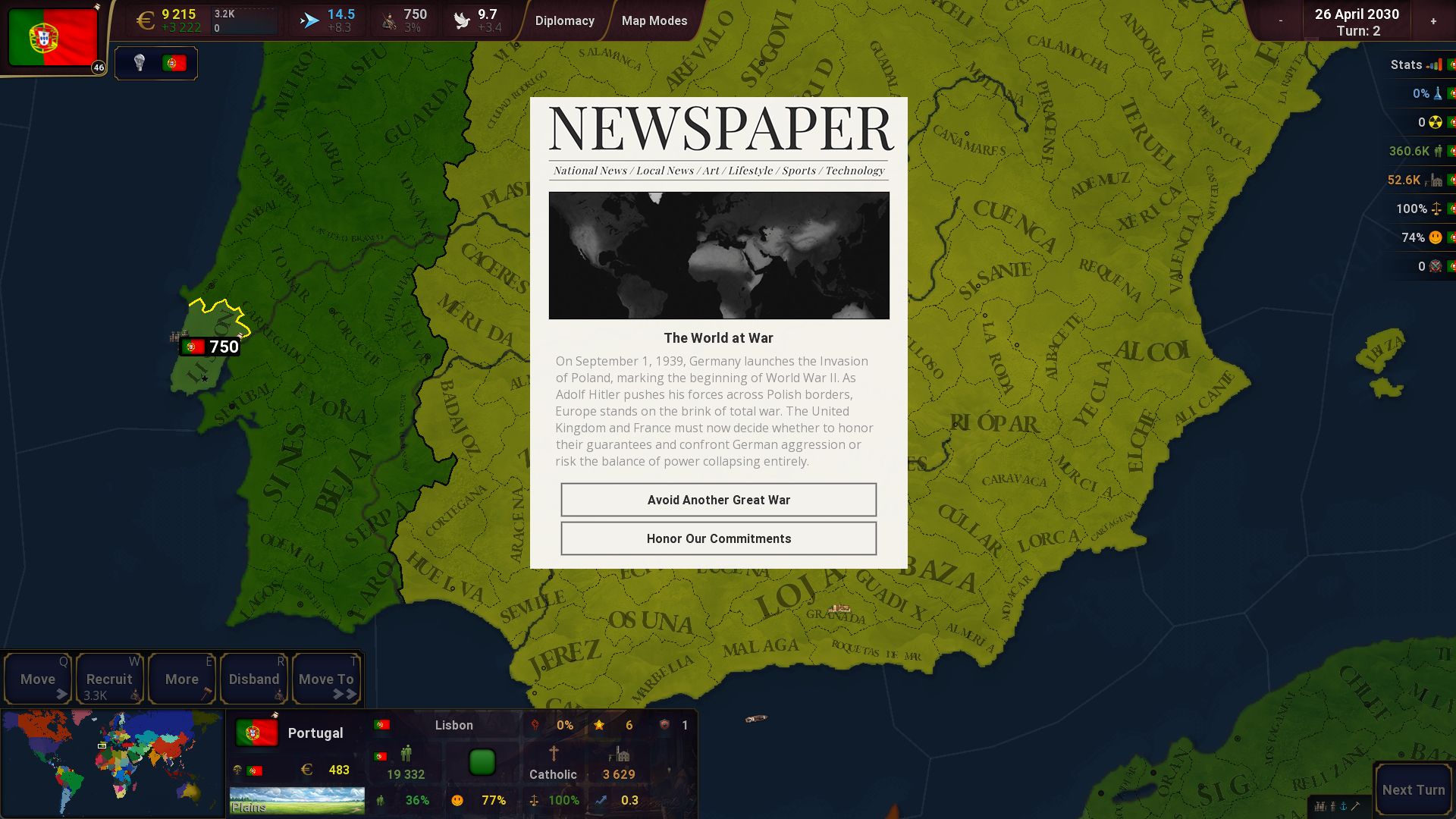
It will be possible to create and use custom event templates, such as the newspaper style.
The template is empty by default. In EventTemplates.json, you can define a custom background for each template (e.g., a newspaper layout), a default image if none is specified for an event, button image, as well as the positions of the title, description, and buttons.
Here is a mod example showing how to do it: https://steamcommunity.com/sharedfiles/filedetails/?id=3689505731
In EventTemplates.json, you can add multiple templates, and the game will read and load EventTemplates.json files from all mods.
The file path for EventTemplates.json is: UI/events/templates/EventTemplates.json
When creating an event, you can choose which template will be used either the default one or a custom template.
You can use multiple templates for different events.
https://www.youtube.com/watch?v=SUTjaphGwAw
Ceasefire
When the fighting between two Civilizations becomes too costly or uncertain, you may call a temporary ceasefire.
This pause in conflict allows both sides to regroup and rebuild, but it is only temporary hostilities will resume once the agreed period ends.
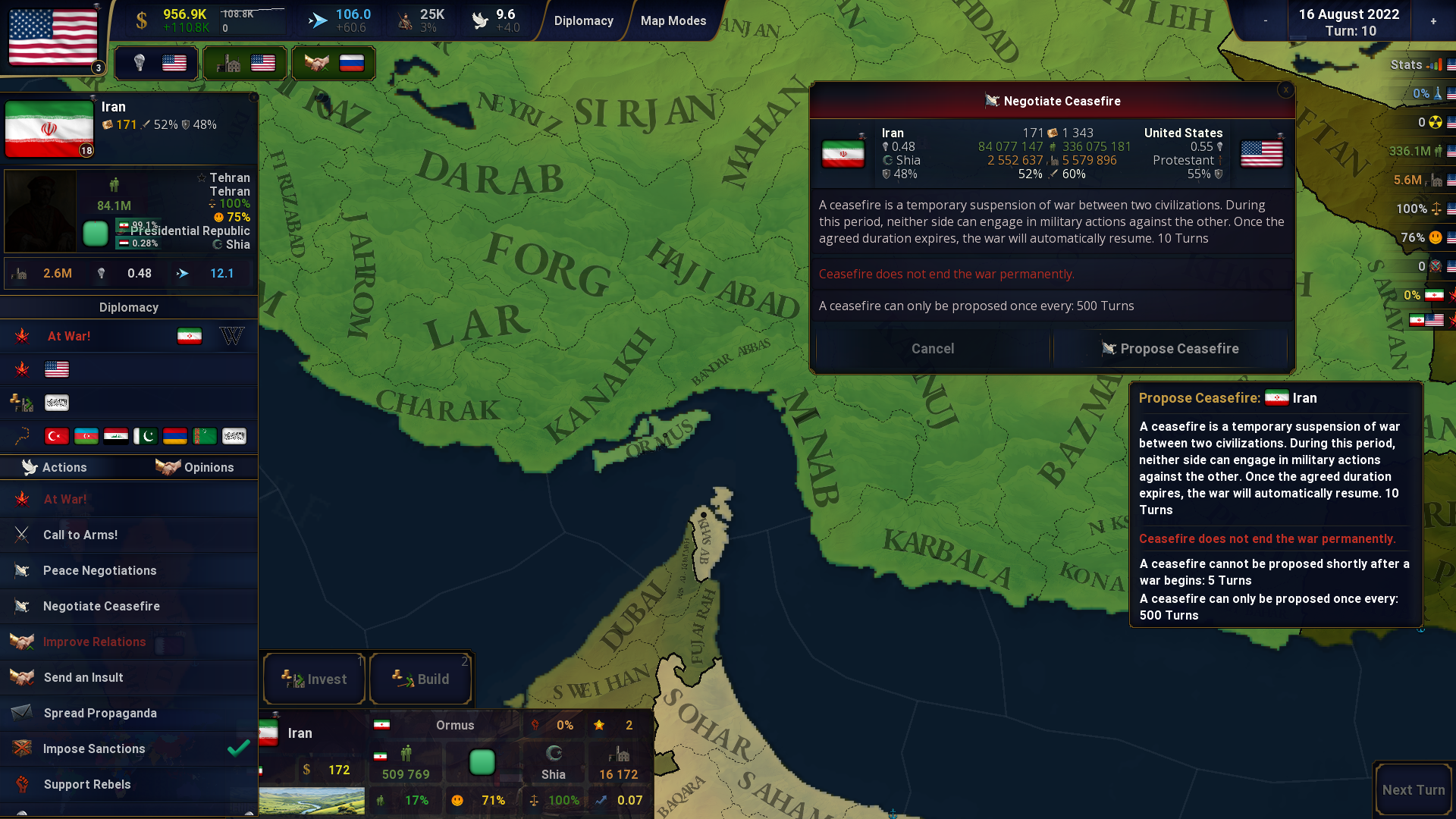
Use this wisely to recover strength or prepare for the next phase of war.