
Commanders, Update 260721 is now live!
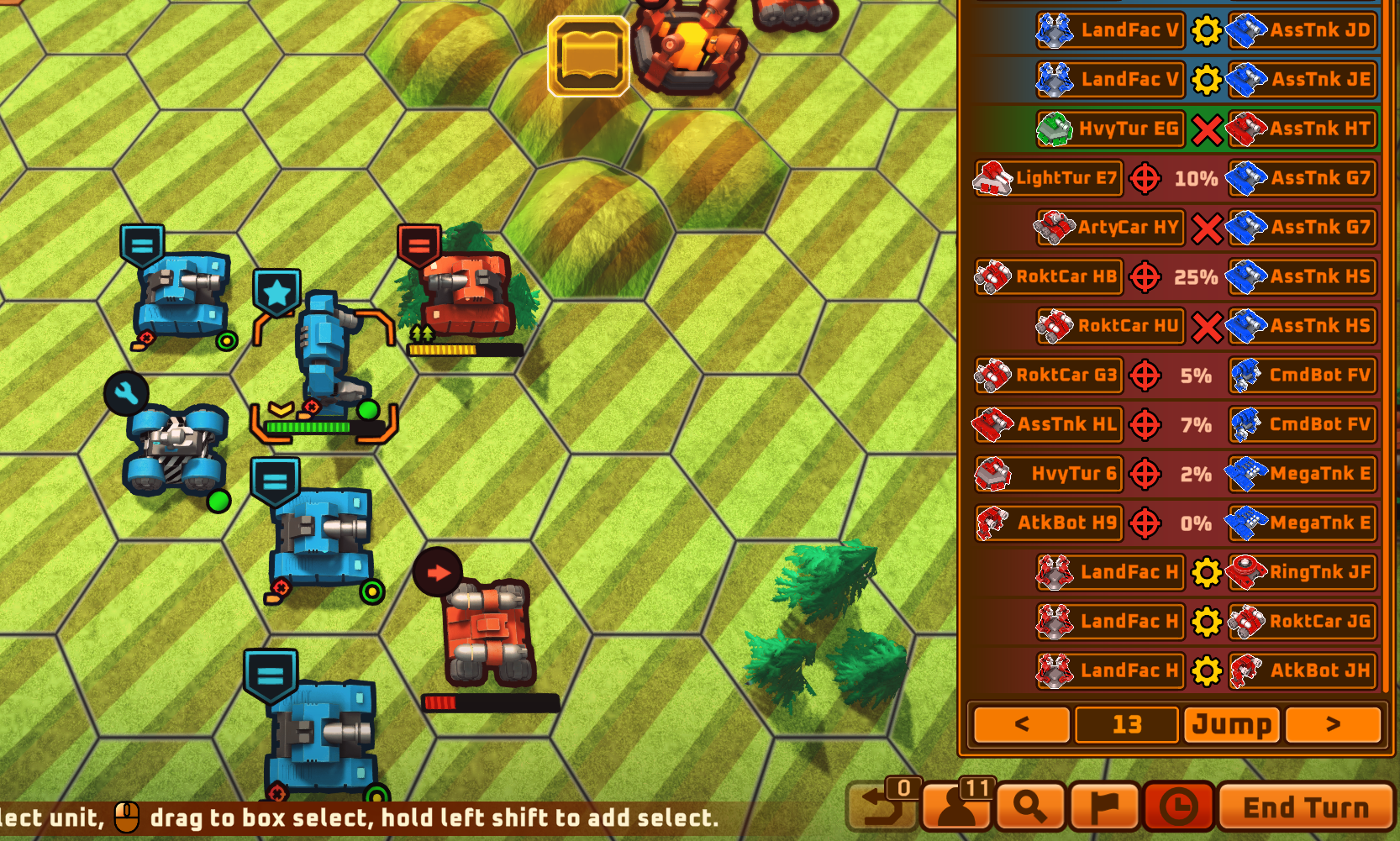
New History Review System
Every action of every unit across all turns is now recorded.
Open the history panel via the button at the bottom-right corner.
Click on an entry to jump to the corresponding action location.
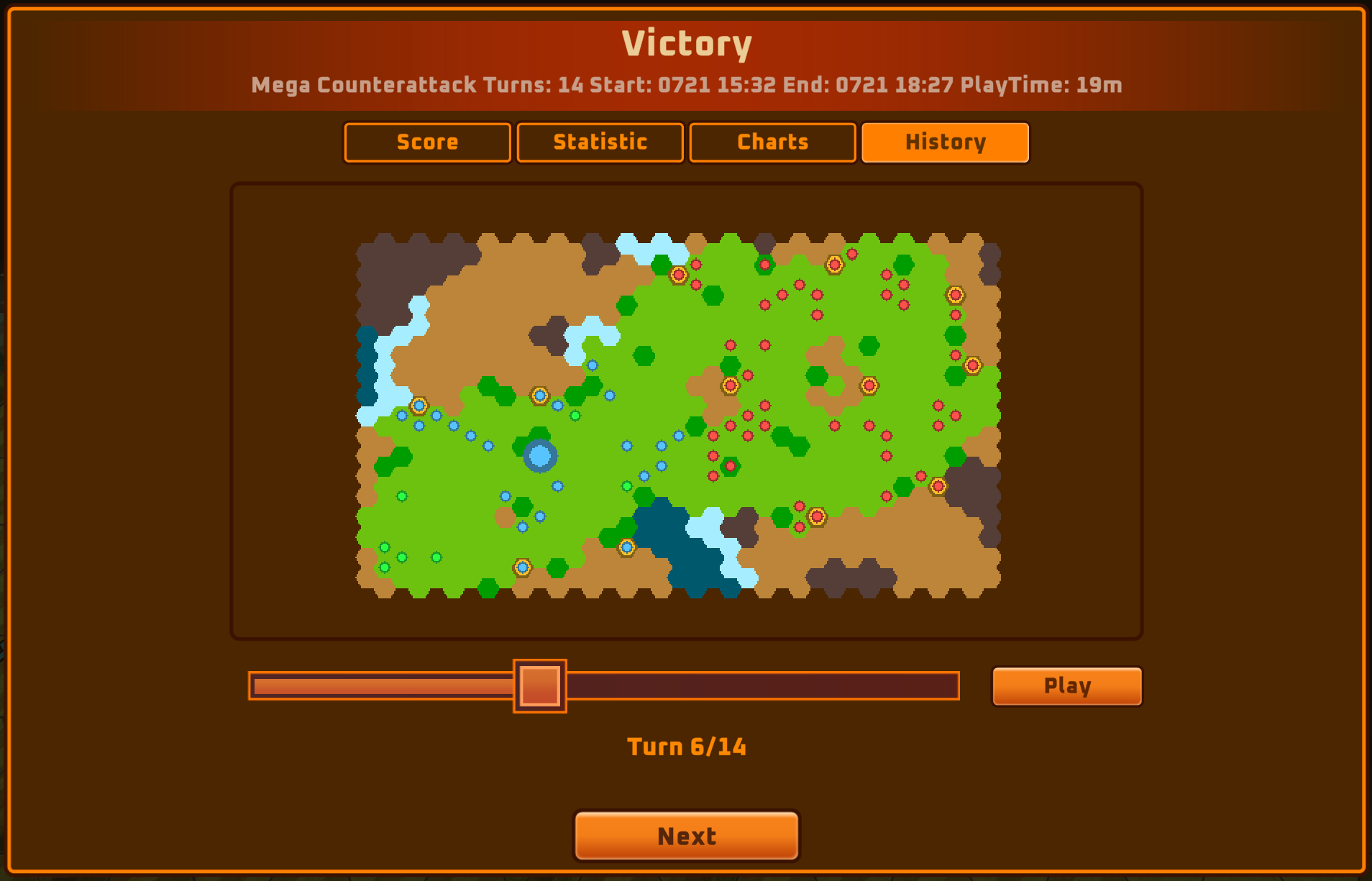
New Battle Review System
View the economy curve over the course of the battle.
Review snapshot history for each turn.
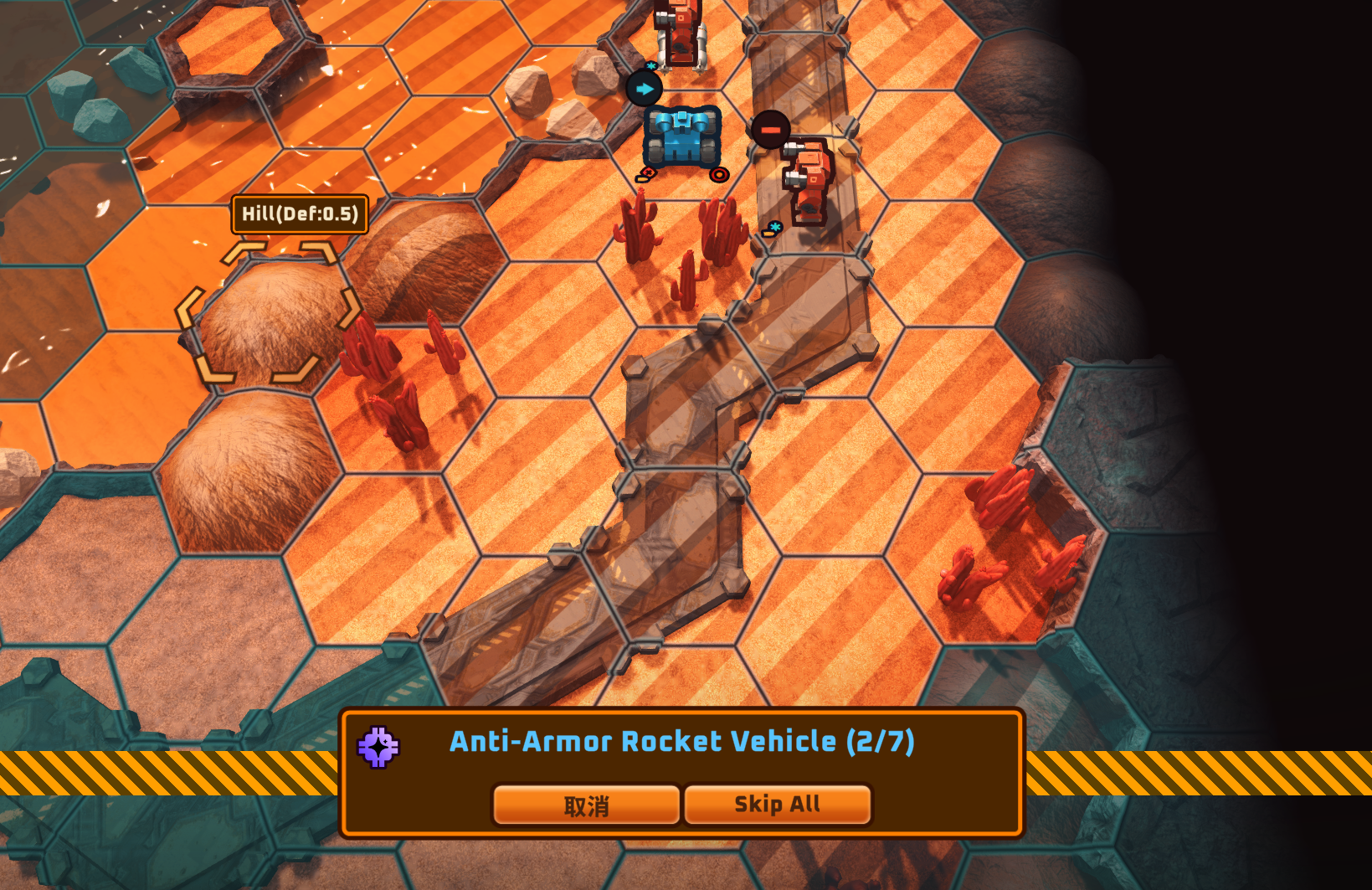
Auto-Decision System Improvements
A dedicated panel is now shown when the auto-decision system takes over.
This feature can be toggled individually for each unit.
Toggle whether different unit types use this feature in the options menu.
The end-turn panel now shows which units can be taken over by the auto-decision system.
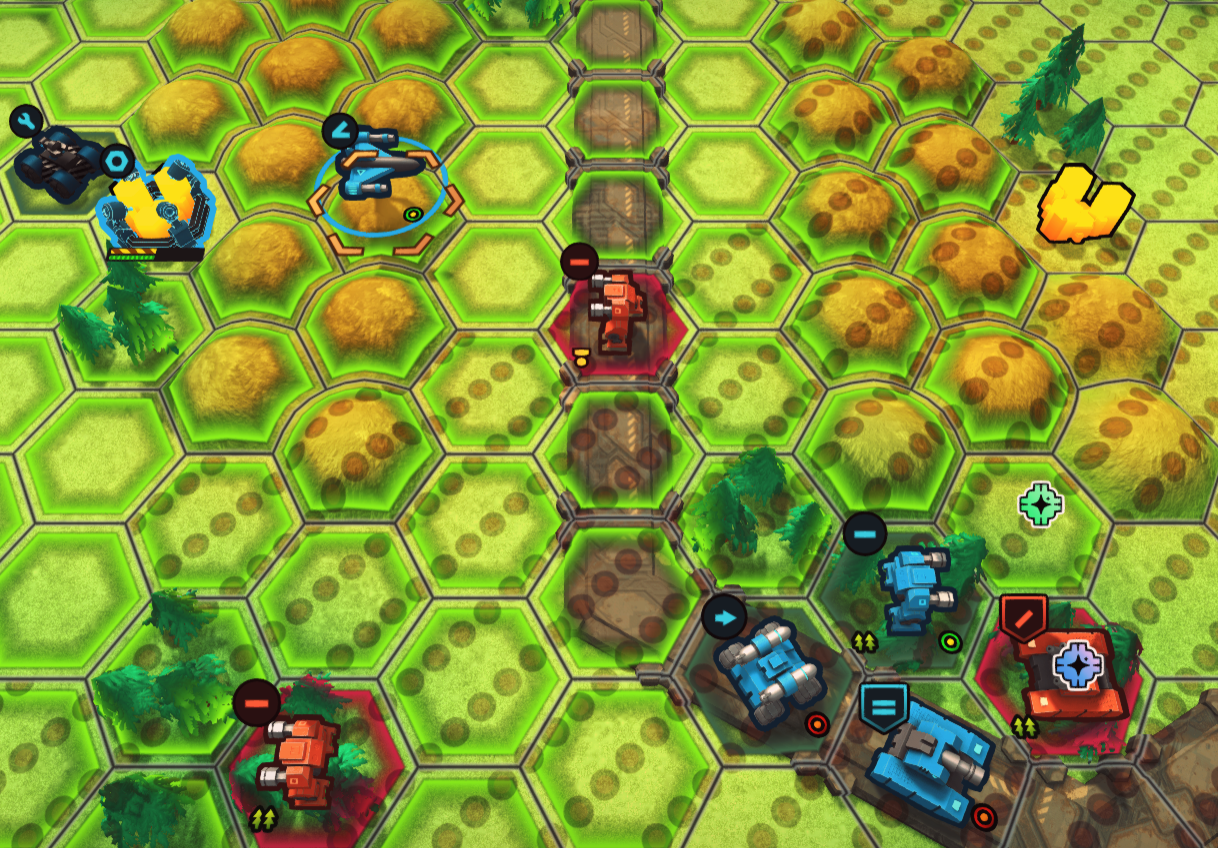
Danger Zone Improvements
When a unit is selected, the danger zone displays enemy attack ranges based on the unit's type — for example, only anti-air ranges are shown when an air unit is selected.
Other Adjustments
- Adjusted the modeling design of certain units.
- Engineering capacity and build cost values have been scaled up by 10x, now using integer arithmetic.
- Cutscene dialogue can now be fully skipped by pressing the ESC key.
- Skill icons have been moved to the top area.
- Adjusted content restrictions for the demo version.
- Adjusted skills and passive effects of multiple commanders.
- The shield damage state now prevents shields from being replenished beyond a certain threshold.
- Explosion marks no longer appear on deep-water terrain and now fade out gradually.
- Added wake trails for naval units.
- Improved the wording for "Sleep" and "Standby" options in the right-click menu.
- Added treasure chest units — destroying them in campaign missions grants rewards.
- Fixed several issues with shield protection logic.
- Improved the logic for displaying wreckage information when an engineer is selected.
- Added a building hint system.
- Various adjustments and optimizations have been made to campaign missions.
- Fixed an issue where commander experience could become negative upon leveling up.
- Added tracking for playtime and session start time.
- Improved the minimap display on the loading screen.
- Improved the display colors of unit models and UI elements.