
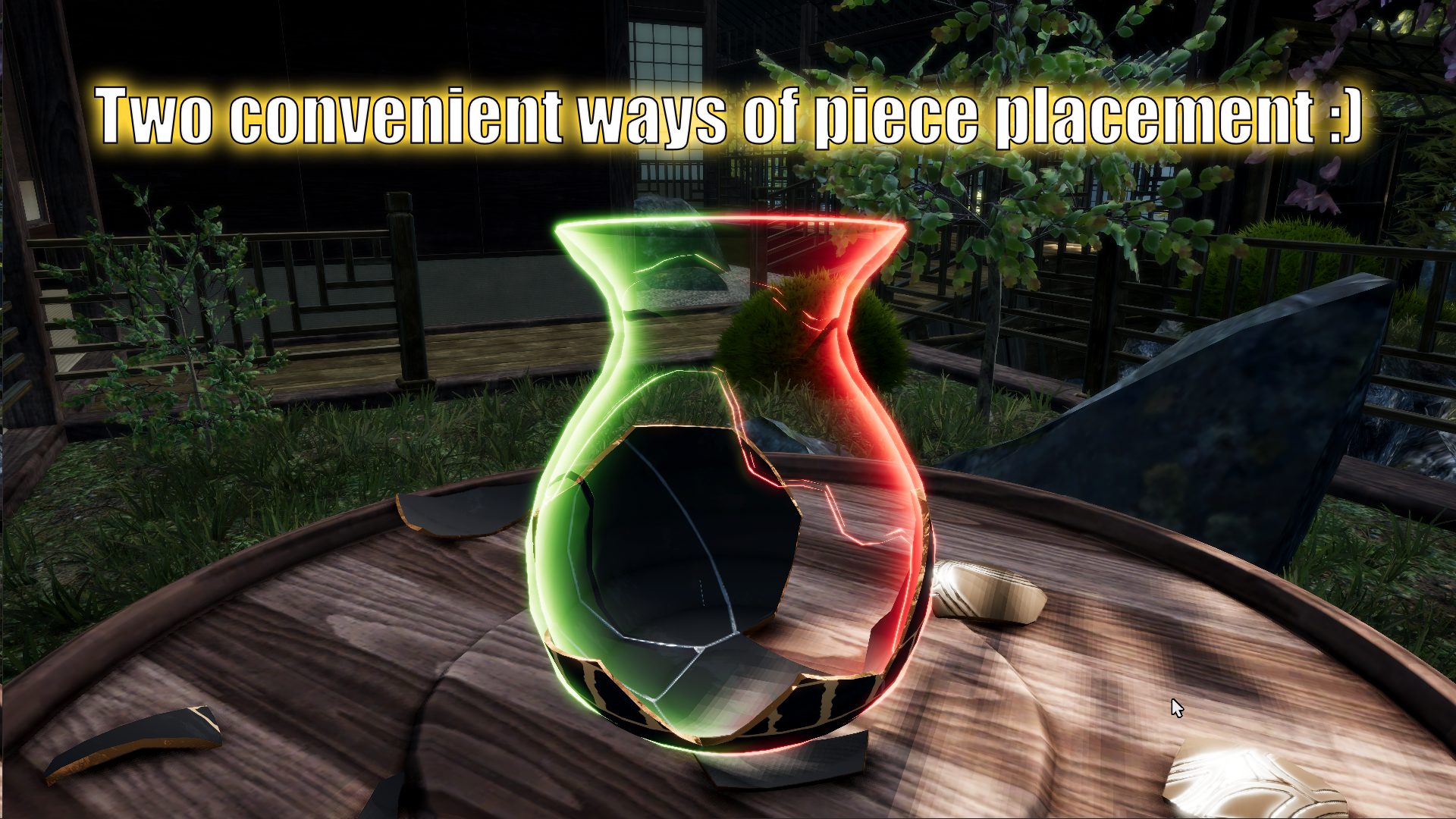
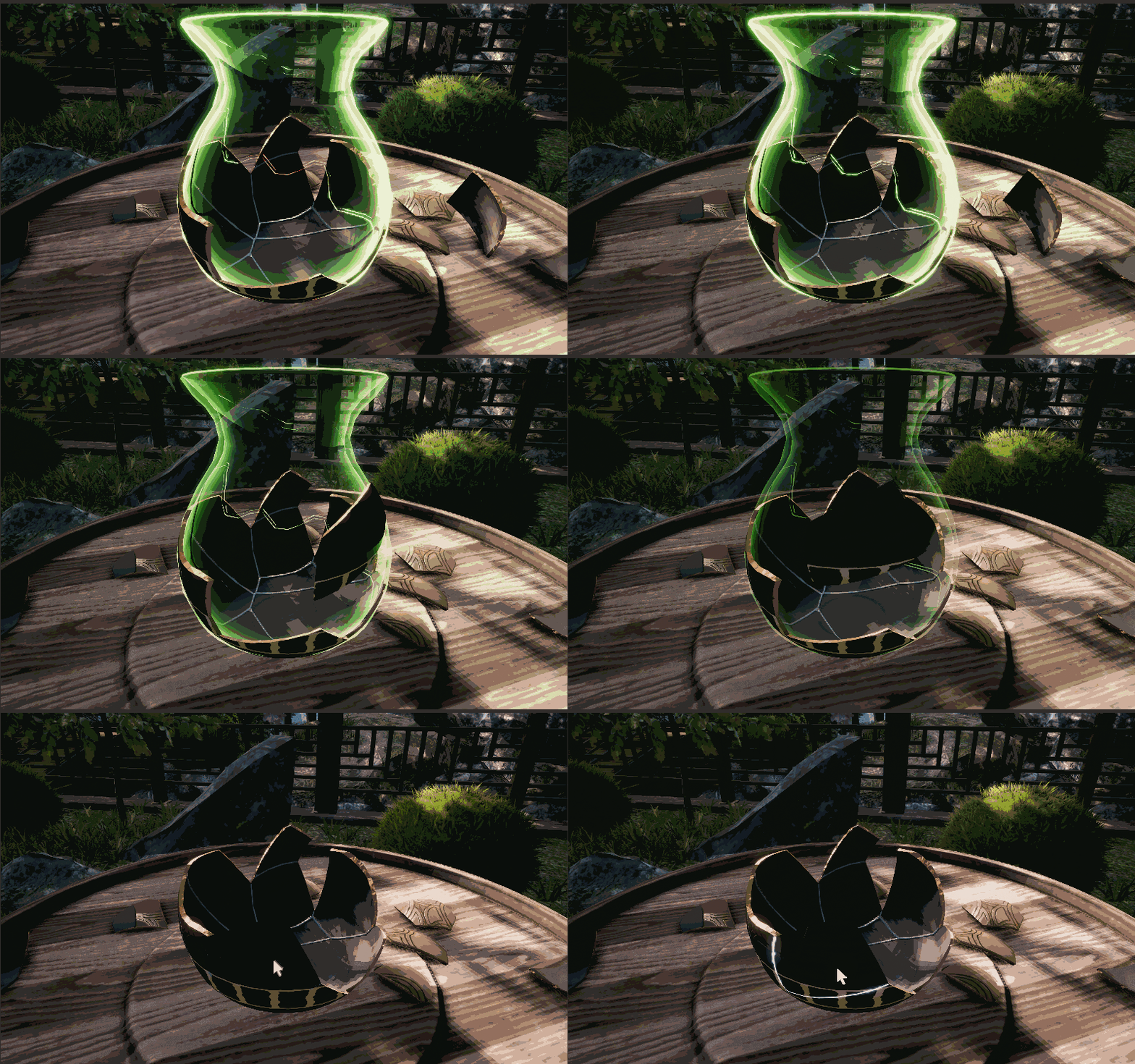
With "mode OUT" placing pieces is as usual, you see them from the same point of view as piece being placed.
This might cause some issues if some pieces needs to be placed with precision.
To make such process more straightforward ( and less guess work involved ) there is alternate method:
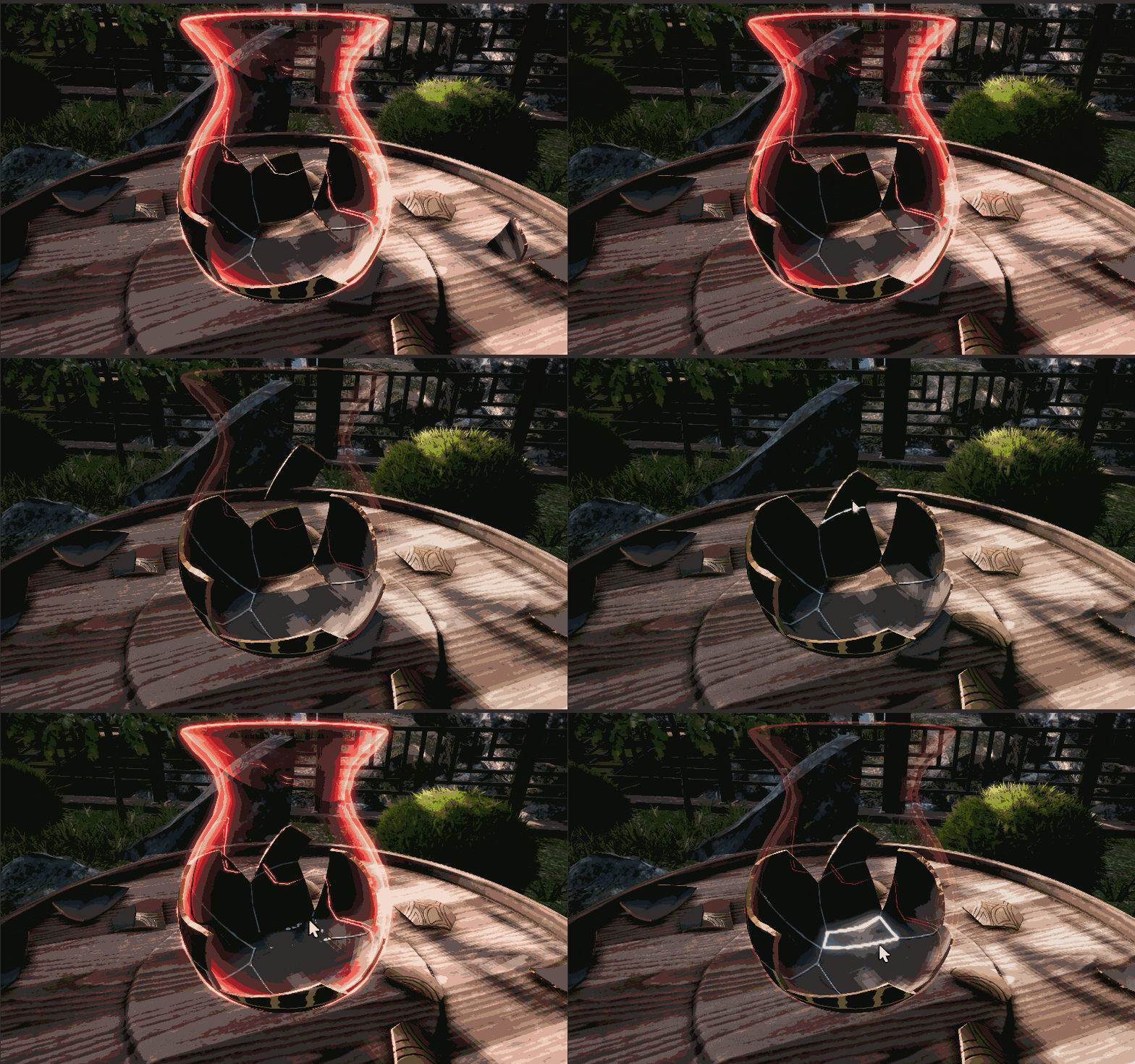
"mode IN: ;) This one allows you to see and place pieces while they are at opposite side of your point of view :)
This will make more tight places more accessible and assembly proces will be way more convenient and "to the point" :)
You can swap between modes at any time, depending on the "situation" pick the one more suiting effortless placement :)
How ?? :D With "C" on keyboard or "RB" on gamepad, at your convenience :)
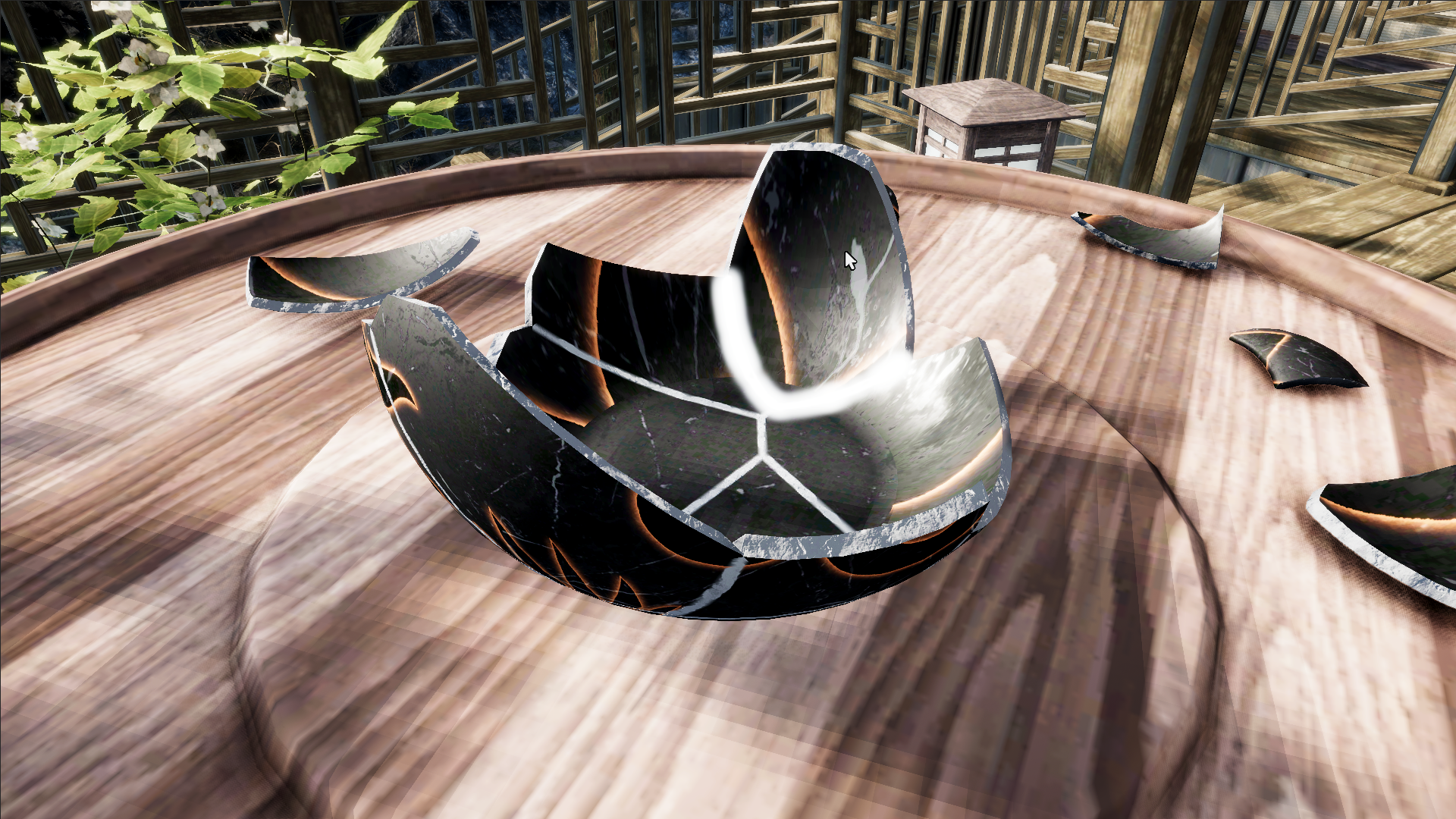
Also, there is a small improvement for camera navigation. Now you can ZOOM IN really close, great for more demanding assembly levels.
All The Best
Adam.