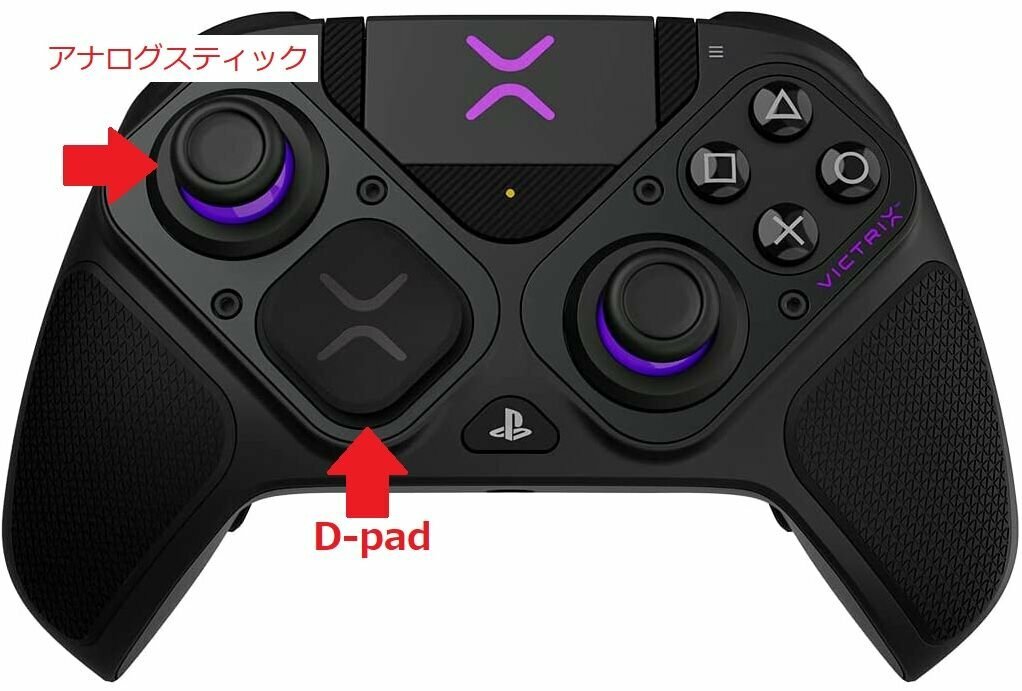
If you play GatePass with a gamepad, we have included a setting to automatically recognize keys on the game side.
The key layout is as follows.
The left is for the keyboard and the right is for the gamepad.
Up key: D-pad up cursor
Down key: D-pad down cursor
Right key: D-pad right cursor
Left key: D-pad left cursor
Esc key (Cancel): BACK button
Shift (Jump & Decide): A button
R key (retry): Y button
Please note that if you use the controller with keyboard assignments (when using joytokey), keyboard input and pad input will overlap, resulting in buggy movement. Please avoid using joytokey when using the pad.
In the instruction manual that has already been published, it is declared to ask for keyboard assignment, but it is a setting of the old version. Please understand.