Welcome Back!
Hello everyone! I'm incredibly excited to announce that the next major update for Delve Down Under, Version 0.2.7, is now live!
While the last update focused on content and gameplay systems, this one was a massive technical undertaking focused squarely on you, the player. I’ve completely overhauled the game's input-handling backend to introduce some of the most requested features, making the game more accessible, comfortable, and customizable than ever before. Let's get into it.
Take Control: Full Gamepad Support is Here!
You asked for it, and I’m stoked to deliver: Delve Down Under now has full, seamless gamepad support!
This wasn't just about mapping movement and shooting. I've rebuilt every single UI interface from the ground up to be fully navigable with a controller. This includes:
The Main Menu & Character Select
The Shop, Campsite, and all in-game vendors
The Pause Screen, Death Screen, and Victory Screen
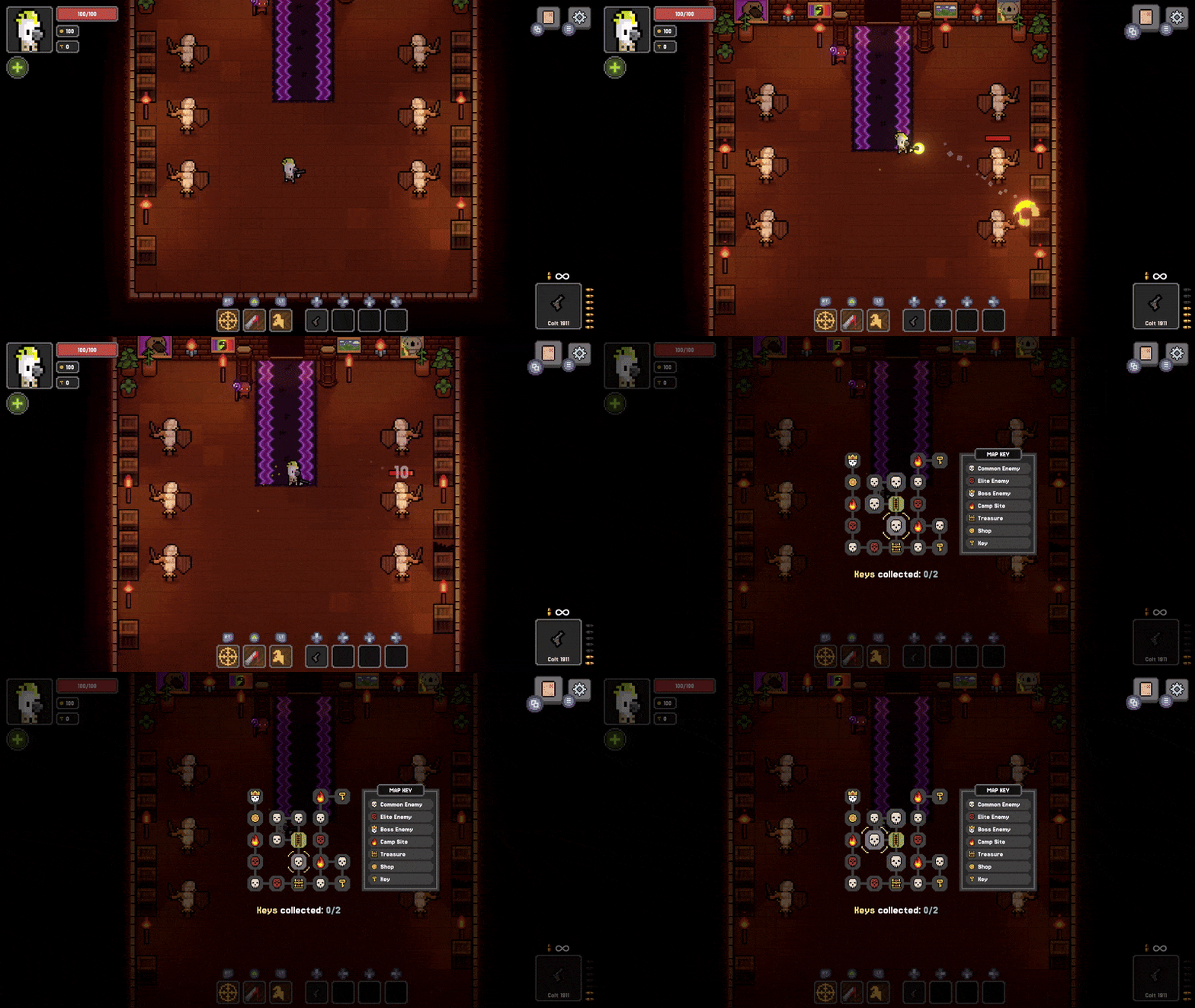
The full-screen Map, which can now be panned and explored with a joystick
The game will also automatically detect what device you're using and switch all on-screen button prompts to match. So whether you like keyboard & mouse at your desk, or prefer to kick back on the couch with a controller, you’ll have a smooth experience.
Your Game, Your Rules: Complete Key Remapping
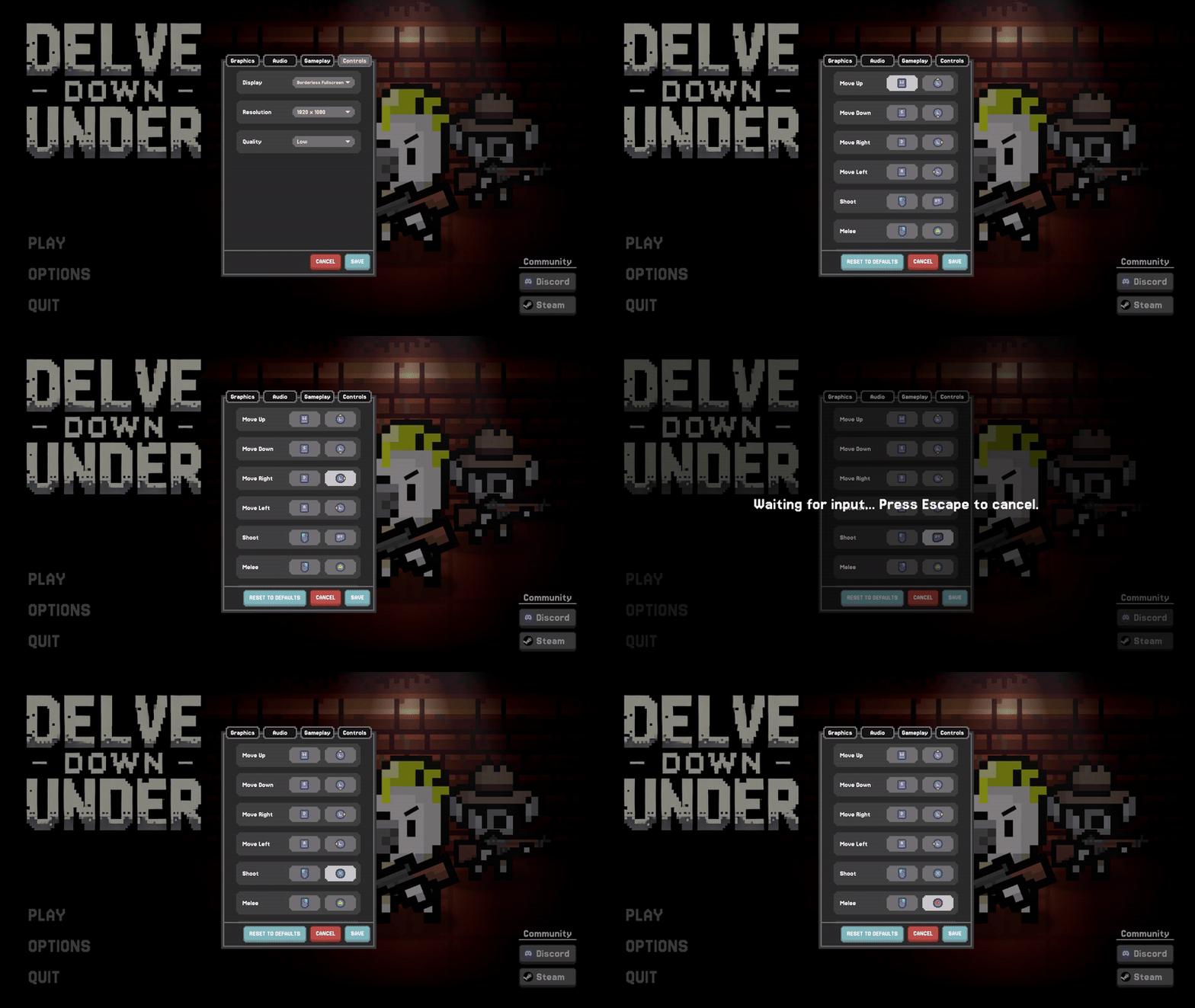
To go along with the new input system, I've added a robust key remapping feature to the settings menu. Every single gameplay action for both Keyboard/Mouse and Gamepad can now be rebound to whatever key or button you find most comfortable.
The system is smart, too. When you remap a key, all relevant UI elements in the game—from the tutorial prompts to the ability icons on your HUD—will dynamically update to show your new, custom binding.
Smaller Changes & Quality of Life Fixes
A huge thank you to all the play testers who provided feedback! This update is packed with fixes and polish based directly on your experiences.
Potion Power-Up: The Morphine (formerly Invincibility Potion), Emu, and Gunslinger potions have all been buffed to be more effective and satisfying to use.
Item Dropping: You can now drop items without destroying them. You can also now scavenge for items at campsites even if your inventory is full. Any overflow items will simply be dropped on the ground for you to manage.
Audio Overhaul: I've implemented a new audio mixing system for more accurate volume control via the settings sliders. Also, a bug that incorrectly muted sound effects when the game was paused has been squashed.
Visual & UI Polish: Implemented a better screen flash effect, improved the global lighting and brightness settings, and polished UI elements like the settings tabs and button sprites for better clarity and feel. The game's camera has also been pulled back slightly to give you a better view of the action.
No More Infinite Ammo: Fixed a visual bug where some items would incorrectly display an infinite ammo symbol.
Behind the Scenes: The entire game now runs on Unity's new Input System, a major technical upgrade that makes all of the above features possible and provides a much more stable foundation for the future. I've also compressed new audio tracks to reduce the game's overall file size.
What's Next?
This update was a necessary and massive technical deep-dive to get the game's core systems right. Now that you have full control over how you play, my focus is returning to the promise I made in the last devlog: transforming the world itself.
The goal remains to evolve the level generation from "a bunch of random squares" into a system that creates more intelligently designed rooms, more interesting layouts, and a world that feels like a coherent and twisted place you are exploring. This is the next major step in bringing the horrifying depths of Uluru to life.
Cheers!
Will, Viking Roo