
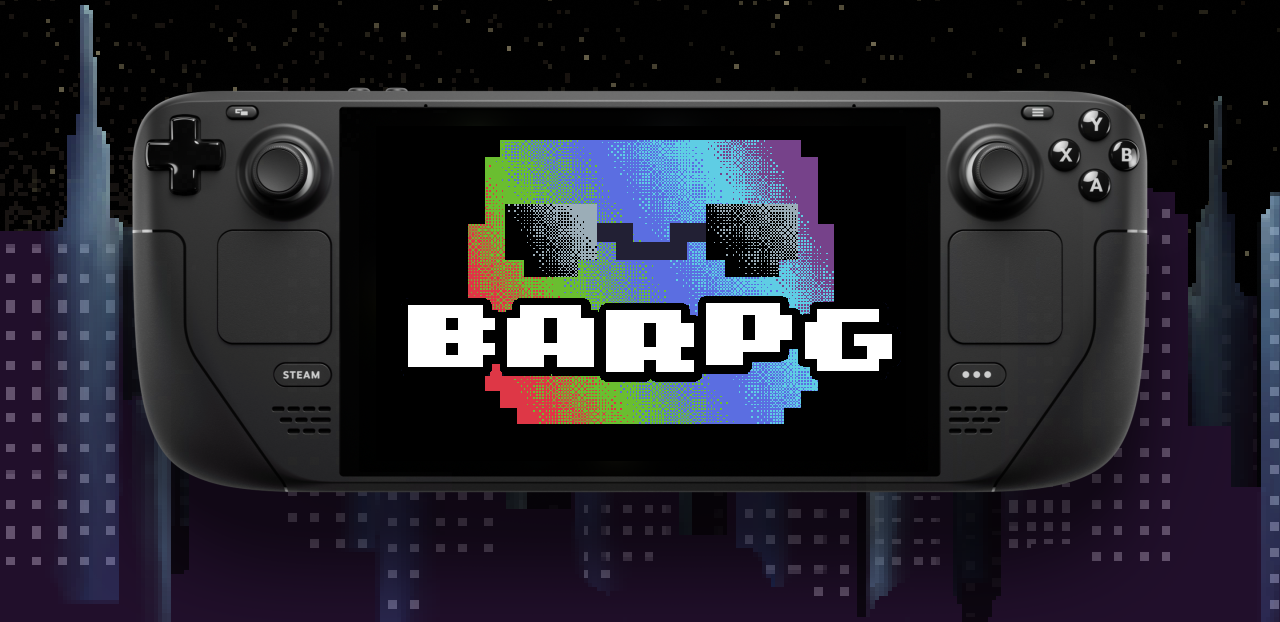
To Players on Steam Deck:
Hello there! I haven't forgotten about you, and I'm working on making sure this game is fully playable to you, in the best state it possibly can. As of now, the demo should be fully playable using a controller layout I have created myself. Please follow the steps listed below to give it a shot:
- With the game running, open Controller Layouts in the Steam Deck menu.
- Select the so-called "Official Layout" in order to change it. Change tabs over to the "Community Layouts".
- If no community layouts show up, press the "X" button to "Show all Layouts"
- Select the layout uploaded by me, titled "GavLov's Steam Deck Profile".
Some Notes
- The layout should work out of the box, somewhat as a hybrid of the gamepad controls and the Mouse Controls.
- Button glyphs are not entirely accurate at the moment, specifically for "grabbing". By default, grabbing is handled by pressing the right trackpad, which moves the mouse. Grabbing is NOT done by using the gamepad glyph displayed on screen (LT by default). Working on handling this.
- RT pours the bottle, with pressure dependence deciding the angle of pour. I feel this works better than trying to emulate the "bottle flipping" mechanic of Mouse gameplay with the trackpad. If you feel differently, you can certainly remap the 'Start Pour' button using the in-game controls remapping. Remapping this button to anything other than a Trigger or Analog Stick will enable bottle flipping just like the Mouse/Keyboard controls.