
East Asian Cup
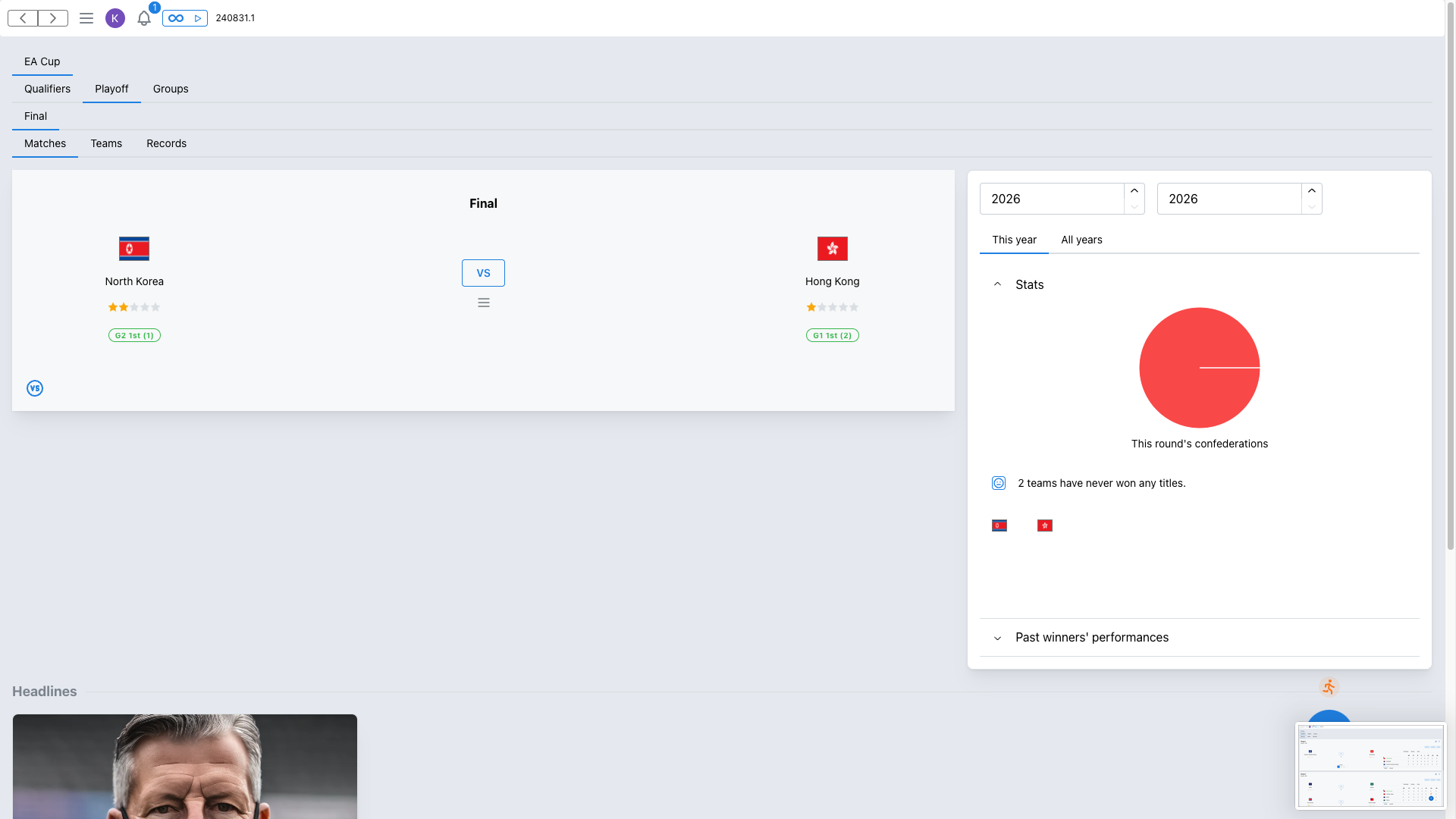
The East Asian Cup (EAFF E-1) has been updated to include an additional preliminary playoff round, which will determine the final spot in the finals. This change aligns with the format of the upcoming real-life tournament.
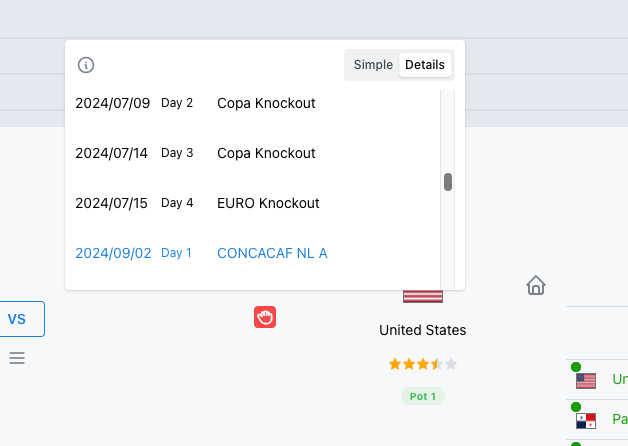
New mode in match-day / calendar panel
The panel now has a simple mode.
The detailed mode provides a match day schedule for each group round of every stage if you have used the editor to enter the data. By clicking on a specific day, you can quickly navigate to that particular stage and round. Hardcore players can use this mode to simulate matches in real-time, similar to actual events. (Depreciated)
The simple mode provides a match day schedule for the first match day of each stage, making it easier for casual players to navigate through the tournament. By clicking on a specific day, you can quickly navigate to that particular stage and round.
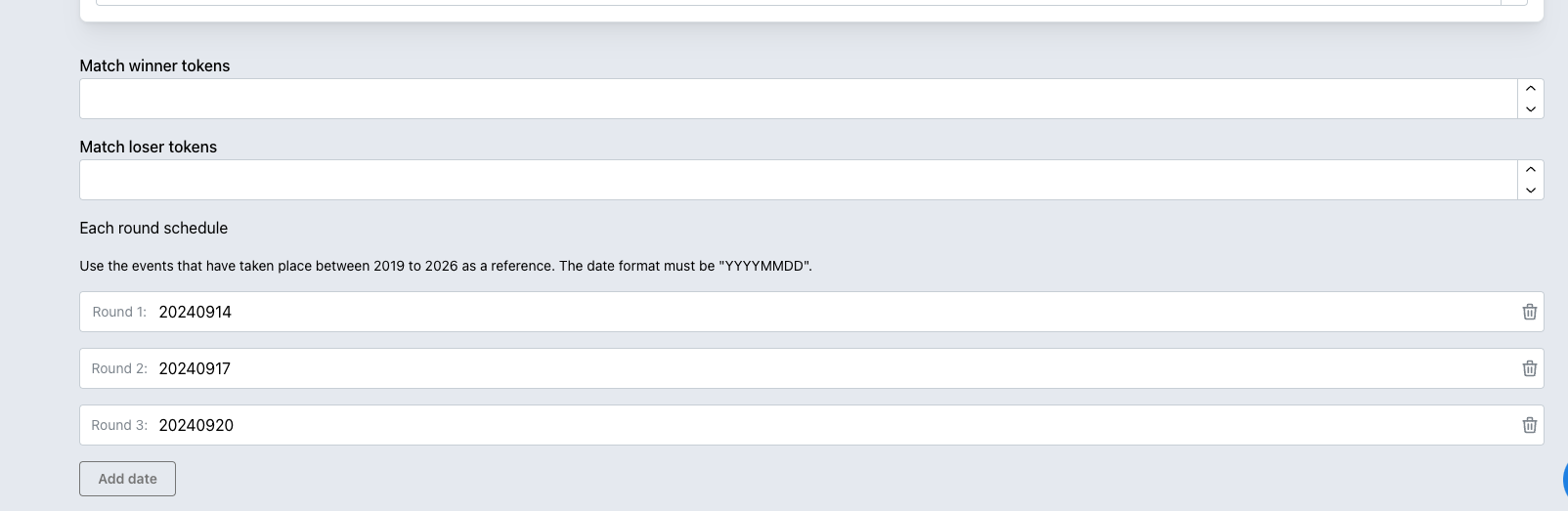
The built-in match day data are very limited. To expand the data, you are required to add, remove or update all match days using the competition editor. Please note that you need to enter the date as an integer in the format "20240831" without any special characters.
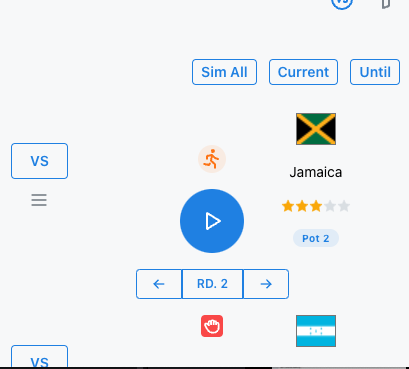
Stage-wide group round navigation
An optional stage-wide group round navigation allows you to switch all group rounds in a stage with just a single click. This feature is disabled by default but can be activated in the settings.
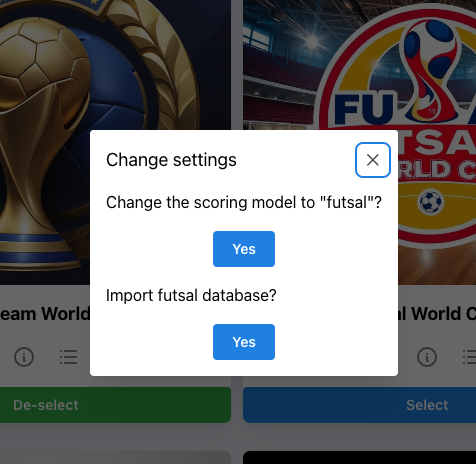
Adjust settings and import database easily for the Futsal World Cup
The playlist prompt that asked you to change settings for the Futsal World Cup has been removed. Instead, a setting icon will appear in the competition card on the homepage.

It should provide an easier way to adjust futsal-related settings and import the futsal database without the need for a prompt. This change simplifies the process of customizing the game for the Futsal World Cup.
Misc.
- Competition logos on the homepage will now be displayed according to the latest year, rather than randomly displayed on page change.
- Added more squad photos to many futsal football teams.