
The Player Editor is now available in the Profile section. You can update key player details such as name, country, position, growth type, attack, and ambition. It’s also possible to add a picture URL for each player.

When a player has a picture, it will appear next to their name in the Goal Timeline during matches.
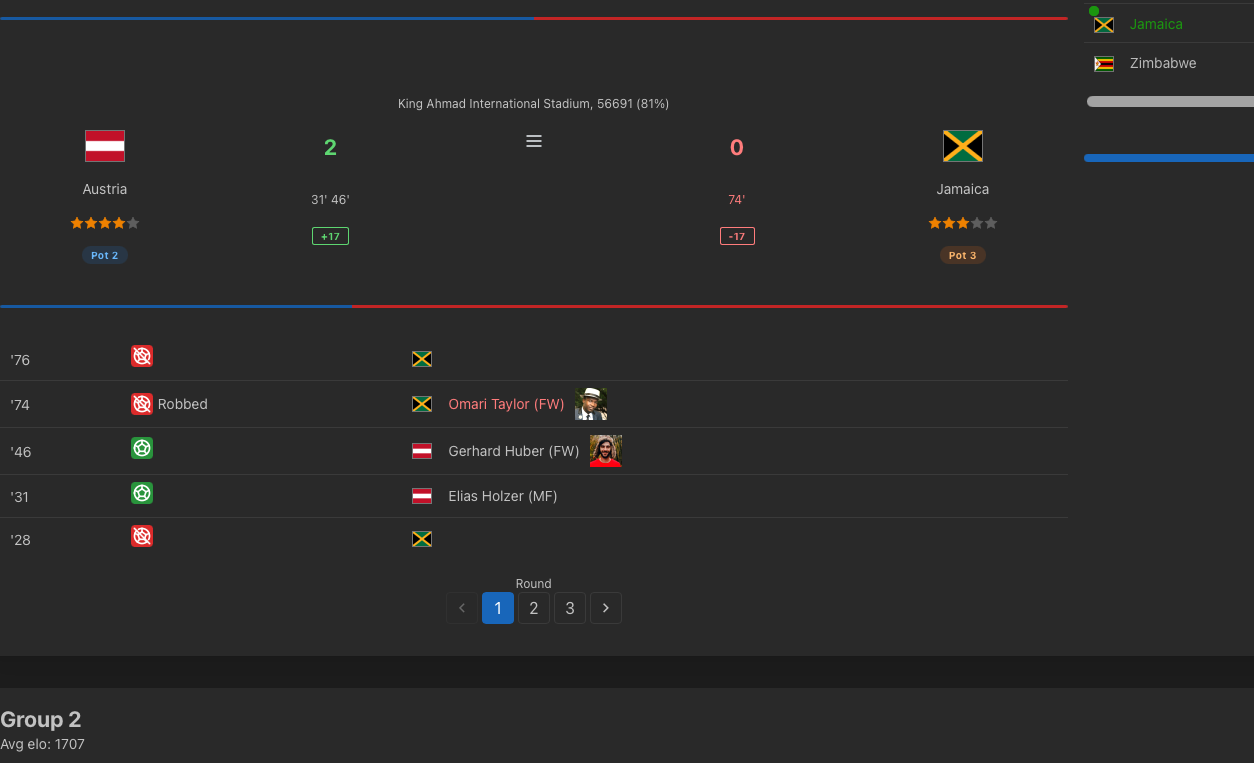
In the same table, clicking a player’s name will open their Profile page, which includes the full Stats section — featuring notable matches, goal times, and more. Player-specific data, such as goal times and total scores, are now tracked individually rather than by team.
From the Homepage, you can also export player data to a separate file. It’s recommended to export them together with their respective teams and team ratings.
Web site:
https://simcups.com