
Update Notes
Hey everyone! 👋
Big news: Fuel Station Simulator now runs on the Steam Deck and the Steam Machine! On top of that, the whole game is now fully playable with any controller Steam knows. Plus a fix for cars getting stuck at the car wash.
🖥️ Now on Steam Deck & Steam Machine
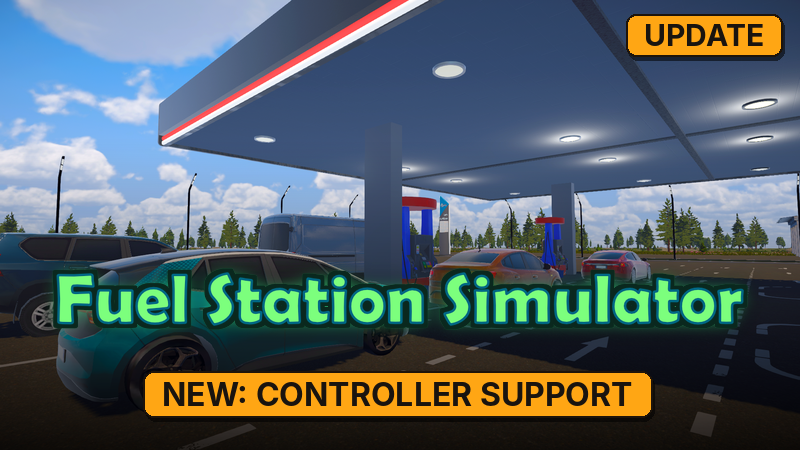
- Fuel Station Simulator is now playable on the Steam Deck and the Steam Machine
- Controller icons from the very first screen
- Trackpads and touchscreen work alongside the sticks
- On-screen keyboard opens for text fields
🎮 Full Controller Support
- Play the whole game with a controller: Xbox, PlayStation, Switch Pro, Steam Controller and other gamepads
- Left stick to walk, right stick to look around, triggers to use and interact
- Menus, tablet and card terminal are controlled button to button with the D-pad or left stick: A selects, B goes back, the Menu button opens the pause menu
- Sliders can be adjusted with left/right, lists scroll automatically, the right stick or bumpers scroll too
- All hints show the real button icons of your controller
- New "Controller" tab in the settings: look sensitivity, invert Y axis, vibration on/off
- Controller buttons can be remapped in the settings
- Subtle vibration when fueling, tightening bolts, paying, painting and washing
- Switching between controller and mouse/keyboard works anytime
🧽 Car Wash
- Cars no longer get stuck at the pillars when driving into wash bays 4 and 5 — every car now drives a smooth path straight into its bay
As always, thanks so much for playing and reporting issues — keep it coming! 🙏
– Philipp