
Hi everyone,
This week, we’ve been working on improving how button prompts behave in Onychomp. In earlier versions, each interactable object had its own area trigger. Whenever Omi entered that space, the corresponding prompt would appear. While this worked in principle, it often led to clutter—especially in areas where many objects were close together. Prompts could flood the screen, and sometimes even cover up important gameplay moments, like chomping enemies.
To address this, and as a step toward a larger visual update for prompts, we’ve implemented a unified system that gives us much better control over how and when prompts appear.
From now on, we can limit the number of prompts visible at any given time. The system will prioritize prompts based on Omi’s position, ensuring that only nearby and relevant interactions are shown. As space frees up on screen, the next closest prompt will be allowed to appear. This helps reduce noise while keeping the gameplay experience smooth and readable.
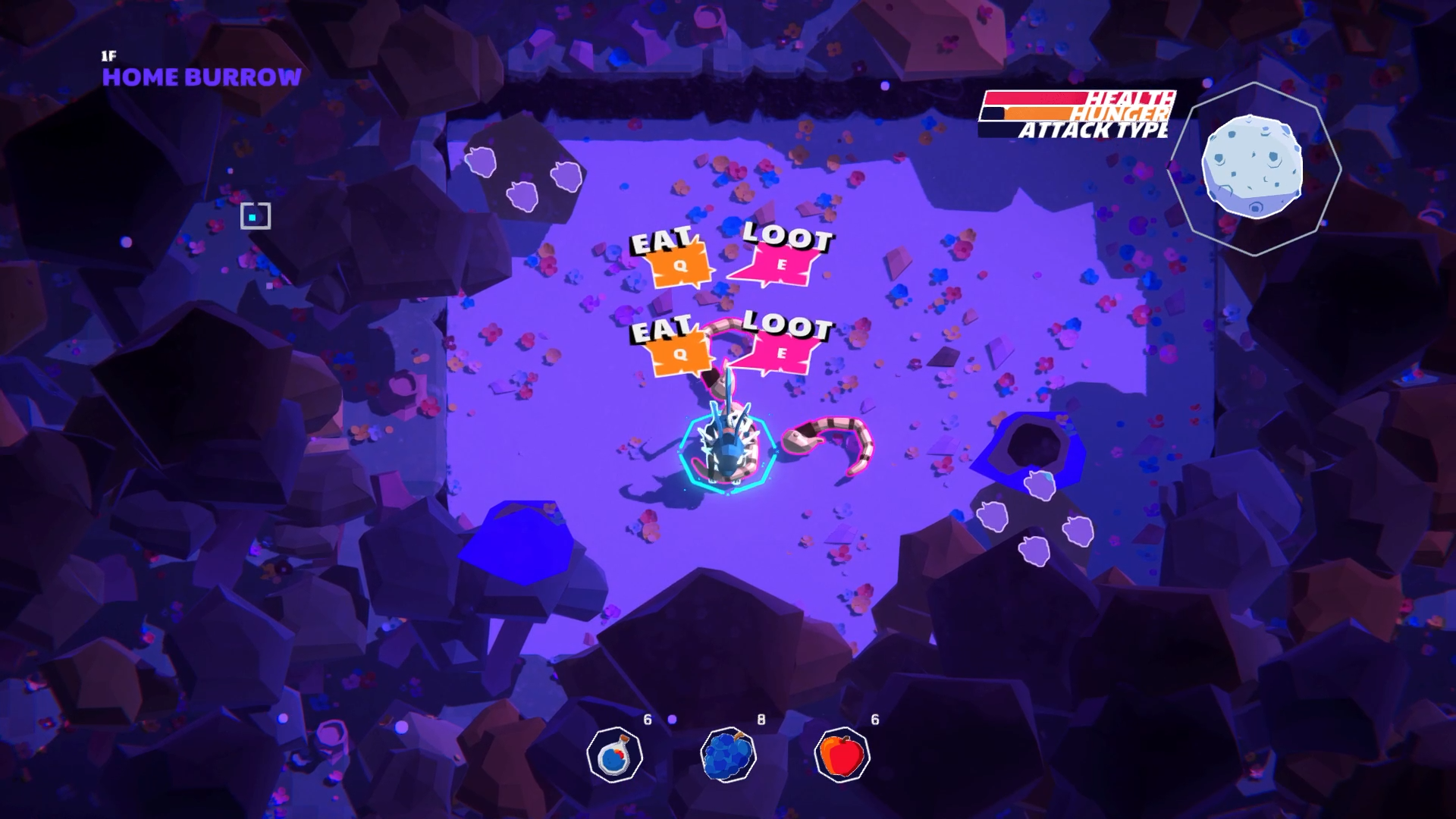
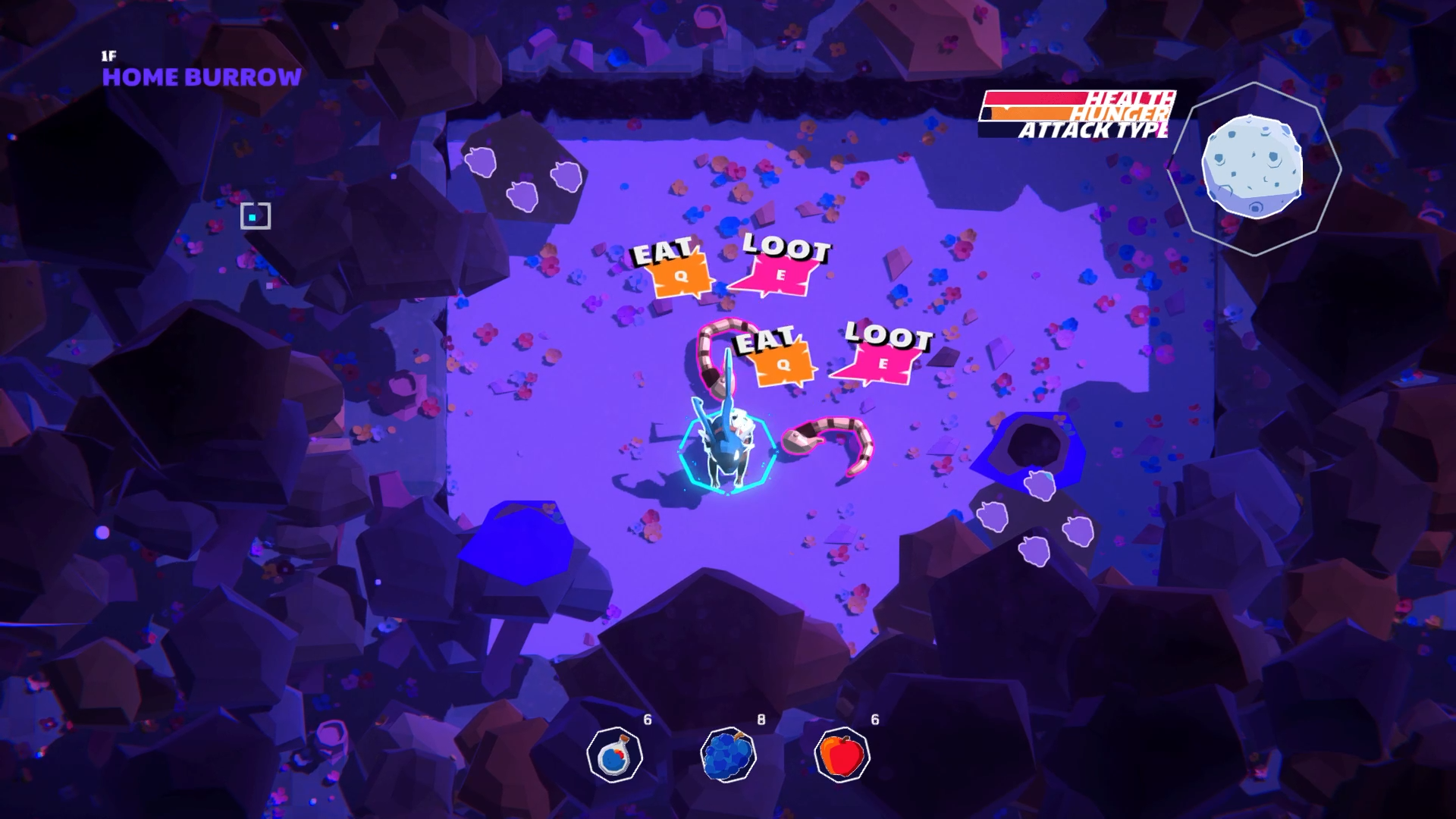
We’ve also added a priority system. Some prompts, like those used to change chomp styles or interact with staircases, now take precedence. While these are active, other prompts are hidden to keep the player’s focus clear. Additionally, prompts are now hidden during certain actions—like when Omi is performing a chomp—and automatically reappear once the action ends.
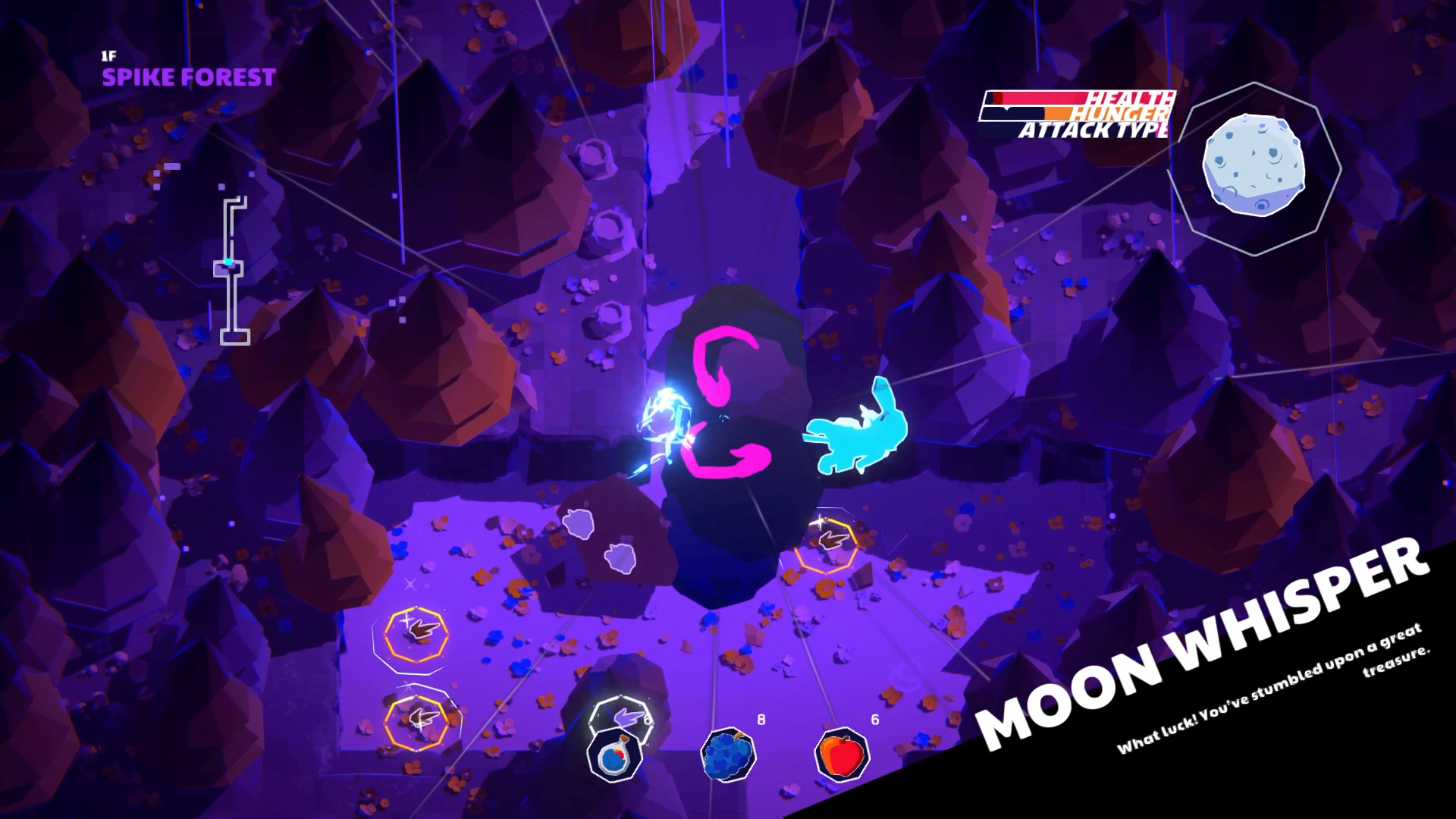
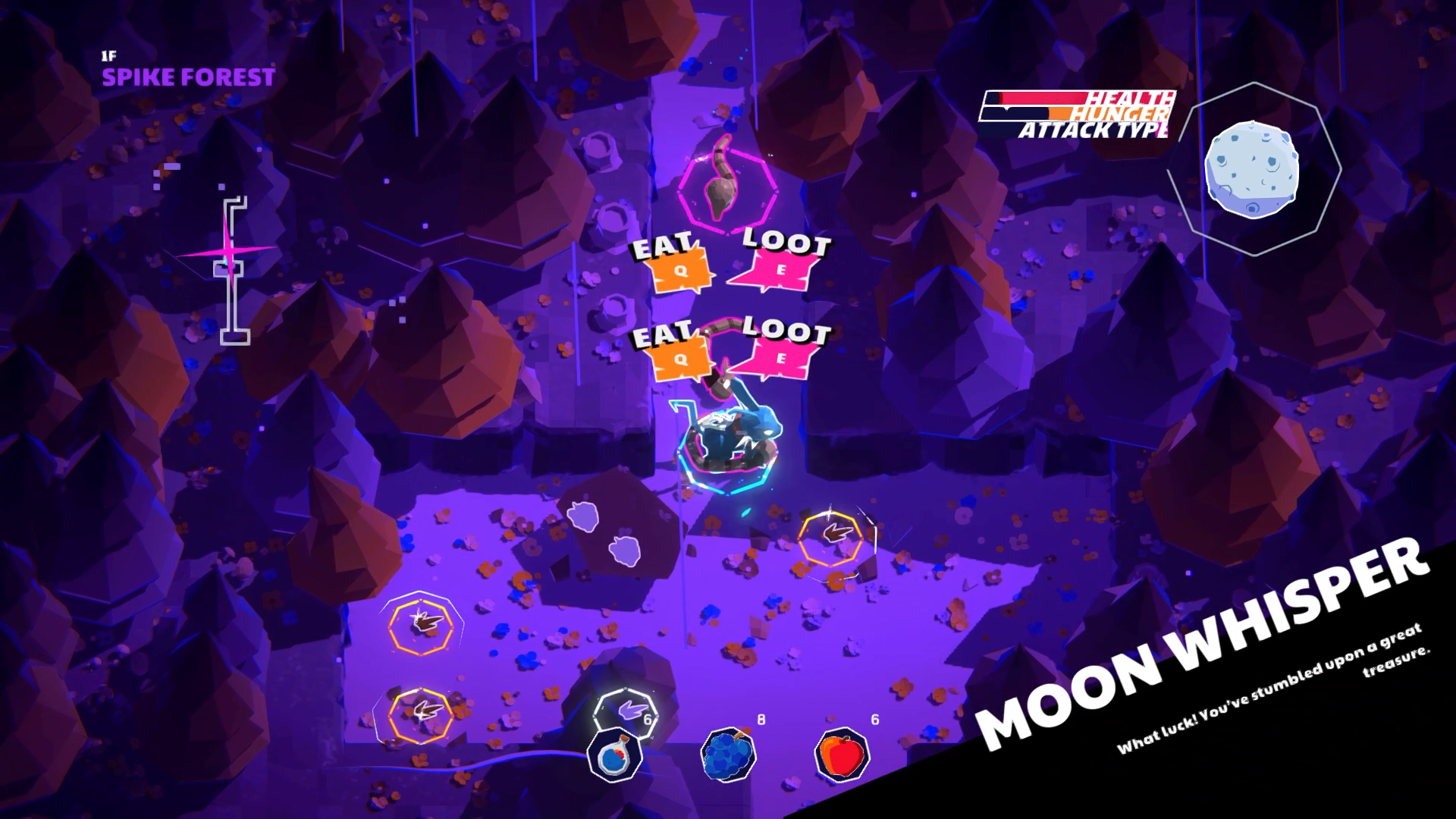
Alongside these changes, we’ve made a few tweaks:
Increased the number of creatures in the Flower Path and Rocky Mountain dungeons
Added more items across both areas
Reduced the speed of rats
Added animations to button prompts for a more polished feel
Adjusted the font size on prompts for better readability
Thanks for your continued support. We’re excited to keep polishing the experience and can’t wait to share more soon.
— Héctor