
Greetings, Hard Chip players!
Chapter 2 is out! 🎉 After a week on the experimental branch, it moves to early access (EA) for everyone, starting with v0.2.7.188. You’ll find a new overworld section, new terminal scripts, a new soundtrack, and a whole set of register chips to design!
A huge thanks to everyone who jumped on the experimental branch to test it before it reached EA 🙏. You found the rough edges so everyone else won't have to.
Where were the Update posts?
The last Dev Update was Update 64, back on February 10th. That's 8 months ago 😬. The game itself never went quiet: 31 Quick Patch Notes went out over 35 weeks in the meantime. But the blog post kept getting pushed back. Every month I told myself, "next month, I’ll do one update!", but each month more stuff piled up, and "that" or "this" became so crucial to focus on instead, you know...
The result is a frankly frightening amount of changes. This post can't cover it all and stay readable, so here's the deal. The 6 biggest changes get a proper explanation below, and everything else gets a handful of highlights at the bottom for the curious. For the rest, every Quick Patch Note is still on Steam.
Let's jump in to what has happened from 0.1.7.148 to 0.2.7.188:
0. Chapter 2
 What's behind Chapter 2's door?
First things first, Chapter 2 itself. It took significant research and wandering! As you might know, HC has been built from scratch without an engine since its beginning in 2023. Let's say that my content pipeline is very manual and try-and-fail. Designing a suite of stages that feels fun and works with a fully functional 8-bit CPU is a balancing act. Here's the result of many iterations and a lot of thinking.
So once you finish Chapter 1, a new overworld section becomes reachable through a new terminal, with its own scripts and a full set of chip maps to solve. This chapter is all about storing values: from a single D flip-flop you can read and write to, up to the AB Registers + ALU stage, the chapter's final stop.
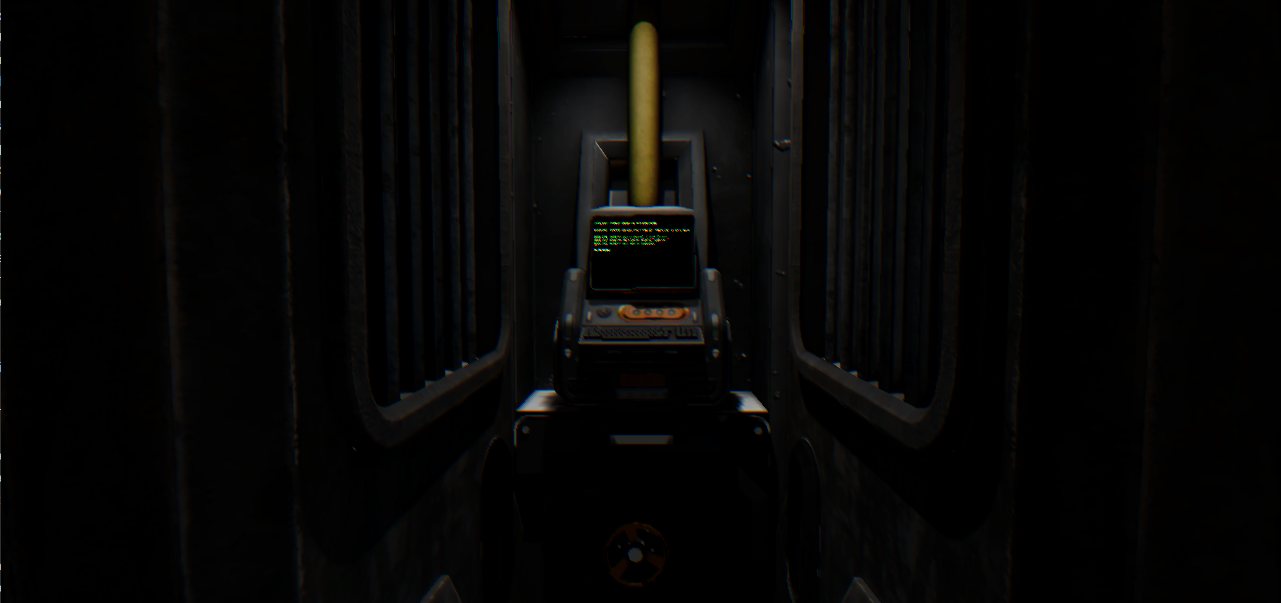 Chapter 2's main terminal: The Coolant Node.
Chapter 2 also comes with new music! The LoTechLooper and UBL tracks join the soundtrack. This soundtrack is punchier and more retro. Also, it can be used to stream gameplay without copyright concerns!
I hope you enjoy Chapter 2! Let me know what you think in the comments, on Discord, or on the Steam forums. As usual: your reports and feedback keep HC moving!
The next objective is Chapter 3. 🚀
💾 Changelog:
NEW Chapter 2 overworld section;
NEW Chapter 2 terminal scripts;
CX Writable D flip-flop and Readable D flip-flop stages;
CX ALU register stage;
CX General-purpose register stage;
CX AB Registers + ALU stage, the final stage of Chapter 2;
CX Anti-cheese truth tables for the read/write flip-flops;
NEW LoTechLooper and UBL music tracks;
UX Main menu plays Loops once Chapter 2 is unlocked;
NEW Chapter 2 chip maps unlockable in the Bonus screen;
And many other changes ...
1. Stability: Threading Rework, Crash Hunting and Performance.
The infamous “no longer able to edit” bug lingered for a long while. To go after it, I reworked the mediator. The mediator is the message hub in HC: instead of calling each other directly, the editor, the simulation and the UI send it requests, and it hands each one to whoever subscribed to handle it. Each flow now says explicitly which thread it should run on. The first pass covered many flows but not all, since there are more than 600 of them! The bug seems to be gone, overall stability is much better, and as a bonus, some long-running operations don’t freeze the UI anymore.
You'll also see the game tell you more about what it's doing. Loading a large file shows a loading modal (that you can still escape from), and a busy indicator turns yellow, red or black when the simulation is slow or has crashed, so you're not left guessing.
When things do go wrong, the game now handles it better. A new crash handler and launcher shows a proper crash report, and scrubbed stack traces go to the hcrun.log file (send them my way if you hit bugs! 🙏). If the Steam client isn't running, you get a clear "Steam is not detected" message instead of a crash report. And alongside all that, many many crash sites got fixed across the editor, probes, indicators, blueprints, the camera and the video player.
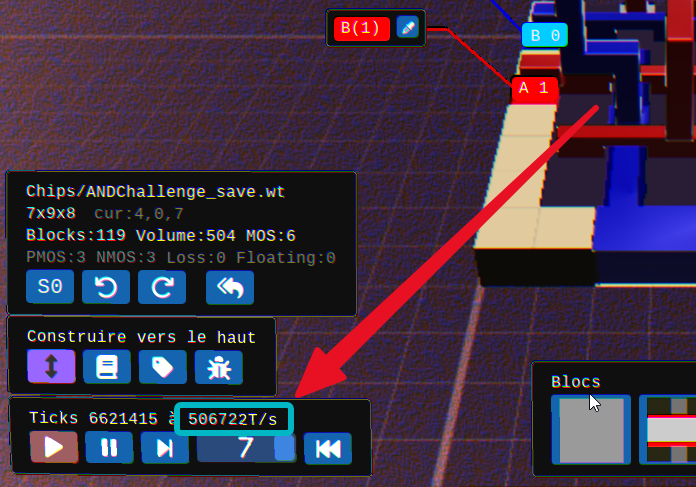 Last time I took that screenshot, that number was sitting at 49 103T/s! (though keep in mind that 10x might translate to large cases from 25T/s > 250T/s, still a humble win:)
🛠️ Changelog:
SIM Explicit thread preference in the mediator, some long operations no longer freeze the UI;
FIX "No longer able to edit" bug and MOS center block appearing;
UX Busy indicator on (very) slow or crashed sim (yellow/red/black);
UX Loading modal on large file loading, doesn't prevent escaping the stage;
NEW Native crash handling + launcher;
MI TrackError writes the scrubbed stack trace to hcrun.log;
UX "Steam is not detected" message box instead of a crash report;
FIX Simulation crash on non-power-of-two processor counts;
FIX Potential crash when starting the game unfocused;
FIX Many crash and soft lock fixes across the editor, probes, indicators, blueprints, camera and video player;
SRV Validation server updated for the threads rework;
SIM Many optimization passes, simulation has never been so fast!
MI Regression test harness validating every stage between releases;
SIM Threading, caching and early exits logic.
And many other changes ...
2. New UI Stack & New Languages
In the last update, I said the old UI library had hit its limits. Generating the full Japanese character set was already pushing it, and Simplified Chinese simply broke it. I also said I hoped to have something to show by the next update. Well, here it is: the entire UI now runs on Hexa.ImGui, at parity with the old one.
That migration is what unlocked everything else in this section. Japanese and Simplified Chinese are now in the game. DPI awareness is still in progress, high-res players, thanks for your patience. Modals got some animations along the way too.
The other languages got love as well. Russian was reviewed, French, German and English mistakes got fixed, hardcoded strings like stage names and settings are now translatable, and plenty of missing keys were filled in. HC is still evolving so those translation changes constantly.
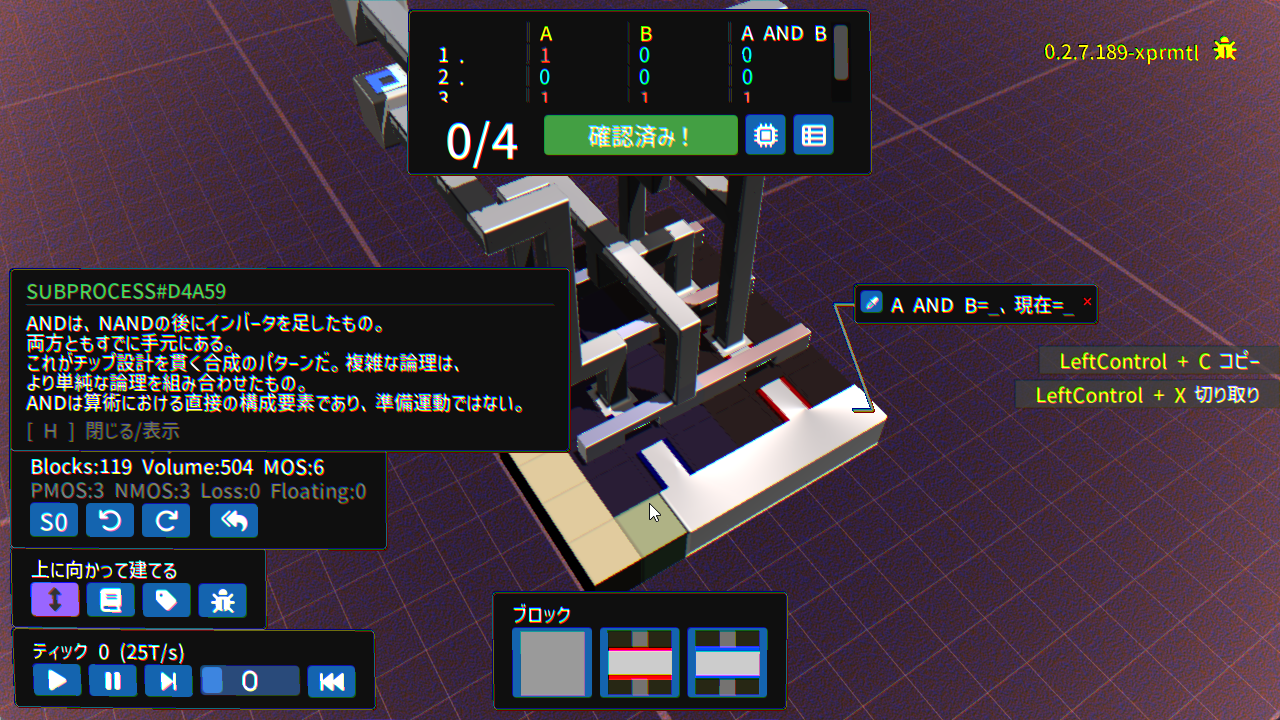 Japanese, thanks to the new UI stack!
🌍 Changelog:
MI Entire UI stack migrated to Hexa.ImGui;
EXP WIP UI scale settings (1x to 2.5x);
NEW Japanese localization;
NEW Simplified Chinese localization;
TLS Russian reviewed update;
TLS French, German and English coherence passes;
TLS Hardcoded strings now localizable (stage names and settings);
TLS French and German coherence passes, English fixes
UI Animation in modals (exit, new chapter, welcome);
And many other changes ...
3. Faster or Prettier Rendering
A new test renderer is here: the Fast Raymarching renderer. Hard Chip already draws your chip from a signed distance field (SDF), a mathematical description of every shape, by marching rays through it. The new renderer takes shortcuts on that same process, trading some visual fidelity for speed. Low-end machines should feel it the most.
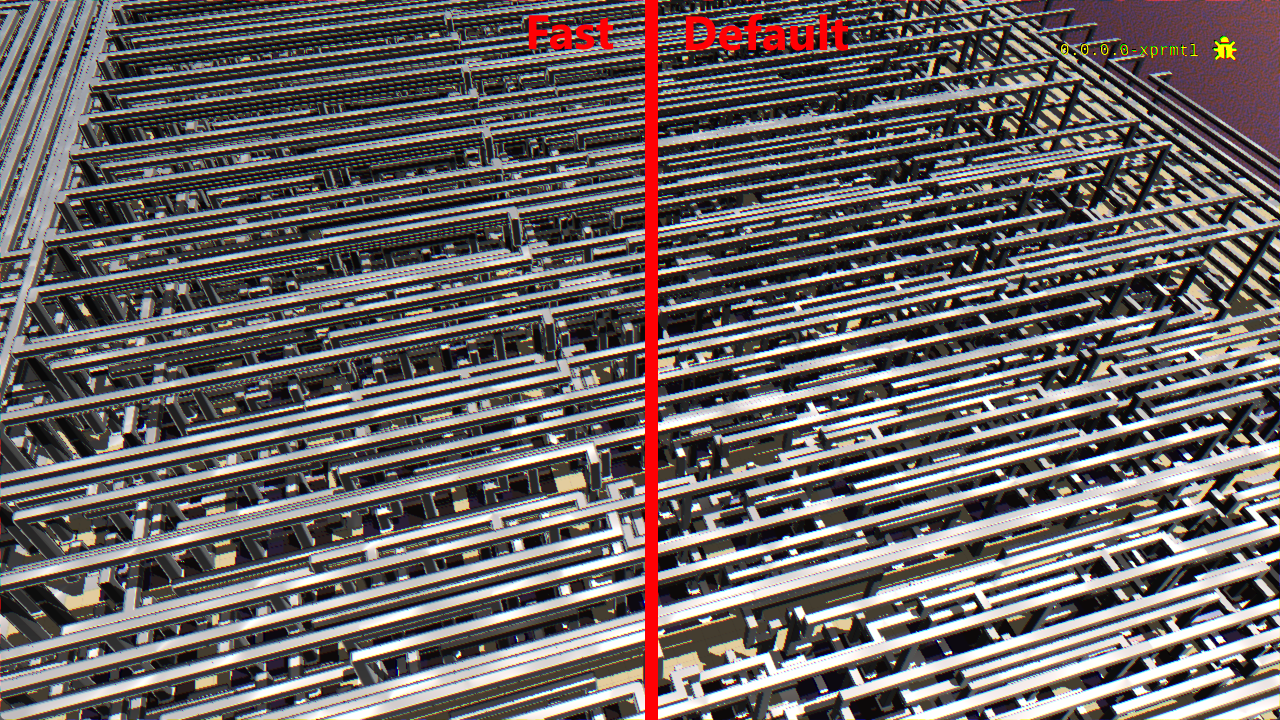 Fast test renderer vs default renderer
The regular renderer wasn't left behind. Graphics presets (Faster, Fast, Balanced, Quality, Ultra) set everything in one click, MSAA 2x/3x and SSAA 2x antialiasing are available, and graphics settings now update live while you're in the editor. White edge artifacts are rarer and the background grid lines got fixed. Photo mode can switch to a High Quality preset for nicer shots. Benchmarks were revisited too, with live FPS and ticks/s, plus a new and tougher 512 bytes memory benchmark.
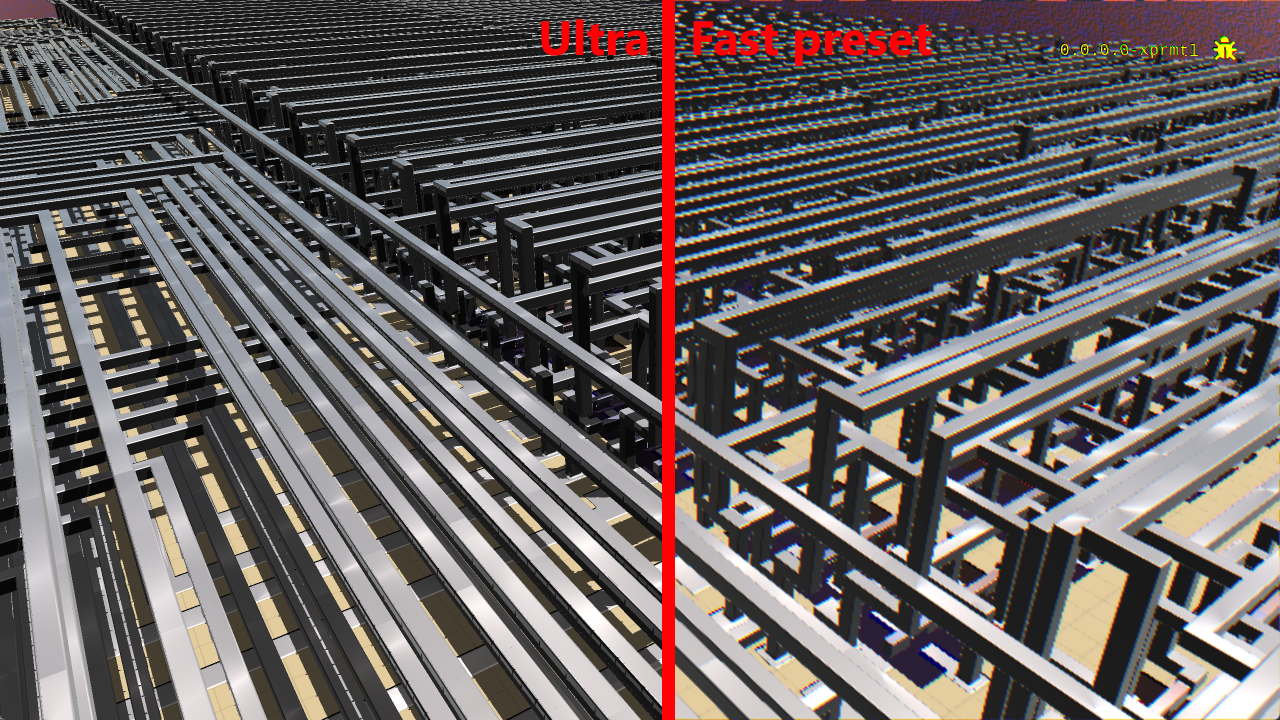 Fast vs Ultra renderer
 The 512 Bytes RAM benchmark is a strong stress test, created by one of the best HC players. HC campaign endgame aspires to have 16 Bytes RAM.
🎨 Changelog:
NEW Fast Raymarching renderer, with a precision setting;
PERF SDF distance-adaptive thresholding;
PERF Early exit for faster converging raymarch (AABB approach);
PERF Nearly sub-voxel SDF domain exit logic;
UX Faster/Fast/Balanced/Quality presets in graphics options;
NEW MSAA 2x and 3x and SSAA 2x antialiasing;
NEW Live graphical settings update in the Editor;
UX Shader normals, fewer white edge artifacts; FIX background grid lines;
MI Photomode High Quality renderer preset;
UX Live FPS and ticks/s in the benchmark info bar;
MI Revisited all benchmarks, new 512 bytes memory benchmark;
And many other changes ...
4. Hard Chip Website & Automated Gauntlets
Your scores live outside the game too. The website has player pages with your stats and worldwide ranking, a global leaderboard of all players, and a leaderboard for every stage. Global rankings compare performance per metric instead of a single weighted score.
 Global leaderboard: you are ranked here after you cross the NAND stage.
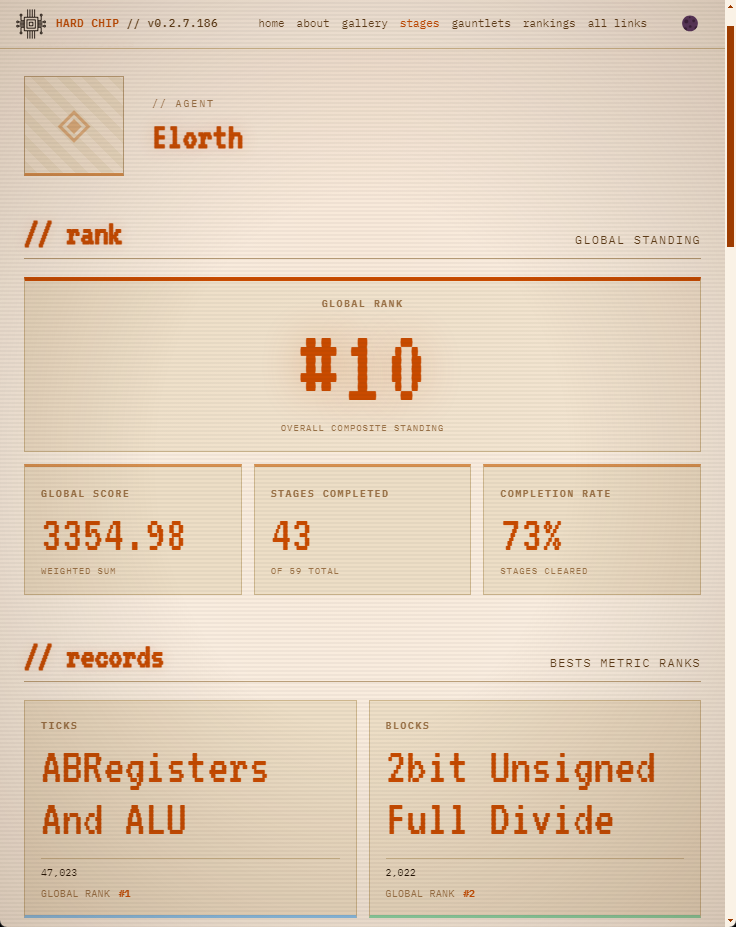
Note: Player tag is anonymous by default! HC assigns a random "agent name" like "Eternal Reoryen>Ber7 Logic" on startup. You decide if you want to reveal your Steam name! If so, go to HC General settings from the Main Menu > Use Steam name.
All composite scores are calculated as follows: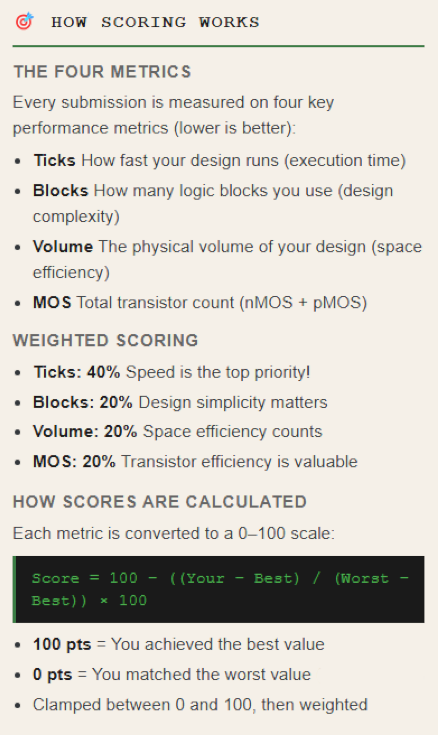
The gauntlets are hard
Gauntlets also got a lot of behind-the-scenes work. The current gauntlet is now fetched from the online CommunityAPI, and stages unlock live, so gauntlets can run without me flipping switches by hand. Leaderboards are rank-based, and an event needs at least 10 players to award rank points that week. Joining a gauntlet now unlocks the Celadon theme 💚. And yes, I can finally play gauntlets myself without messing up your leaderboards!
Unfortunately, I missed the launch date for the last ones. They're highly competitive (the problem space is so large it is hard to converge), and they can be very discouraging for newcomers. And I'm not talking about making them: a good innovative gauntlet takes a huuuge amount of time to prepare. Finding good, engaging, and challenging new problems for a suite of stages that makes sense for a gauntlet is an art in itself. I left the last two gauntlets to the community (the Open Community Gauntlets), but it took 4 people many hours to drive/build/validate/un-cheese them. Gauntlets are hard, and it's a lot to ask. So I've left the gauntlets up in the air for now. If a player wants to create one, I'll still help as much as I can. And because they are incredibly fulfilling and beneficial for HC's development, I'll still want to run new ones in the future. Just the next one will be at an unspecified time.
 The winner of week one of the last gauntlet: a glorious AndNotMultiGate
 The now-but-not-forever out-of-reach Celadon theme you win by playing in a Gauntlet.
To conclude, I have a less ambitious weekly gauntlet format in mind. I'll update you when I have something more concrete!
🏆 Changelog:
NEW Player details page on the website, with worldwide ranking;
NEW Global stage leaderboards on the website;
SRV Global leaderboard listing all players and stats, per metric;
SRV Unofficial stages excluded from player details;
UX Globe icon in report windows links to the website rankings; reconnect from offline mode;
NEW Live unlock and distribution logic for gauntlet stages;
MI Current Gauntlet retrieved from the online CommunityAPI;
SRV Rank-based leaderboard, stats recalculated on submission;
SRV Events require a minimum of 10 players to impact rank points;
NEW Celadon theme unlockable when participating in a Gauntlet;
NEW Open Community Gauntlet v1 in Past Gauntlets;
SRV Gauntlet exclusion list (I can play Gauntlets now!);
And many other changes ...
5. Better Tools to Debug Your Circuits
Probes keep improving, even if they’re not where I want them yet. The new advanced view graphs a probe’s state over ticks, so you can watch a counter count or a latch hold its value. You can also toggle signed representation in the expanded and advanced views.
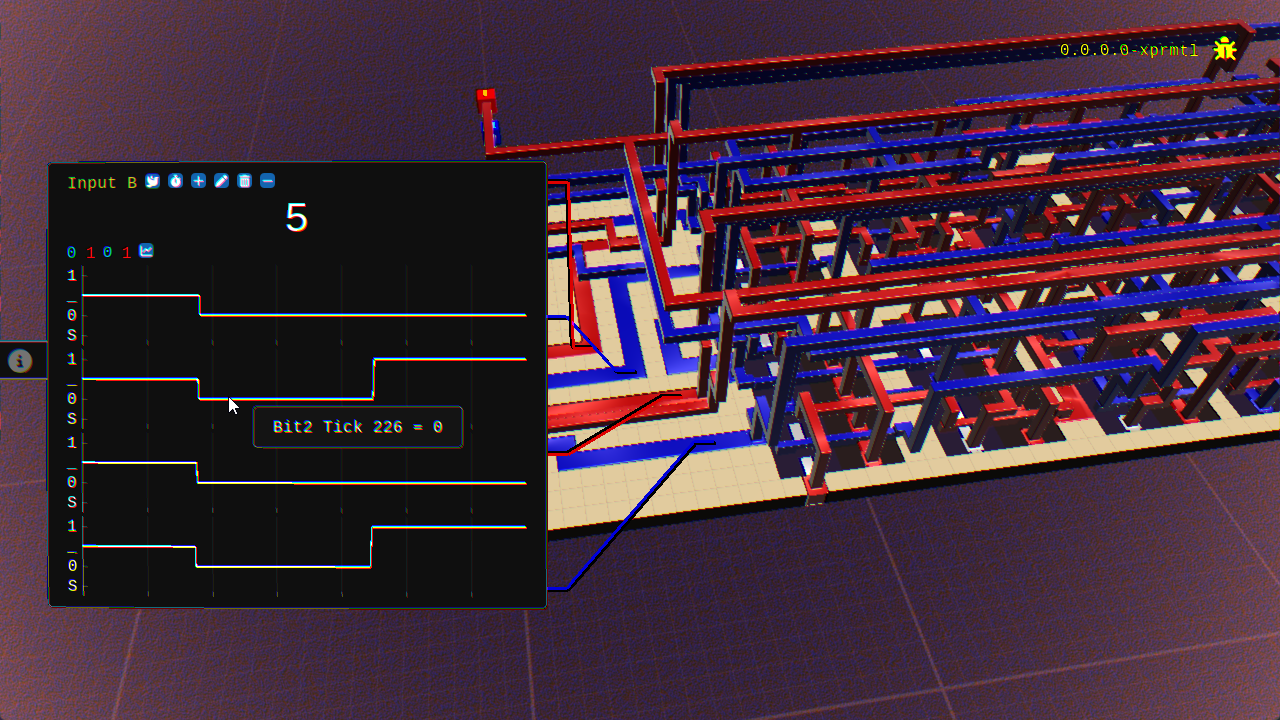 New graphs, here per-bit value over time
The new auto clock mode switches clock blocks on its own once the circuit settles. No more guessing how many ticks to wait before the next edge! Crucial to make first steps into clocked circuits less confusing (still, at some point you will have a stage that will ask to comply with a regular clock).
Boot Clear Block
There’s also a new block, Boot Clear. It pulls its node to ground during power-up, then disconnects. That gives feedback loops a known starting state. Some Chapter 2 register stages can use it, though none require it.
Boot Clear exists because HC’s transistors are too perfect. They switch instantly, leak nothing, and conduct without resistance, and every one is identical. In a loop where A waits on B and B waits on A, nothing ever tips the balance, so the loop never settles. Real chips don’t have this problem. Tiny differences between transistors give one side a head start, and the loop amplifies it until it latches. The result is a stable but unpredictable value, so real chips use a power-on reset circuit to force a known one. Boot Clear plays that role in HC, with one difference. A real loop settles on its own, but an HC loop can’t settle without help.
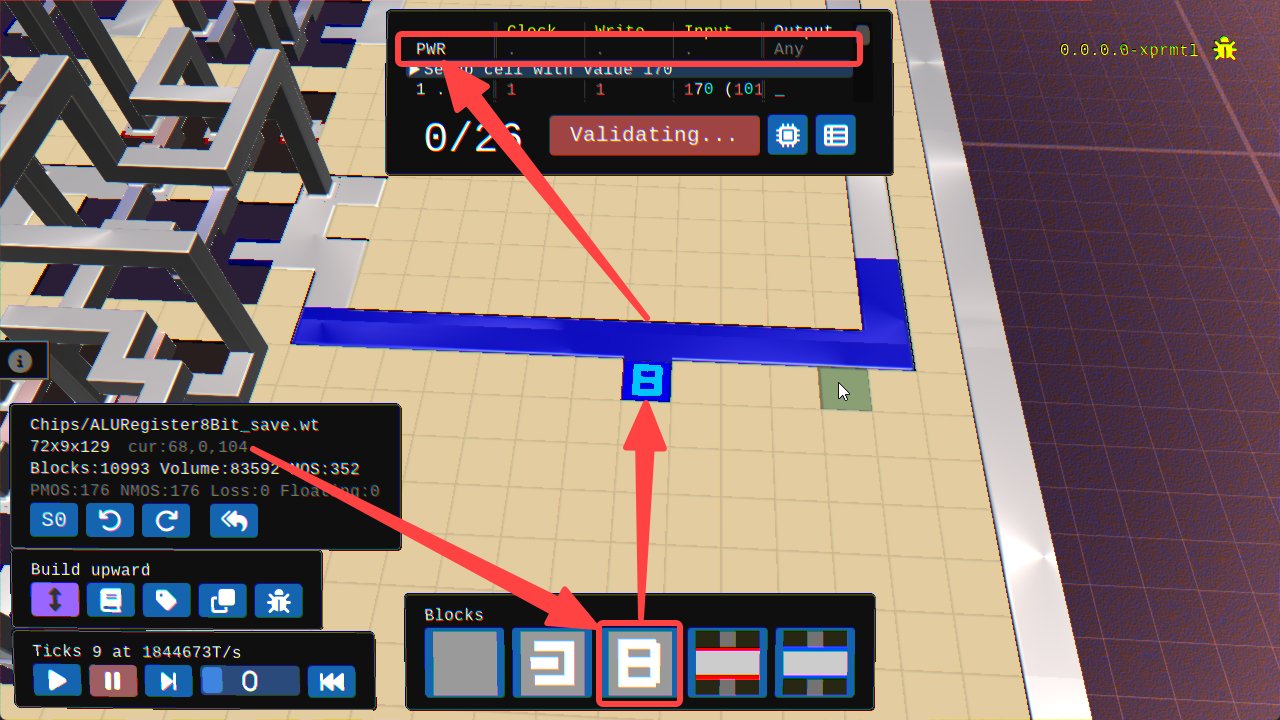 The Boot Clear block is active during the PWR (power-up) phase, pulling only then; it becomes inactive for good after that.
🔍 Changelog:
NEW Probe advanced view with graph for state over ticks;
UX Probes signed value toggle in expanded and advanced views;
UX/UI Revisited probe minimized state;
NEW Auto clock mode, clock blocks switch when the circuit settles;
NEW Boot Clear block, pulls down during power-up only;
SIM Old Puller block and logic permanently removed;
CX JKLatch and MSJKLatch now use Boot Clear;
And many other changes ...
---
Some highlights from the rest of the pile
Those five sections barely scratch the surface. The patch notes since Update 64 add up to roughly 274 changelog lines, so here's a handful of highlights per area. Grab a coffee ☕
✏️ Editor & workflow
Building, blueprints, schematics, truth tables and the Library all got a steady stream of tweaks and fixes. Some picks:
NEW schematic style;
NEW Clipboard image viewer to import schematics from outside HC;
NEW Duplicator with source and target modes (clipboard, blueprint or die);
UX Input/Output colored lines to their overlays, pins follow die Z extension;
UX Build upward rework, new hit boxes and arrow indication;
UX Visual feedback for Alt delete and Ctrl build modes;
UX Truth tables fit their columns, show plain 0/1;
🎥 Camera & controls
The camera got reworked, then polished patch after patch, and rebinding got some attention too. Some picks:
UX Camera rework, smoother mouse and orbital movement, orbital flip issues;
FIX Multi-monitor wrong boot, vertical taskbar and non-standard screen layout.
UX Left Click to rebind, Right Click to clear a bind;
FIX ZQSD assignable on AZERTY keyboards;
📖 Campaign & story
The campaign got more guidance along the way, from context notes to smarter terminals and tips. Some picks:
NEW Subprocess notes give context to each campaign stage;
NEW Terminal autocompletion with Tab, ? as alias to help;
UX Empty command prints help, faster terminal lines;
NEW Contextual shortcut tips across the editor, with settings to hide or reset them;
UX Glitchy instructions recallable through a hint tab;
🧩 Challenges & grades
Grades, anti-cheese checks and validation steps kept getting tightened across many stages. Some picks:
CX Revised Bonus stages path;
CX New or tighter grades for Tristate, Mux2to1, Mux4to1, XOR, XOR3, XNOR, XNOR3;
CX 8Bit ALU post-random phase, Mux8to1 starting I/O fix;
CX Anti-cheese truth tables for the read/write flip-flops;
🏗️ Community Stage Editor
The Community Stage Editor kept growing for stage creators. Some picks:
NEW-EXP CSV import/export for truth tables;
NEW-EXP More controls, notes and feedback for stage creators;
NEW-EXP Random phase, Cold table and Distinct Powerup phase;
That's only a sample! You can find every Quick Patch Note on the Steam news page for the full picture.
---
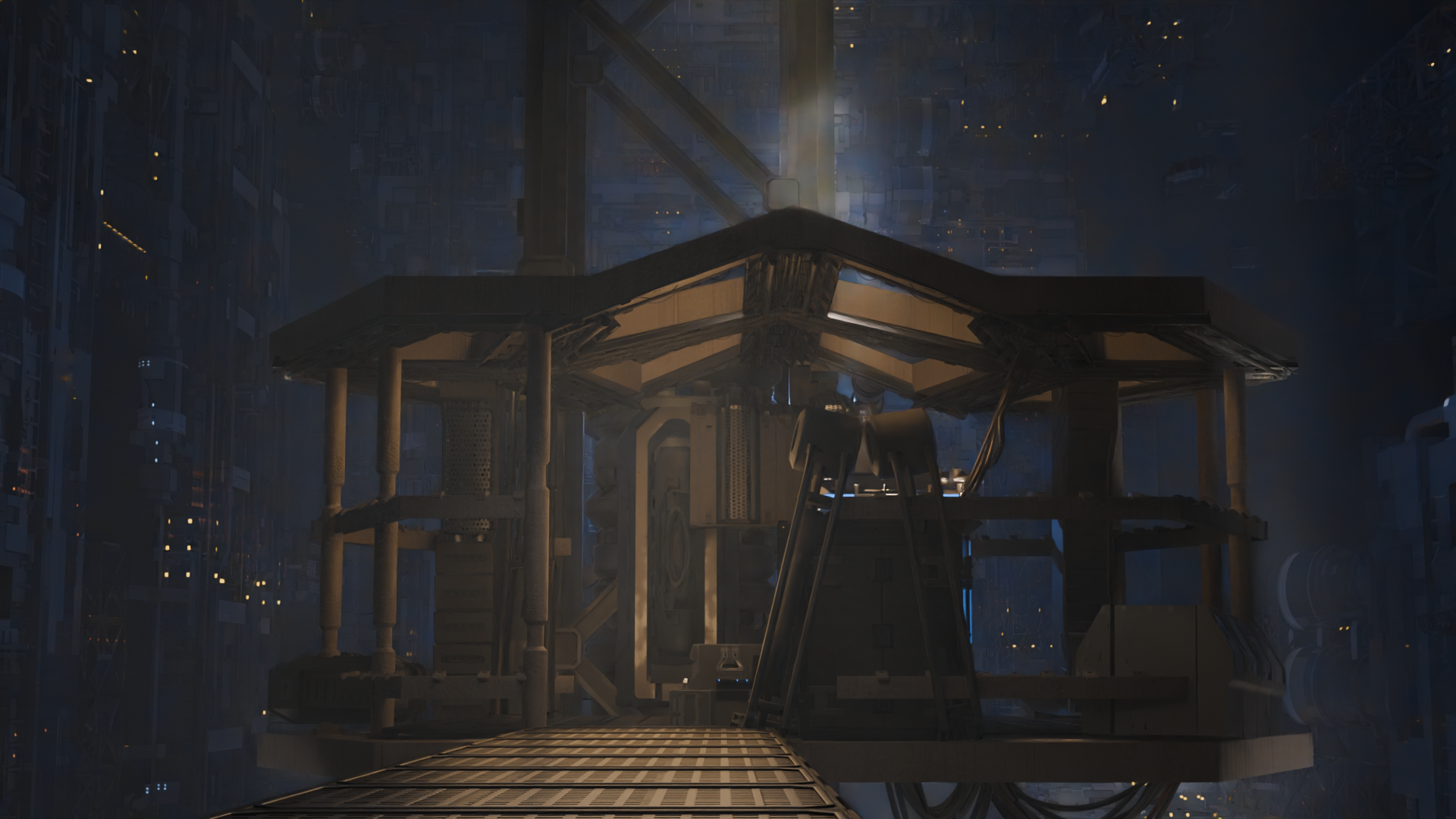
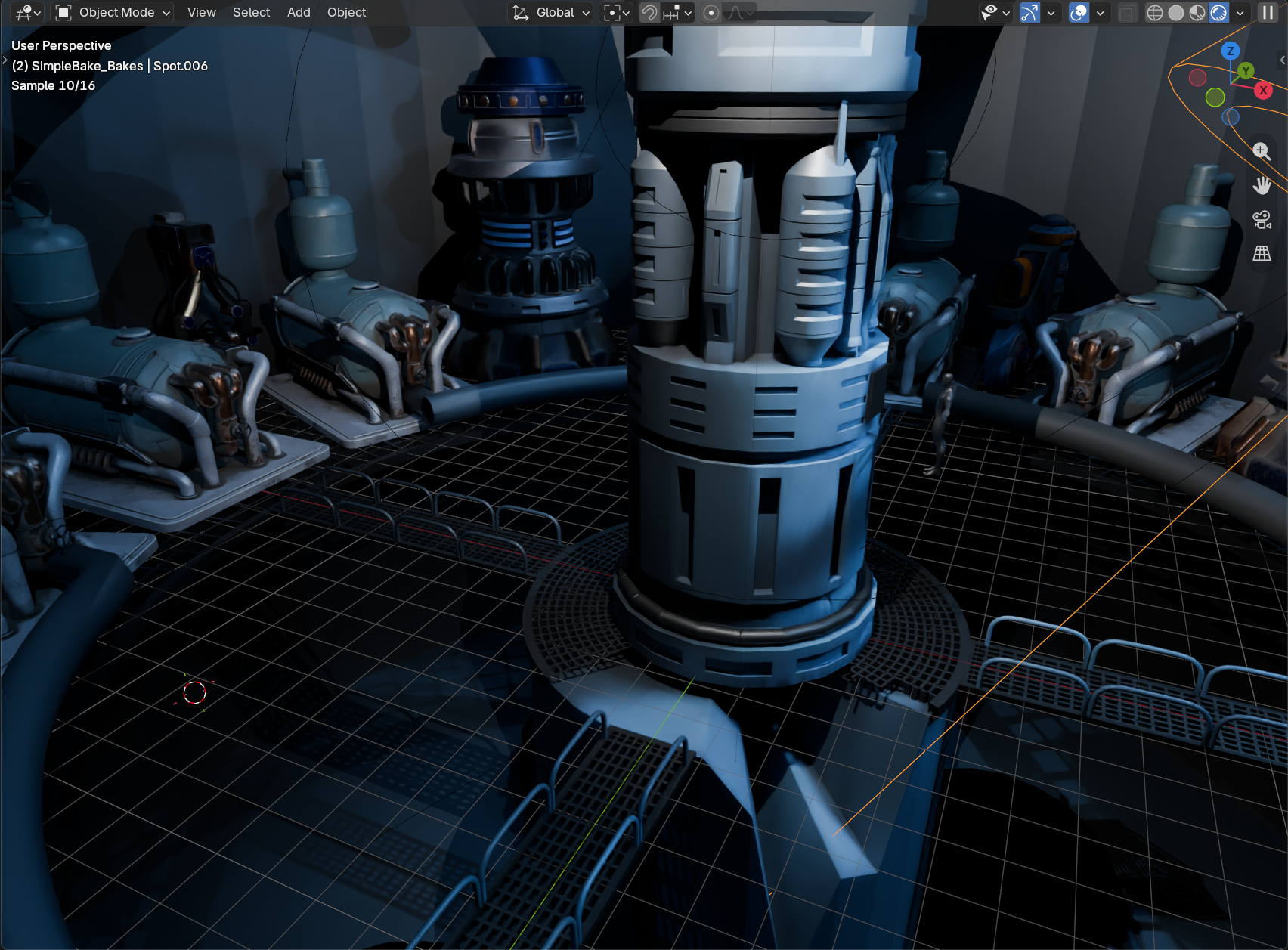
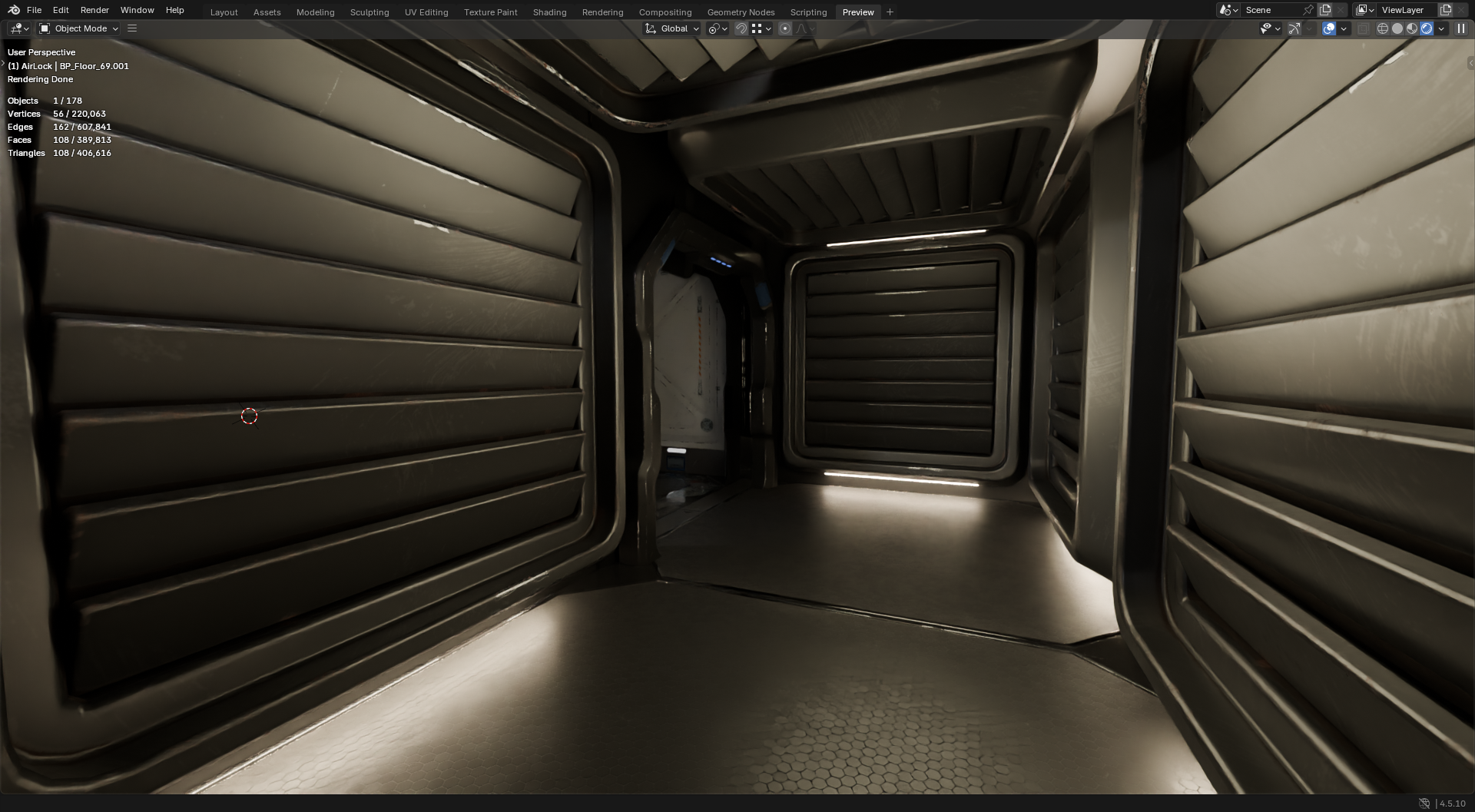
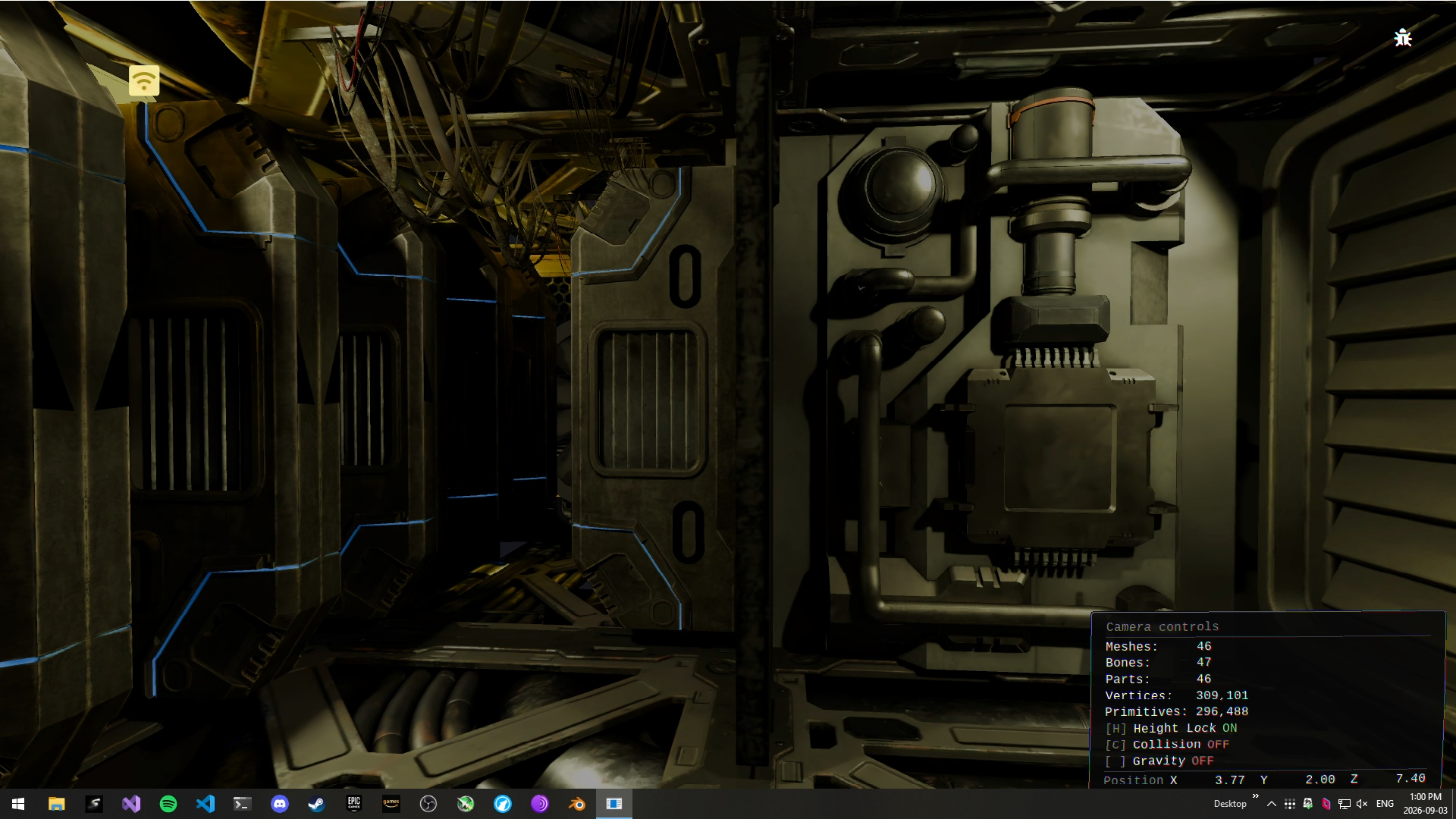
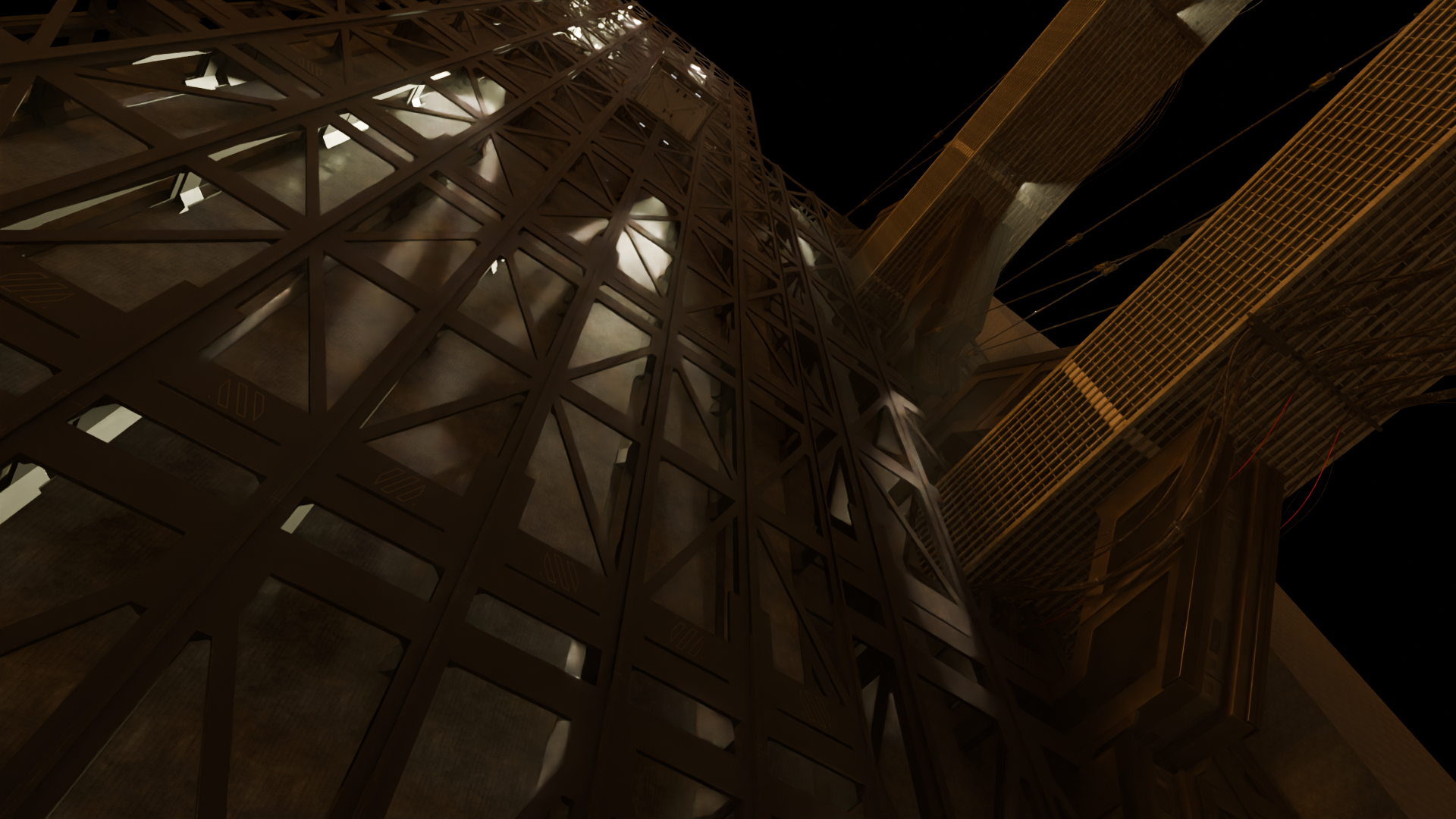
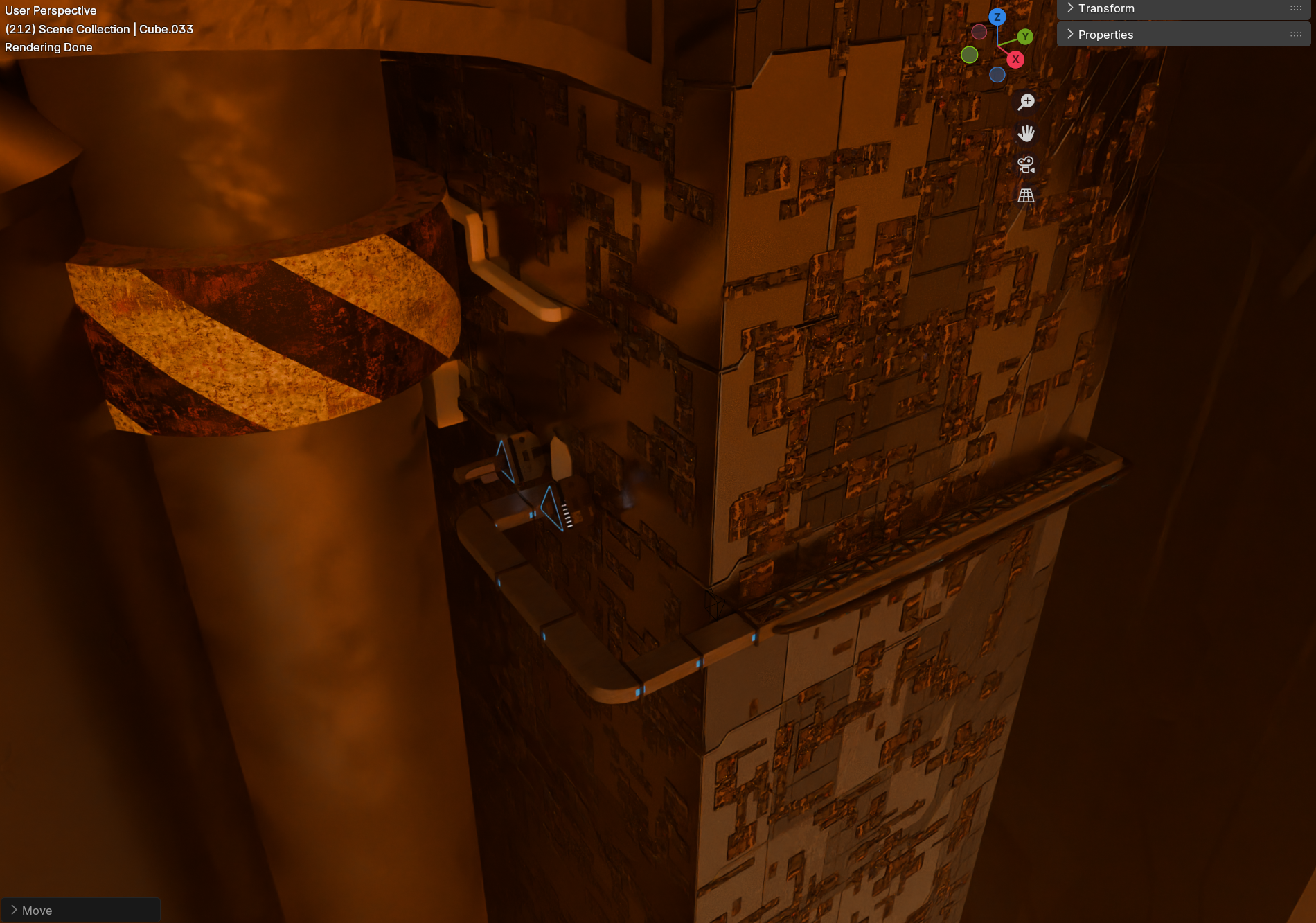
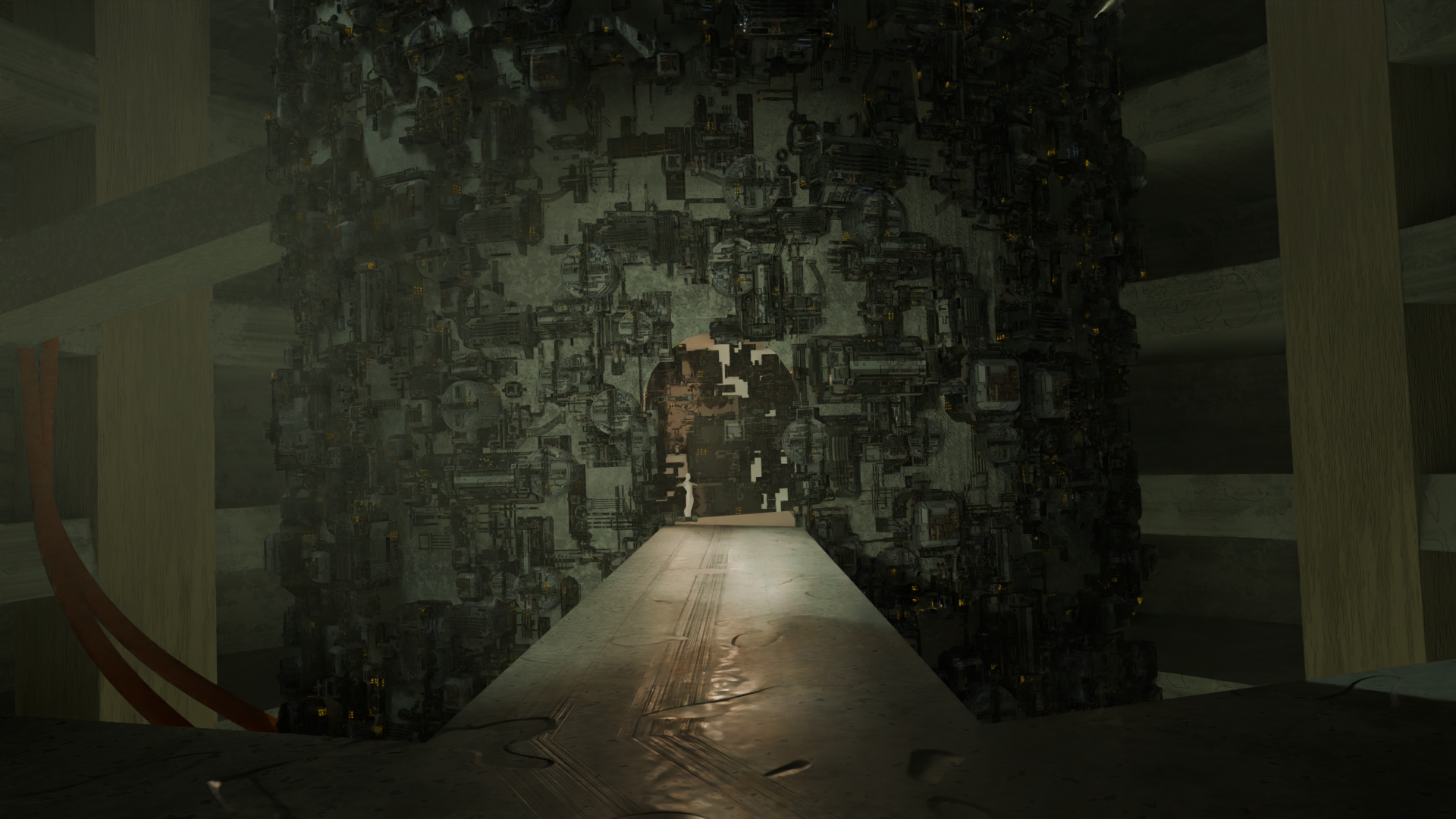
Bonus concept art and research screenshots, mostly made by 3D art students from a school. Always nice to work with the next generation!

---
That's it for this 65th Update! Chapter 2, many changes, tweaks, and a mountain of fixes. Hopefully the next one won't take 8 months 😅
Thanks to everyone who reported bugs, and to all the experimental branch testers. Spotted something off in Chapter 2? Hit me up on Discord or the Steam forums. Your reports and feedback are what keep HC running.
Thank you so much for playing Hard Chip🙏! Now go build some registers!