
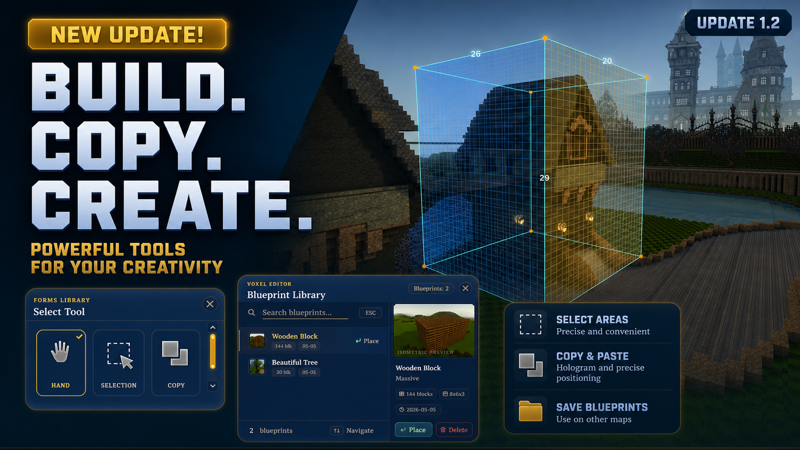
Building tools have been added to the game! Accessible with the [B] key.
Hand — classic block and decoration placement and removal
Selection — a rectangular selection that lets you fill the selected area with any block type or shape, as well as clear that area
Copy — lets you select an area and copy it, choosing any desired rotation. This tool also allows you to save the selected area to a file, so that later in the Blueprint Library menu [G] you can load the saved blueprint and place it on any map.
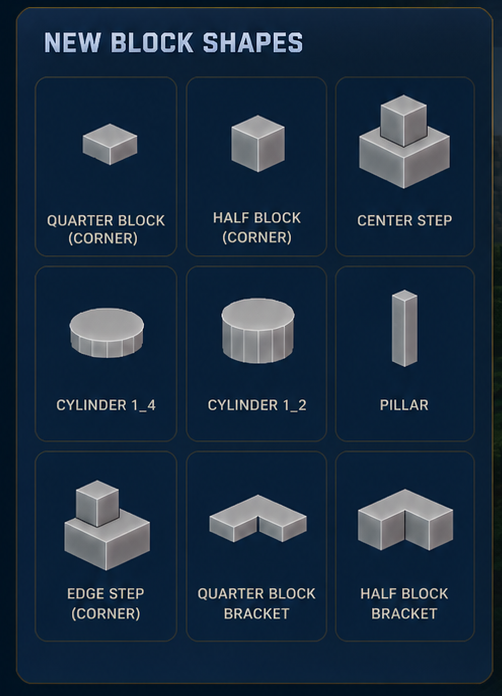
New shapes have also been added, significantly expanding your creative possibilities:
Demonstration of the new tools in action: