1. New Event: Hibiki's Console
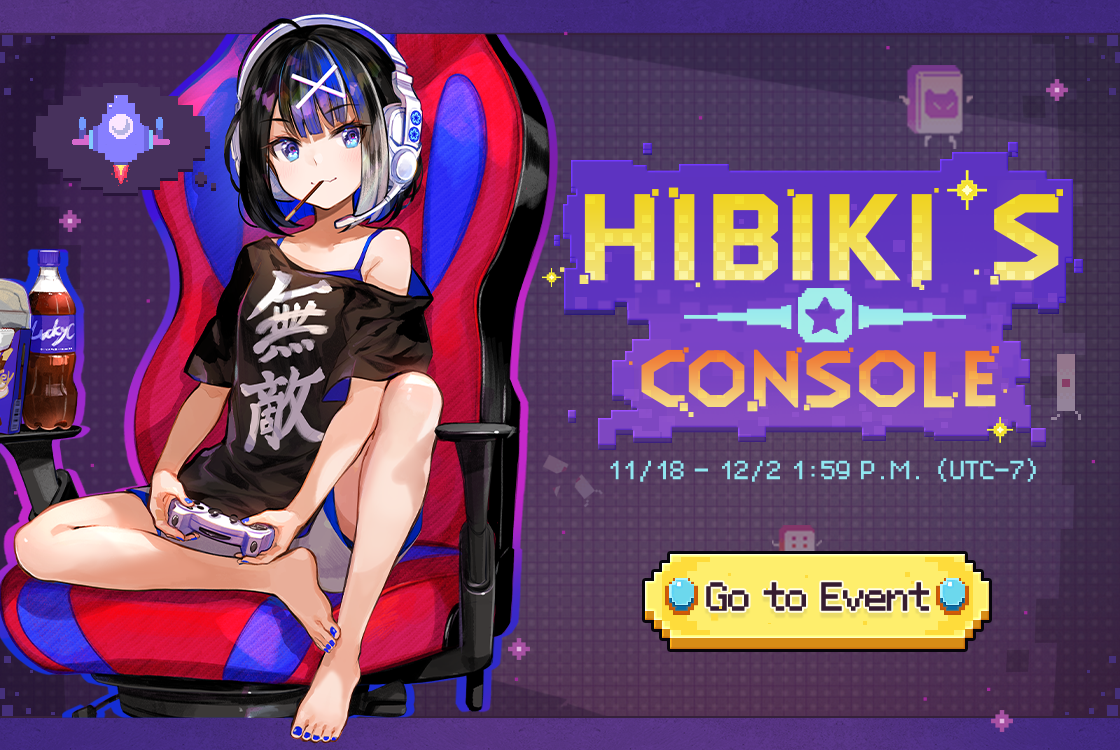
1) Event Period: 11/18 After maintenance – 12/2 1:59 P.M. (UTC-7);
2) Event Details: During the event, log in daily and complete event missions to earn Ammo. Use the joystick to move your fighter and fire Ammo to destroy enemies. Defeat them to earn rewards like the new Event Illustration, Sage's Bag, and more.
*More details can be found on the event page.
*Matches played against AI do not count towards event missions.
*The event illustration may appear in the Illustration Shop roster after the event period.
2. Limited-Time Summon Update
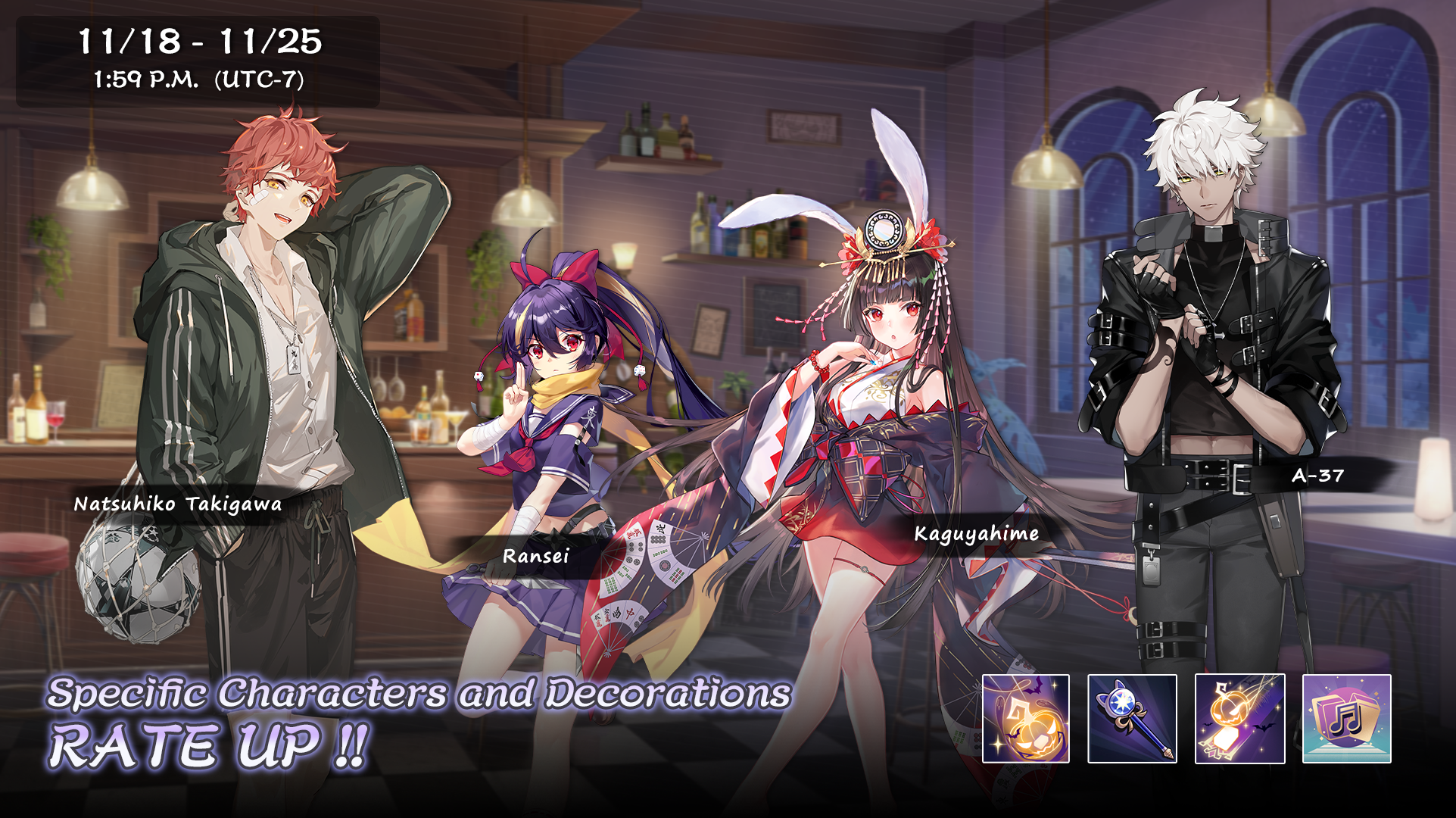
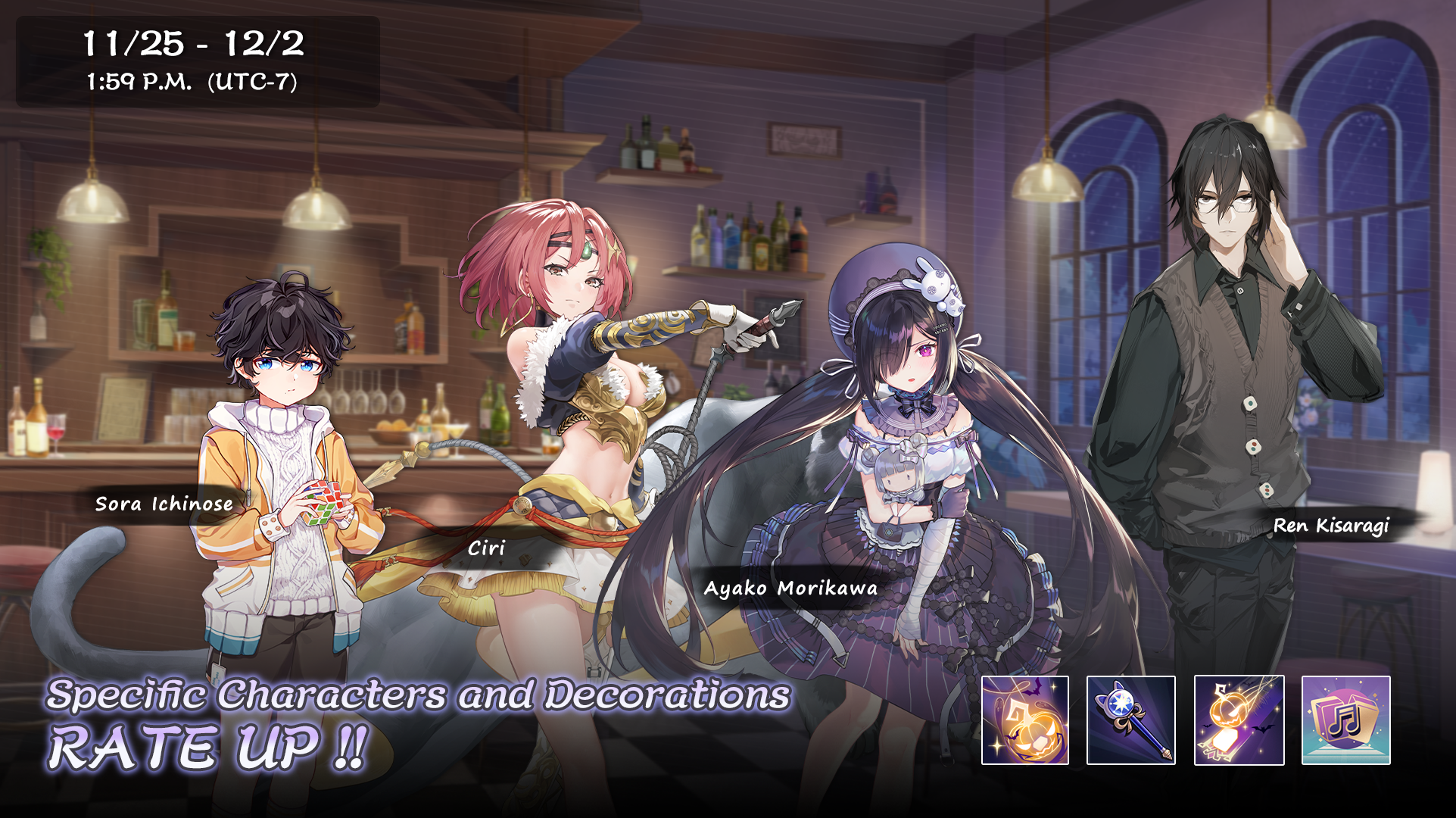
1) Summon: Sakura Bloom Limited-Time Rate Up
11/18 After maintenance – 11/25 1:59 P.M. (UTC-7), Kaguyahime & Ransei rate up.
11/25 2:00 P.M. – 12/2 1:59 P.M. (UTC-7), Ciri & Ayako Morikawa rate up.
2) Summon: Bamboo Lush Limited-Time Rate Up
11/18 After maintenance – 11/25 1:59 P.M. (UTC-7), Natsuhiko Takigawa & A-37 rate up.
11/25 2:00 P.M. – 12/2 1:59 P.M. (UTC-7), Sora Ichinose & Ren Kisaragi rate up.
3) Rerun Special Effects and Decorations:
[Riichi - Pumpkin Parade], [Riichi Bet - Cat Star Stick], [Winning - Jack's Prank] and [Match Music - 1001 Nights] rate up.
*The special effects and decorations will be UNAVAILABLE to obtain after 12/2 at 1:59 P.M. (UTC-7).
*You can check the rate of characters and decorations in the corresponding Summon - Details.
3. New & Rerun Outfits
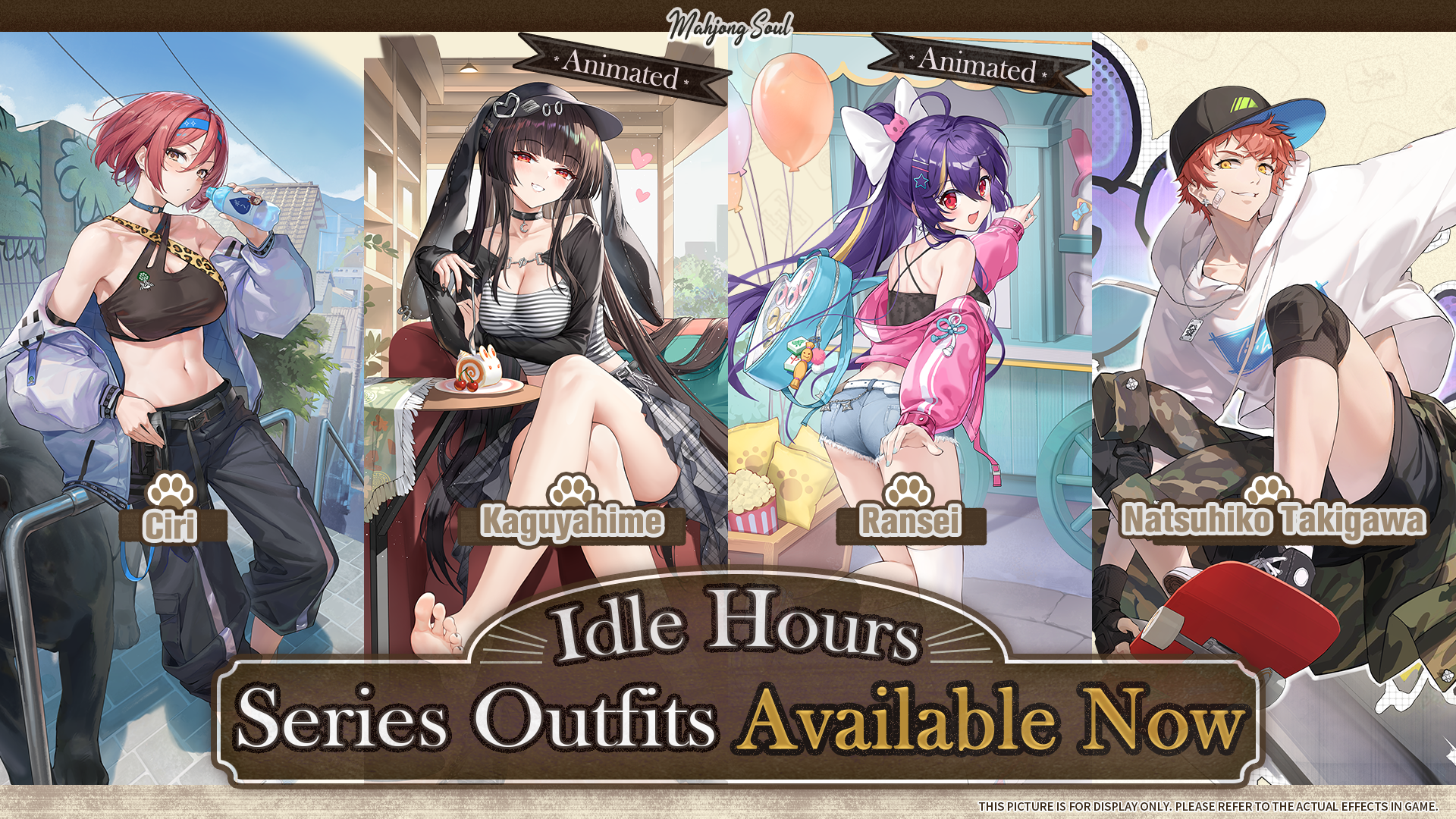
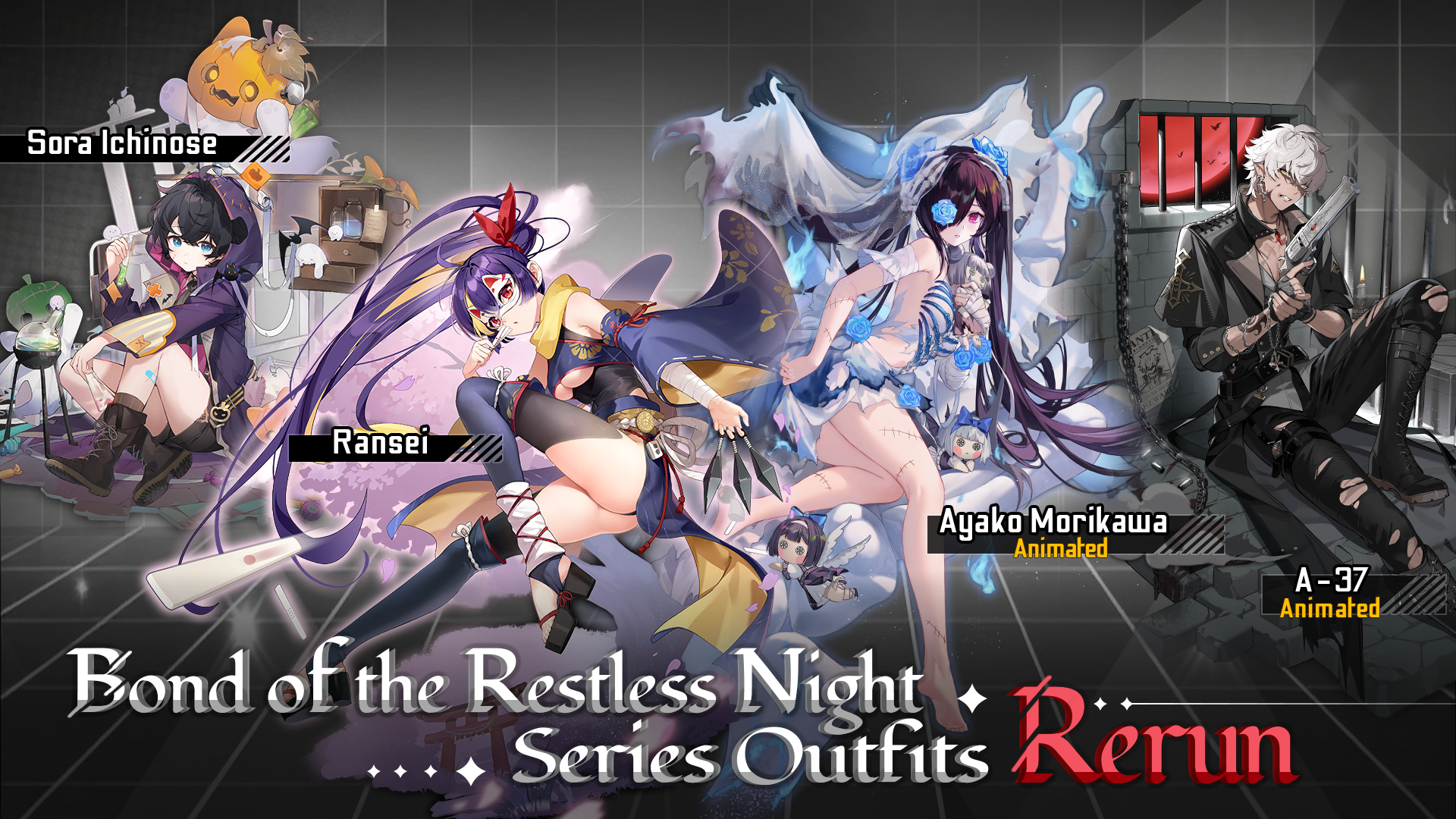
1) Available Period: 11/18 After maintenance – 12/2 1:59 P.M. (UTC-7).
2) Limited-Time New Outfits in Outfit Shop:
[Idle Hours - Kaguyahime (Animated)], [Idle Hours - Ransei (Animated)], [Idle Hours - Ciri], and [Idle Hours - Natsuhiko Takigawa];
3) Limited-Time Rerun Outfits in Outfit Shop:
[Bond of the Restless Night - Ayako Morikawa (Animated)], [Bond of the Restless Night - Ransei], [Bond of the Restless Night - A-37 (Animated)] and [Bond of the Restless Night - Sora Ichinose].
*You need to have the character to equip their outfit(s).
*You can check currently owned outfits in Item - Outfit.
*The animation effect of the Animated Outfits can be turned on/off in Dorm; the animation effect is not supported in some interfaces.
*You can go to Dorm - Character - View and click the character's avatar to change the outfit.
4. Others
1) Added "Follow Dealer" feature to the Match Watch interface. You can enable it from the toolbar; once enabled, the main view will automatically switch to follow the dealer;
2) Fixed display issues with certain visual effects;
3) Fixed some text errors;
4) Upgraded the client engine to improve performance;
5) Fixed some long-standing bugs.