
Hello cleaners!
Before I get to Home & Foam, I want to say thank you. To everyone who has bought Rug Cleaning Simulator, recommended it to a friend, shared a screenshot, reported a bug, or taken the time to leave a Steam review or comment: your support means a lot to me.
Seeing you enjoy the game, and hearing what could be better, keeps me motivated to work on it. My dream is to become a full-time indie developer, and your support brings that dream closer.
If you have a moment, please consider sharing your experience in a Steam review. Even a few words can help someone decide whether the game is for them. Thank you to everyone who has already left one, and for all the feedback that has helped shape this update.
Home & Foam is here
Welcome to Home & Foam, the first major expansion for Rug Cleaning Simulator! With update 1.1.30, you have a new goal beyond the workshop: build and decorate your own home above the shop. There is also more satisfying dirt and foam, an overhead cleaning view with zoom, more ways to decorate, and more lost treasures hiding in your customers' rugs.
This announcement brings together the expansion and the changes recorded in versions 1.1.5–1.1.30, so you can catch up on the smaller improvements too.
Watch the Home & Foam trailer
https://www.youtube.com/watch?v=xjHixuGG0h0
A home above the workshop
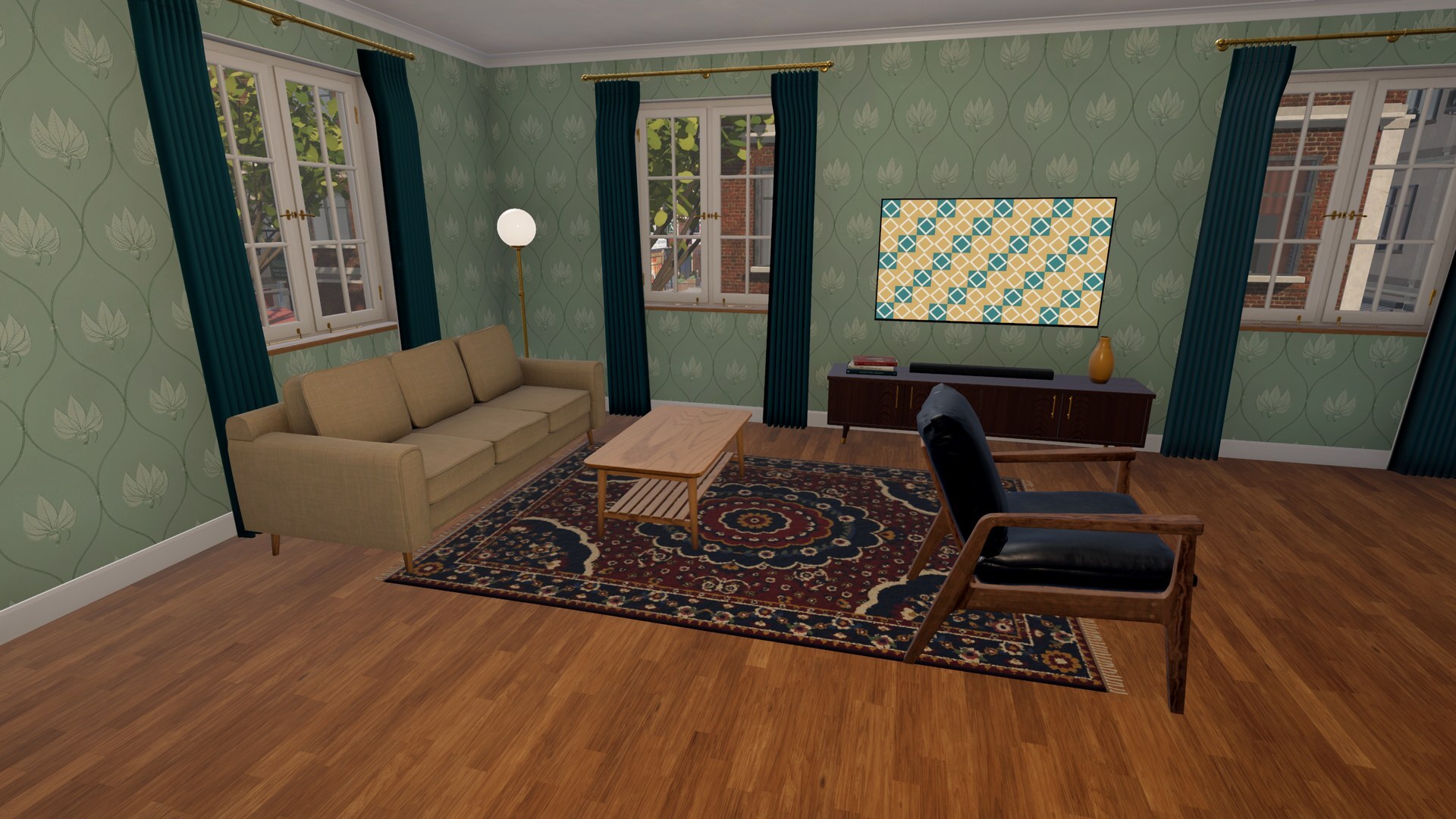
Your hard work can now earn you a place to call home, just upstairs from the business you built.
- Repay the workshop loan to unlock a $200,000 home loan. Construction takes three in-game days, while your shop stays open. Builders work from the side lane and roof as a new floor takes shape.
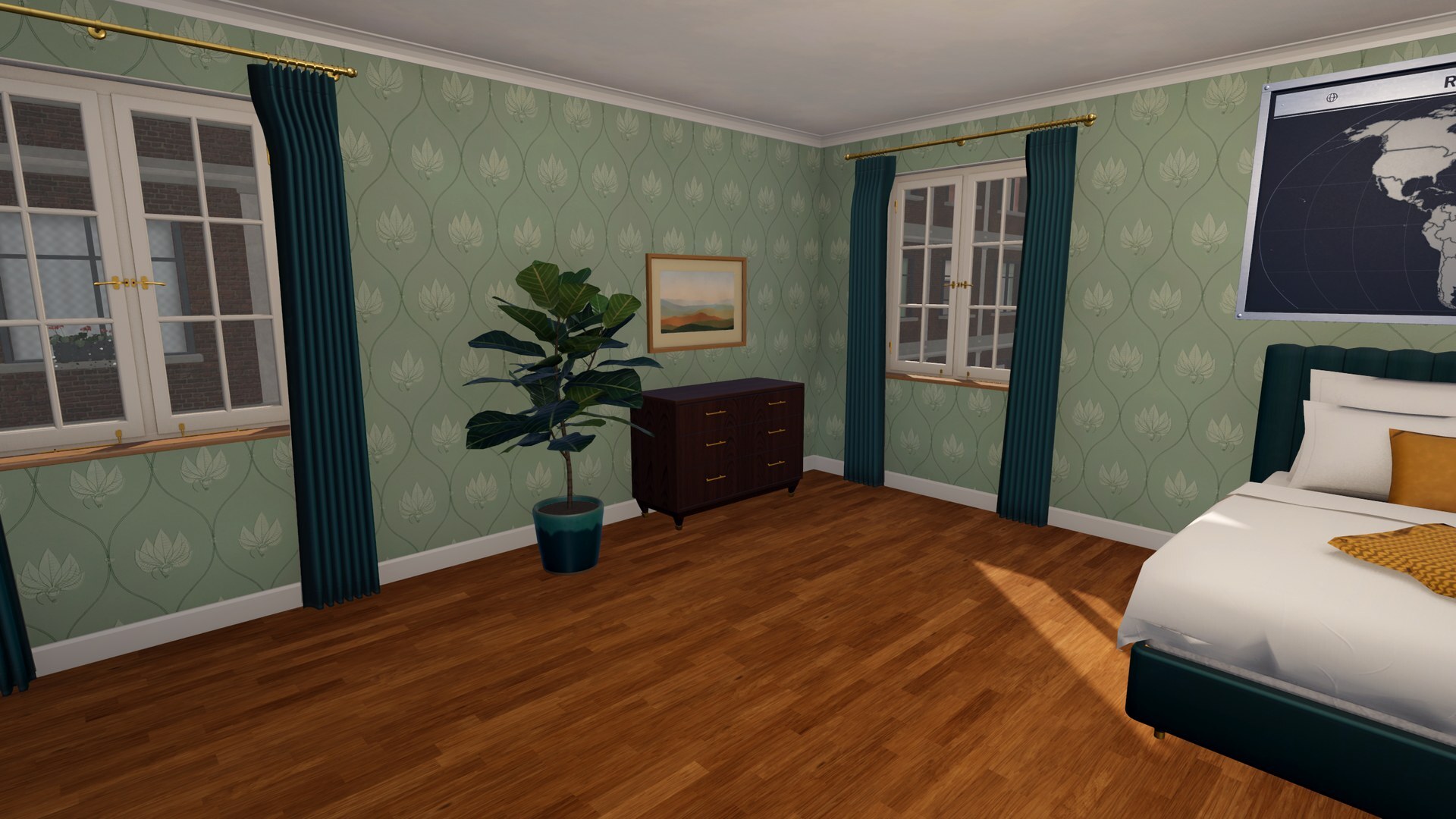
- The stairs in the office lead to your flat. Once it is ready, sleep in your own bed upstairs and use the flat's world map, curtains, TV and lights.
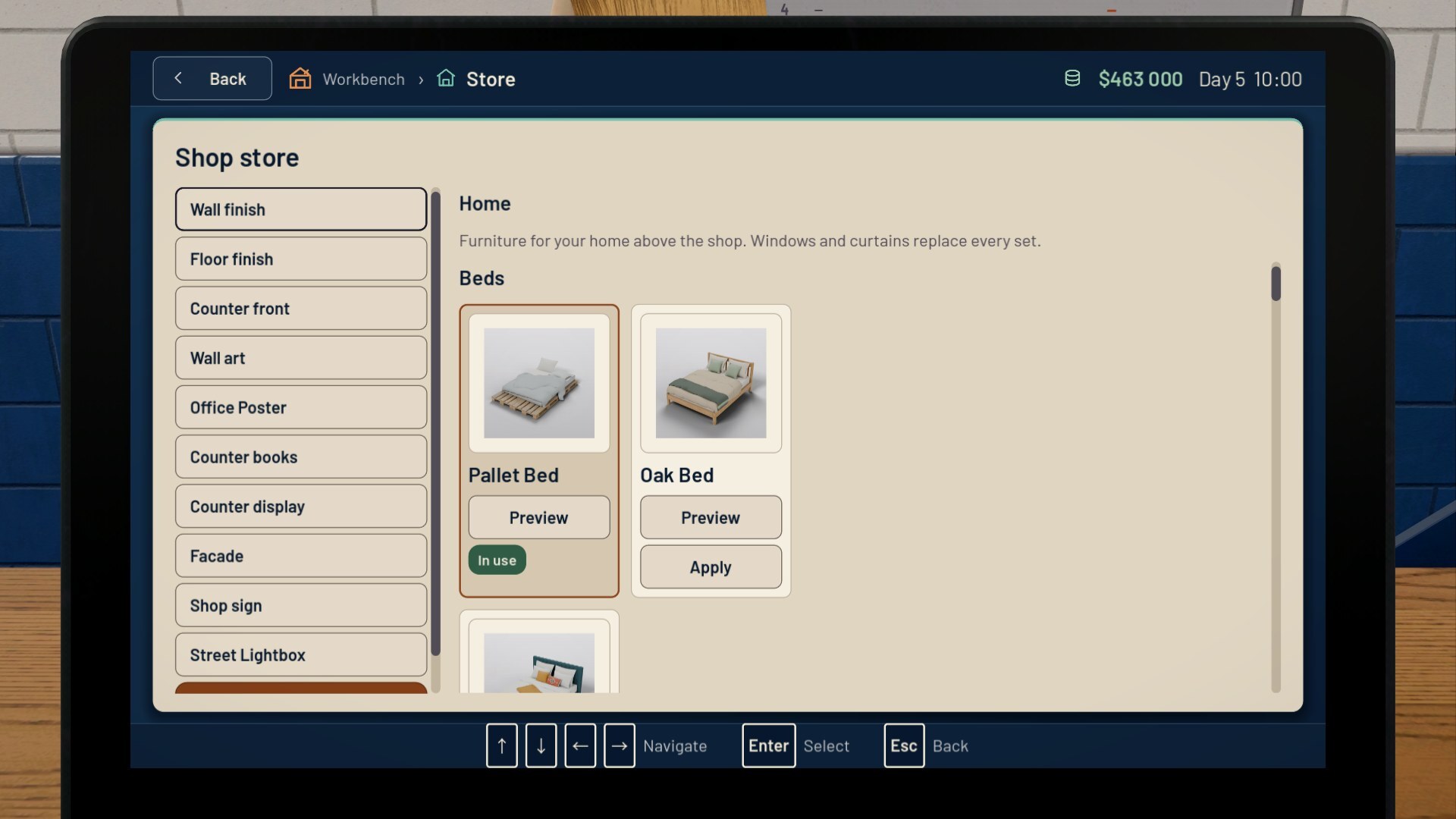
- Furnish the room through the laptop's Store app: beds, TV units, bookcases, windows, curtains and the stairs, plus rugs, sofas, coffee tables, floor lamps, plants, dressers and framed pictures.
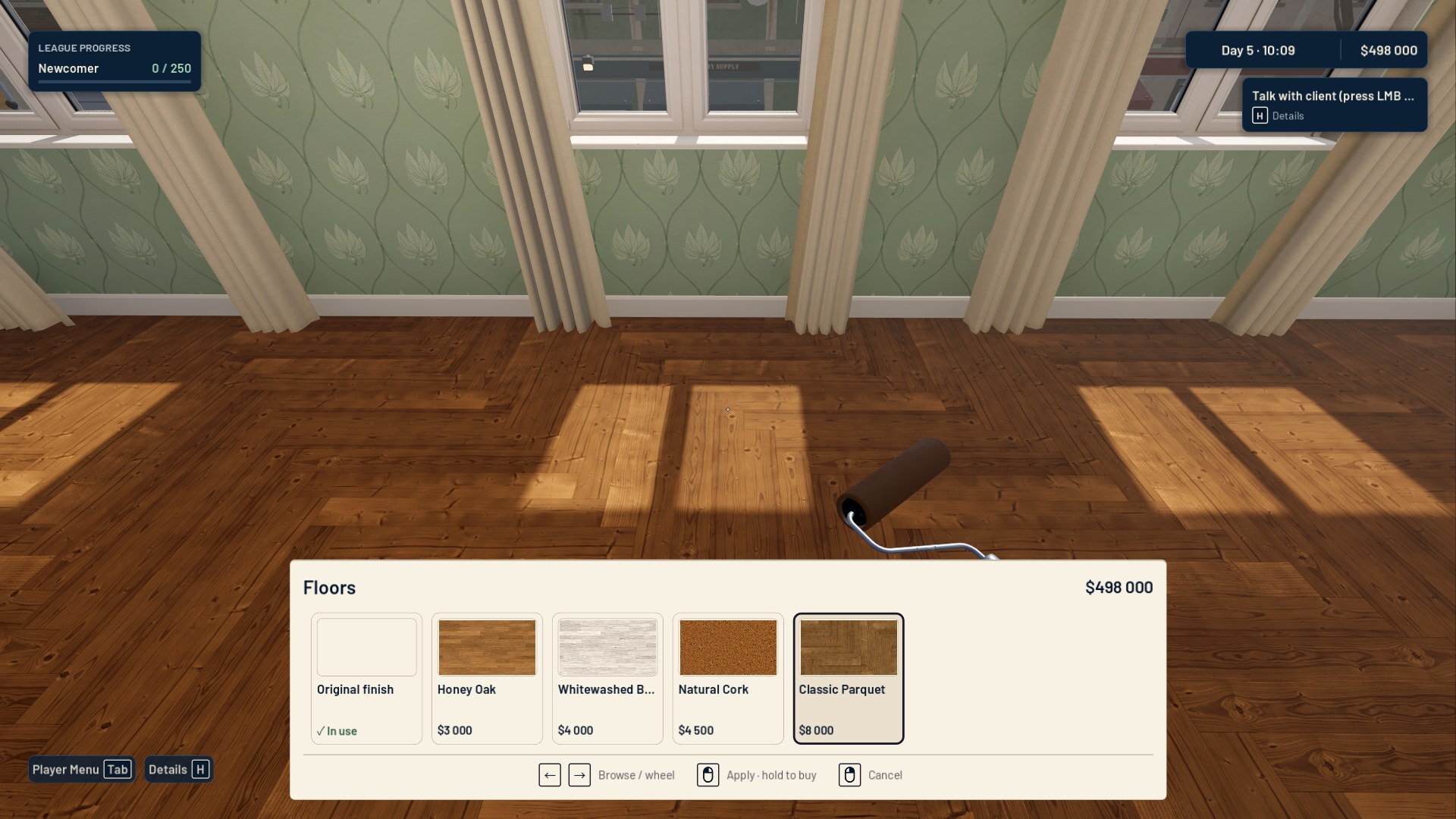
- Choose wall and floor finishes, from painted plaster and brick to cork and parquet.
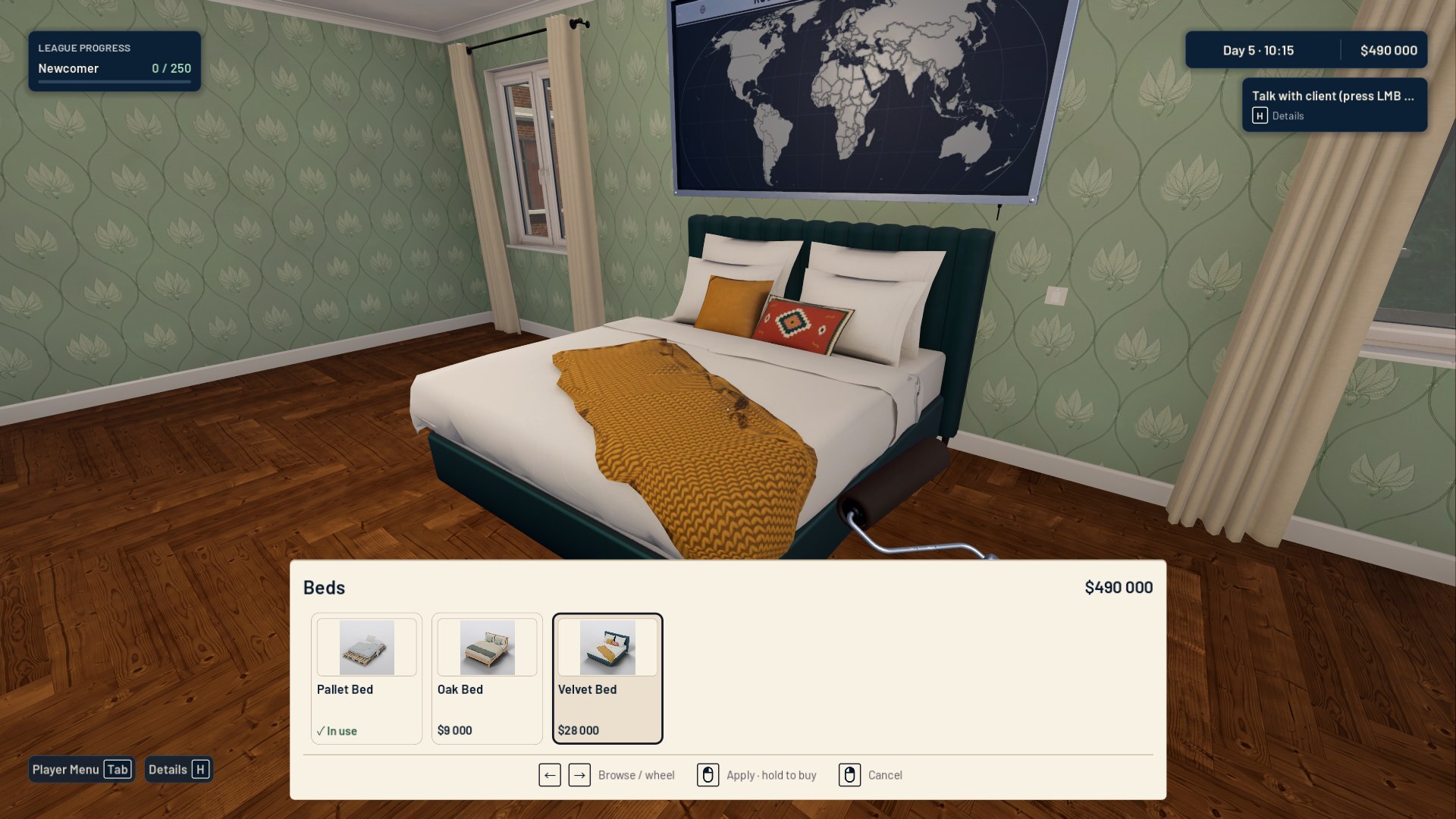
- A second design kit waits on a stool at the top of the stairs. Aim at furniture, windows, curtains, walls or floors to preview options in place and hold to buy. Either design kit works on both floors.
- Every furniture option has a picture in the Store app and on the design kit's selection strip.
- A reminder on the first evening helps you find your new bed. Aiming anywhere on the bed offers sleep, rather than selecting the map above it.
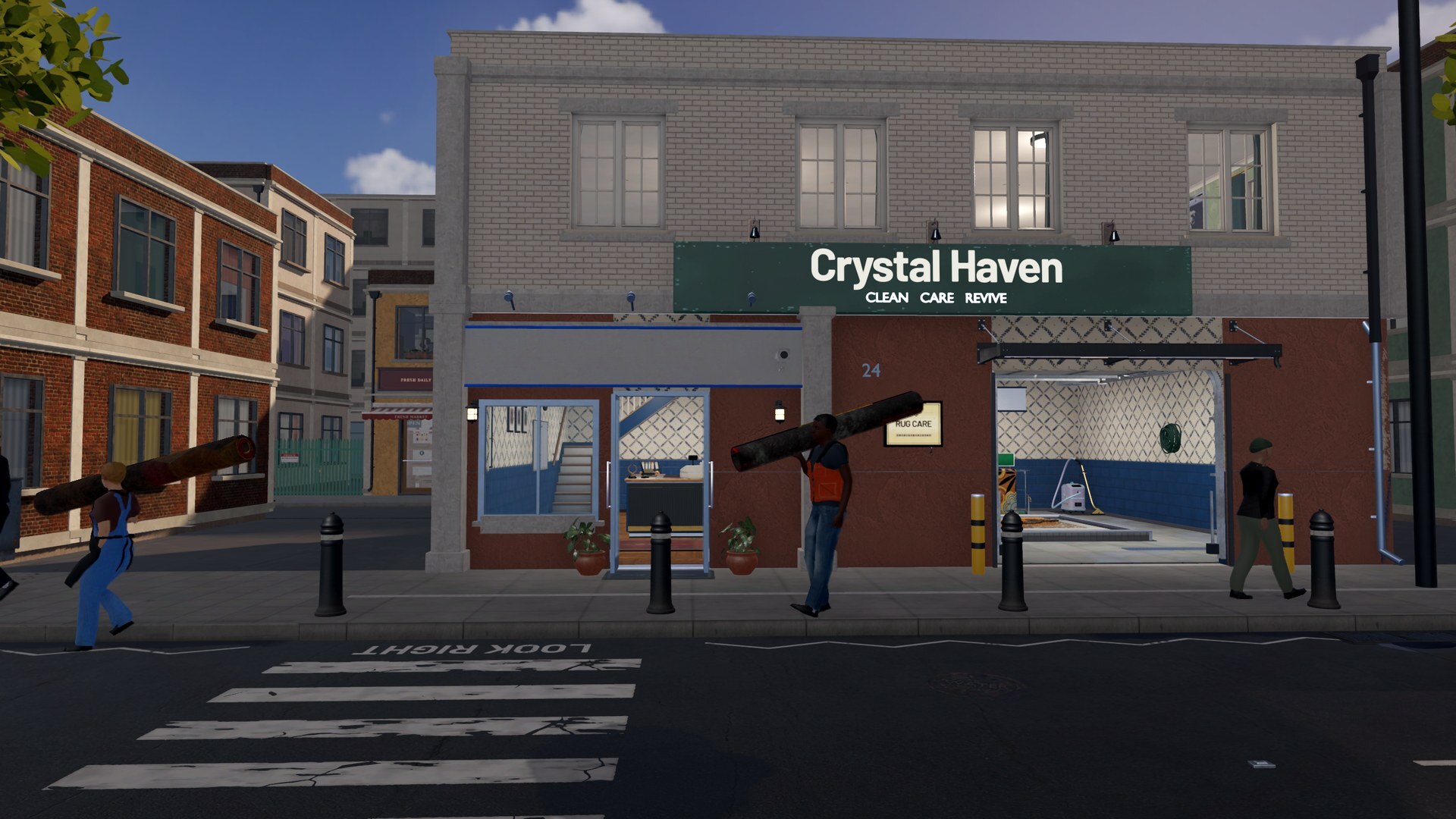
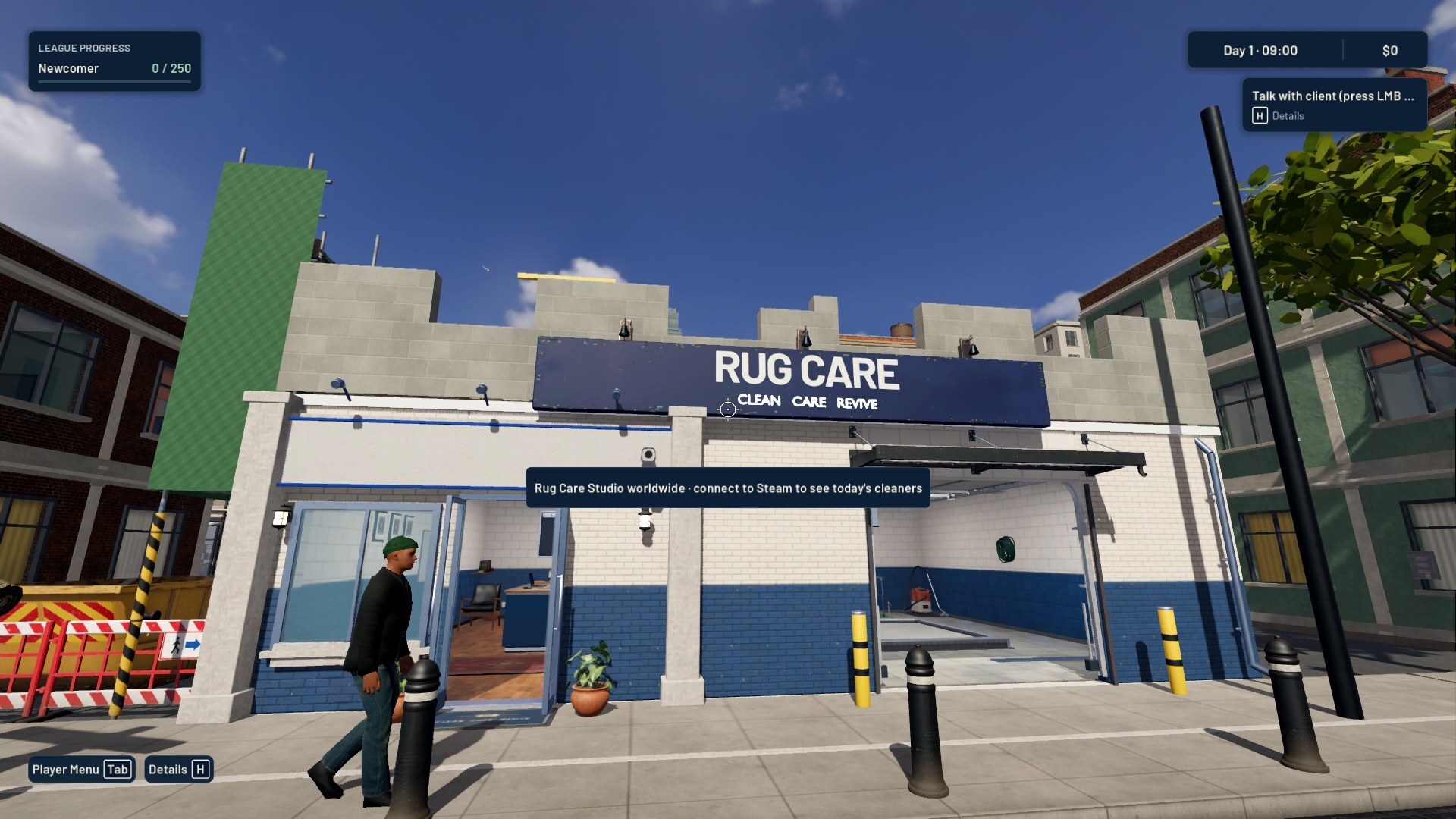
More satisfying cleaning
The next dirty rug should give you plenty to look forward to.
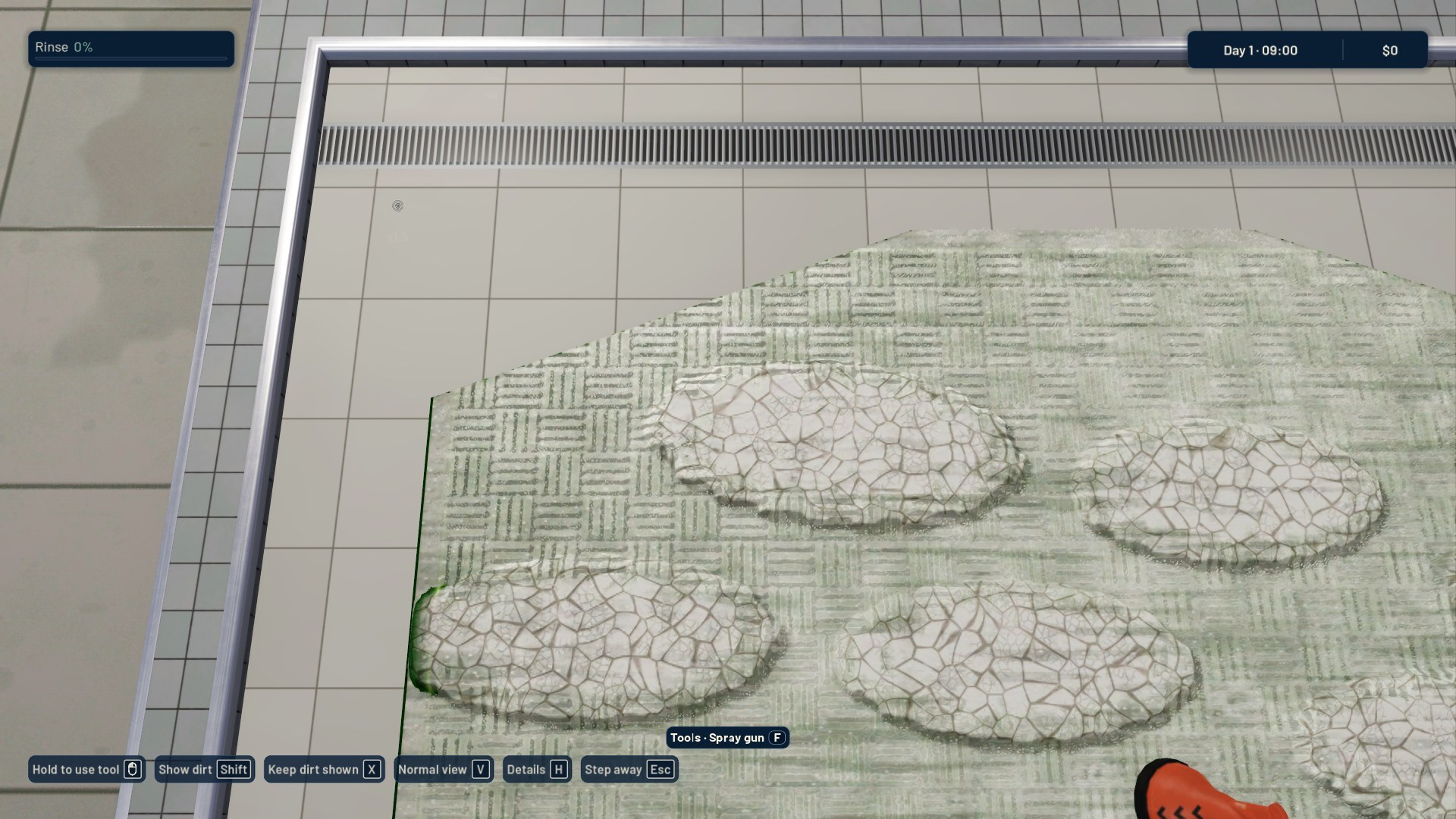
- Mud and other heavy dirt have a thicker, uneven surface that catches light and glistens when sprayed.
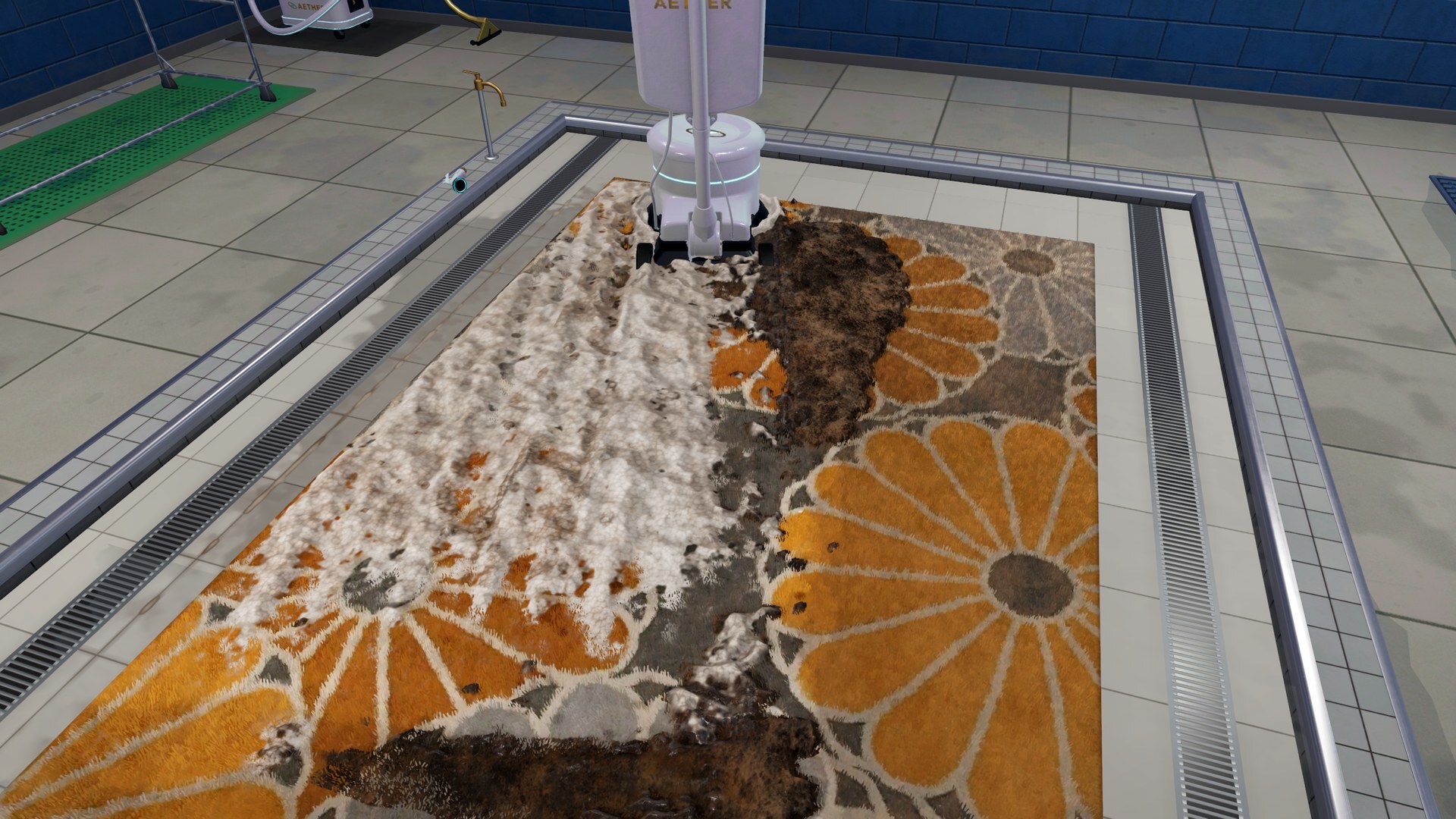
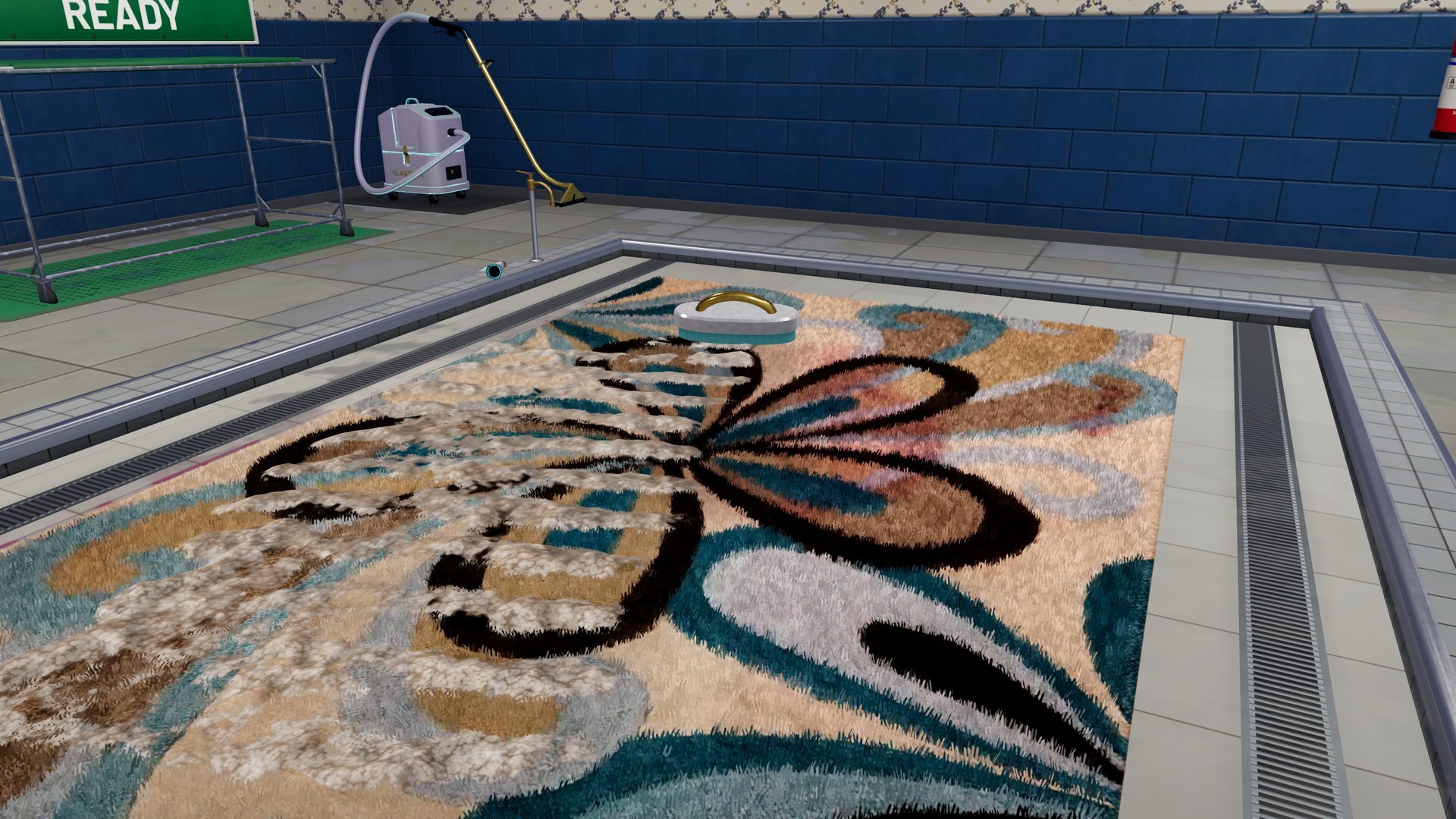
- Scrubbing creates much more lather. Fresh white foam turns brown as it picks up dirt, then thins into a lace-like pattern as it settles.
- The extractor clears the foam to reveal a clean, nearly dry rug and leaves visible vacuum lanes in the pile. The brush, squeegee and rotary machine leave their own marks too.
- More dirty water flows off the rug, across the wash pit and toward the drains.
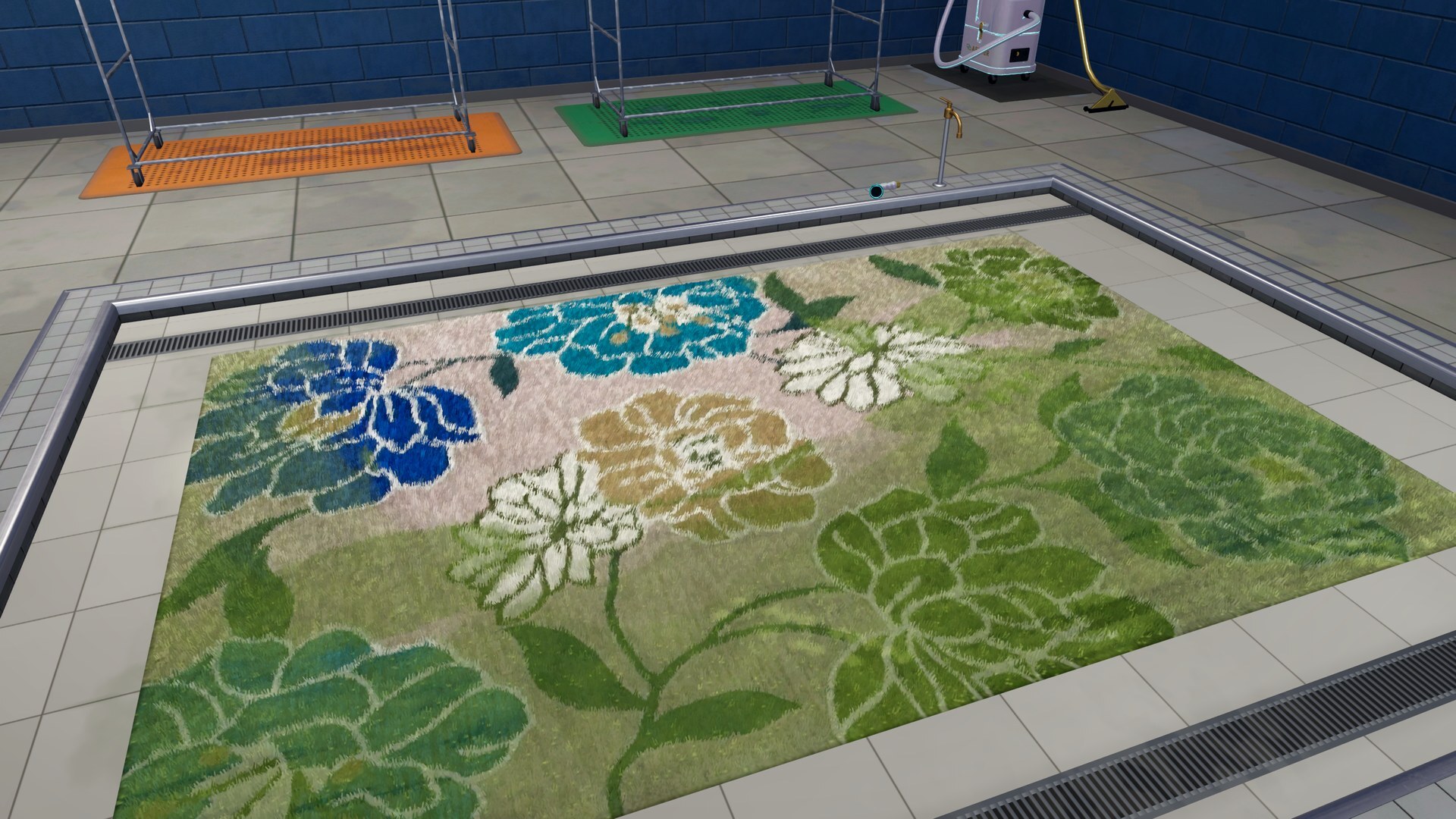
- Updated wash bay lighting brings out rug detail and reduces glare from the metal drains. Dry soil looks rougher, wet mud catches the light, and moss stays matte.
- The spray gun hose runs toward the side of the screen for a clearer view. Its visible section is shorter and smoother.
- Night scenes have more natural colours and less glare from the shop sign. Cinematic lens effects are subtler, and the view stays sharp while cleaning.
- Refreshed title and loading images include the upstairs flat and 15 rugs caught halfway through cleaning: mud, wine, grass, coffee and clay, with foam and freshly extracted areas beside the dirt.
The cleaning stages, tools and progress remain familiar, with much more detail to enjoy along the way.
See your work from above
- Press V while cleaning, or LB / L1 on a controller, to switch to an overhead view. Press again to return to first person.
- Every cleaning tool works from above. Use the mouse or right stick to aim, and movement controls to move around the rug and pan the view.
- Zoom toward the cursor with the mouse wheel, or hold the zoom button: right mouse button / controller X.
- Tool reach, spray range and machine weight work as in first person, so you still need to move to reach the far side.
- Your view preference is remembered for the next rug. Stepping away returns you to the normal view. Reduced motion switches views immediately instead of gliding between them.
- After your first rug, the large cleaning panel becomes a compact display of the current step, progress and next-step key. Press H / D-pad Up to expand it, or enable Always show the large cleaning panel in Accessibility.
Make the shop your own
- Pick up the design kit's paint roller from its tray on the counter. Aim at a wall, floor, counter, picture spot or shopfront to preview finishes where they will appear.
- Browse with the mouse wheel, arrow keys or controller bumpers. Apply an owned finish with the use button, or hold to buy a new one. Back or the pickup button cancels the preview and restores the previous look.
- Preview every finish from your first day, including items for later leagues. Empty picture, poster, lightbox, book and display spots show an outline while you hold the kit.
- There are 27 new finishes and displays. Each decor item unlocks in its own league, from your first day through Legend. The promotion screen shows what opens next.
- From day one: Buttermilk and Coastal Mist walls, Honey Oak and Cloud Microcement floors, the Pine Counter and Rug Sketch.
- Professional: Terracotta Clay and Lavender Haze walls, Whitewashed Boards and Terracotta Tile floors, the first client displays, Rug Market Poster and Shop Cat.
- Expert: Ochre Earth, Old Red Brick, Dark Walnut, Loom Study and Rug Atlas, alongside the existing premium finishes.
- Master and Grandmaster: Harbour Navy, Sage Wall Tile, Smoked Parquet, Butter Render, Sage Enamel Sign, Kilim Wallpaper, Midnight Terrazzo, Navy Render and Miniature Loom.
- Legend adds the Walnut & Brass Counter, Grand Medallion Study and Neon Script Lightbox. Prices run from $90 for a day-one paint to $12,000–$16,000 for the Legend luxury pieces; signature rewards remain free. Display bonuses and their caps are unchanged.
- Paint spreads from where you aim with a wet edge that dries behind it. Buying a finish adds a glossy coat and a few drops of colour, while pictures, books and figurines settle into place.
- Put the roller back with the pickup button. It also returns to its tray during cinematics and at the end of the day. The kit has new models and text in all 15 game languages.
Nine new finds to return
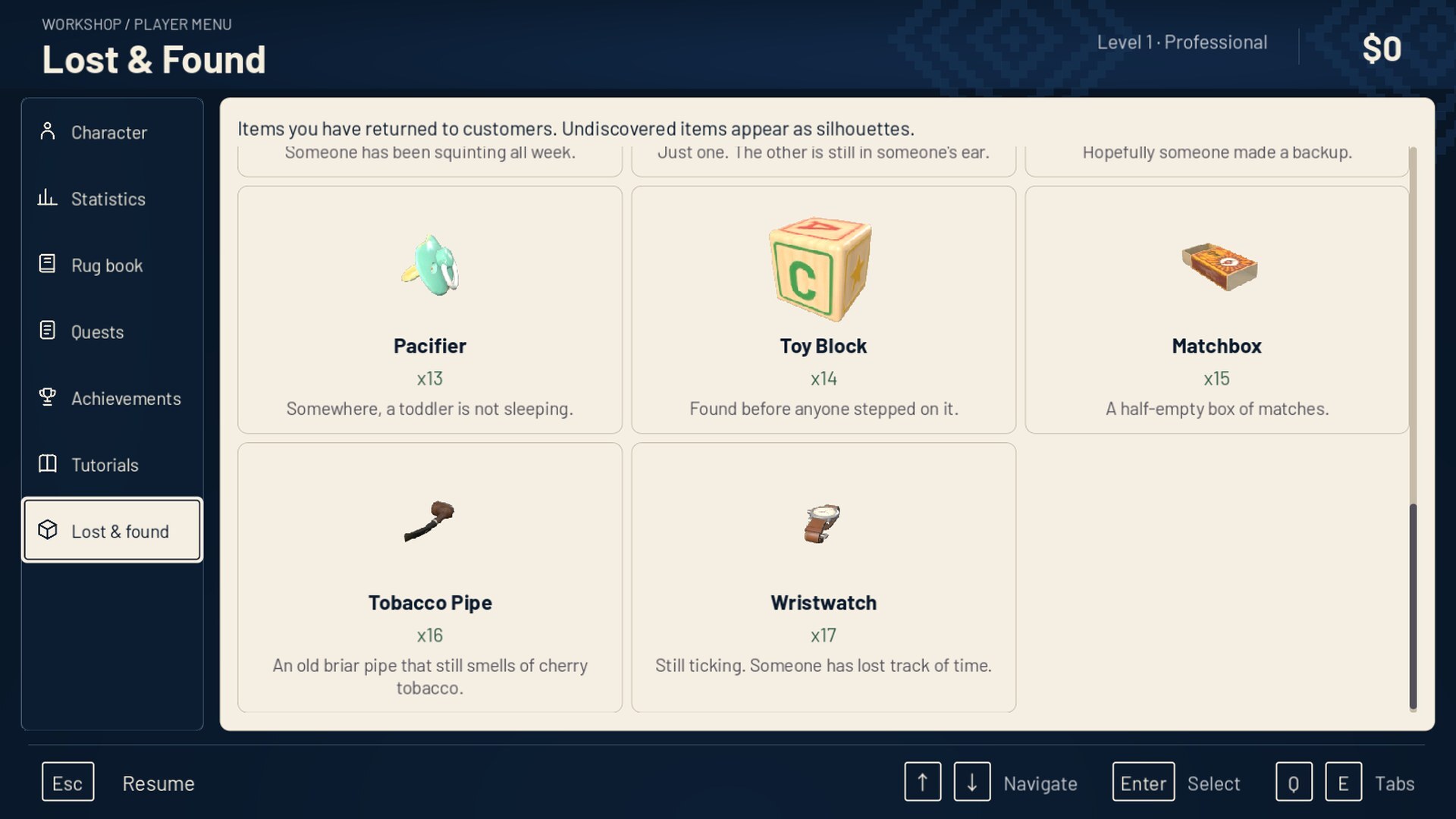
There are now 17 kinds of lost items to discover in rugs and collect in Lost & Found.
- The nine additions are a wedding ring, reading glasses, wireless earbud, USB stick, pacifier, toy block, matchbox, tobacco pipe and wristwatch.
- Different customers lose different things: families leave pacifiers and toy blocks, office workers leave earbuds and USB sticks, older customers leave glasses and rings, and smokers leave matchboxes and pipes.
- Rare wedding rings and wristwatches award both money and XP when returned. Other finds award money or XP, with average rewards balanced to keep career progression at its existing pace.
- Each new find has a rotating catalog card and text in all 15 game languages. The models load with the shop to avoid a hitch when an item first appears.
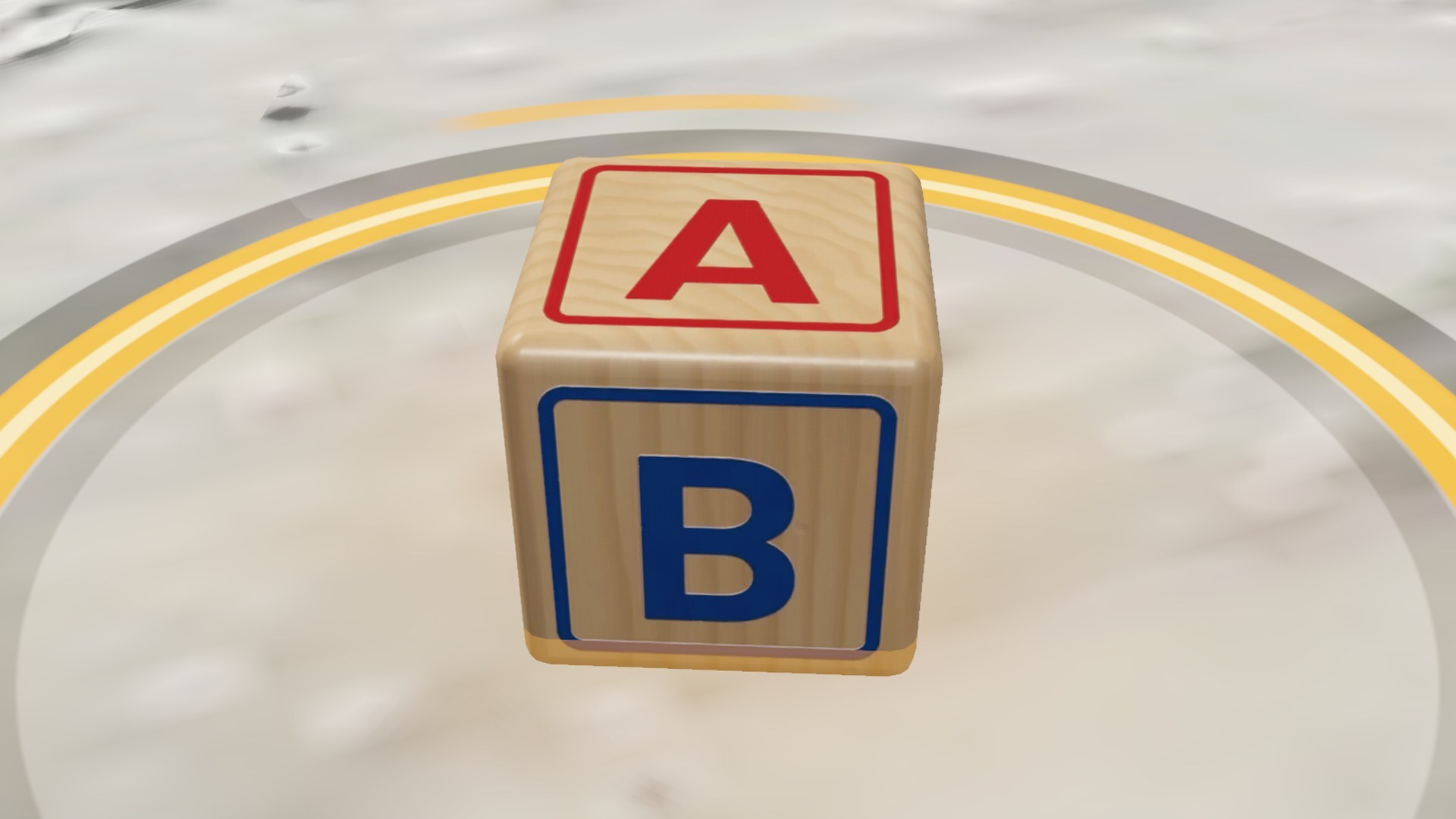
- The toy block is now an original wooden alphabet block with painted letters, numbers and a star. It keeps its place in your collection.
- Metal finds show their brass, gold and steel colours correctly in the catalog, instead of appearing black.
A livelier shop and street
- Customers returning for an unfinished rug wait by the front window instead of blocking the counter. When it is clean and dry, they return ahead of the line, or you can bring it to them and take payment where they wait. Waiting aside does not drain patience any faster than the queue.
- Look at a rug for a second to expand its label and read the customer's account of the dirt. This works on racks and the floor, includes rugs accepted by staff, and survives saving and loading. Look away to close it.
- Workers finish their day by leaving through the shop door and heading home along the street. Rugs they were carrying are left in the proper place, and staff return to their posts the next morning. The Hiring app shows who is leaving or has gone home.
- People knocked over on the street, and the player after slipping, have more natural get-up animations. Hands and knees stay planted, heads avoid nearby obstacles, and passers-by resume their route instead of drifting around the spot.
- Pedestrians handle busy pavements more smoothly: they keep to their lane, wait when blocked and turn back when needed.
- Bumping into bins, benches and café chairs, slipping on the wet wash pit, and landing after a fall have clearer sounds, including on Steam Deck speakers. While down, you hear from your character's position.
- Player footsteps are 50% quieter.
Controls and accessibility
- All cleaning tools use held input by default, and the HUD shows the tool-use key. Enable Keep cleaning toggle in Accessibility if you prefer an explicit toggle.
- The cleaning shortcuts include R to keep the tool working and X to keep remaining dirt shown. These are listed on the HUD and can be rebound in Controls, including assigning controller buttons. Holding the regular tool-use and dirt-view buttons remains available.
- The toggles reset when you step away, open a menu or tool wheel, or advance to the next cleaning step. Changing tools also stops continuous tool use.
- The rotary machine and extractor move with the view instead of trailing behind and jittering, particularly at Steam Deck's 40 fps. Starting a cleaning step is smoother, and the machines settle into the rug more gently.
- Controller rumble is softer and more even. With Reduced motion enabled, tools no longer dip for milestones or step cues.
- Right-stick turning is smoother across frame rates, both while walking and cleaning.
Faster loading, Steam Deck and lower memory use
- Steam Deck performance improvements reduce repeated sky-lighting work and avoid unnecessary rendering of windows, skin shading on lower presets, extractor droplets and item highlights.
- Shader preparation runs jobs in parallel. Linux builds include pre-baked shaders, and the Steam Deck build includes a prepared pipeline cache for a shorter first launch after an update.
- Code-only updates no longer repeat shader preparation. Returning to graphics settings you have used before also avoids repeating the long setup, and unused graphics are no longer prepared on a new PC.
- Startup logos last only while loading is in progress, followed by a loading screen when needed. Loading screens have a spinner, and the first setup's progress bar no longer stays at 0% while files load. The startup fictional-character notice has been removed.
- Lighting effects are prepared behind the opening logos to reduce stalls when entering the shop. File loading is faster, and the Achievements page is built when opened to help Continue reach the shop sooner.
- On the test PC, a normal start reached the main menu in about 4 seconds instead of 10.6; Continue after a code-only update improved from 14.0 to 9.9 seconds. File reads were up to three times faster, and the first launch after installation was about 10 seconds shorter. Results vary by hardware and settings.
- Characters avoid recalculating unchanged skeletons. In a busy street with over 100 people, this reduced frame time by about 28% on the test PC with the frame rate uncapped.
- Street crowd updates do the same work per second at different refresh rates, avoiding extra work on 120 Hz and 144 Hz displays. Behaviour at 60 fps and below is unchanged.
- Lower video memory use helps 4 GB graphics cards: the world map, menu backgrounds and logos are stored more efficiently, dirt types share surface maps, and distant street/shop textures and surface detail use less memory.
- Reflections reserve much less video memory with the same appearance. Unused clothing has been removed to reduce disk use; old-save characters wearing it receive ordinary clothing.
More fixes and finishing touches
- Fixed a crash during “getting your workshop ready” on some AMD Ryzen processors with integrated graphics. If a graphics driver runs out of resources during loading, the game now explains the problem instead of closing silently.
- Fixed a crash during the first load, particularly on slower computers.
- Fixed the ceiling gap above the foot of the stairs, removed the dark metal strip across the stairs, and adjusted the curtain beside the stair top so it no longer looks like an obstruction.
- The design kit responds to the left mouse button again and can be applied with gamepad A, left mouse button or E.
- Removed the misplaced hand on the water pistol in the overhead view and retired obsolete squeegee pickups in the shop.
- Customers leaving the shop route around the counter. Customers in a loaded save face the counter again.
- When every cleaning step reaches 100%, the day summary also shows 100%.
- Thrown rugs knock over street pedestrians only; customers and staff stay on their feet.
- The leaderboard wall displays every name again, with long names shortened using an ellipsis.
- Changing language immediately updates the reset-controls button and pickup prompts.
Thank you for helping Rug Cleaning Simulator grow. Please keep sharing your feedback and bug reports in the Steam discussions and comments. I hope you enjoy Home & Foam, and I would love to see how you decorate your new home.
Happy cleaning!