
As you may know, there was a recent issue with Unity for windows7 users, causing the game to crash. We rolled back to an older version, and updates were put on hold as we were waiting for a fix. Unity has been made aware of the problem, but a solution has yet to be found.
However, to allow us to make new updates, a special branch for windows7 users has been created, and can be accessed by switching beta version branch on Steam (tutorial below).
The main branch will now be receiving new patches and updates. Windows7 users trying to use this branch will get a message error and instructions to switch beta branch.

Do not worry, this is only temporary until a fix is provided!
To switch beta branch to the windows7 version:
Go to Steam and in your games library right click on Edge of Eternity

Go to properties
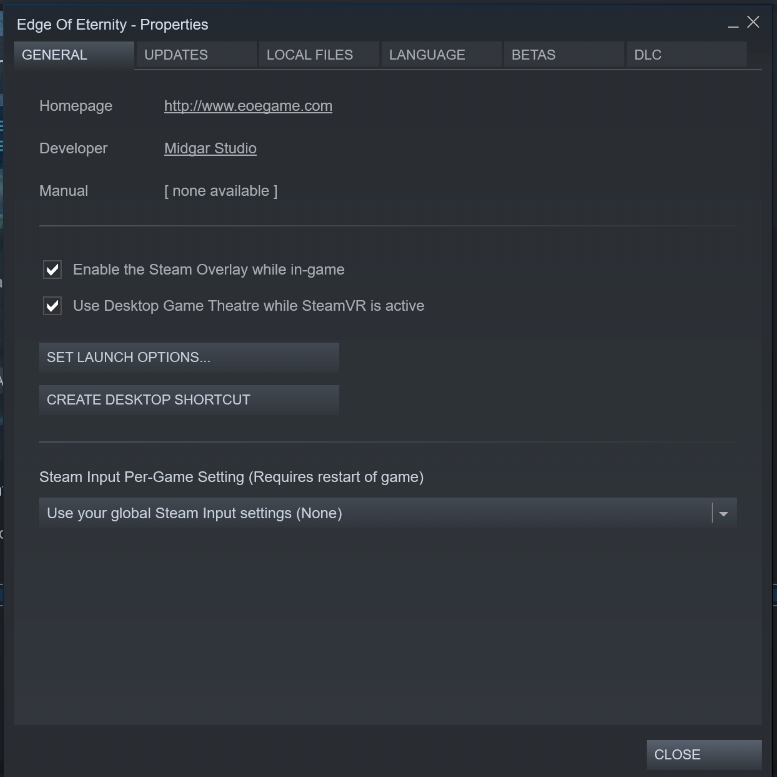
Then click on Betas, and select the beta you would like to opt into: windows7

You can then close the window. Edge of Eternity should update, and then you can play again with windows7!