
It would be a crime to call this a "hotfix" when the bug in question has been chilling in our game for nearly a full year... so welcome to our Coldfix!
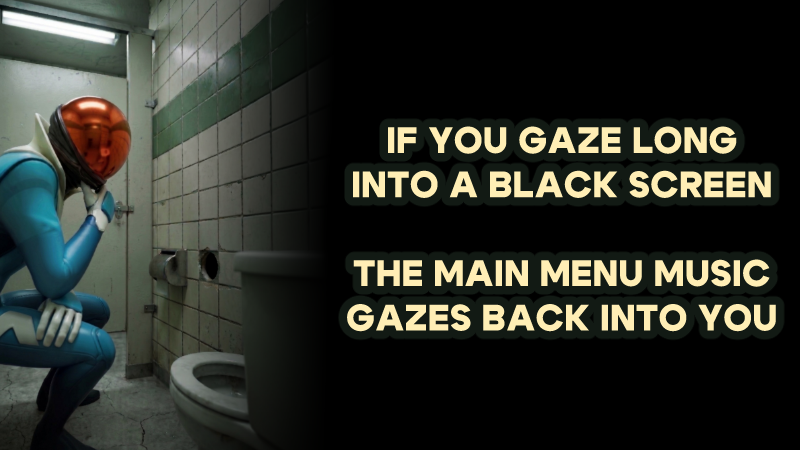
We've been trying to solve a particularly annoying issue reported by some of our players: you launch UnLoop, hear the main menu music bumping in your ears, see the game rendering fine on your PC monitor... but your VR headset is giving you a pitch-black void. 🕶️
Our Working Hypothesis 🔬
While digging, we discovered that PC build was defaulting to DirectX 11 under the hood. Our current theory is that DX11 might be causing this rendering disconnect in VR.
To be completely transparent: we aren't 100% sure if this is the actual cause or if this build will fully fix it.
Since we haven't been able to reproduce the black screen on our local dev machines, this is an educated hypothesis that we need to test in the wild!
Here is what we changed to test this theory:
Vulkan by Default 🌋 – We have officially switched the default rendering API to Vulkan.
DirectX 12 Option ⚙️ – Added an option to switch over to DirectX 12 if Vulkan doesn't do the trick.
We Need Your Help 🙌
If you were one of the players hitting the black screen bug, please jump into this build and let us know if Vulkan or DX12 actually fixes it for you!
And for everyone else... well, you know us by now. We love shipping builds that accidentally break something completely unrelated! 🤡
So please check it out too, play around, and let us know if everything runs smoothly or if we managed to create a brand new mystery bug.
Version 1.2.1. is uploaded to beta_test channel:
Find UnLoop in your library, right-click it → Properties.
Go to Game Versions & Betas and switch to the beta_test branch. No password needed.
Wait for it to update, then launch the game.
Check in the main menu that version marked as 1.2.1.
Switch Vulcan to DX12:
Open Properties for UnLoop in your library.
Under General → Launch Options, paste -dx12
Launch the game.
After switching API, it may take a while for the shaders to load (it looks like a static screen with the UnLoop logo). This is fine, just wait.
Still Seeing Black? Check These Usual Suspects
If this build doesn't fix the issue for you, remember that VR setup conflicts can also trigger a black screen. Please double-check these common causes:
Incorrect OpenXR Runtime 🥽 – If you're playing via Meta Link/Steam Link/Pico Connect but your active OpenXR runtime is set to SteamVR (or vice versa), the display feed will drop. You can fix this in your settings. Check out our quick guide here:View game page
Dual-GPU PC 💻 – If your computer launches the game on the integrated GPU while your headset is wired to the discrete GPU, you'll get audio with no visual. To fix this:
Open Windows Settings → Display → Graphics
Add UnLoop to the list and set it to High performance.
Background VR Apps 🛑 – Many players noticed black screen errors when another VR game, overlay, or VR tool was quietly running in the background. Make sure to close any conflicting VR software before launching. Please, read these treads to check the additional info: