Issues on Windows 11? it's not Hiraeth's fault – Must read!
Windows 11 Performance Issues — Identified & Solved
View game page
🚀 I’ve doubled the FPS (or even more!) — why not!
Recently Unreal Engine started acting up in some really strange ways, so instead of waiting around, I dove straight into the problem. I tweaked a bunch of settings, worked around several engine quirks, removed a few actors — theoretically they shouldn’t have affected performance, but as always, UE had its own opinion about that 😅
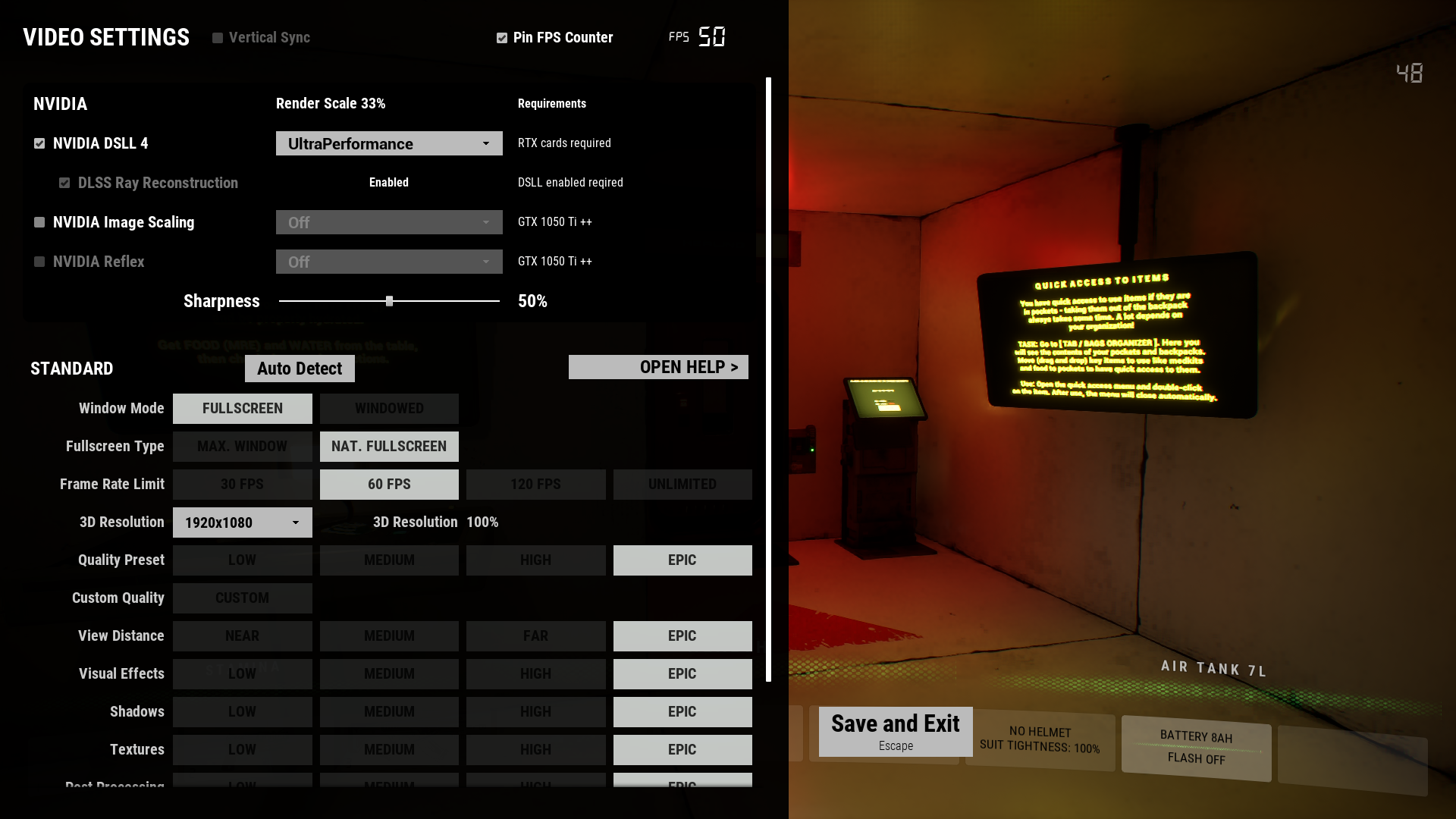
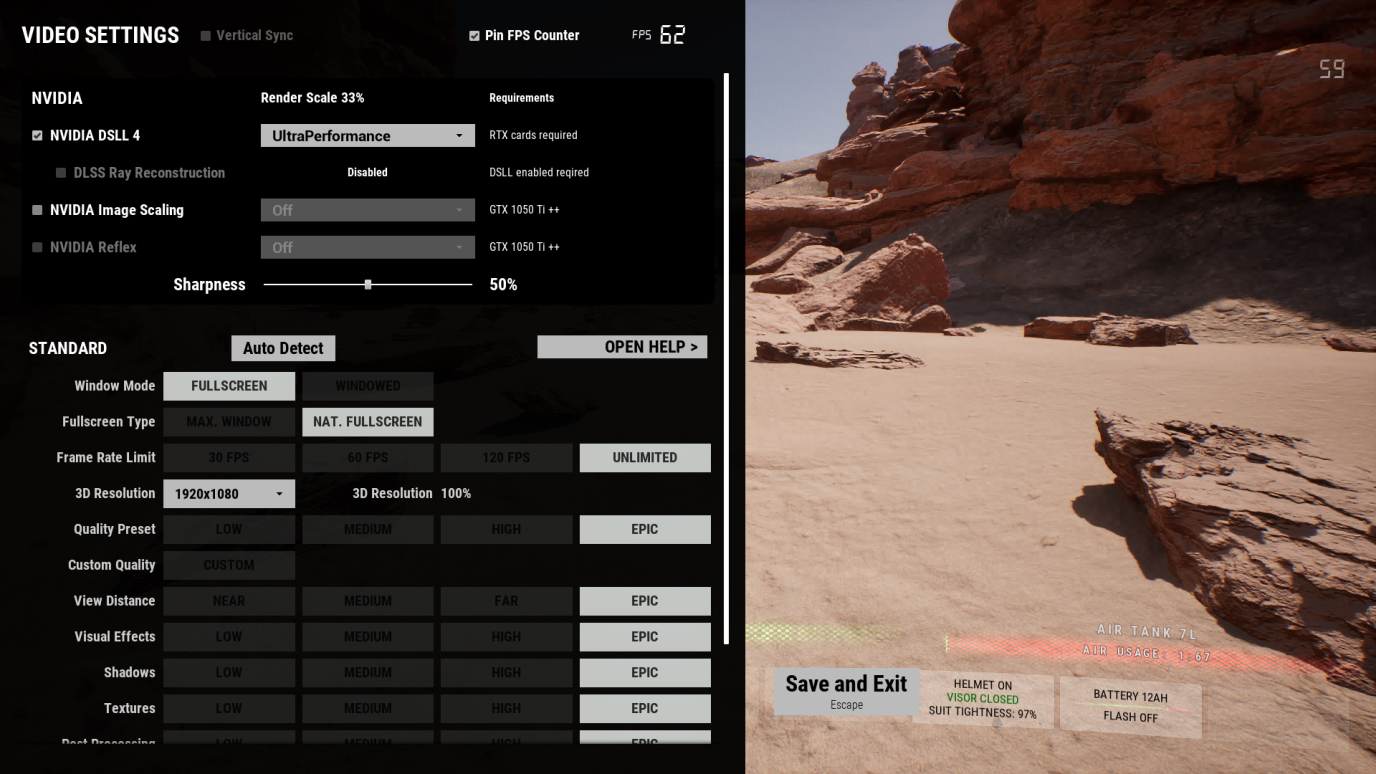
The result? On Nesoi Island, on my aging RTX 2060, I’m now getting around 60 FPS on the shown settings. Before — on a good day — it was barely 30 FPS, and the last builds… well, let’s not talk about those 🙈
I also added a few small code optimizations I had planned for later, and they helped a bit too. But the real issue wasn’t the code — it was engine physics and navigation mesh generation. Not even the AI itself. For now, AI is disabled in this version while I rethink how to approach navmesh. I don’t have full control over it, but I’m confident I can sort it out in a few days.
❌ What’s temporarily missing?
Creatures: spiders, Raptus, Slug — you can survive without them for a few days 😉
Flags — physics caused unexpected FPS drops, even though they barely moved
🌿 More good news
I usually rely on experience and intuition when it comes to textures, object density, rocks, foliage, and world composition. But today I ran a full rendering analysis, and everything is in the green on my RTX 2060! 💚
This means I can safely add more rocks, objects, and foliage on Nesoi (and future locations) without hurting FPS. Rendering is not the bottleneck — the engine’s physics and navmesh generation were. And those are now mostly under control.
⚠️ A note about DLSS
DLSS can be a bit unpredictable. A wrong setting may lower FPS — it’s worth experimenting, waiting a moment after launching the game, and sometimes restarting.
Why? My DLSS setup isn’t perfect, and in AAA studios entire teams work on this. Plus, the Nvidia plugin isn’t fully stable. But overall it works well — and many of you told me it helps a lot 👍
🔧 Other changes
Not many — I focused almost entirely on performance and system checks. And it worked — all in a single day! 💪 Additionally:
Athens — improved surroundings and landing zone. The WIP drone is temporarily removed due to construction issues (and because UE physics can murder FPS).
Comm Center — works better now, no duplicated objects like a few days ago. The antenna will return after fixes.
Water Station — removed for now; it wasn’t showing up anyway. It will return in a better, polished form.
Various POI objects (like crates) now appear more reliably — a side effect of the overall cleanup.
View game page
✨ Final message
I think a bit more FPS is something everyone can appreciate for the New Year — especially with new challenges on Nesoi coming soon, opening the way to yet another, completely different region of Ahra Prime!
Wishing you all the very best in the New Year — may it be full of survival, exploration, and great stories. Warm regards, Paweł
My settings on Training Center and The Nesoi Island. GPU: RTX 2060