
Hey everyone!
This update focus's on improving the visual clarity in Dread Protocol!
Visual clarity
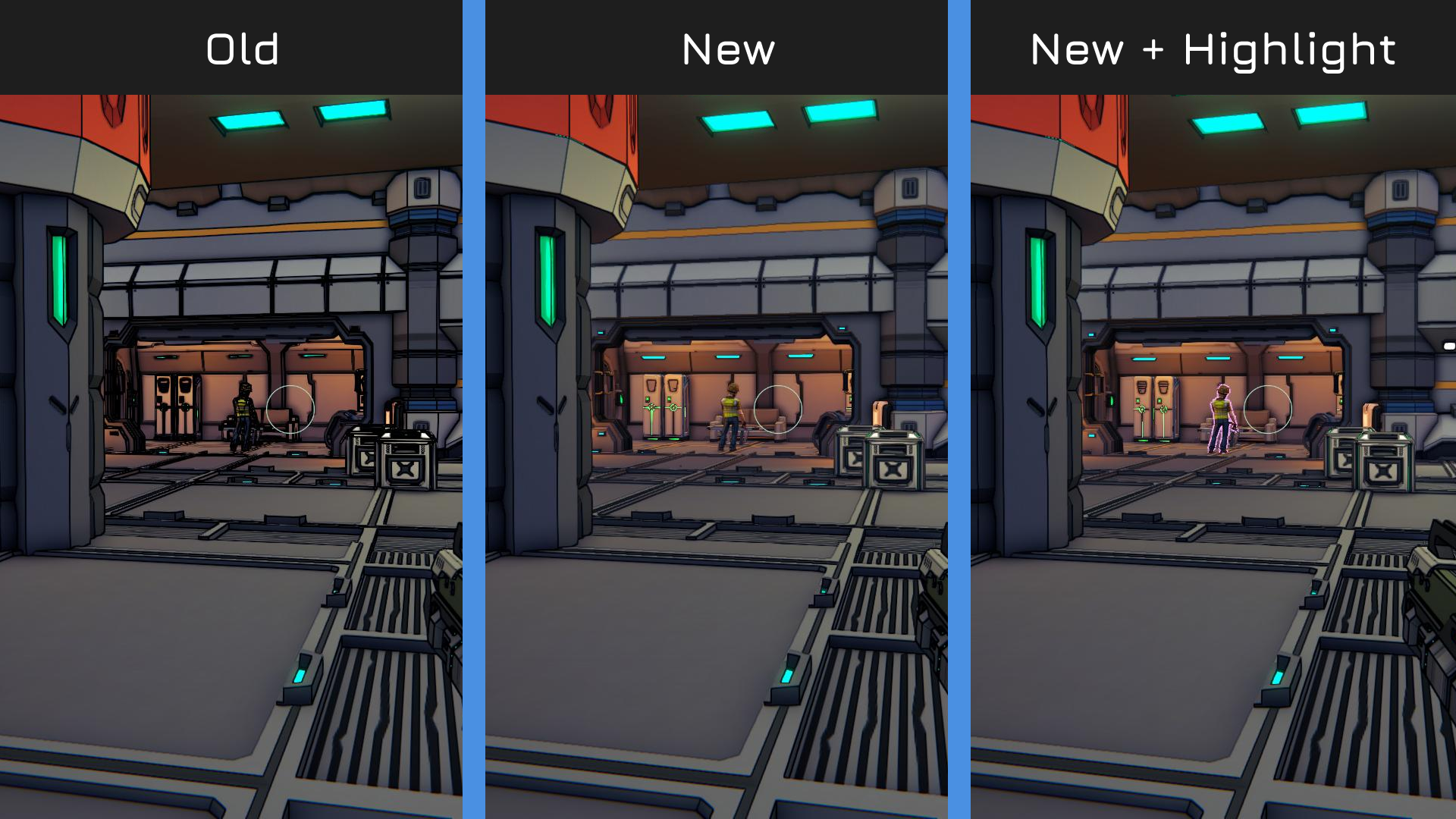
Distant geometry is no longer buried under black lines. Outlines now fade out well before the far end of a room, so enemies, doors and cover at range read clearly. Up close, the look is unchanged.
Anisotropic texture filtering is now always on (except on the Very Low preset). Floors and walls seen at an angle stay sharp instead of smearing into a blur as you walk.
Replaced a floor tile whose fine grooves shimmered at distance.
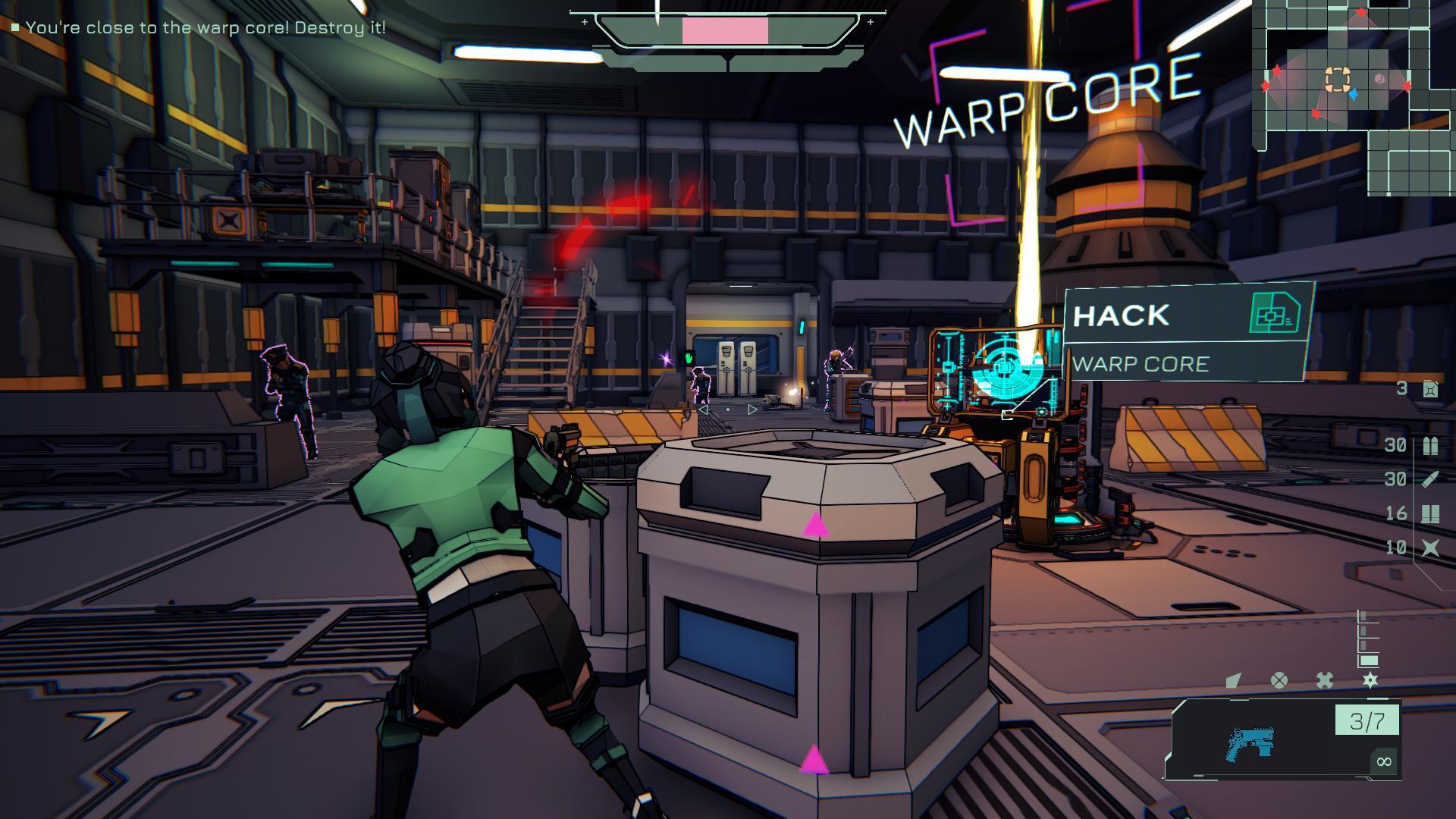
Enemy highlighting (new Readability settings tab)
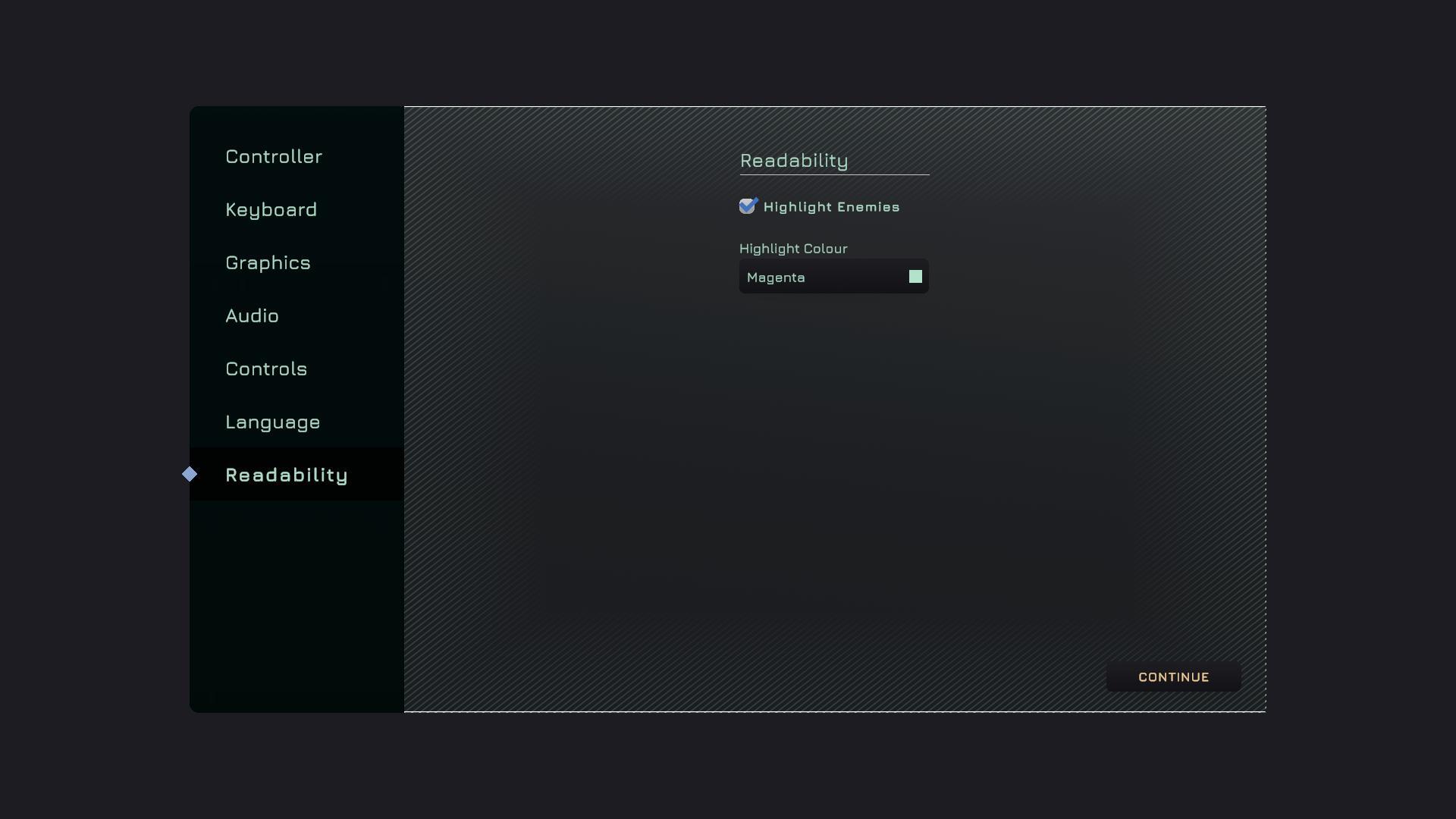
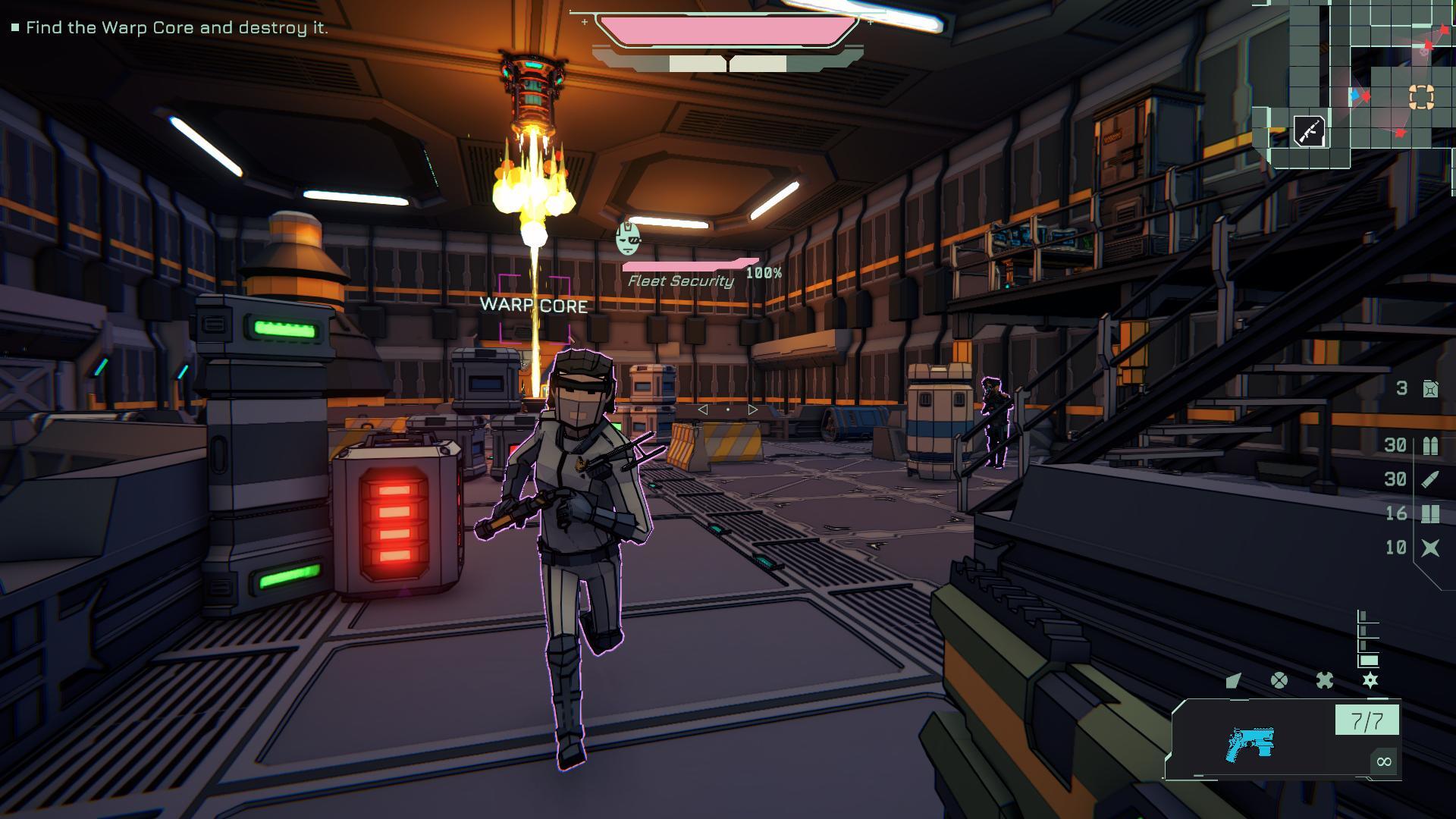
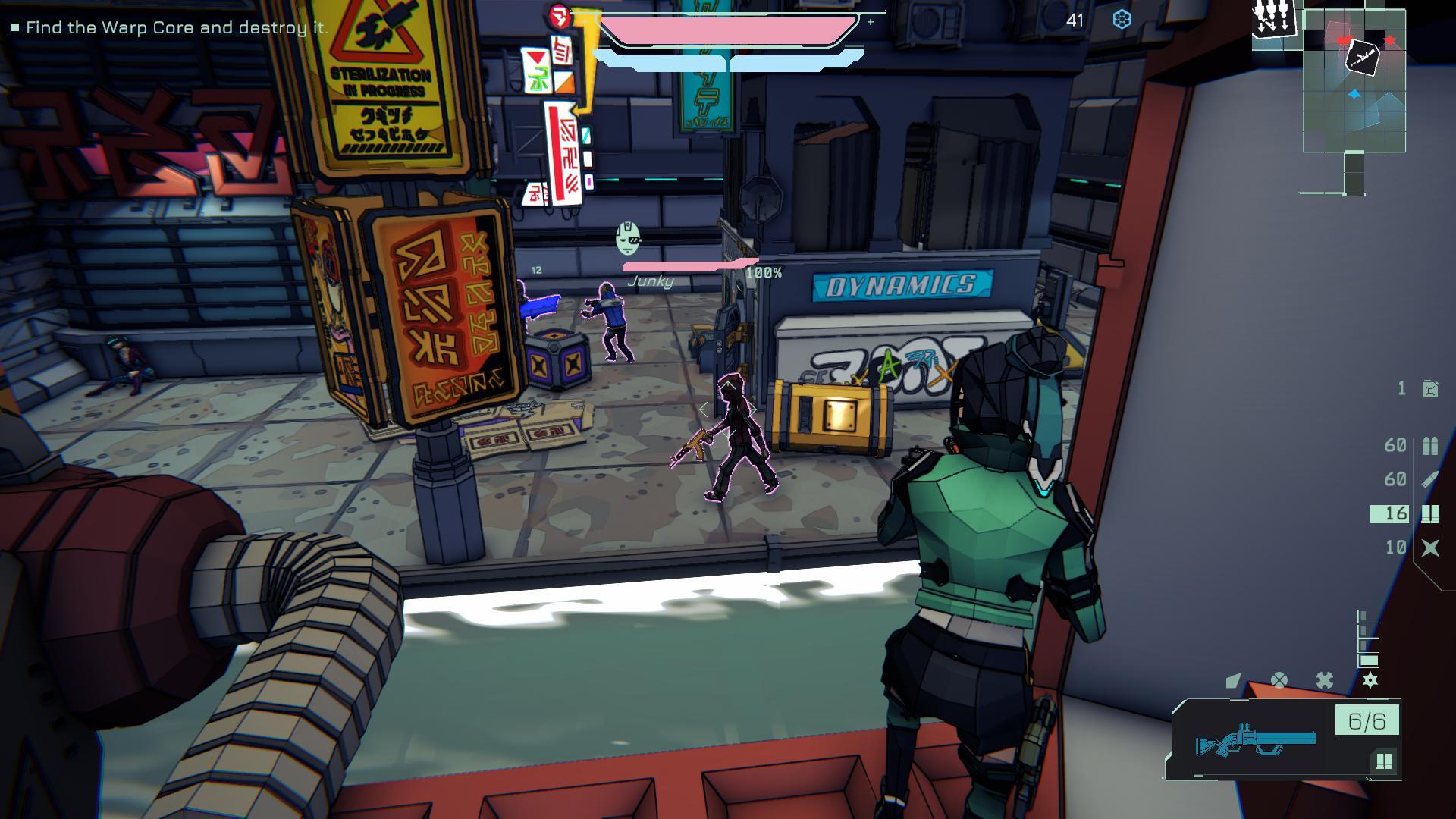
New Highlight Enemies option. When it's on, any enemy you aim at gets a coloured outline and stays outlined for as long as you can see them, fading a moment after they break line of sight. It never shows enemies through walls.
Choose the highlight colour: Magenta (default), Red, Orange, Yellow, Cyan or White.
Off by default. Turn it on under Settings > Readability.
Rename your character
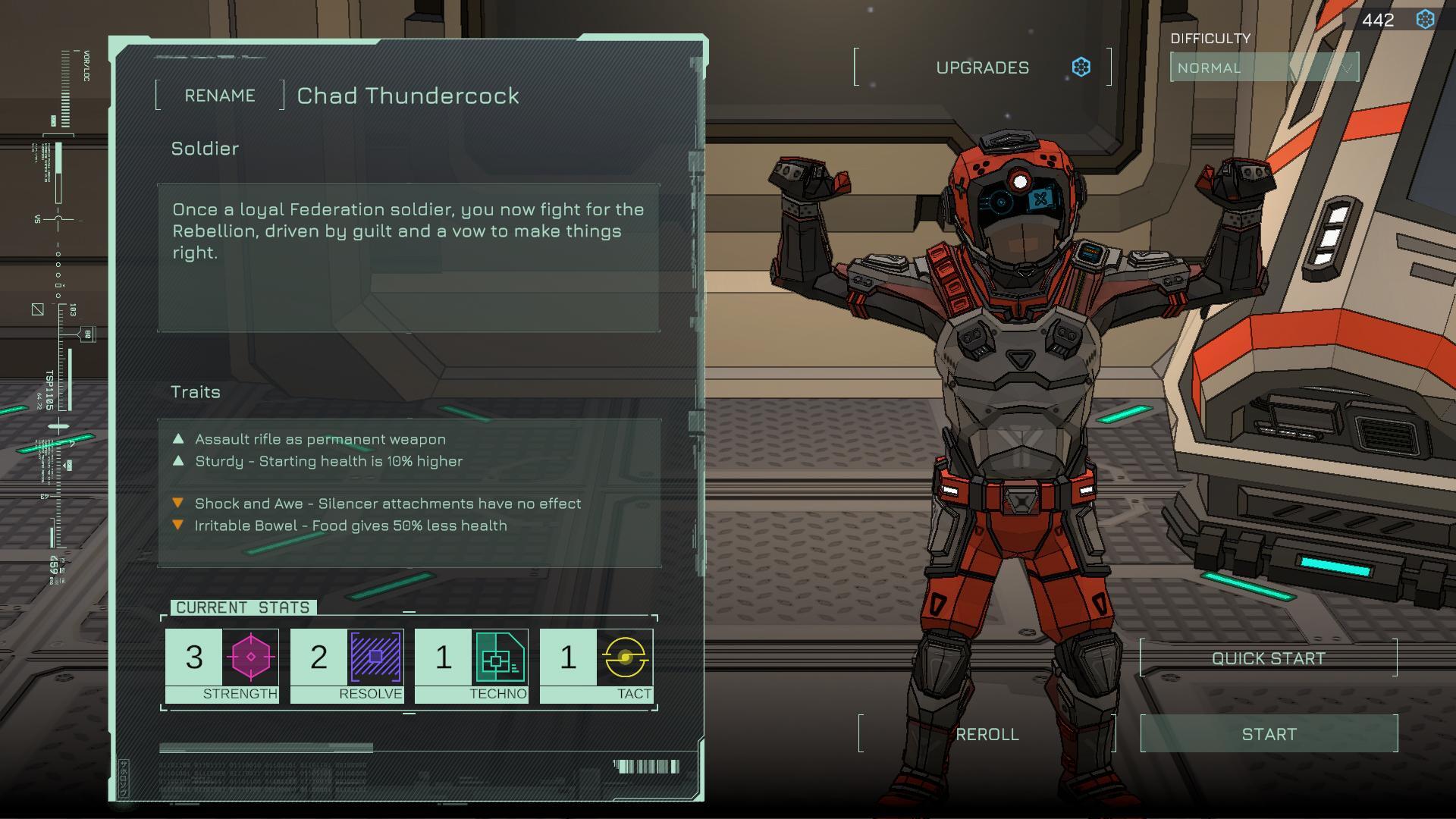
A Rename button on the character screen. Type any name from 3 to 20 characters; it shows on the star map, in encounters and on the high-score table.
Your name is yours, not the character's: it's kept across re-rolls, new characters and new runs until you change it. Clear the field to go back to generated names.
On Steam Deck, Rename opens Steam's on-screen keyboard.
Known issue: on PC with a controller, Steam's on-screen keyboard doesn't appear yet, so the field closes again. Click the name with the mouse and type on your keyboard instead. Full controller support for renaming is coming in the next patch.
Reset skill points
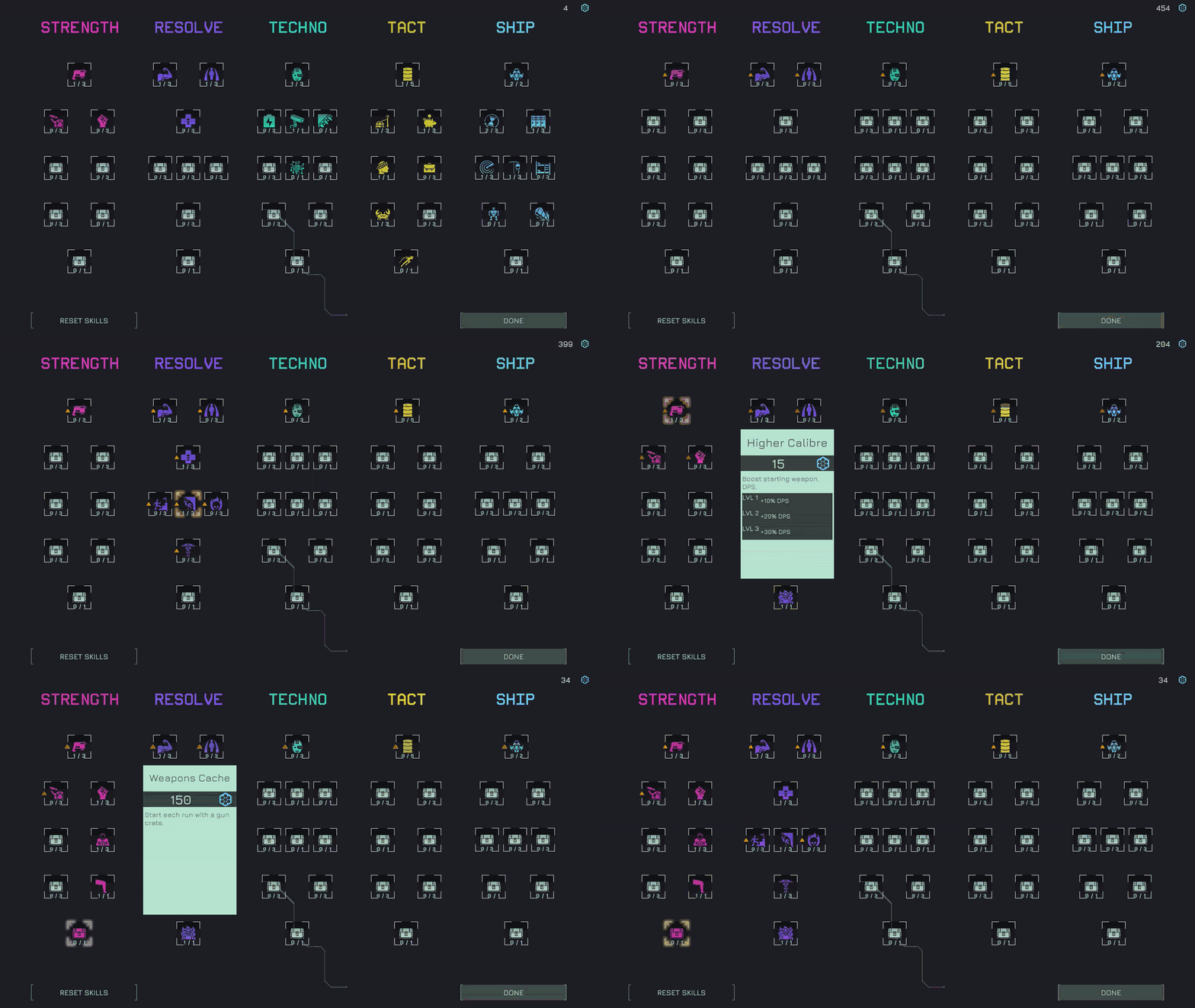
A Reset Skills button on the upgrade tree refunds every point you've spent so you can try a different build. No more wiping saves to re-spec. (excuse the low quality gif)
Settings fixes
Reset All no longer breaks the first-person field of view or switches off sword slow-motion.
Removed the Shadow Distance option, which had no effect.
The command wheel key no longer pops a "Squad is empty" message on the character screen.
The character name on the character screen now uses the game's font.
A few people have reported achievements not working, so thats something I'm looking to fix for next update.
Thanks for reading, have a great weekend everyone :)
James
P.s. I've run out of time to update the Demo build, so expect these changes to land on the demo in a week or two