
The update 0.6.9 is now available!
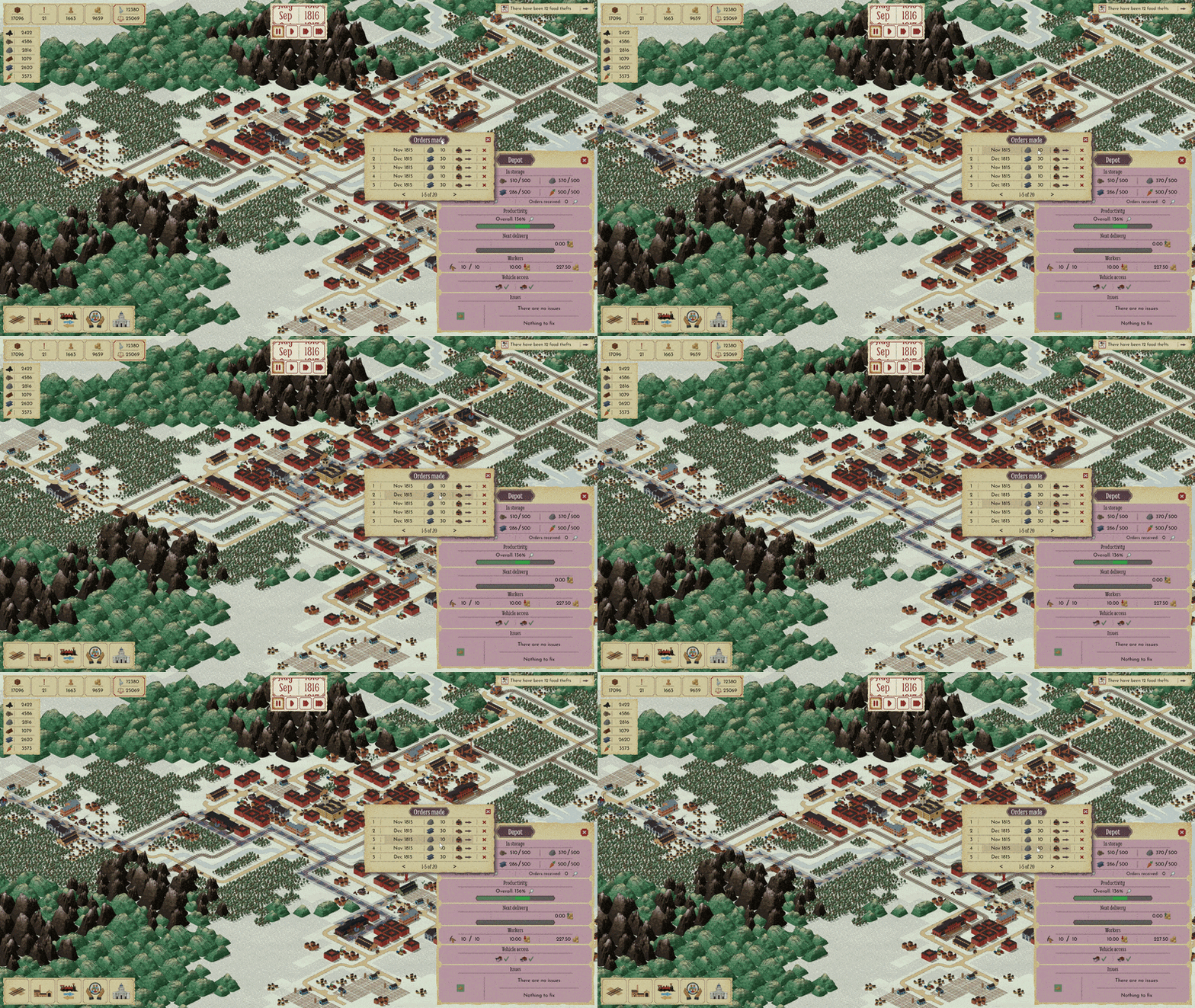
This update adds the ability to visualise the routes that vehicles will follow when making a delivery, as well as the route that vehicles are currently following. This feature will be available in a few places:
When hovering Orders made and received from the details view.
When hovering Cargoes in transit at Railway Stations and Ports from the details view.
When hovering the Next Delivery before it leaves.
When selecting vehicles, it will show the current route and its Cargo.
When selecting migrants' carriages, it will show the current route and some information about the migrants and where they are going.
Change log:
recalculate Routes in saved scene on LoadWorld
spawn a SelectionTile for each tile not only for flat items
fix SelectionItemIcon not showing up on Land tiles
show Routes for OrdersMade and OrdersReceived on Order hover
fix bug with SubKind cells when visualising routes
better OriginDestination icon
add directions to Route sprites
generalise route visualisation to be applied to Freights too
make vehicles selectable and show their CargoWidget
visualise RouteIcons for selected shipment vehicles
change to PastRouteCell icon as the selected vehicle moves
add MovingSelectedItemAtlas
use the MovingSelectedIcon to mark and follow the selected vehicle
make Ships selectable as well
various bug fixes related to showing Route icons
add WaterCamera and WaterMesh as children of MainCamera
improve data shown in DeliveryWidget
show Routes of next Delivery
add PanelDetails for multiple cargoes in NextDelivery
add MigrantsWidget and visualise routes for all migrant types
tweak speed of MigrantsVehicle on special routes
show OriginDestination icon on Land as well
don't hide selected vehicles traveling through the forest