This time, the following fixes have been made:
- Fixed an issue where the startup screen appears white in some environments.
- Improved the issue where "Microsoft Visual C++ Runtime" is required.
Regarding the "Microsoft Visual C++ Runtime" Error
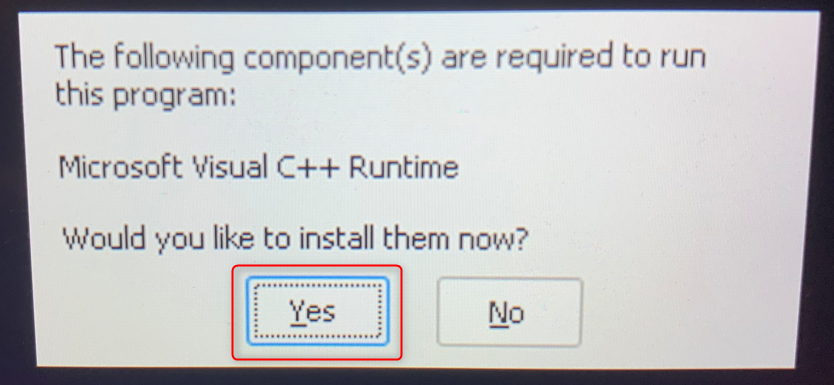
After checking the integrity of the game files, when you launch the game, you will be asked to install "Microsoft Visual C++ Runtime." Please select "Yes."
Afterwards, the UE Prerequisites (X64) dialog will appear. Check the boxes as shown in the image below and start the installation.
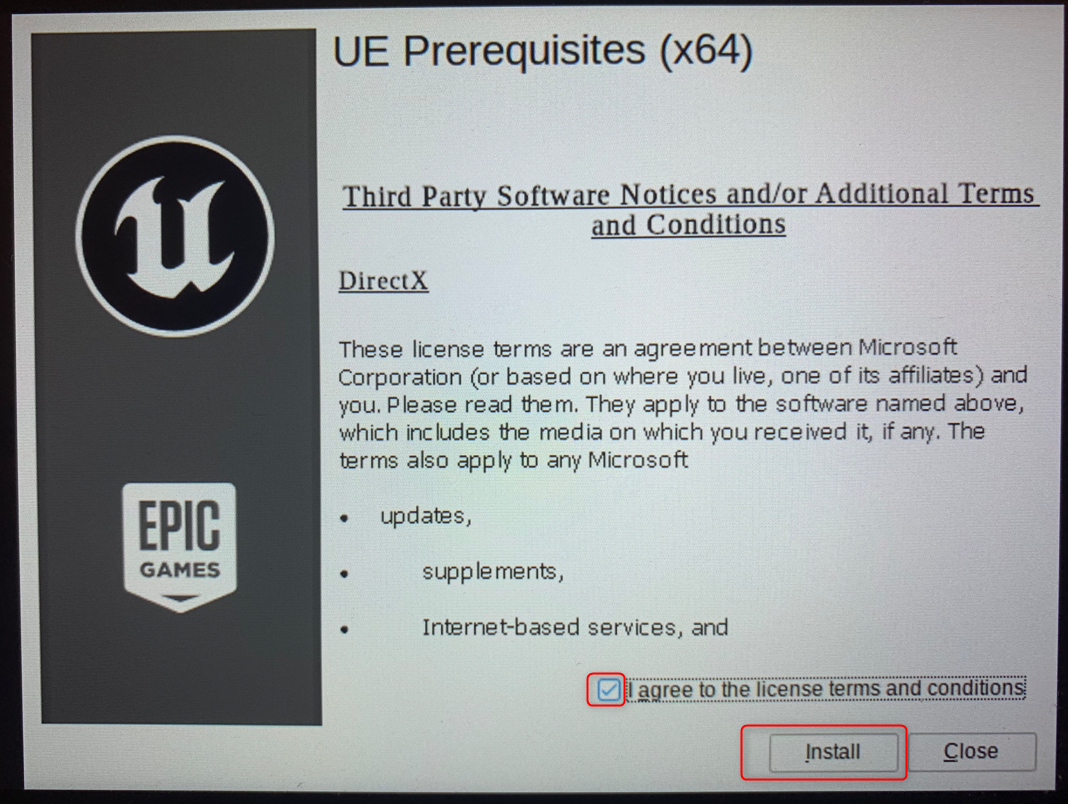
Following these steps should allow you to start the game. If you still encounter issues, please feel free to leave a comment.
We apologize for any inconvenience and thank you for your continued support.