
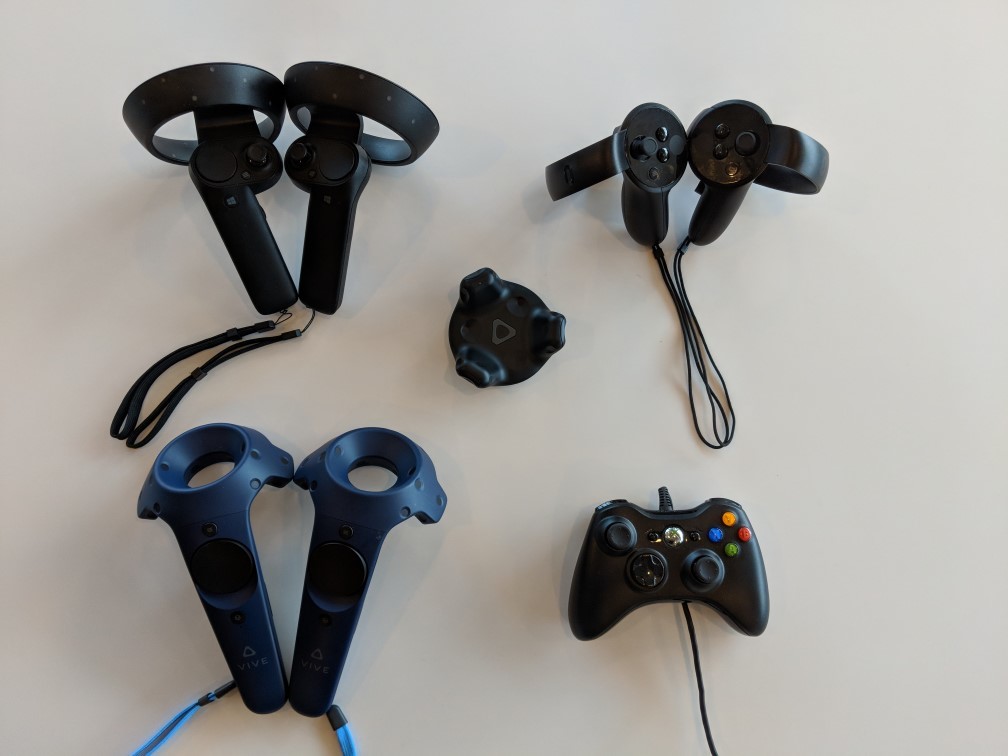
SteamVR supports a lot of different controllers, and it can be difficult for developers to keep up with all of them. Today we are excited to release the first Beta for the new SteamVR Input system.
SteamVR Input allows users to build binding configurations for their favorite games, even for controllers that didn't exist when the game was written. They can adapt the controls of games to take left-handedness, a disability, or just personal preference into account. And once they build a configuration they can share them easily with other users of the same game via the Steam Workshop.
This new input system also allows developers to adapt their games more easily to diverse controllers. Developers control the default bindings for each controller type, and can offer alternate control schemes directly without the need to change the games themselves. When using SteamVR Input, developers expose high level "actions" in their applications that control how the binding UI presents their game to users.
All of this support is built right into SteamVR. It also works on every SteamVR application even if the developer of that application hasn't updated it to the new system yet.
In addition, with the introduction of SteamVR Input, hardware designers are free to try more kinds of input. They can expose whatever input controls exist on their device and then describe that device to the system.
All of this is accomplished through an easy to use UI that is available in-headset under the Settings menu.
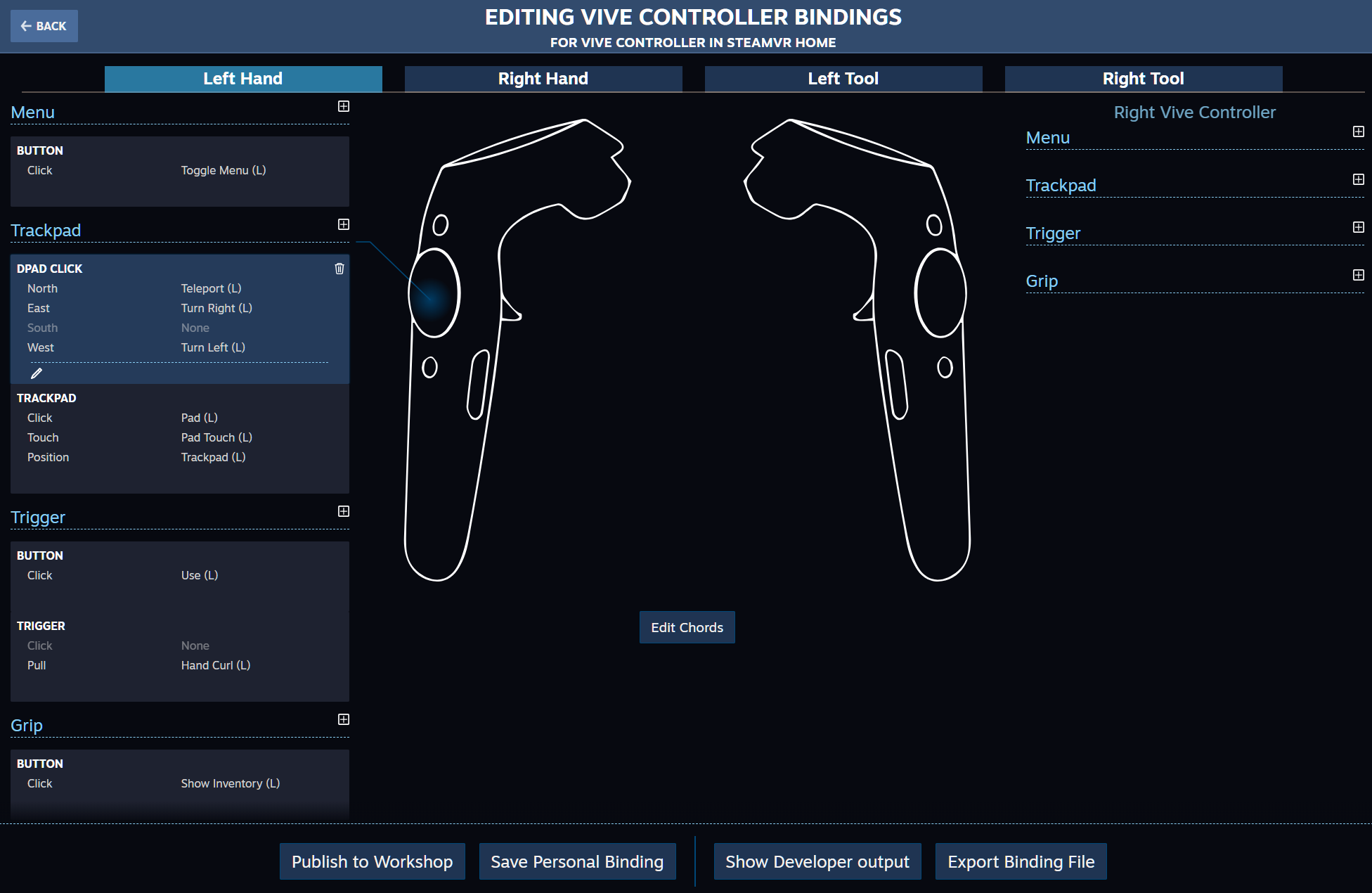
SteamVR users who would like to try out the new system just need to opt-in to the Beta build of SteamVR. Look under properties in Steam.
Developers should view details on our OpenVR SDK 1.0.15 page and the documentation to see how to enable native support in their applications.
Hardware developers should look at the [url= https://github.com/ValveSoftware/openvr/wiki/IVRDriverInput-Overview]driver API documentation[/url] to see how they can enable this new system for their devices.
For folks ready to jump into creating binding files for different games and controllers, check out this guide.
We would love to hear what you think of SteamVR Input. Please give it a try in the beta and leave a comment below or in the SteamVR forums to tell us what you think.