
Greetings from a new update of Mad Miner!
Even though I'm calling this update a “tutorial” update, you might remember that Mad Miner already has a tutorial. So why is this update called “tutorial”?
Because... With this update, Mad Miner now has a much more polished tutorial that new players will love!
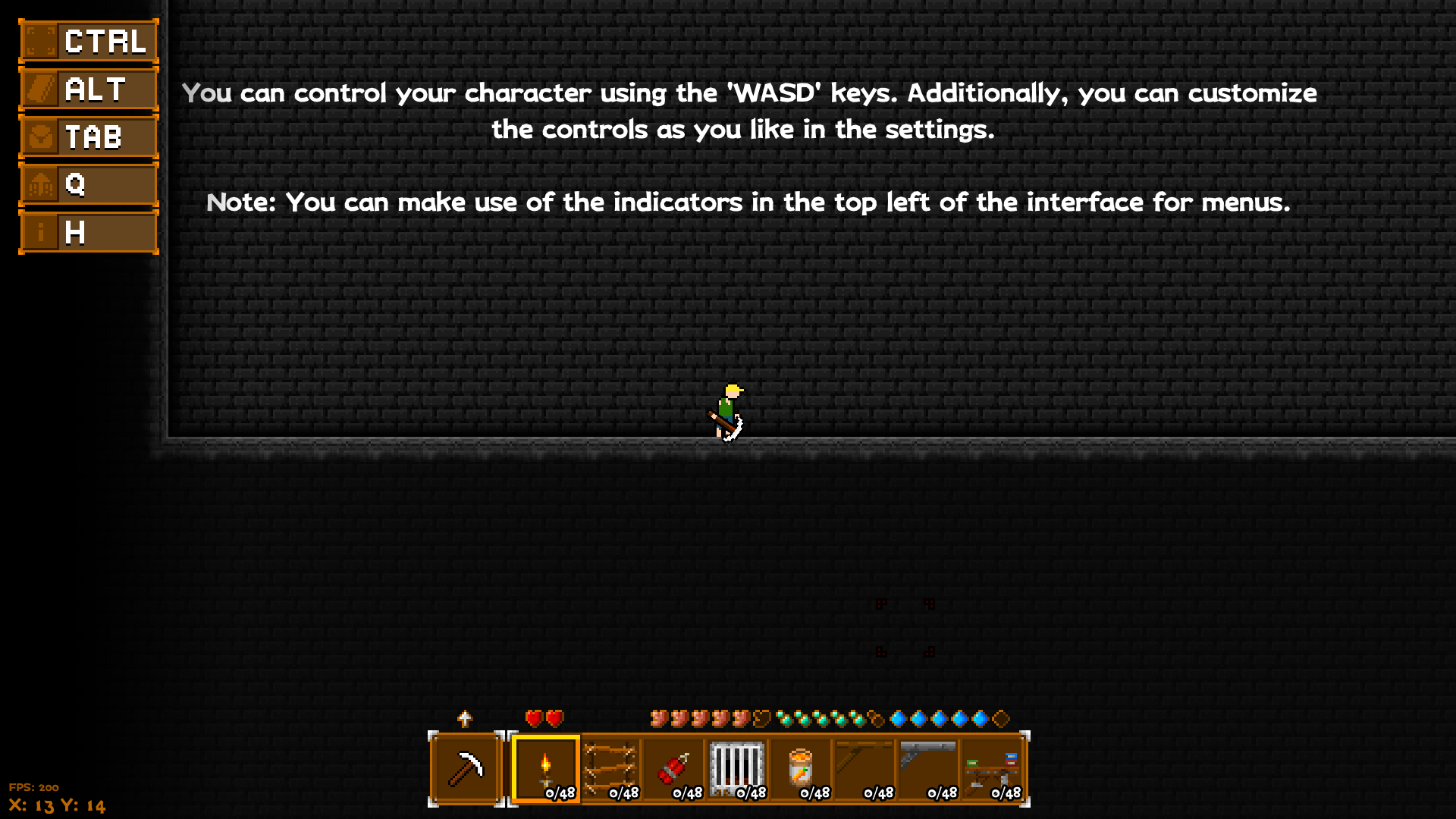
The old tutorial map was a rather boring shade of gray and not something we would want to play with. But now we have a new tutorial map with more vibrant colors and more readable text!
Let me show you the difference with the images below:
This is a frame from our old and boring tutorial map.
This is our completely revamped tutorial map with new narratives!
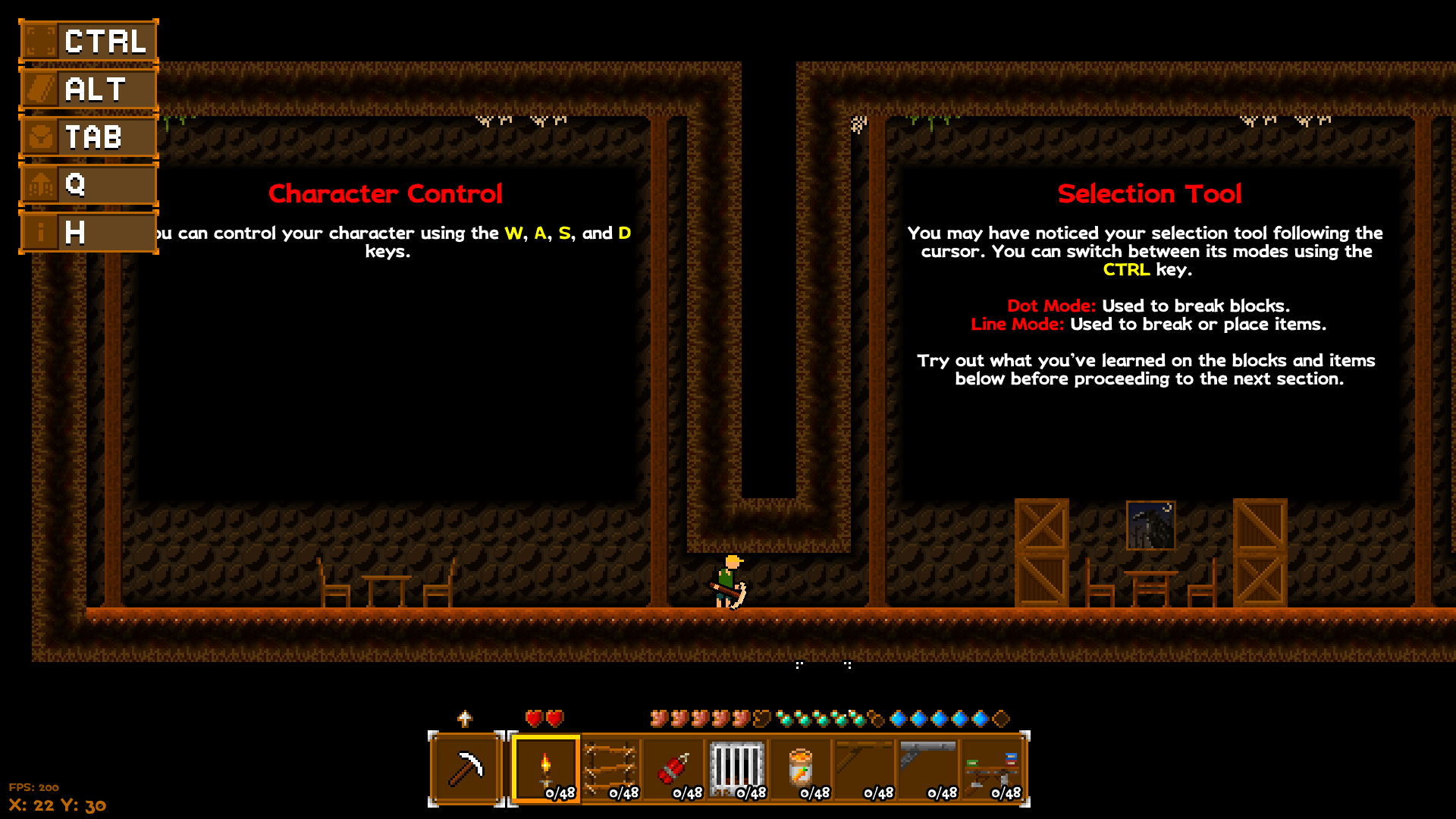
Ahh... This new map is really warming me up...
I hope the new tutorial map will help you get into the game faster and enjoy the unique world of Mad Miner!
There are also a few fixes and additions with this update:
- The ESC menu differences on different maps were ugly and this has been made as pleasant as possible.
- The number indicators for block selections in the terrain editor, which I don't even remember why they exist, have been removed.
- In previous updates, I included the unique interfaces of each crafting table, including the indicators of the graves that appear when we die, but I realized that I didn't include the new version I drew in the updates... 😅. Anyway, it's now included!
- Added zooming in on your character when you press the R key. Maybe it was a feature I added in case I shoot a video, but I think it will be useful for you too.
Thank you for playing Mad Miner or adding it to your wishlist!