
CyberSurfer Playtest Update v.006
What's New:
- Added Horizontal Orientation for Phone App
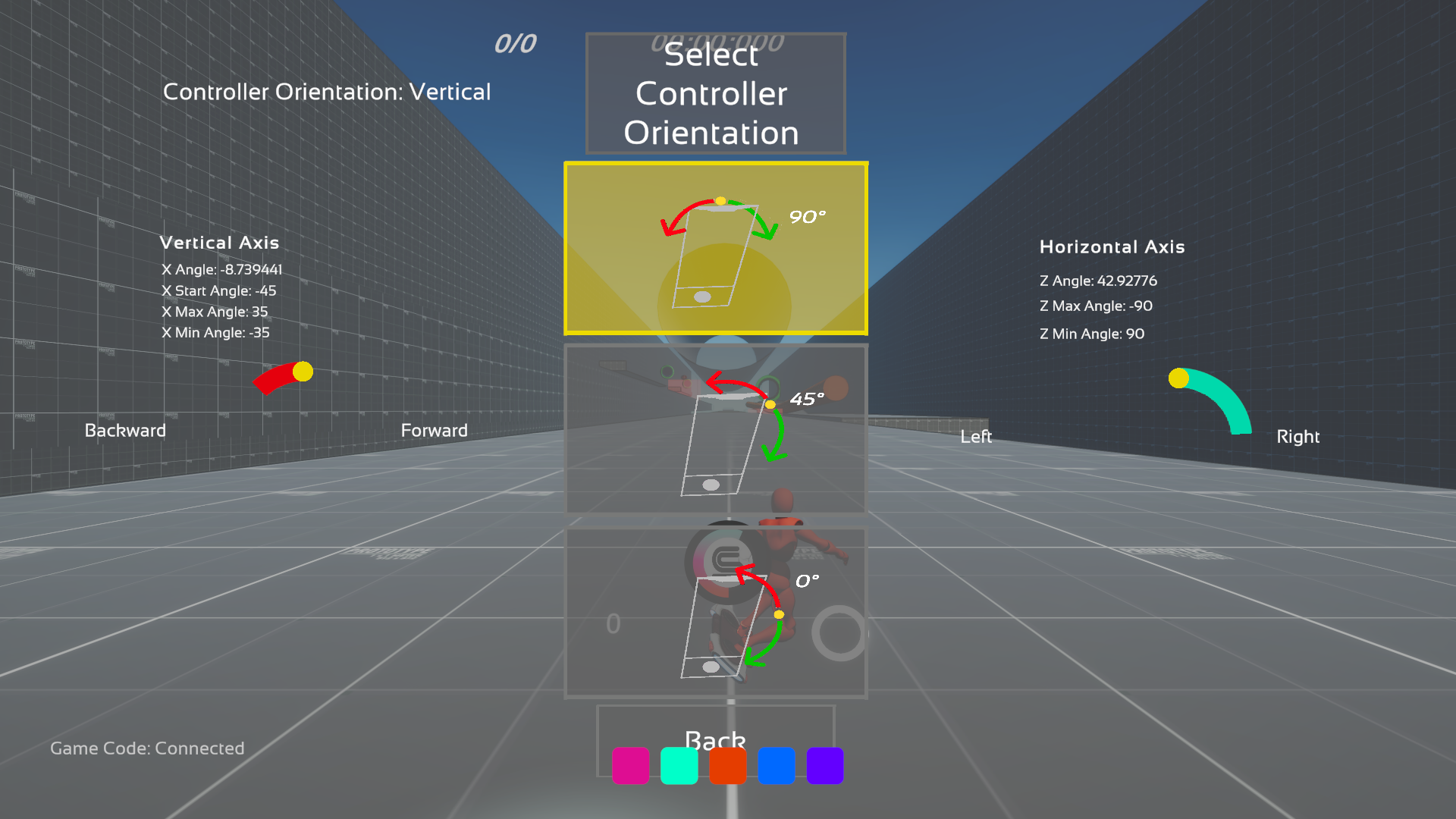
- Added multiple controller orientations (0°, 45°, 90°)
- Update Player Movement with more fluid rotations
- Added Controller Orientation Menu (Accessible through Settings Menu)
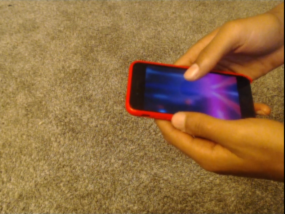
Vertical Orientation
This is the vertical orientation for the phone app. The vertical orientation is the starting orientation for the phone app.
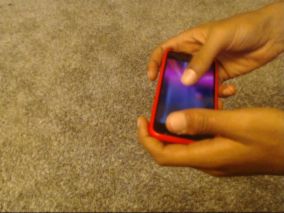
Horizontal Orientation
This is the horizontal orientationfor the phone app. We got a lot of feedback asking for a orientation akined to Mario Kart or a driving wheel. So here you go!
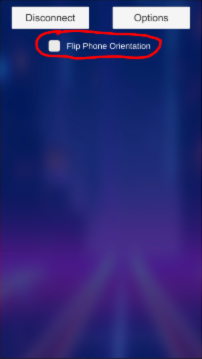
Change Controller Orientation in Phone App
Enable the Phone App Options Screen by holding two fingers on the screen until a blue screen appears. Disable the checkbox to orient your phone in the horizontal position.
Controller Orientation Menu
You can now select your starting angle more effectively and understand the rotations of your phone. Go to the settings menu in the Main or Pause menu and select "Change Board Orientation".
📱 Download the Mobile App (Game Controller):
🍏 iOS: Download on TestFlight
🤖 Android: Get it on Google Play
Join the Discussion:
💬 Discord
The CyberSurfer Team
Better Fly Fast! ✌️