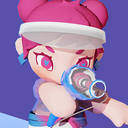
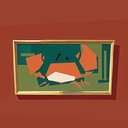
We've designed some exclusive avatars for our game!
To access and set your new avatars, simply follow these easy steps:
- Launch Steam and sign in to your account.
- Add Combo Bombo to your library.
- Head over to your profile by clicking on your current profile picture in the upper-right corner and click "View my profile".
- Click the "Edit Profile" button.
- Under "Avatar", click "See All" under your avatars and browse to the "Combo Bombo" under "Your Game Avatars".
- Choose your favorite avatar from our collections.
- Scroll down and click "Save Changes" to confirm your new avatar.