Hello Fellows! We know some of you have had some trouble with linking your account for Twitch Drops -- sorry for the trouble!
To link your account to Twitch and earn rewards for Fellowship, please follow the steps below:
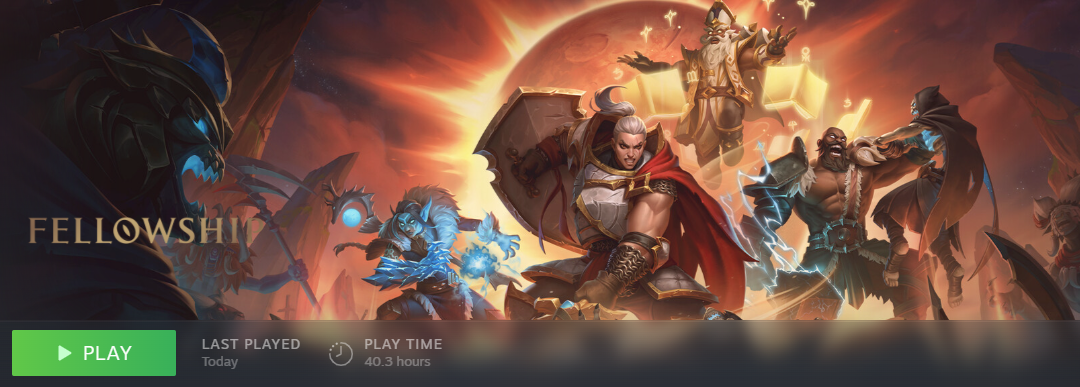
Launch Fellowship through Steam.
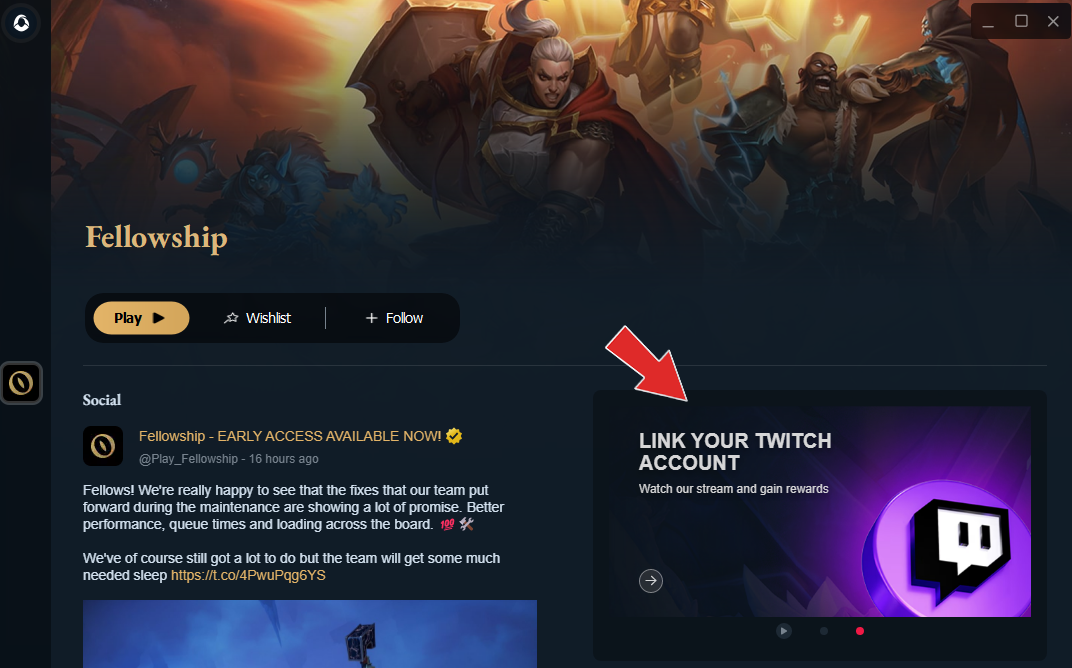
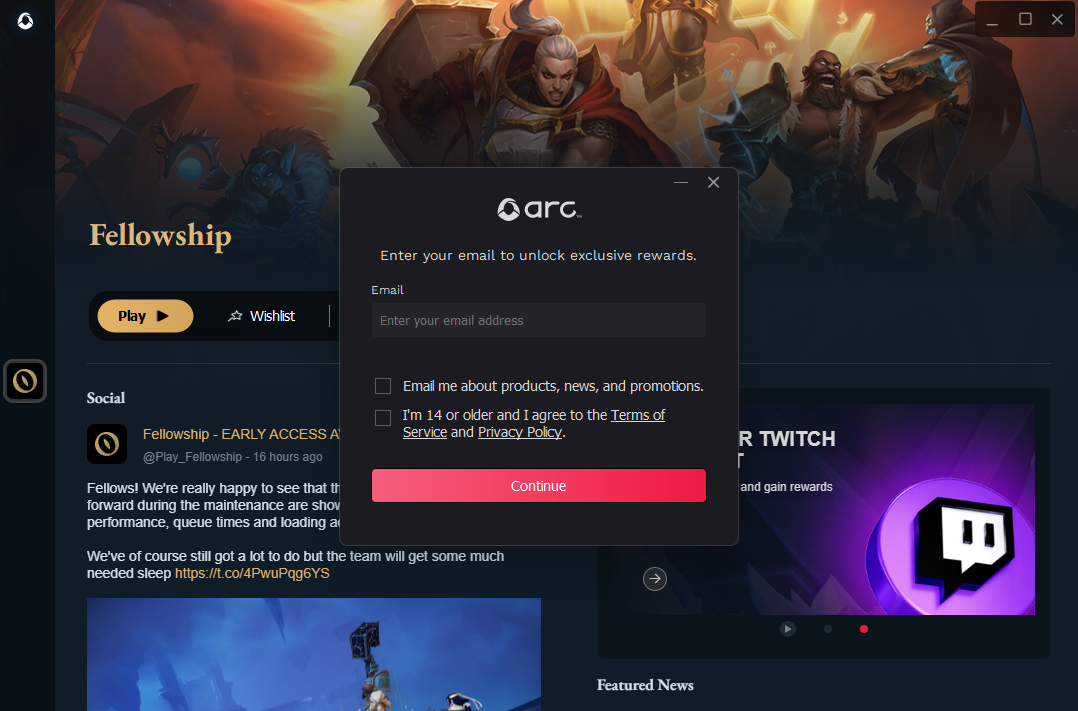
In the ArcLite launcher, go through the email verification process by clicking the LINK YOUR TWITCH ACCOUNT image banner (if you haven't done so already).
Once you are verified, click the image banner again and you will be redirected to the Fellowship Twitch Linking page with your credentials.
Complete step 3 by linking your Arc account to Twitch.
After linking, watch participating channels to earn your drops! Rewards are claimed within Twitch and passed to your game.
Note: Any attempts to access the linking page directly in a browser will be missing your Arc credentials and you will be unable to link to Twitch.
For additional assistance with Twitch linking for Fellowship, you can read the full instructions posted here.