
New Blocks
Projector & Blueprint Core
Create blueprint projections and re-program blocks to build those projections.
Freezer
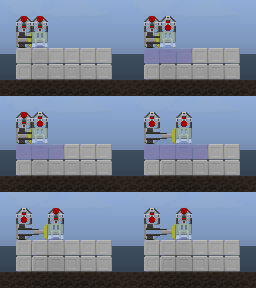
The ability to freeze blocks is no longer a player exclusive ability. When charged, this end-game block completely freezes blocks in front of it - very useful for automatically building complex machines without worrying about them activating before being fully built.
Platform Slope
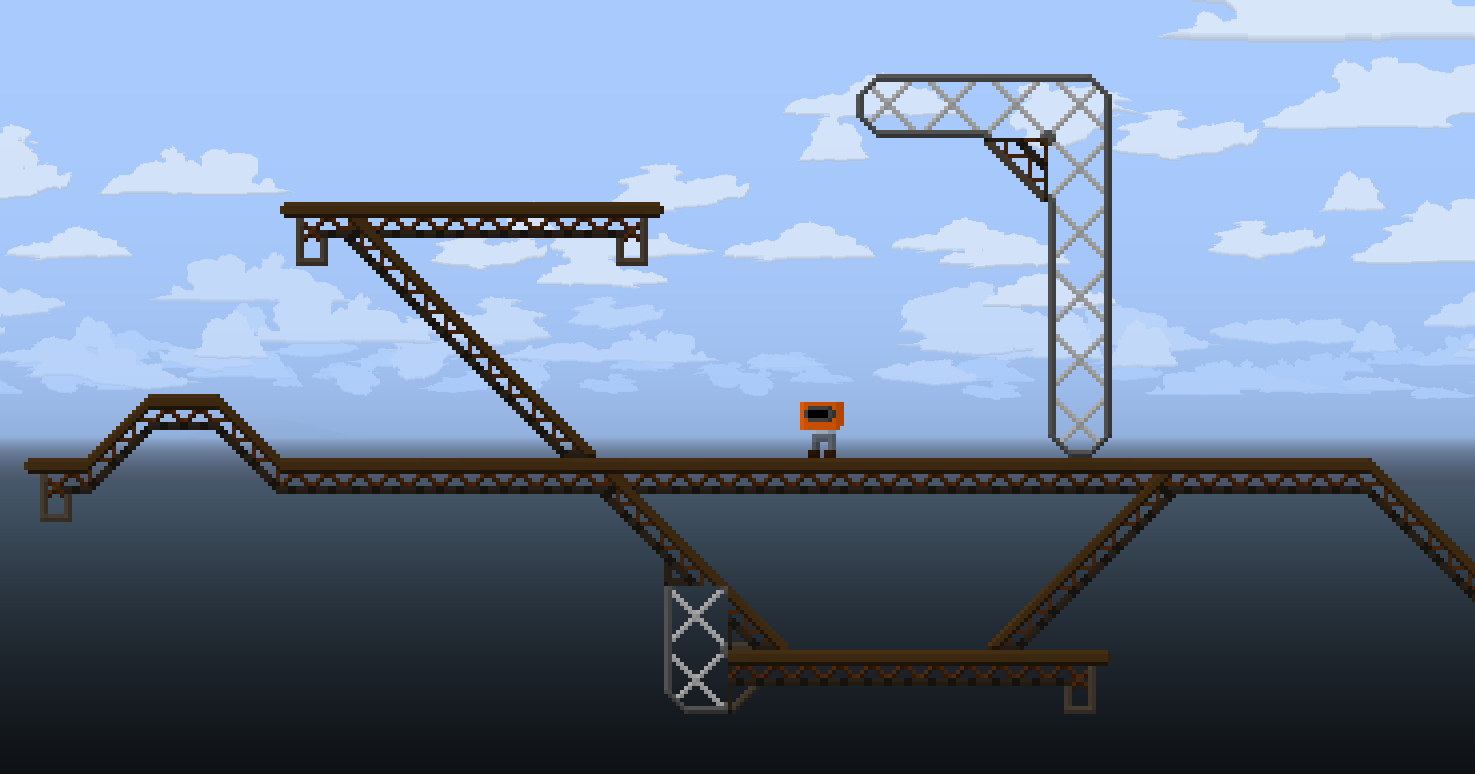
Build nicer staircases and walk up and down them. Can be welded to the bottom of normal slopes.
Blueprints
Reset binds to default to have B open the blueprint menu and N shortcut to the new blueprint screen
Scan any rectangle and save it as a blueprint. Blueprints can be saved as account-wide or specific to a world.
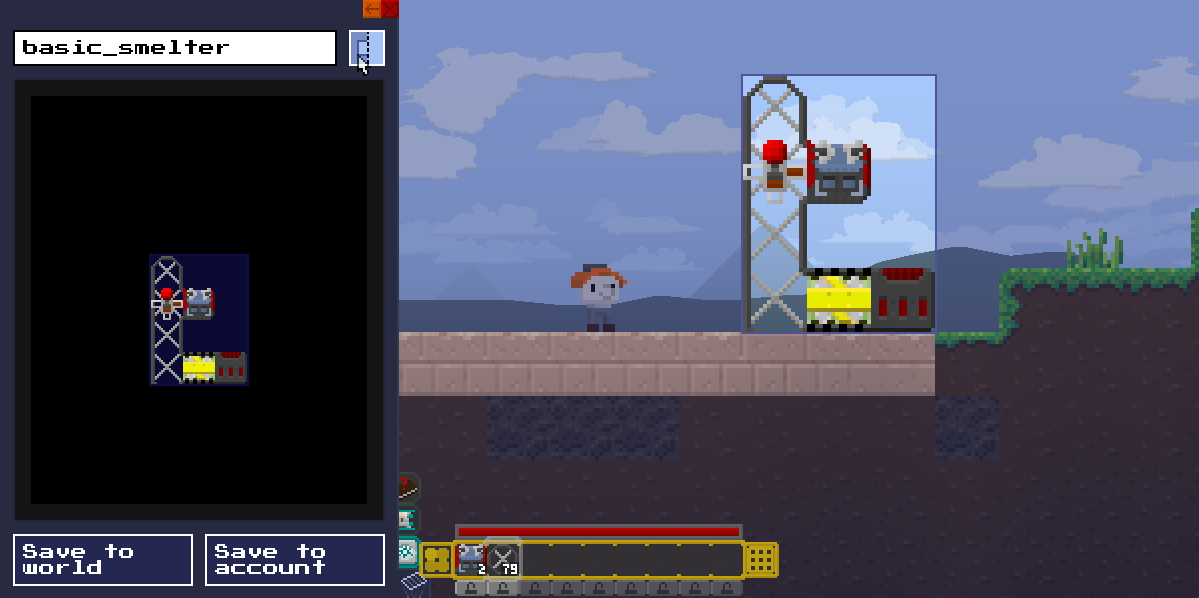
The player can place exactly one "projection". In the early game, this is useful as a guide for making sure your builds are correct.
In this screenshot, the arc furnace is tinted yellow because it has not been welded on the west side. The WAILA can make it easy to see how exactly the projected block and real block differ.
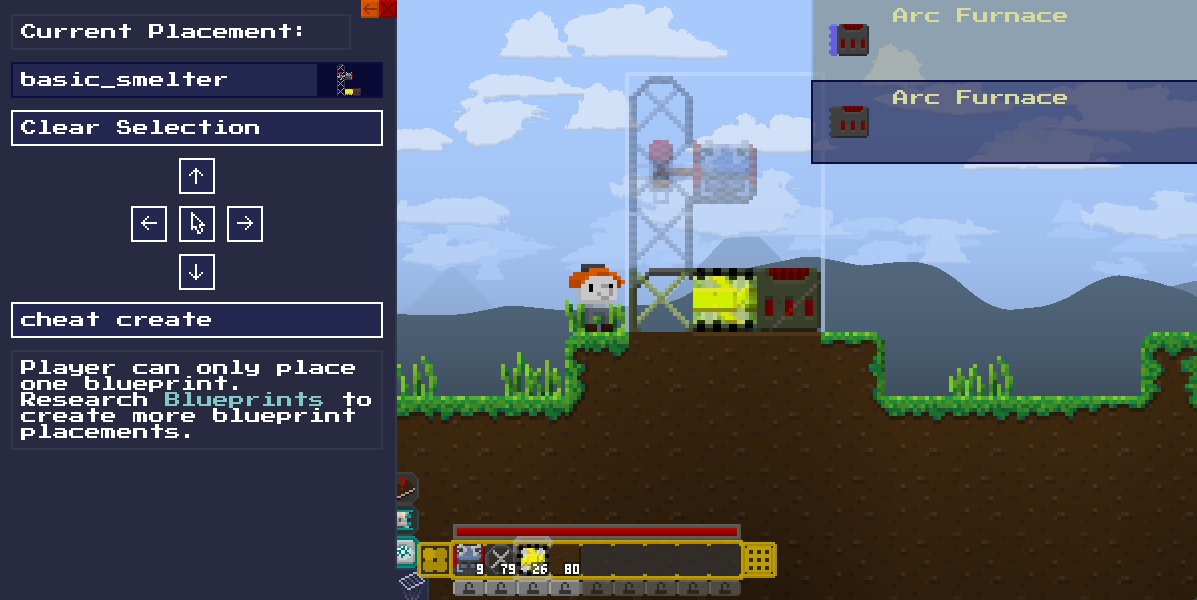
Blueprints can be imported or exported as strings that start with r2dbp. Here's basic_smelter:
r2dbp0b8wAAAAAAAAB42lWPTwvCMAzFv5AX0YvCDtkfEWHgZeeSrWGUrVXWgo6S725ahughvLz8SHiJ42I0n2MMZialV4fWDEpjQBlytPhWPuAwidtz1MaS8+bhvDLO0xKwn0nQYXfkfMGnU/0aqJGmBig4u/rPVeJOLQDcoIK7aCkFxUbLRBsZXCuAS9Zx/FJItOxkZ1oha/dsX0J/w22JOMo3KV6PXp7yluZAC38AAshaOw==
PS: Check the new #blueprints channel in the official discord
If you want to have more than one projection placement in the world, combine a soul core with a display to make a projector.
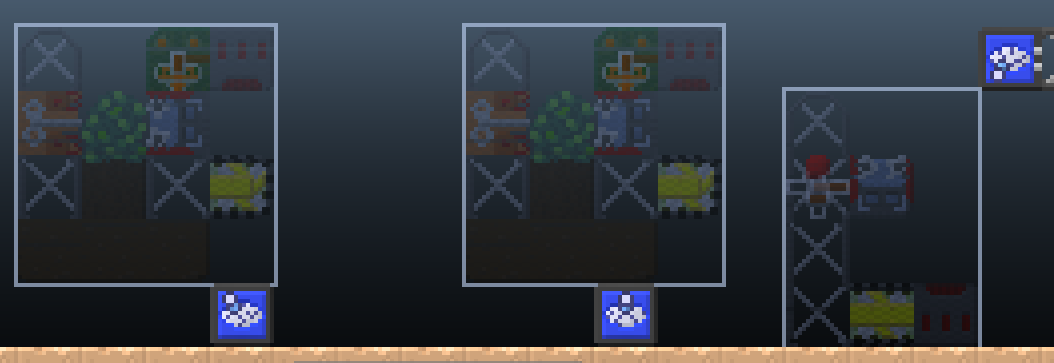
There is no easy way to turn a projection into real blocks (without cheats) but the Blueprint Core makes it possible. Similar to the catalyst core, the Blueprint Core modifies welded blocks. It reprograms them to build blueprints, especially summonores, mantlers, manipulators, and 1x1 chests (not nearly an exhaustive list).
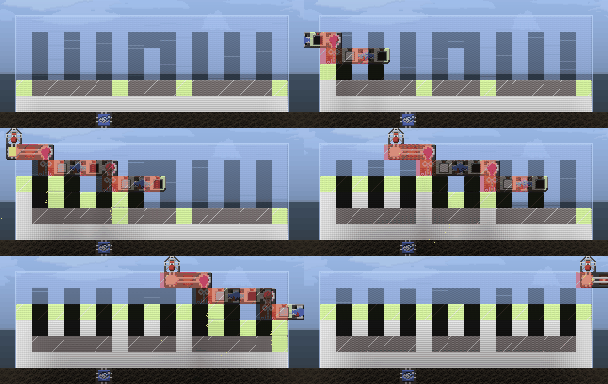
If it was easy to turn a blueprint projection into real blocks, that would trivialize automating combination recipes. Designing "printer" machines is one of the main end-game challenges of Roody:2d, with no one-size-fits-all solution.
Research Overhaul
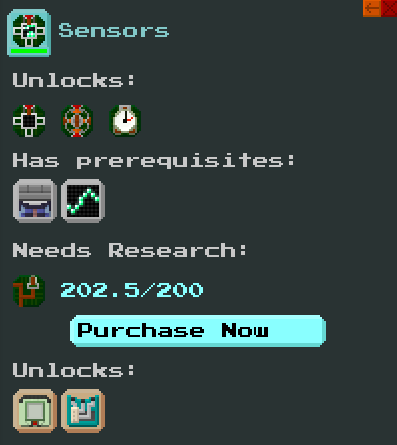
Research Objectives no longer automatically unlock when depositing certain materials. They now cost "Research Value" points, of which there are 9 different categories.
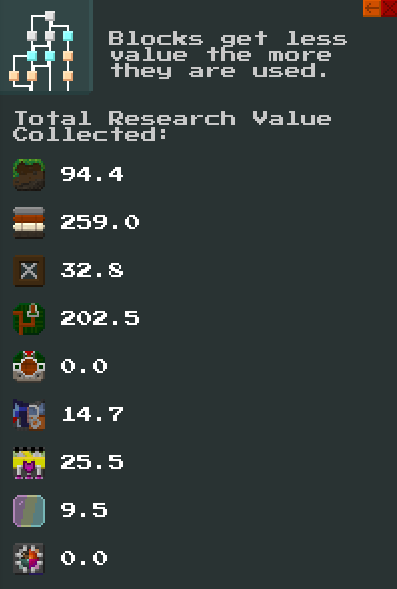
(Almost) every block can be deposited into a researcher to collect Research Value. The more one type of block is deposited, the less value it has. To get the most value, deposit a wide variety of blocks for research.
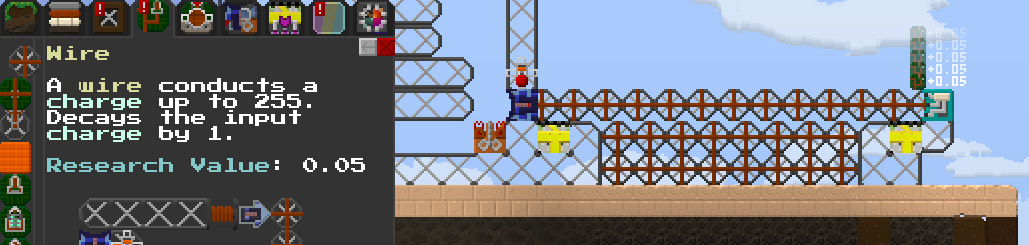
Sensors have a new mode: research value
Renamed "Collector" block to "Researcher". Is now cheaper to craft.
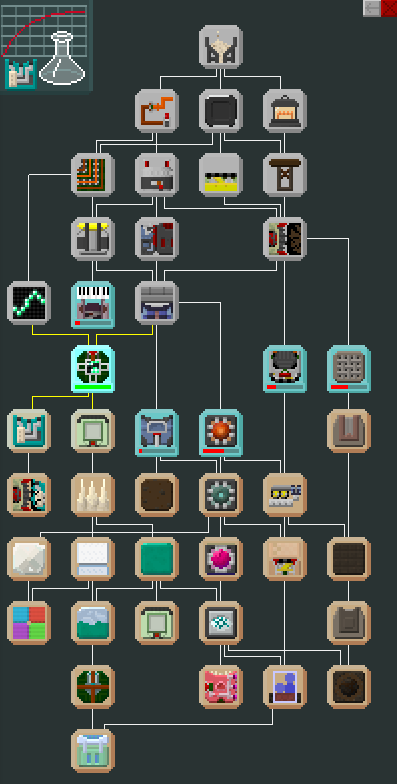
Some research objectives have been split up
Old Saves
Old save files are compatible with this version, and previously unlocked research will stay unlocked. Because the method to unlock research has changed, old saves will have a "debt" that needs to be paid before unlocking more research. This will show as a negative number for total research values.
Block Changes
Readers can now read the contents of a chest or the amount of a block on pedestals
Green beams pushing update rank has moved down to the other mover blocks
Chests and Combiners now collect blocks at an update rank higher than mover blocks
Can now weld catalyst core to the sensing faces of matcher
Summonores can now dismantle logs as it collects them for fuel
Blocks being collected by a moving summonore or collector can no longer start moving in a perpendicular direction
Sensors on container count mode reading chests now start at 0, not 1
Mantlers can now weld frozen blocks
Detectors can now by catalyzed to increase range

Soul Map
Reset binds to default to have M open the Soul Map
The Soul Map shows the locations of all souls (player, soul cores, summonores, pedestals, and projectors), the chunks they load, and the chunks that trees will grow in.

Interface
Added a loading screen when loading worlds
Roody:2d automatically maximizes itself when starting up in windowed mode
New setting to let Roody:2d run in background, off by default
New setting to have UI scale automatically adjust to screen resolution, on by default
New command `blueprint_string_export_icon <.png file location>`. Available in `-headless` mode
New command `loading_client_wait`, useful to block after a `load_world` or `quick_new_world` command in a .cfg script, otherwise most commands will fail when being run in a loading screen
Player and Creature physics rewrite
The old physics system only supported a single rectangle for each block. For the new platform slope block to work, this system had to be totally overhauled.
Made the platforming hitboxes of many blocks more accurate. Mirror blocks now act as slopes. Spawners are now a diagonal square.
Removed entity speed limit
When getting crushed by a block, the area to get pushed to the side is wider
All entities AI update, then physics update, then explode (if bomb), instead of each entity doing its entire update at once. Player still updates separately
Bug Fixes
Fixed matcher not distinguishing photofoam colors
Fixed the WAILA backpack highlight not distinguishing photofoam colors
Fixed text getting stuck to the mouse in research and guidebook
Fixed snow disconnecting from the ground when stacking
Fixed backpack being incorrectly detected as corrupted after rare interactions with `research clear` and `give all` cheats
Fixed sidebar blocks in the guidebook not being tinted when not researched
Fixed Researcher, Summonore, and Injector occasionally skipping updates when consuming a block by moving on it