
Ladies and Gentlemen,
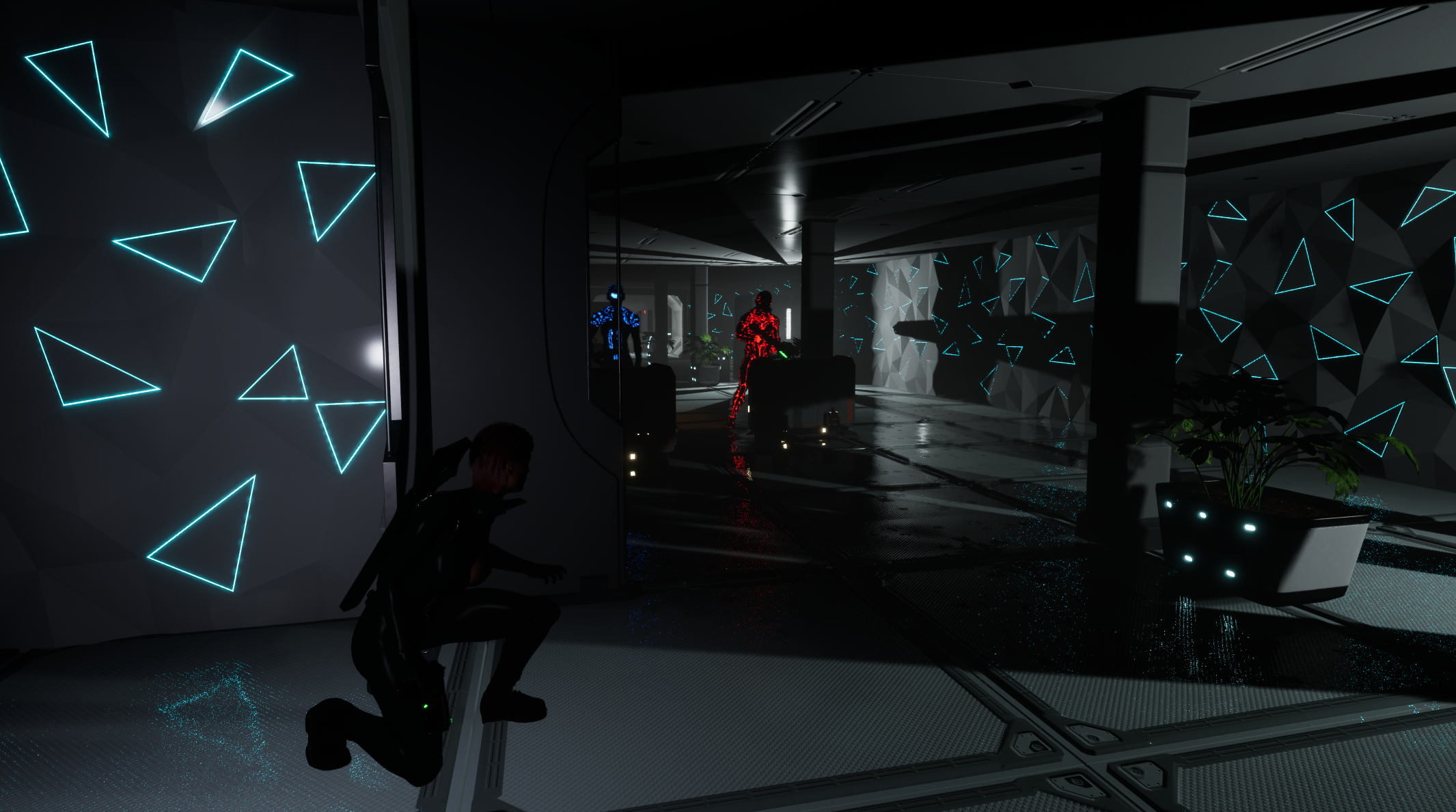
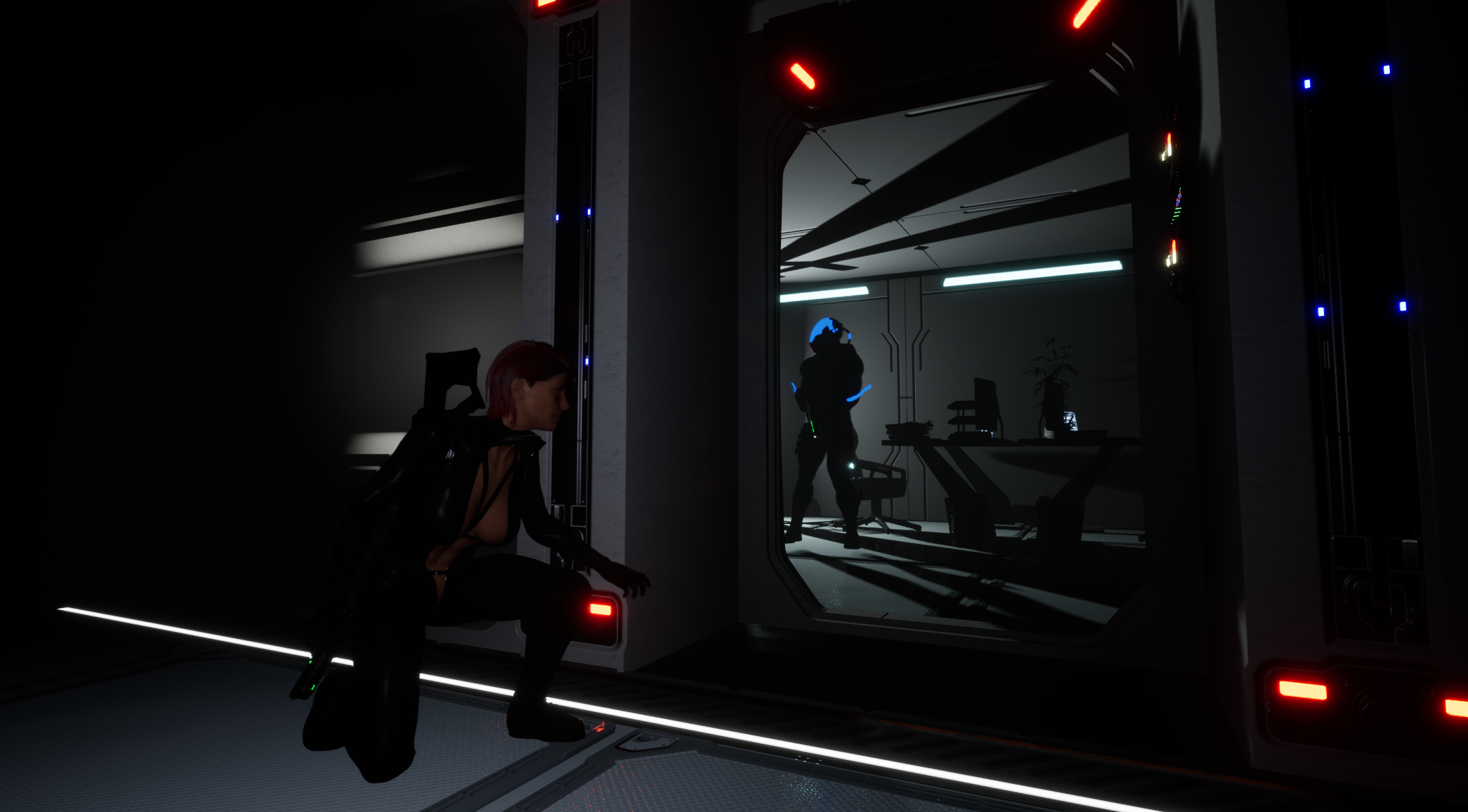
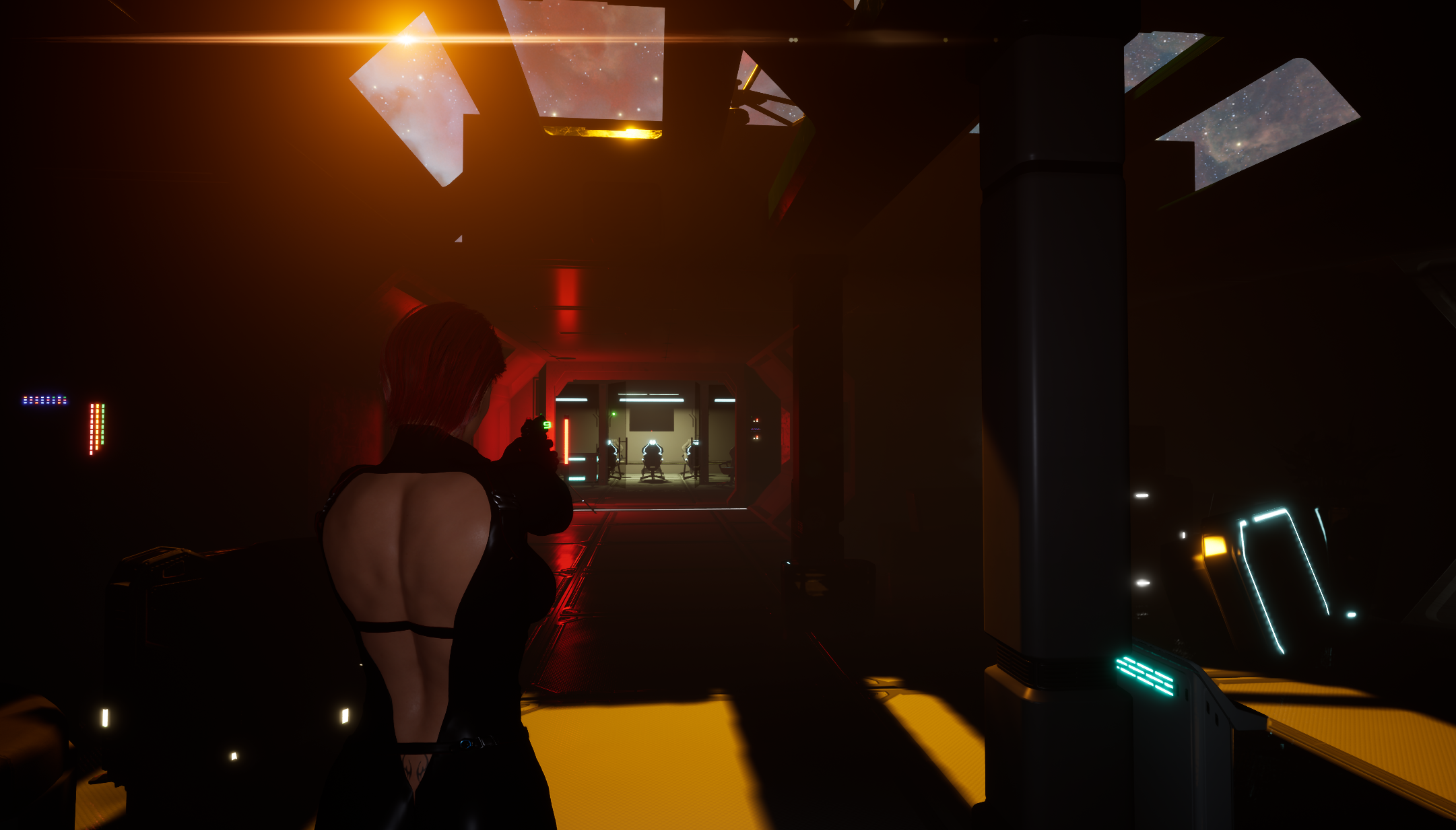
A new challenge level is coming soon, the Sabotage.
Special Force soldiers collecting research datas for further study and experiments. You have to stop them.
Our Steam Deck devkit have arrived!
We are still currently testing but as things stands what worked for us is to set the Frame buffer size from 1GB to 4GB
You can do that the following way
Power Off Your Deck,
Turn on the Deck while holding the volume + button,
Go to Setup utility,
Find the advanced panel.,
Find UMA Frame Buffer size to 4GB,
Press the save and exit button,
Once your deck its rebooted
Find project werewulf and select options,
Compatibility,
Tick in Force use of a specific Steam Play Compatibility tool,
Select Proton 7.0-6,
Go Back and start the game,
We reccomend to play the game with "Gamepad With Joystick Trackpad" template.
Thank you for playing Project Werewulf!
Have a great day!