
Hello, this is the Theremin Interactive development team.
In this update, we prioritized fixing critical bugs reported by the community and implemented various improvements for early game progression and a more pleasant combat environment. We sincerely thank everyone enjoying 'Legion of Judgment: Fallen Angel', and please check the detailed patch notes below.
1. Critical Bug Fixes & Progression Improvements
Fixed Progression Blockers: Based on community reports, we quickly identified and fixed bugs that prevented progression during gameplay. We deeply appreciate the players who left valuable reports.
Fixed Boss Room Popup Bug: Fixed an issue where the game time would not pause and enemies would continue to attack when a popup (notification window) appeared during combat in front of the boss room.
Path Restrictions Based on Progression: To prevent potential soft-locks caused by players arbitrarily changing paths in certain sections, we improved the system to restrict some paths according to the current progression.
2. Level Design & Environmental Improvements
Expanded Ninja Combat Area: We expanded the combat space for the Ninja encounter, allowing for a more comfortable and dynamic combat experience.
Visual Differentiation of 'Fast Travel (Station)': We redesigned the two types of fast travel points (stations) in the map so their appearances are clearly visually distinguishable from each other.
3. Graphics & Camera Adjustments
4K Resolution Depth of Field Adjustment: Adjusted the Depth of Field effect to render more naturally when playing in a 4K resolution environment.
Camera Angle Modification: Adjusted the camera angle when passing the path next to the starting location to improve visibility and immersion.
Destructible Object Graphics Improvement: Refined the visual effects of destructible objects placed throughout the map to make them look more natural when destroyed.
4. System & Balance Adjustments
Skill Acquisition Level Revamp: Adjusted the learning points of skills so that they can be acquired sequentially at levels 2 and 3, matching character growth.
Theremin Interactive will continue to listen to our players' voices and do our best to provide a better gaming experience. We sincerely thank everyone helping us complete this game together.
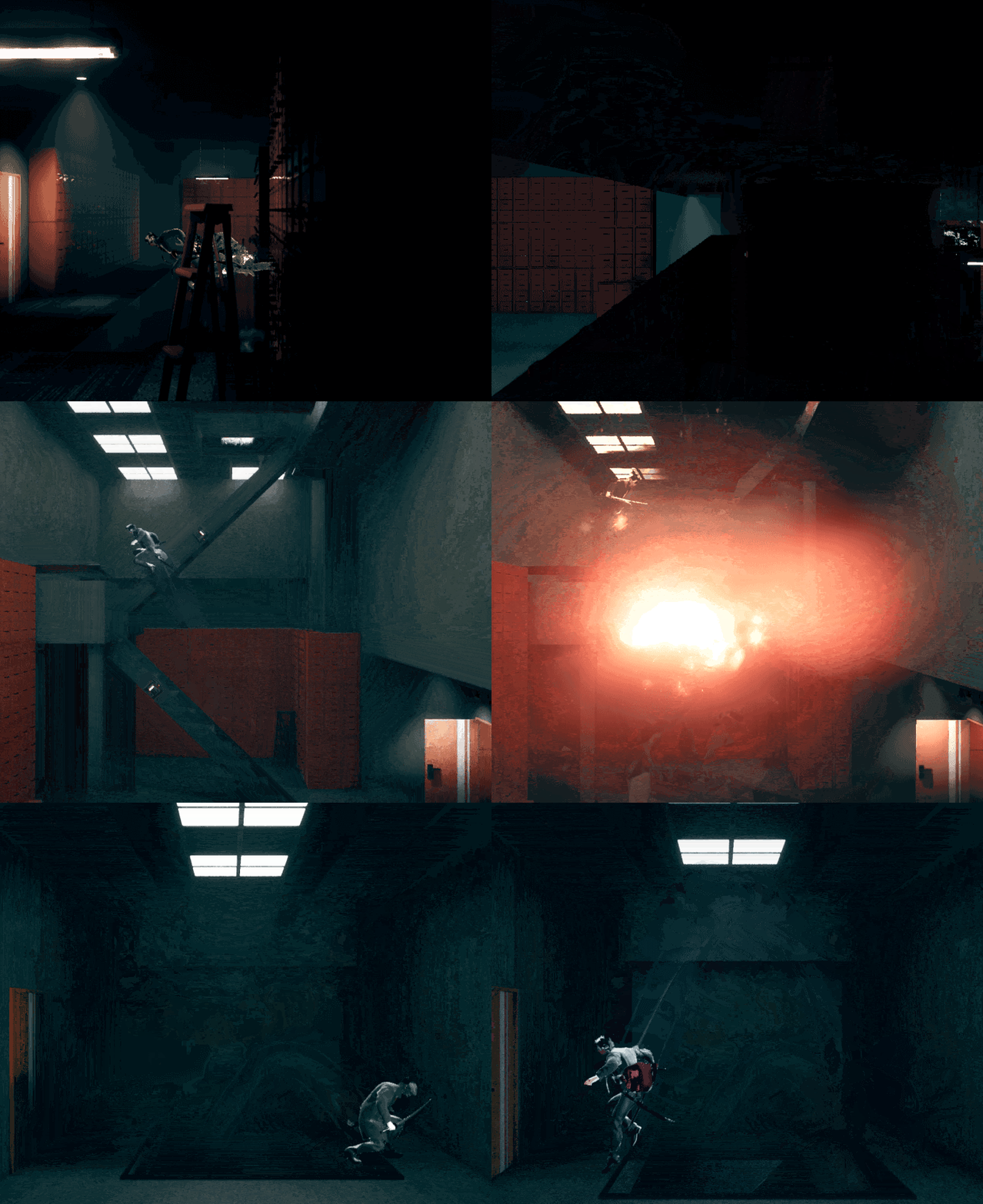
[System Guide: Utilizing Jump and Double Jump\]
Adjusting Jump Height: The character's jump height changes proportionally to how long you press the jump key. The longer you hold the key, the higher you jump.
Double Jump Support: In this Alpha Demo version, 'Double Jump' is provided by default for more pleasant action and exploration.
💡 Tip for Reaching Maximum Height: When you need to reach a very high place, try holding the jump key for the first jump, and then pressing and holding the jump key again at the very peak of your jump. You will be able to jump much higher than usual.