
Hello commanders!
In the coming weeks, we are planning to start second open playtest of Theatre of War: Rearmed!
More details will be available later, so don’t miss our article that will come along with it.
Meanwhile, we want to share a hot new dev diary about how Theatre of War has changed in the Rearmed version. And we think you will love this one, as it’s about how the UI was overhauled.
It’s 2026, everyone. Some of the decisions made 20 years ago do not meet today’s user standards and new hardware reality. So making the UI modern and convenient was one of the main goals of the whole Rearmed project. And in our humble opinion, the developer succeeded!
Let us see what exactly was changed.
Starting off hot: the menus!
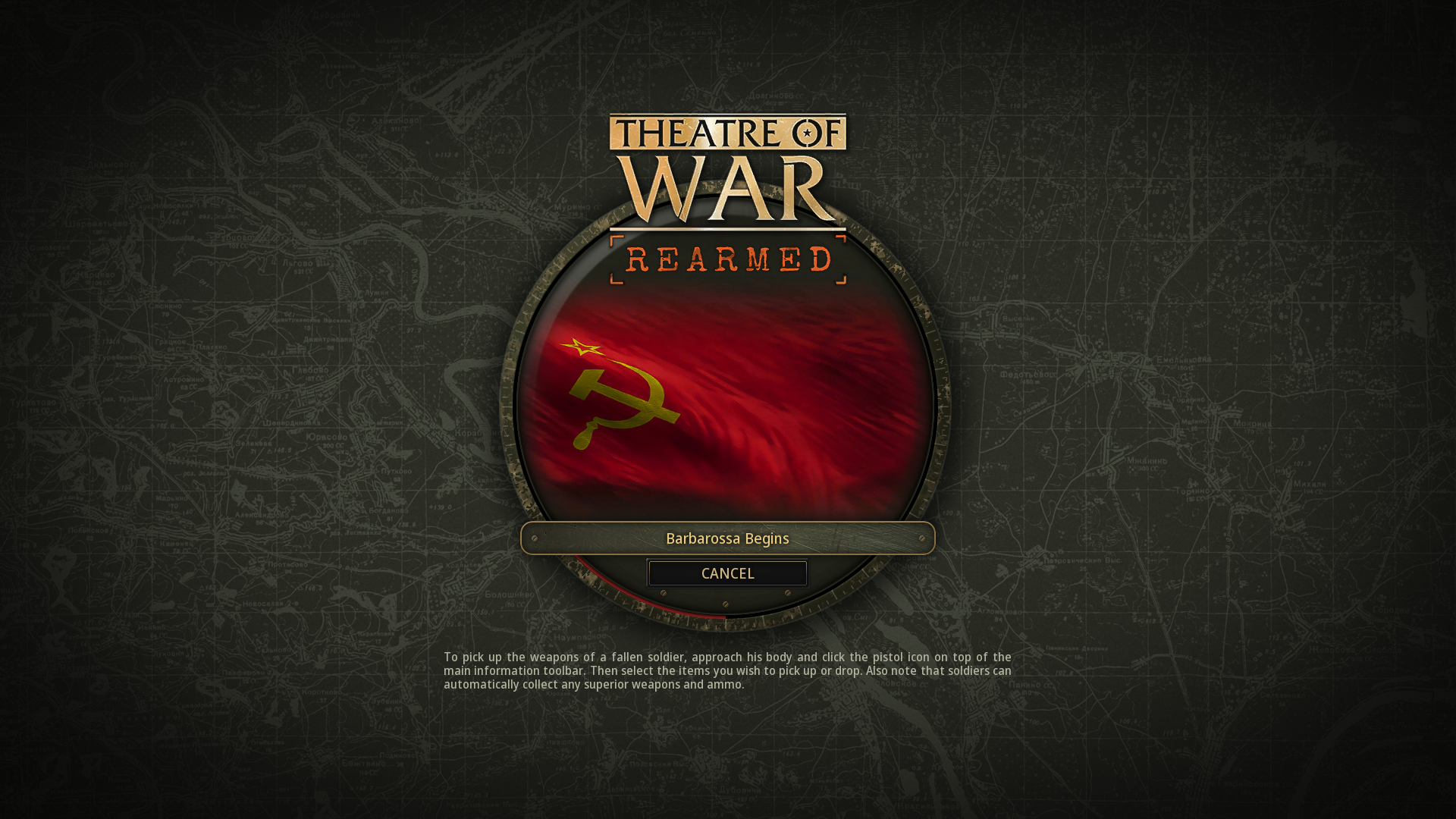
All of them were redone from the ground up. The Main Menu, Campaign Selection, Army Menu, and more. And to top it all off, the game’s loading screen is no longer just a black screen, as that felt awkward even back in the day.
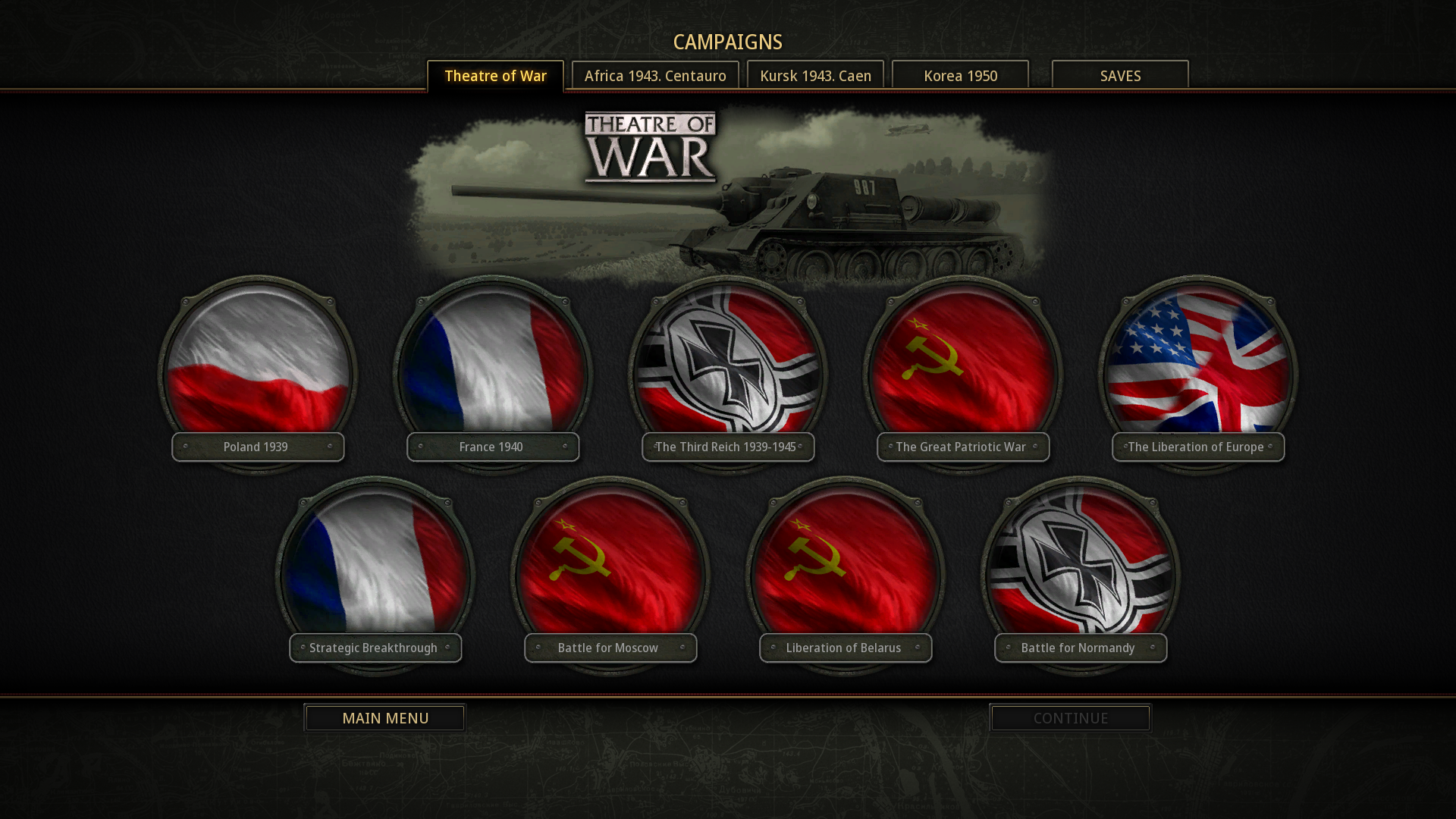
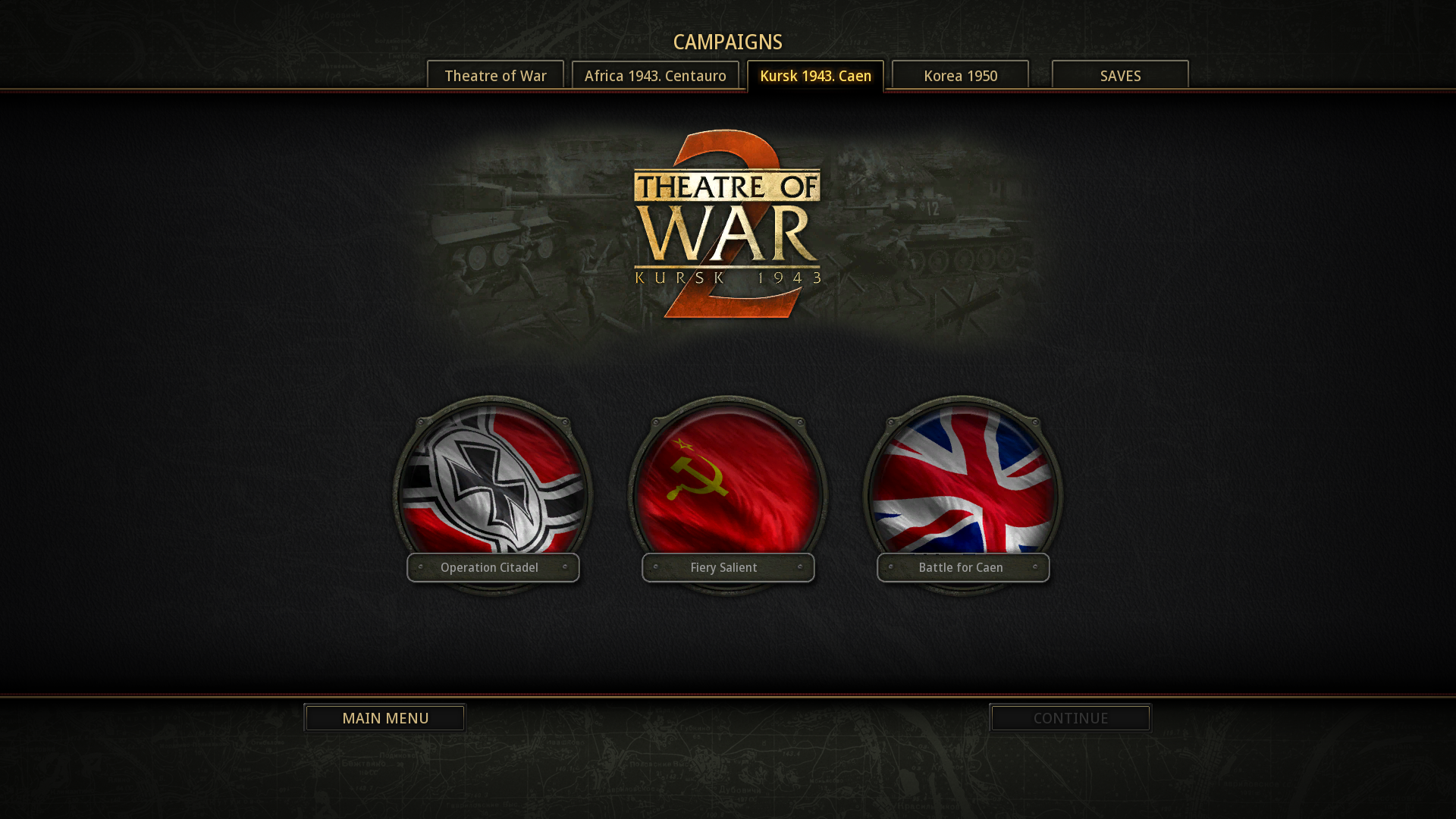
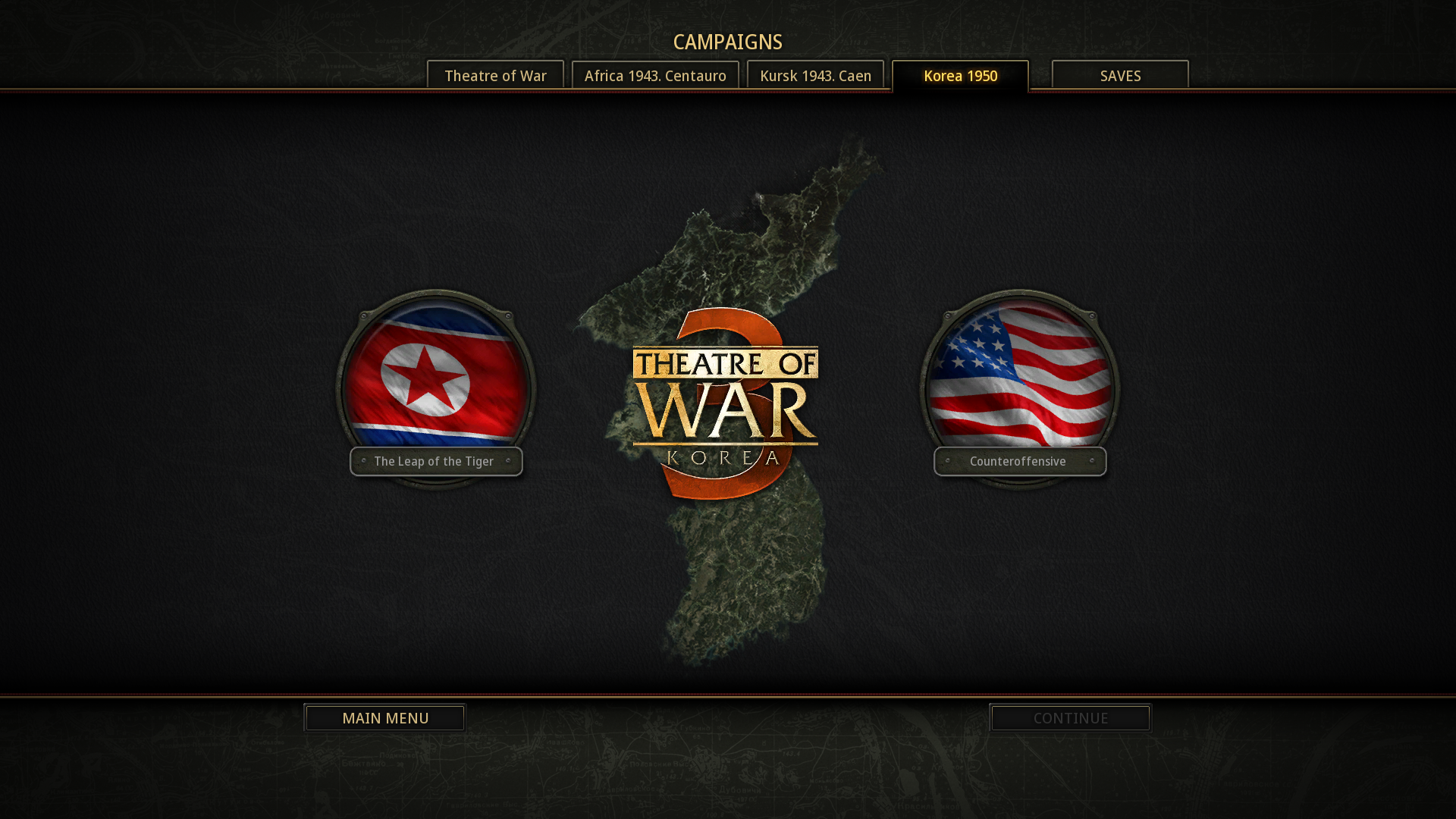
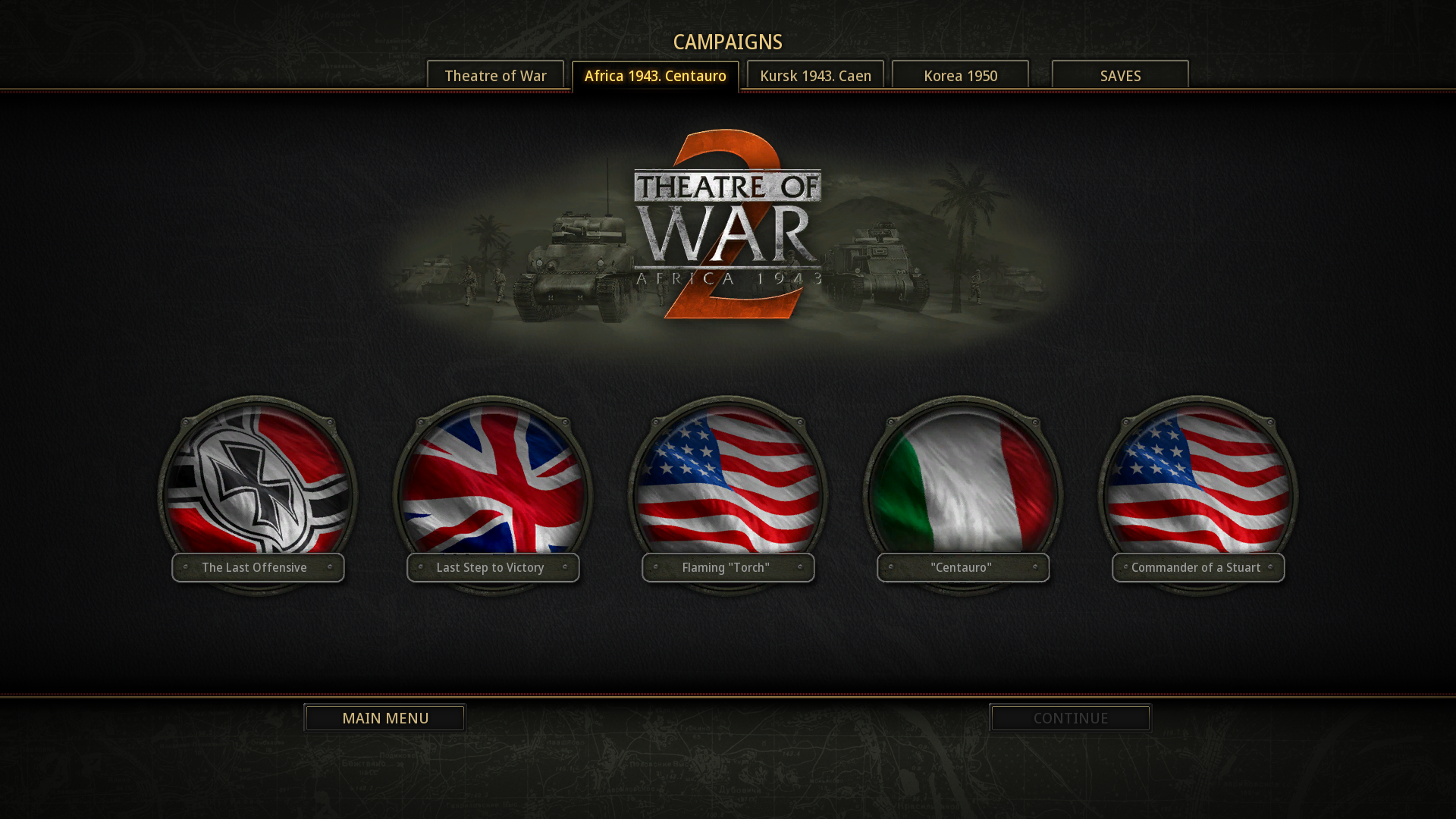
Another important thing: resolution. The original games were locked to 1024x768. Not a popular resolution nowadays. Thankfully, that was changed. Now the game supports 1920x1080 resolution by default, and you can make it even bigger or smaller if needed. UI elements like buttons, icons, fonts, and even flags were also redrawn to support this. Enjoy!

You can also now change the scale of your minimap during the game, which helps greatly in the heat of battle when things start to get messy.
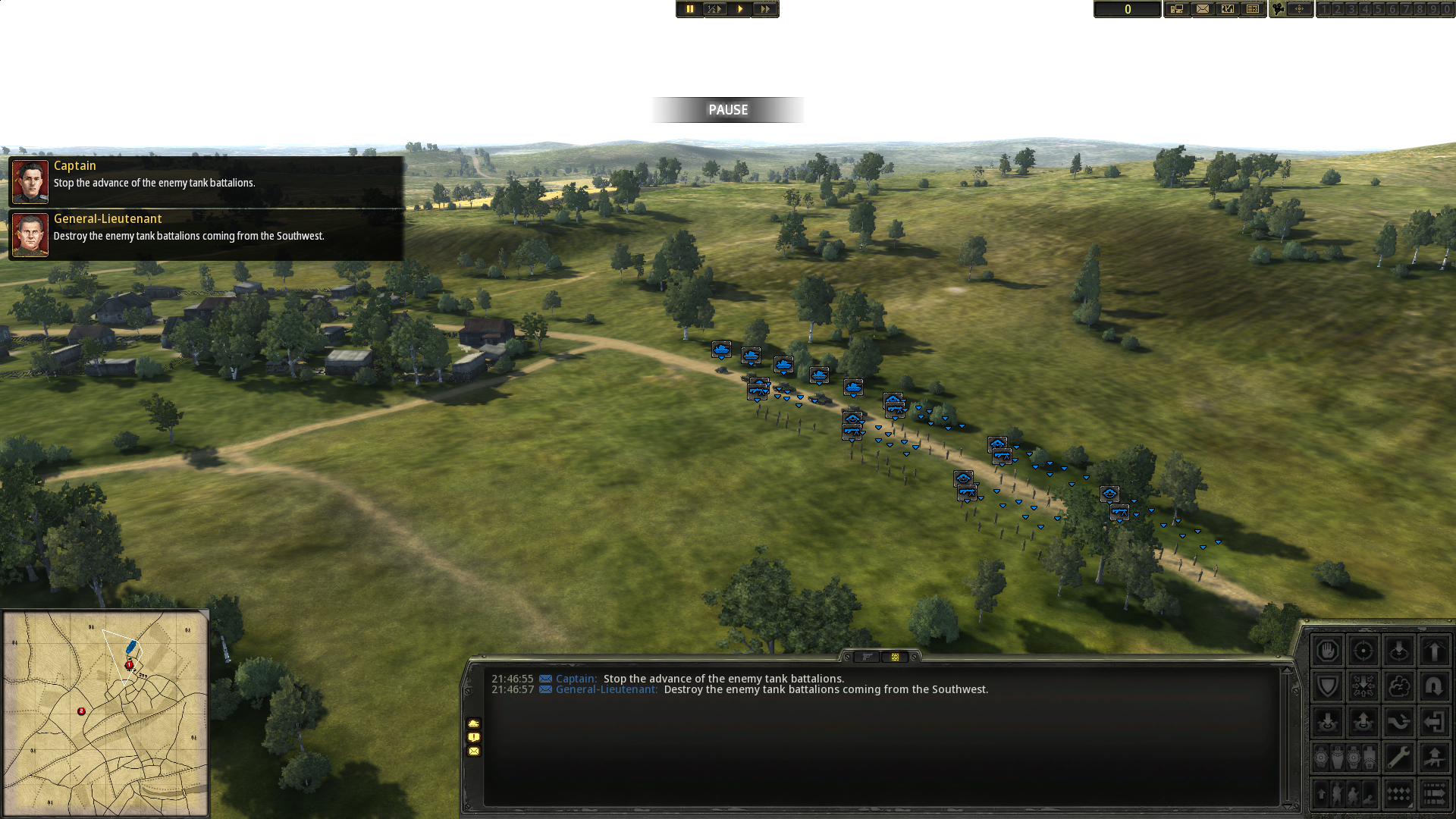
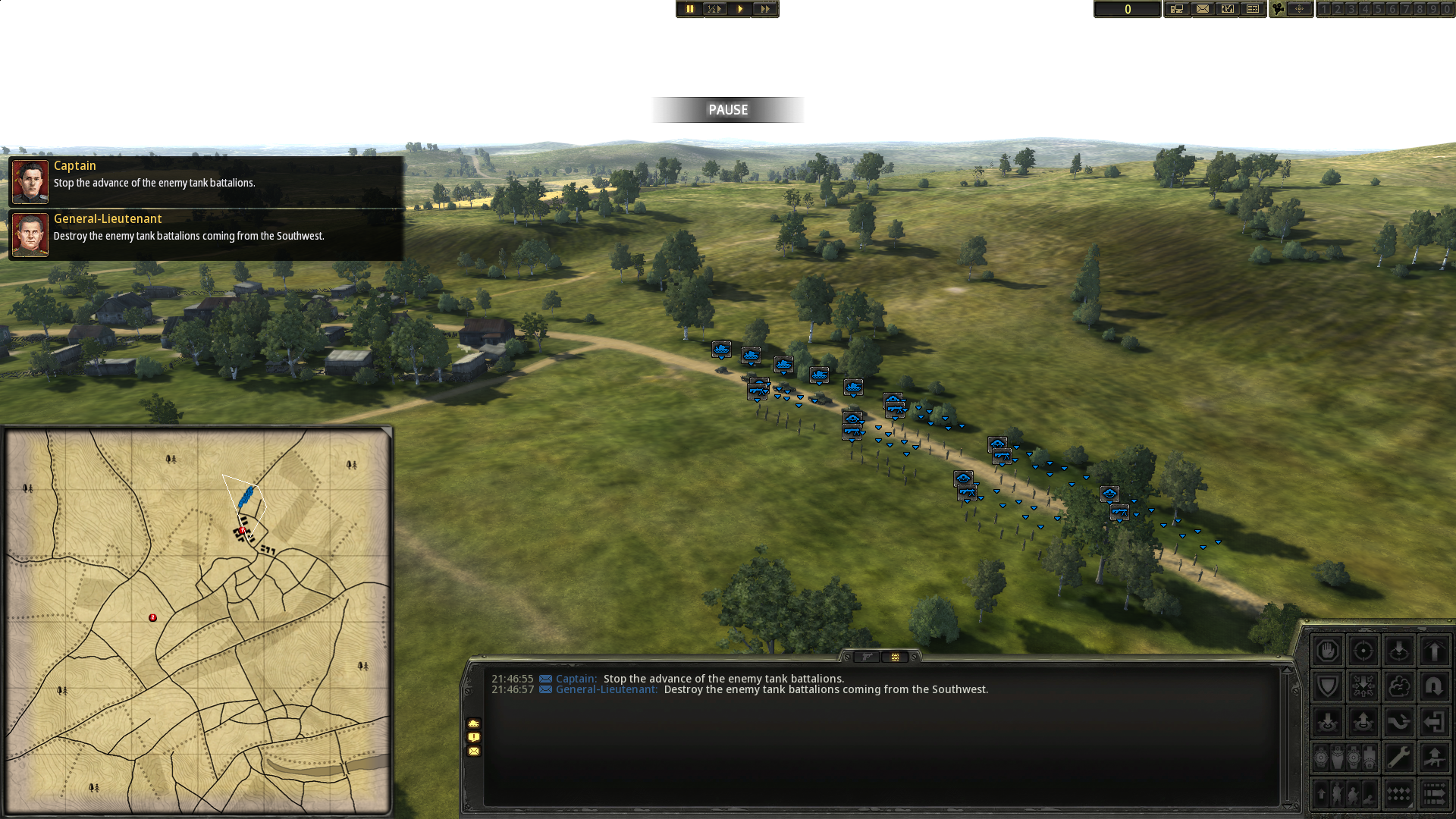
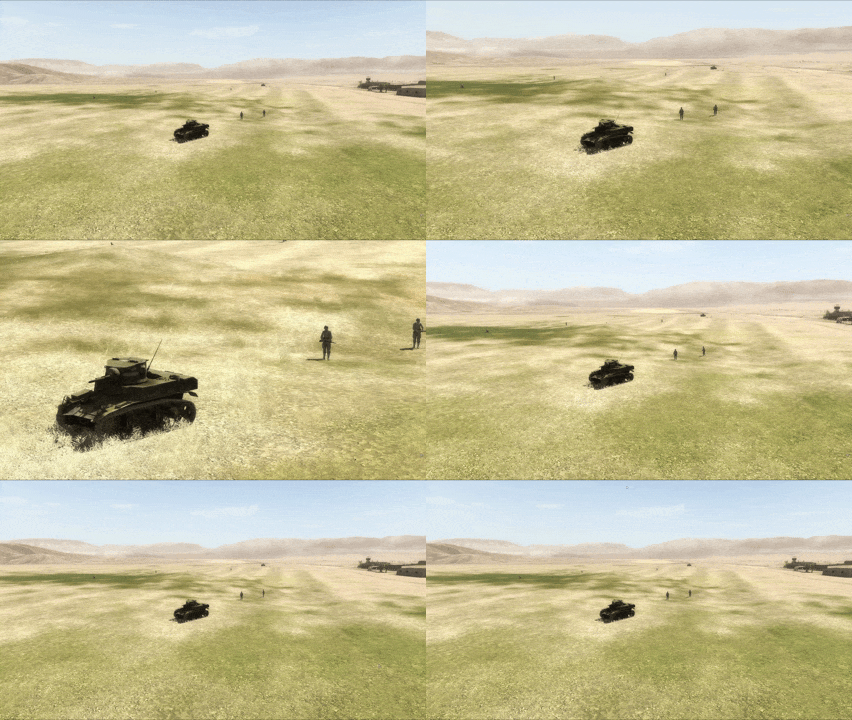
The in-game camera also received some love, as now you can change its angle without changing its position by pressing CTRL + Mouse Wheel Up/Down. You can also speed up its movement by pressing SHIFT. And the whole thing now moves much more smoothly, with no stuttering or weird glitches when you try to look at another part of the battlefield.
But Rearmed is not only about refreshing old features, it also adds a good amount of new ones! Take, for example, how control over soldiers has changed, with new interface features like morale and optics counters.
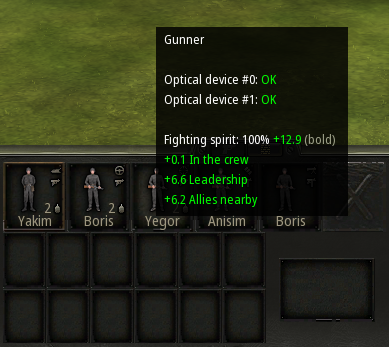
As well as a new information panel that doesn’t force you to perform esoteric rituals just to get basic info about your forces. Now it’s all in one place, hoorah!
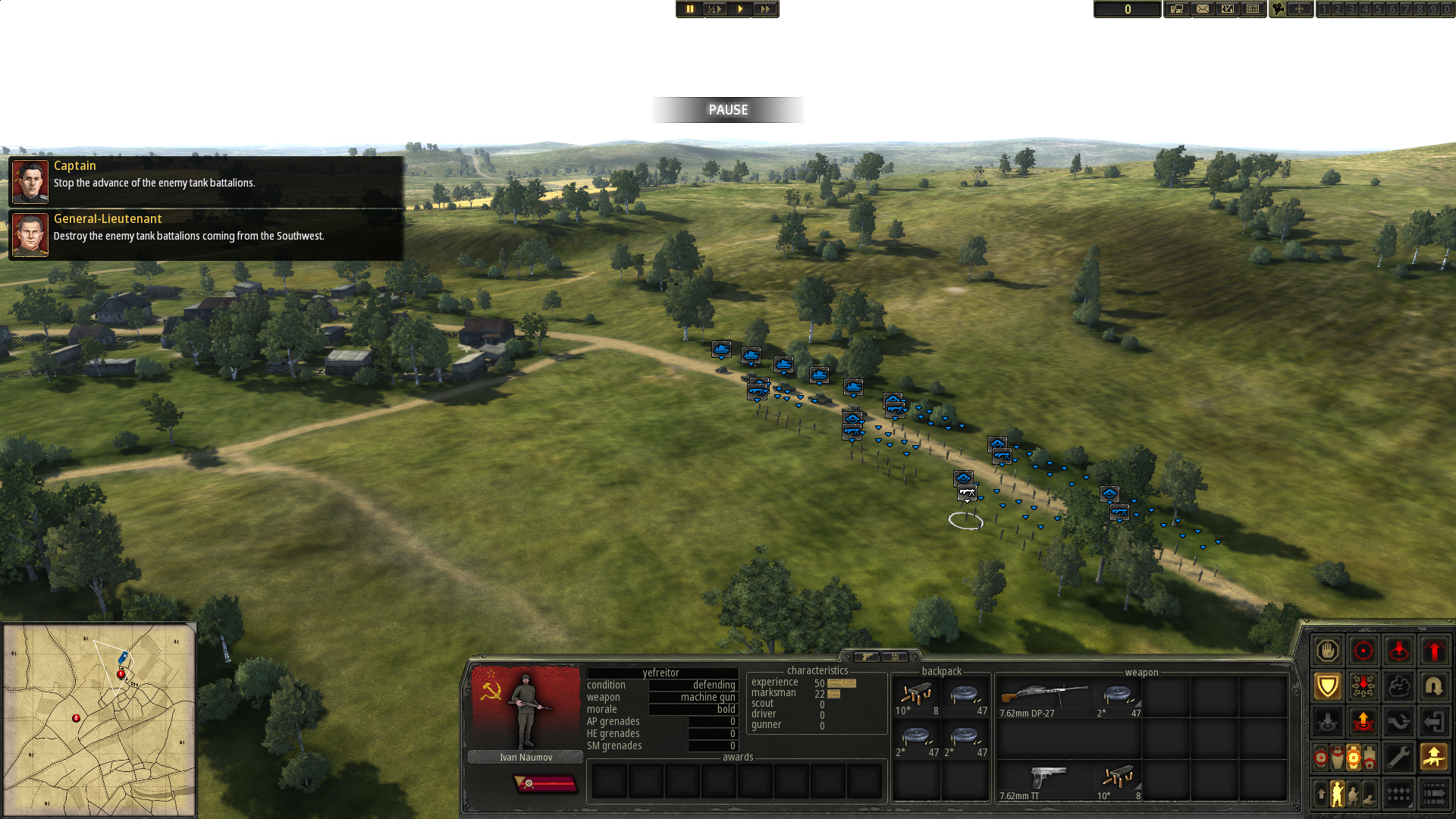
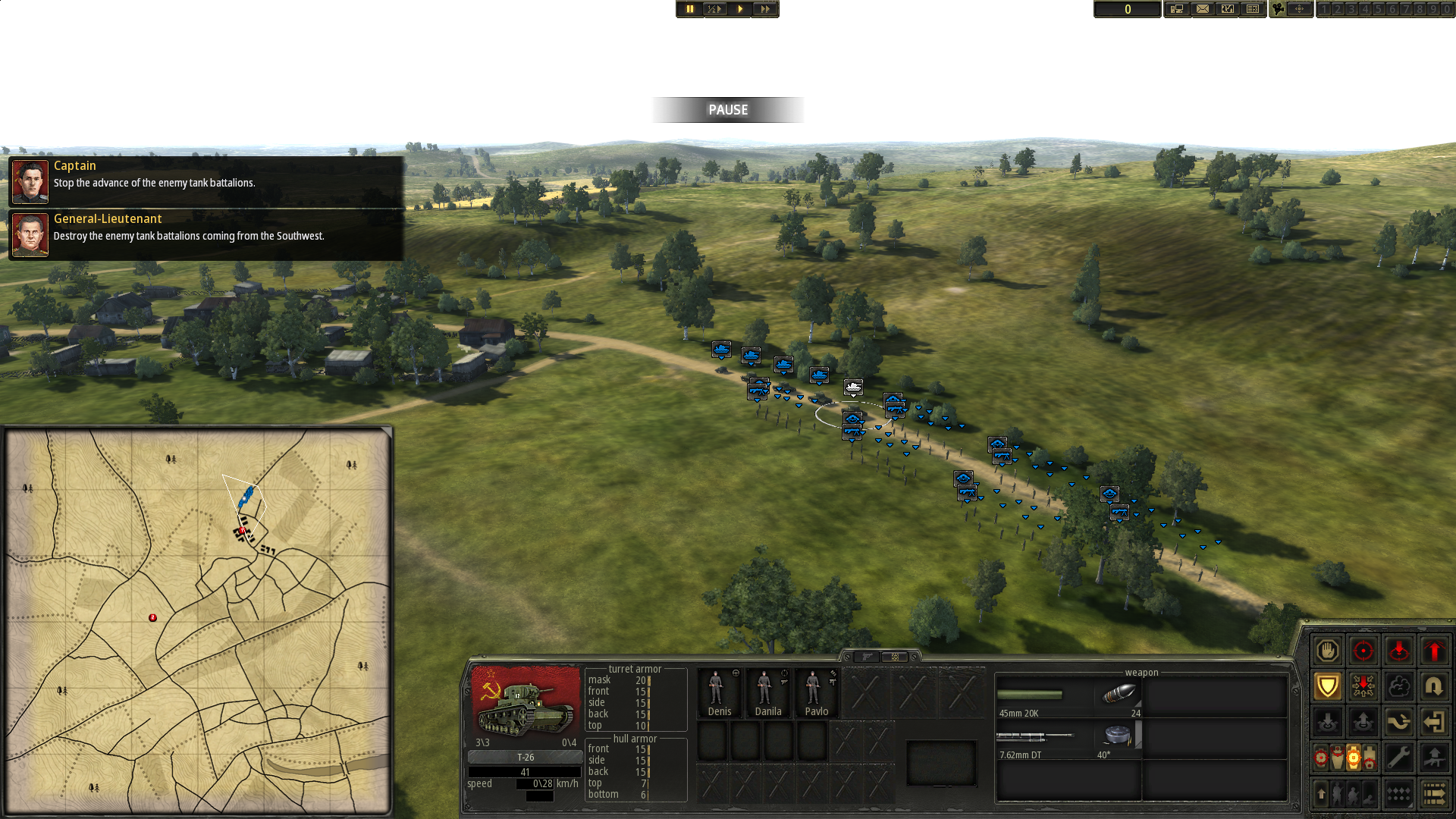
The same logic was applied to the new tooltips for your orders. Just hover over whatever piques your interest to see what exactly it does.
You also now have access to a whole new slate of orders for your vehicles. Like Smokescreen, if you have the relevant wargear, which creates a... well... smokescreen on demand. Or Chassis Repair, which allows the crew to make simple repairs to their vehicle by themselves.
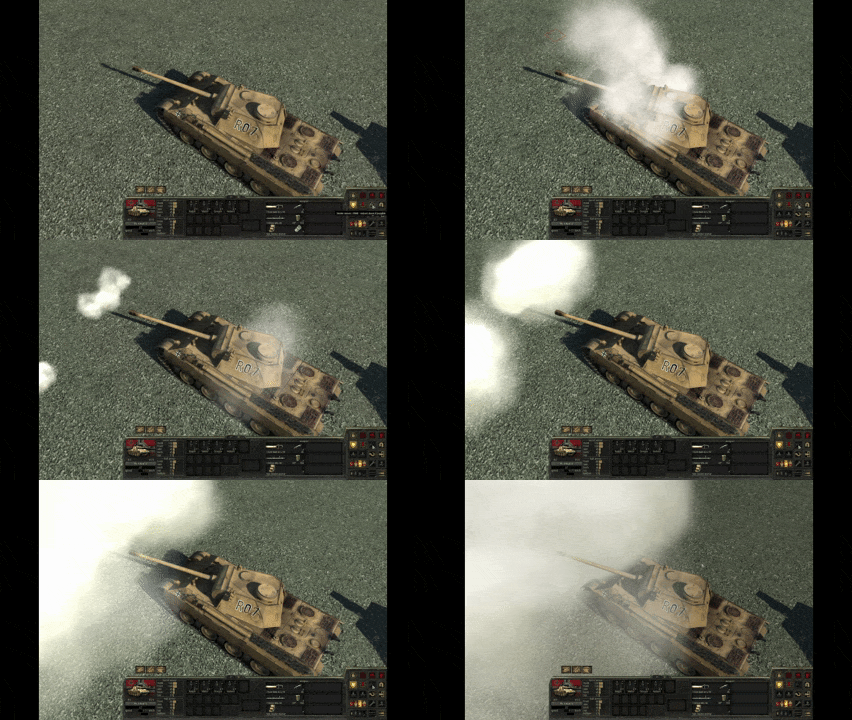
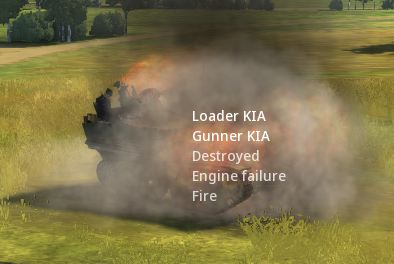
Speaking of vehicles, there are now pop-up messages about the damage they suffer, as well as crew casualties. Be aware, though, that on higher difficulties these messages will provide less and less information.
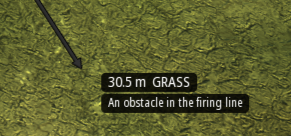
But it’s not the only new kind of helpful UI you will get. Now, when you draw a line of fire and it’s not possible to start blasting, you will be told exactly why.
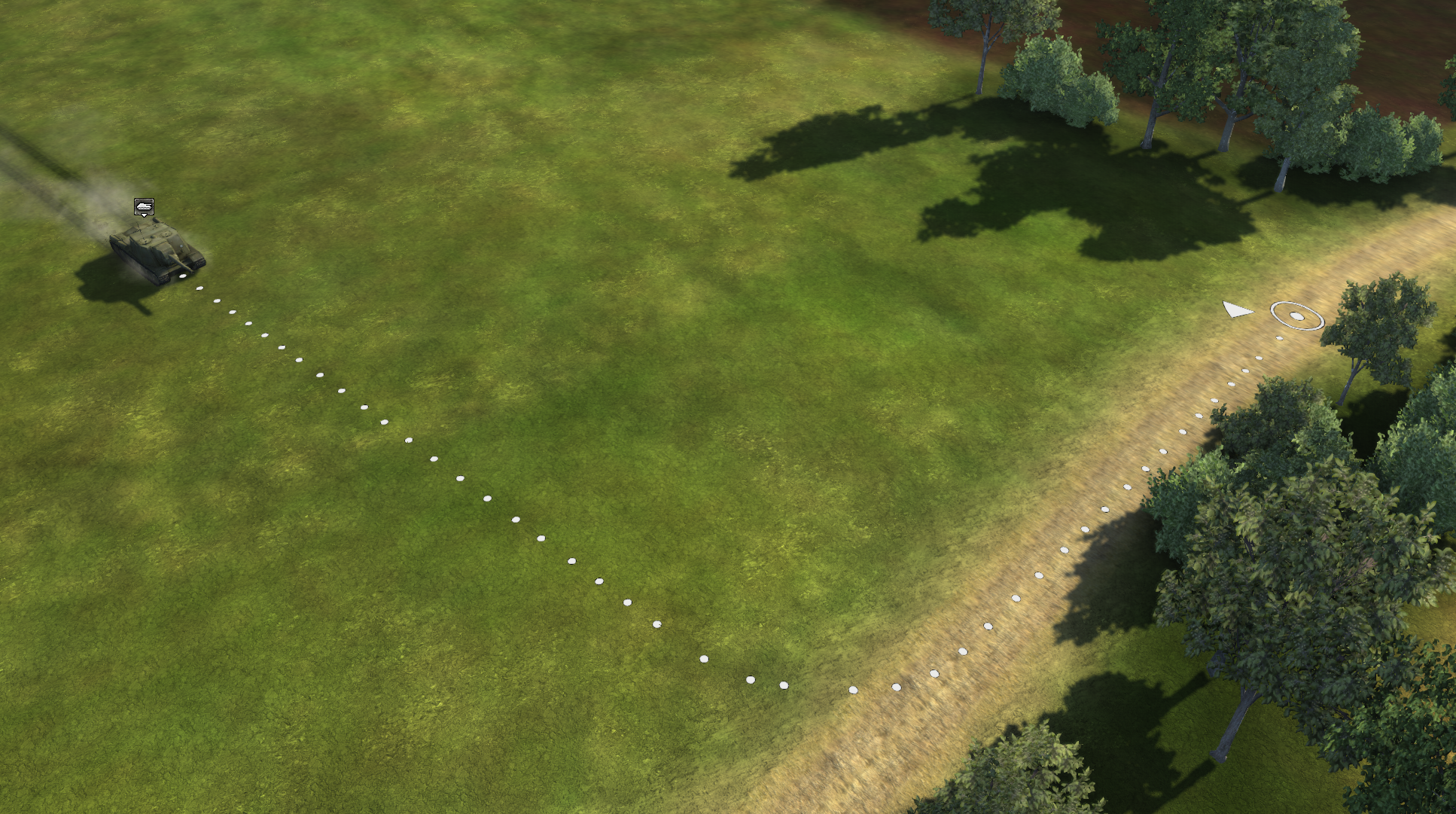
And when you command your unit to move, there will be a dotted line that shows exactly how your unit will navigate through the terrain.
Another neat thing: a fully reworked inventory. Now vehicles have 6 gun slots instead of 3. Infantry also receive a pistol slot, and the number of grenade slots has been increased from 3 to 9. Because of this, however, the number of backpack slots has been reduced to 6, since grenades now have their own slots and only ammunition will take up backpack space.
So many grenades could lead to confusion as the firefight breaks out, so now you can see their exact number and type on the main panel. Blast your way through the enemy in comfort, like it was meant to be.
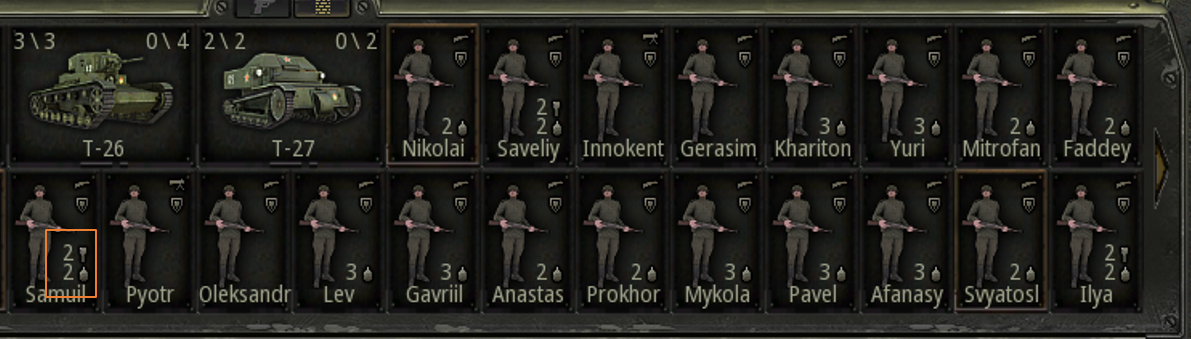
To make life even easier, a new option was added. Now you can turn off specific weapons or ammunition on units, so they don’t use them automatically. This is great for prolonged combat encounters, where burning through your best equipment in the first minute could hurt you badly in the long run.

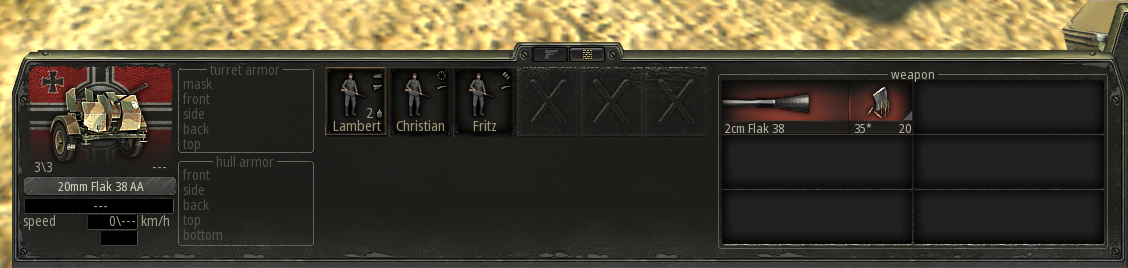
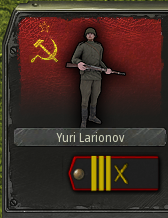
One more thing about the infantry.
The whole insignia and chevron system got an overhaul. It’s now more flexible with more diverse list of options.

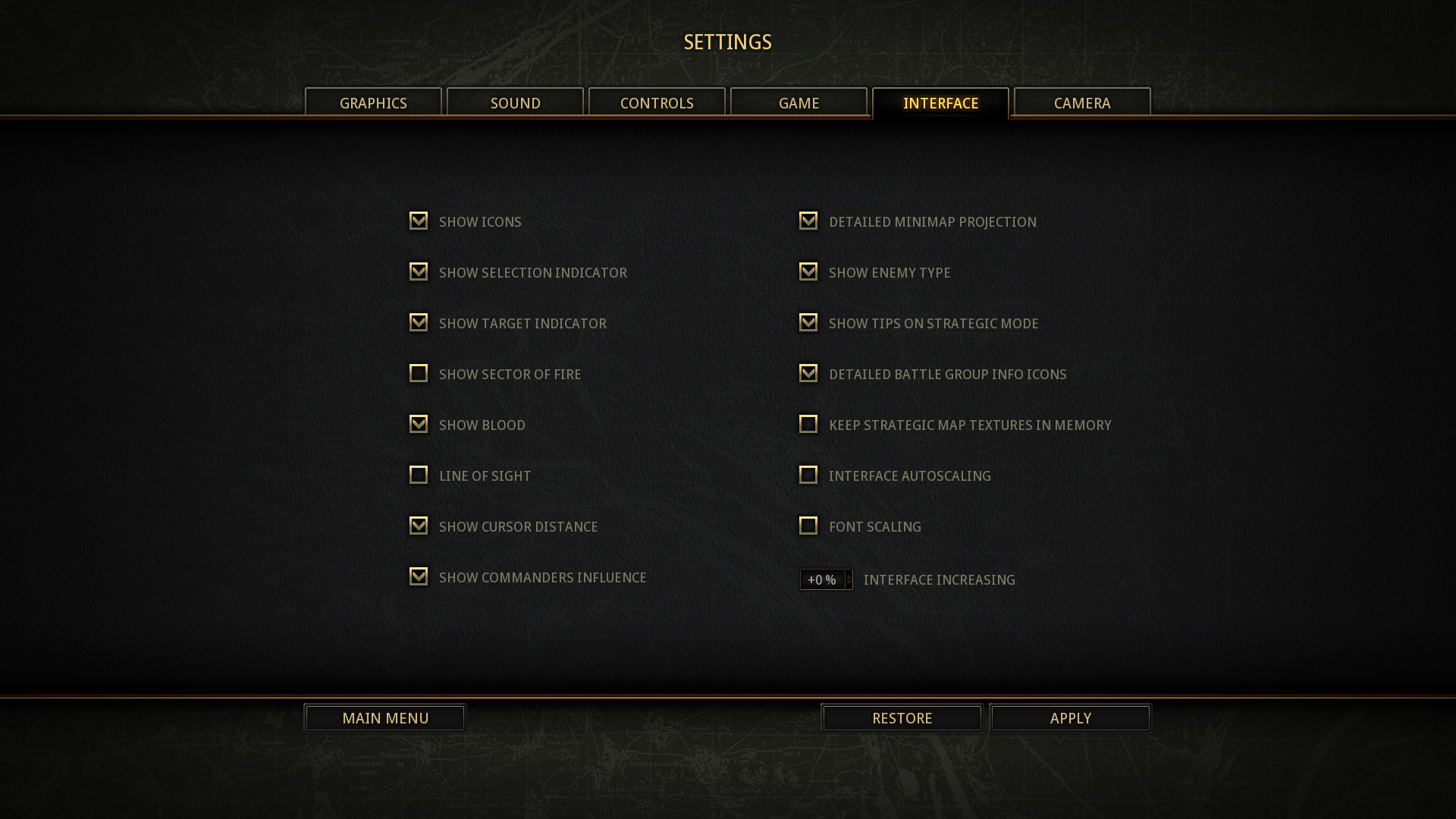
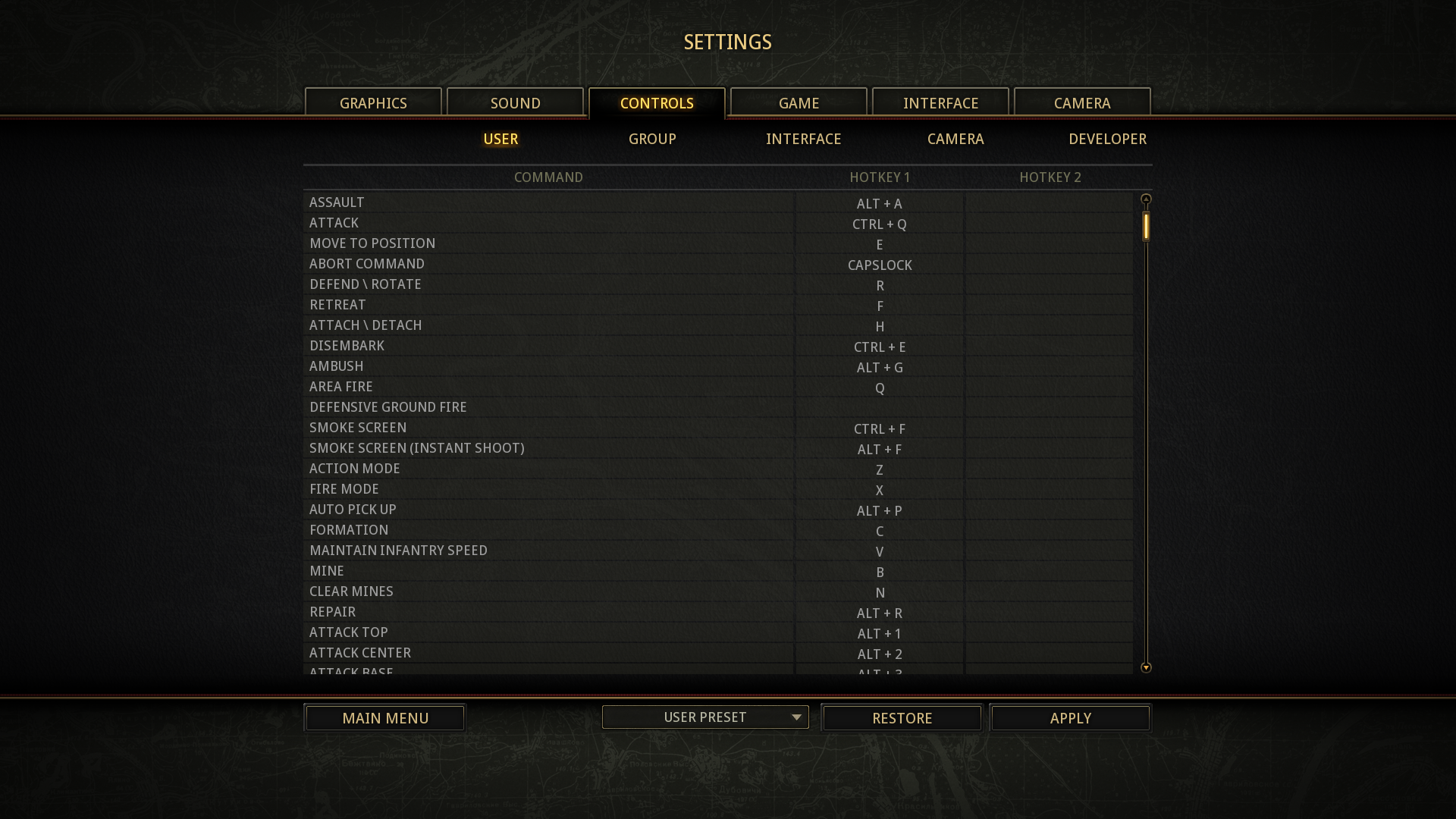
And as the icing on the cake, the game settings received a great number of new options. There are too many to highlight individually, so just take a look!
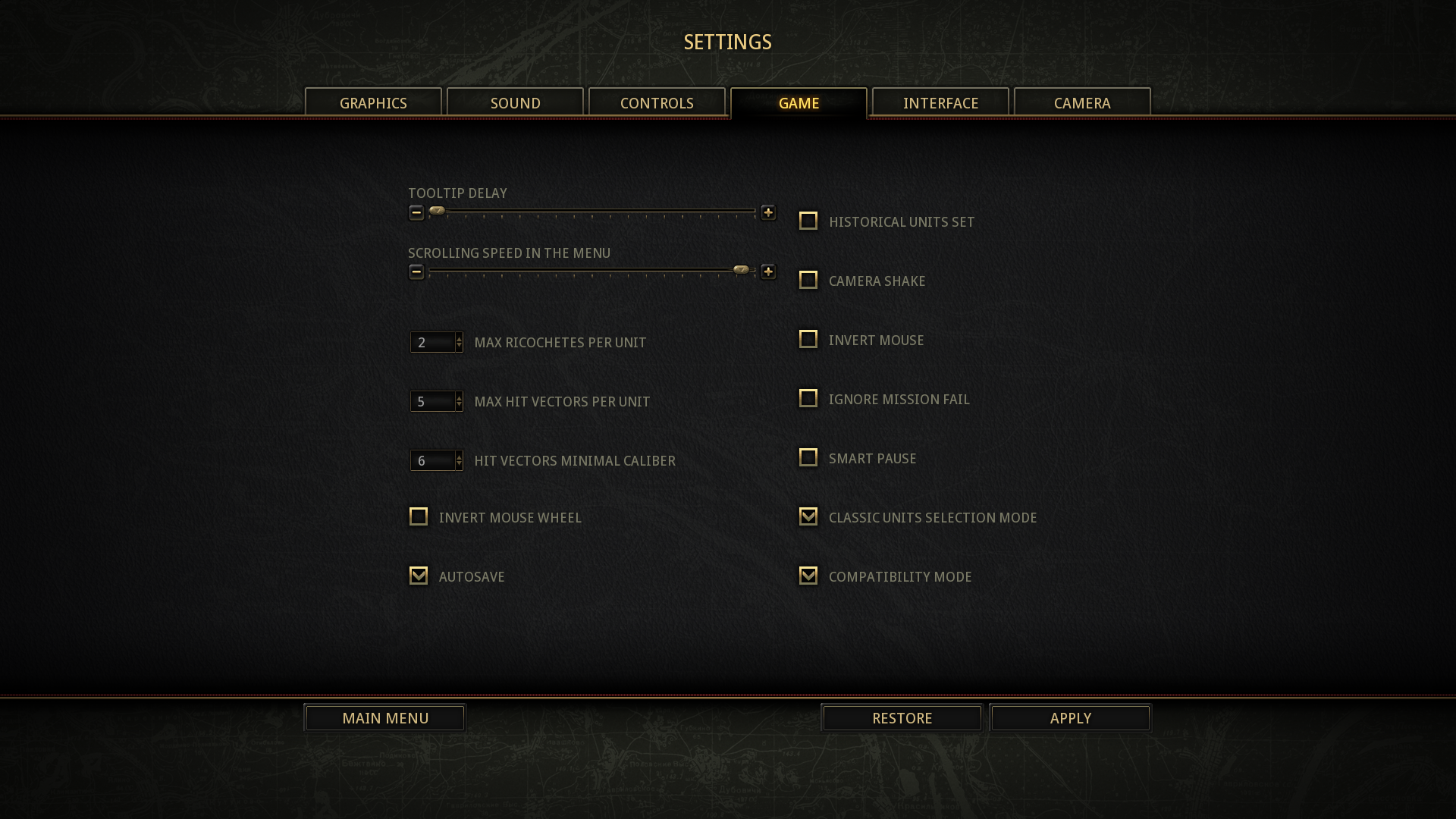


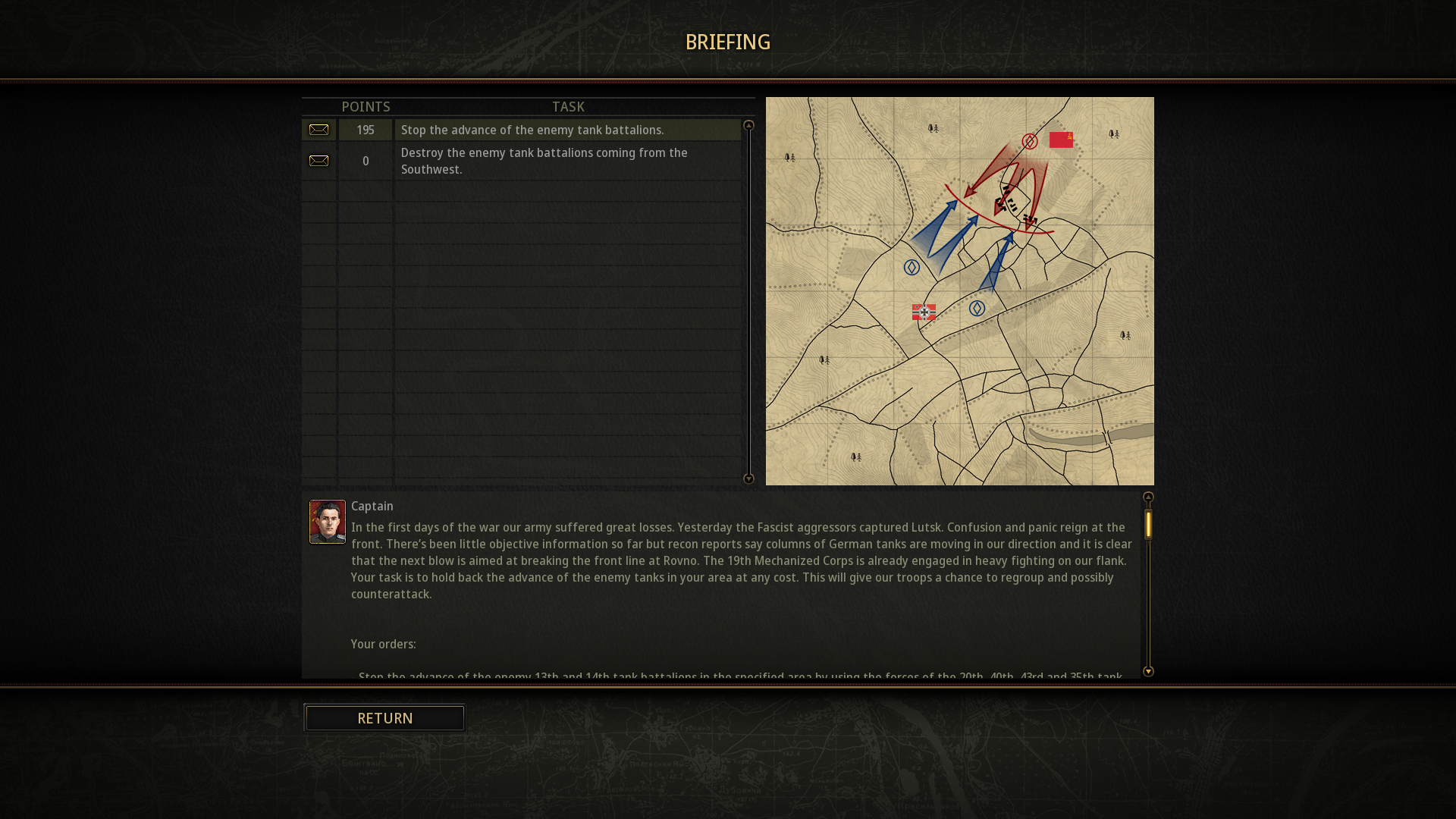
And it’s not even the end of all. There are also dozens upon dozens of small details that were Rearmed. For example, a new brief screen for missions from the first ToW.
All of those fixes and new features are a big part of what makes the Rearmed special. And soon, you will get a chance to try them by yourself in our second open playtest. So see you there!