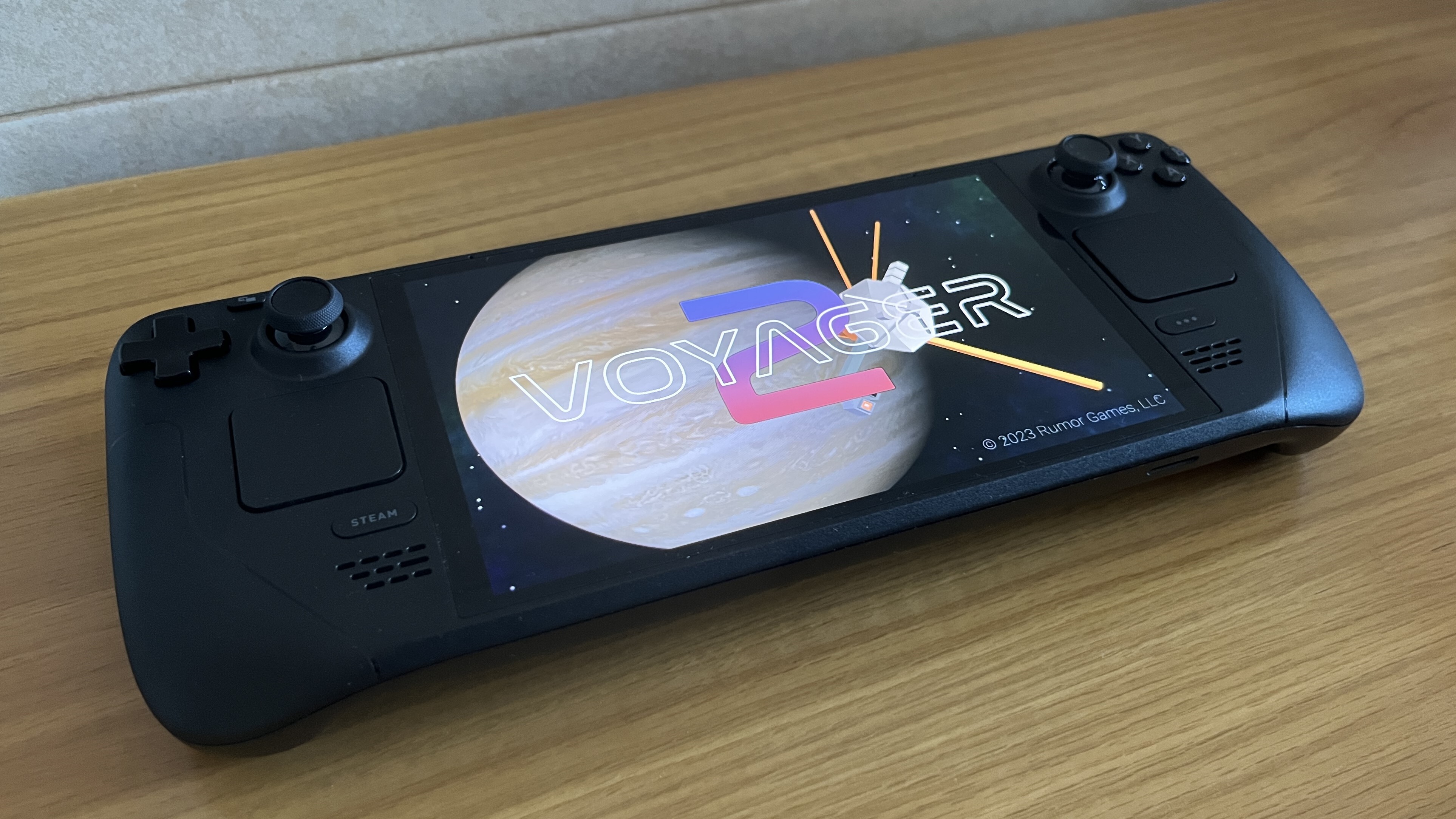
Voyager 2 now ships with a native Linux build and full Steam Deck support!
What’s New
- Native Linux executable
- Steam Deck tested for performance and compatibility
- Fully playable with touchscreen and gamepad controls
- Per-input control profiles*
* Control settings are fully customizable per input type, so if you like to pull back to aim (slingshot-style) on a touchscreen but push forward to aim with a control stick, you have that option. And your settings follow even if you switch between control schemes on the fly!
What We Haven’t Tested (Yet)
- Desktop Linux distributions other than SteamOS (Ubuntu, Arch, Fedora, etc.)
If you play on a non-Deck Linux PC, we’d love to hear about performance, input quirks, or crashes. Share your feedback using the in-game socials (Gear Icon > Options > Email) or in the Community Hub.
How to Launch the Native Version
- Update Voyager 2 to the latest version
- Select Voyager 2 > View game details > Gear icon > Properties > Compatibility
- Ensure "Force the use of a specific Steam Play compatibility tool" is unchecked
- Press Play. Steam will launch the native build automatically
Thanks for playing Voyager 2 on PC, Mac, and now Linux and Steam Deck!
-Rumor Games