
Turrets and base Defence
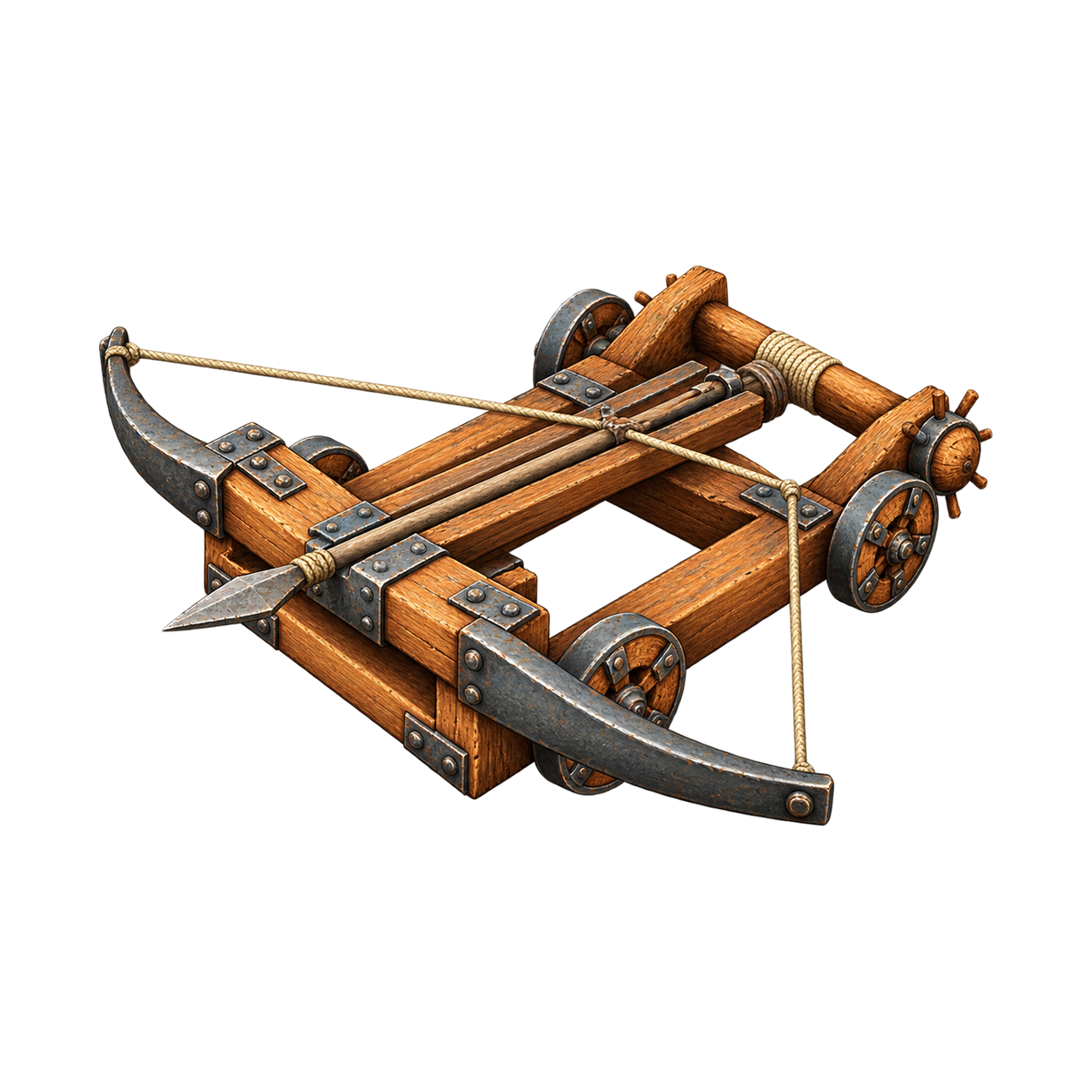
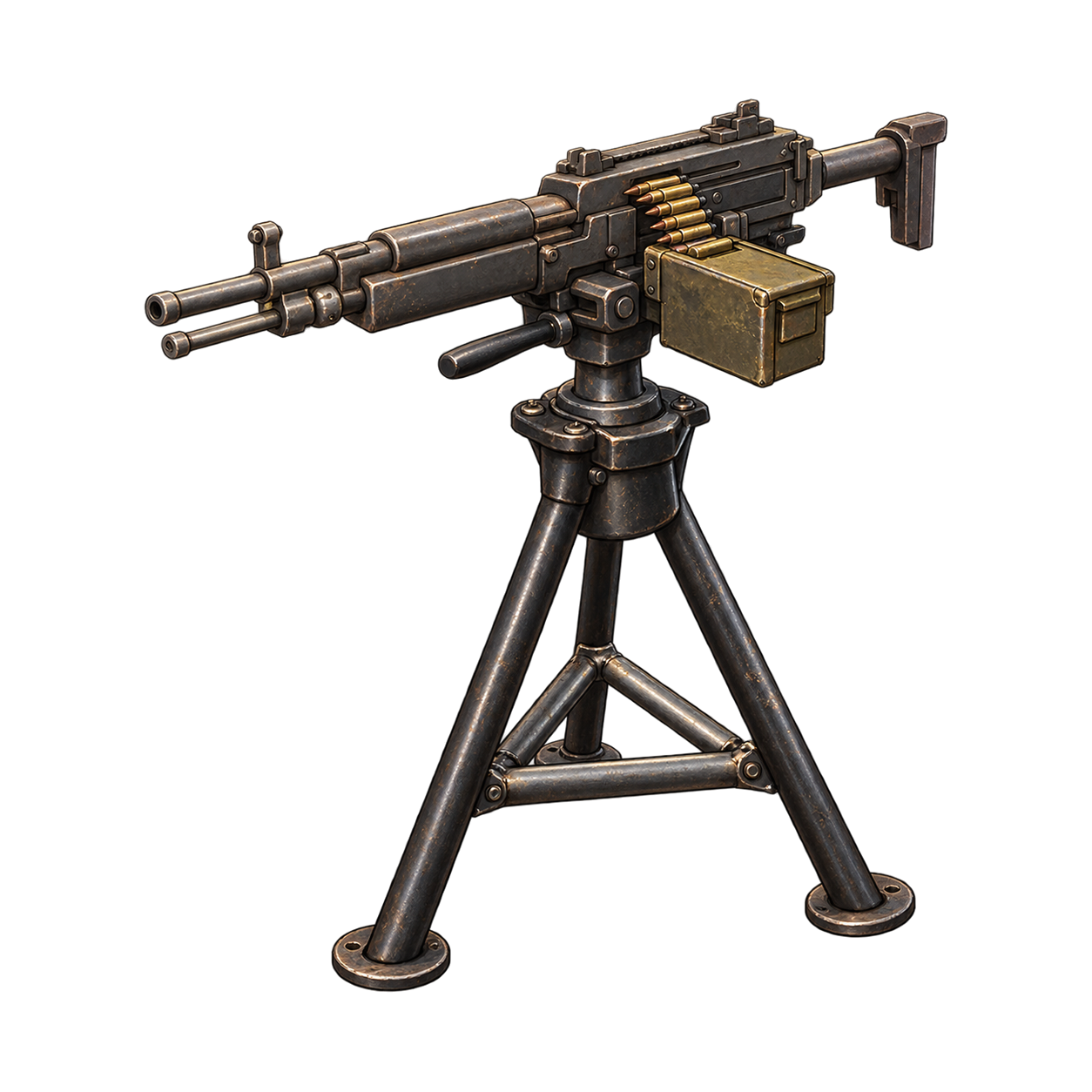
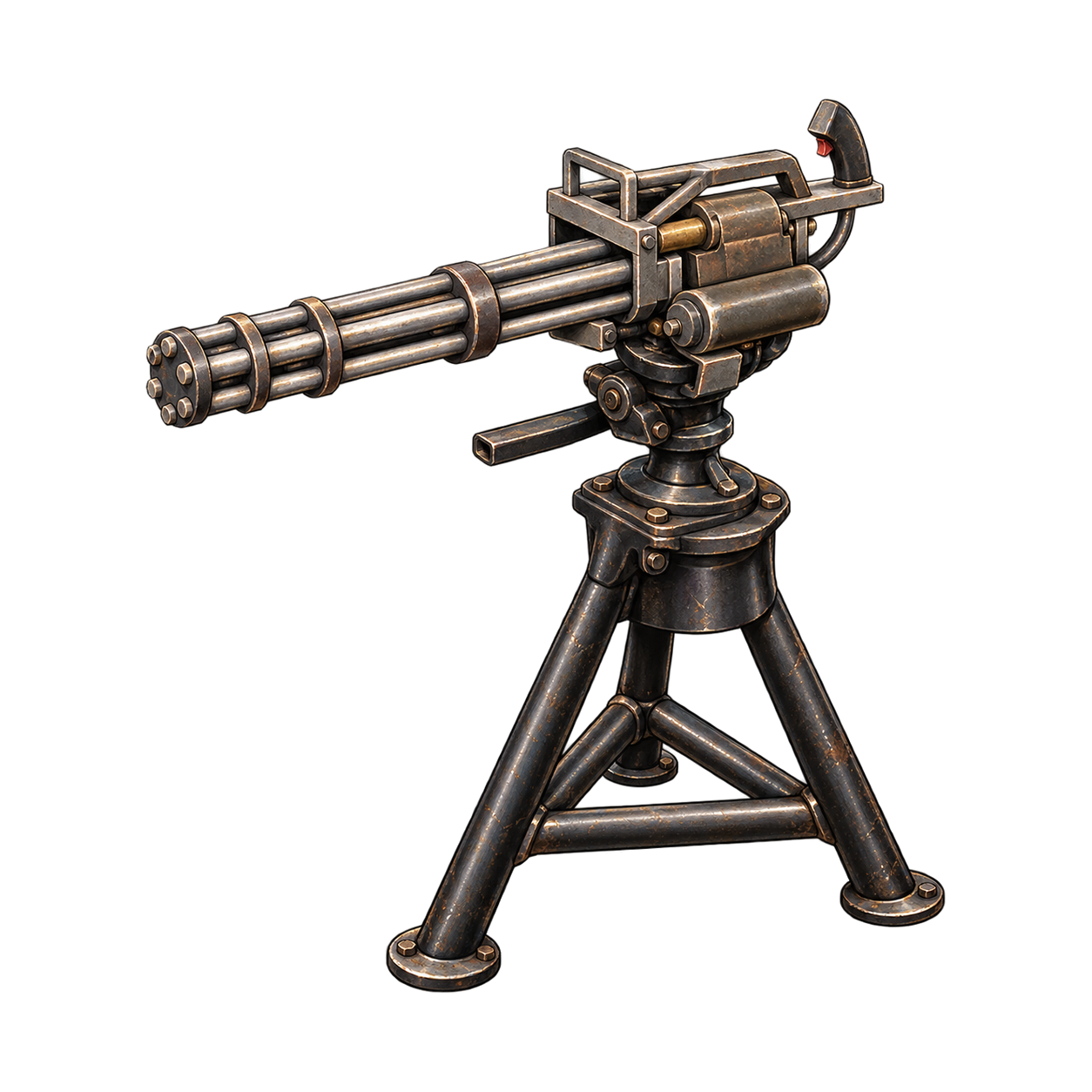
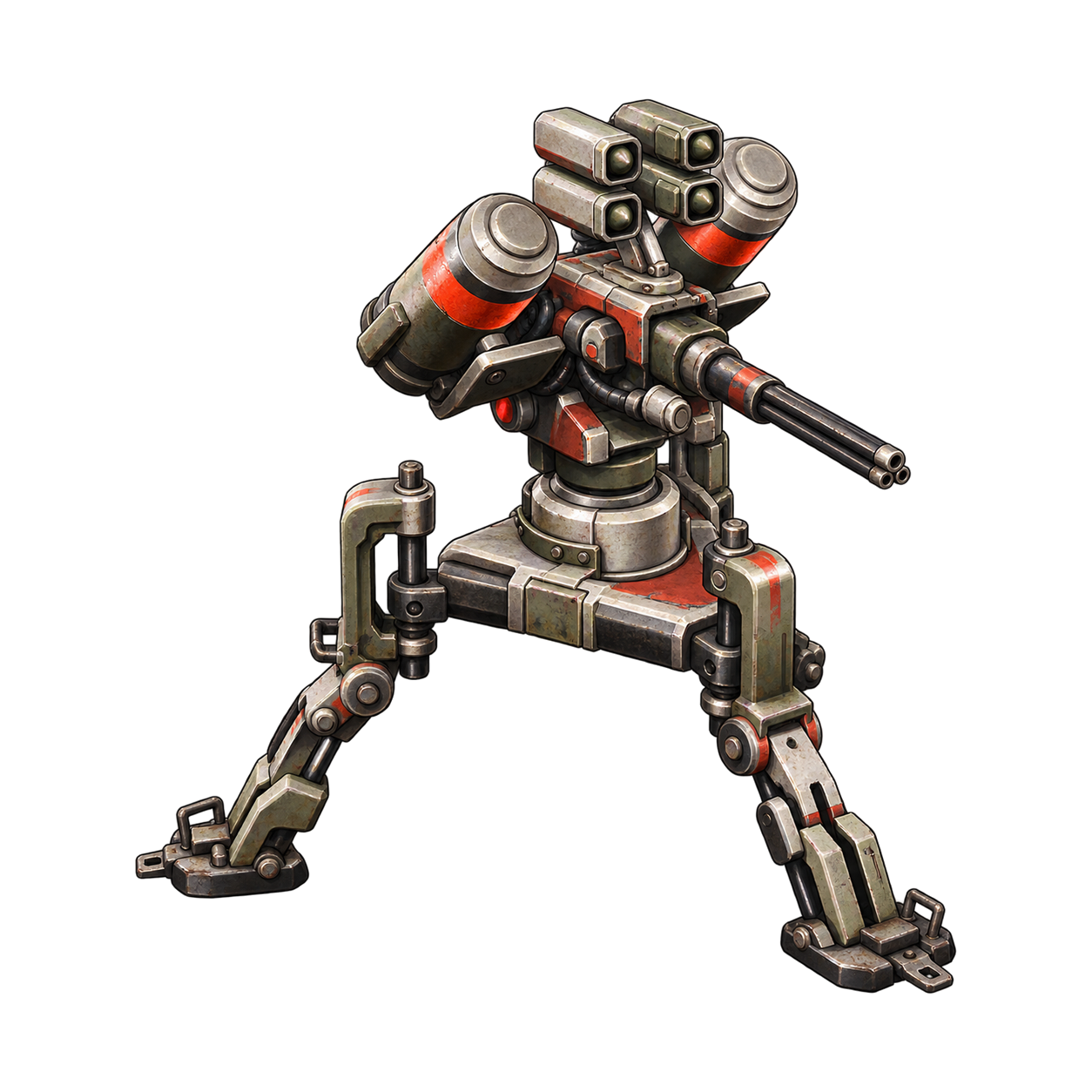
Turrets: craft and place four defensive turrets: the Primitive Ballista, M2 Browning, Minigun and TADS. Switch them on or off and load their ammunition, and they defend your base against hostile players and creatures while leaving you, your squad, traders and passive wildlife alone. A turret turns to face its target and opens fire once its barrel is on it, after a short pause to acquire a new target.
Turret firepower: gun turrets fire the same rounds as player guns, with bullet drop and damage over distance, and their shots spread a little. The M2 Browning fires .50 BMG, the Minigun 450 rounds a minute and TADS 600 rounds a minute of 7.62x51. Hits play surface and blood effects, tracers stop where they hit, and killed enemies leave bodies. TADS projectiles are visible in flight.
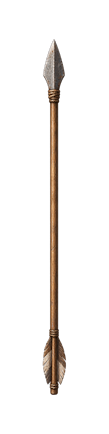
Ballista: fires heavy bolts that lead moving animals such as wolves. Spent bolts stick in bodies or scenery and can be recovered.
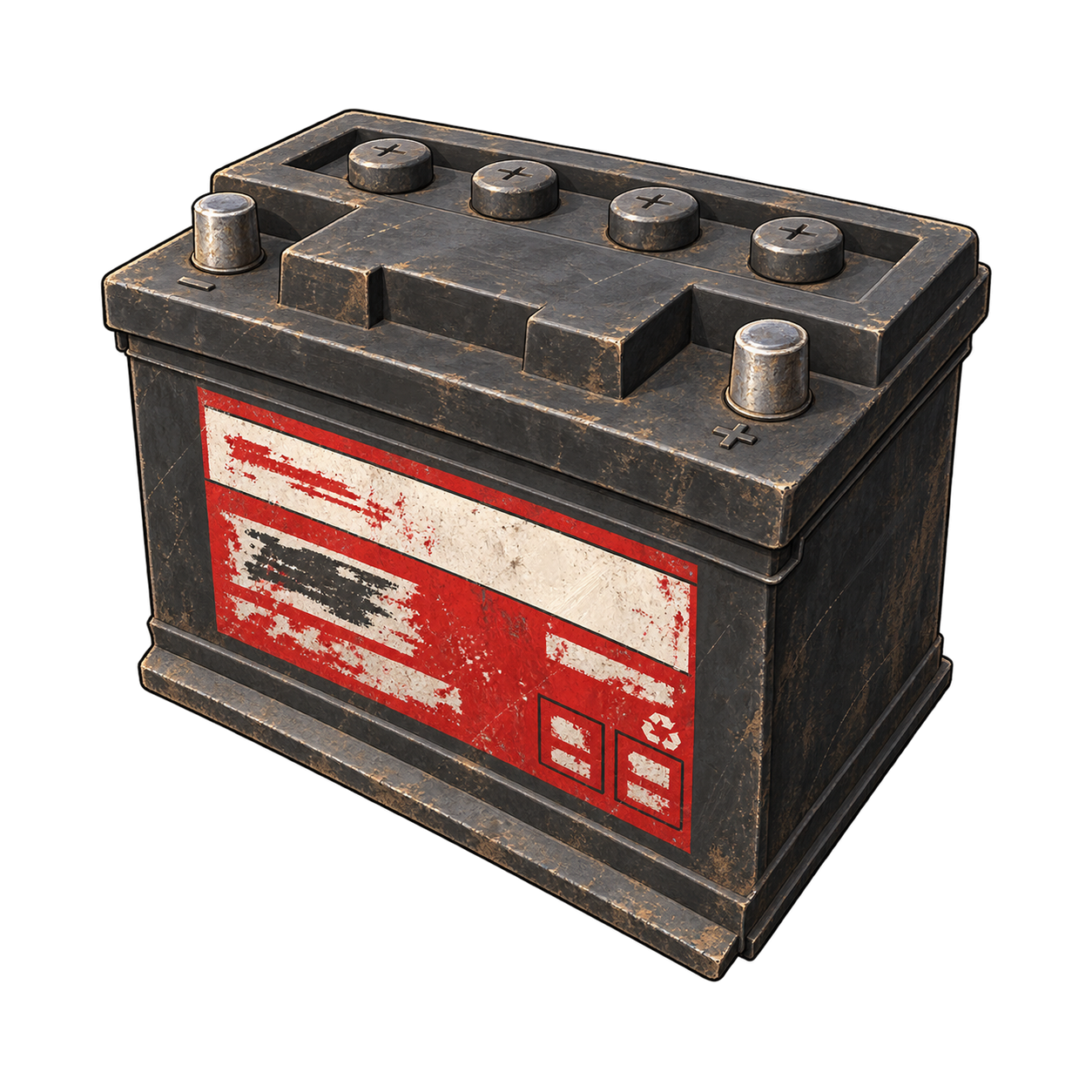
Turret power: the M2 Browning runs on a charged car battery in its ammunition storage, good for about 30 minutes of tracking and firing; waiting without a target uses no charge. The Minigun and TADS need grid power. Each turret's storage panel lists the ammunition and power it needs.
Turret care: a turret's interaction menu shows its health, the construction hammer repairs and dismantles it, and the placement preview shows the whole turret.
Building and power
Car batteries: place a carried battery, connect it to power to recharge, then use Pick up to take it back with its exact charge. A full recharge takes about 14 minutes with enough spare power. Charging continues away from players while the world is running; the battery and disconnected cable kits must fit your inventory before pickup.
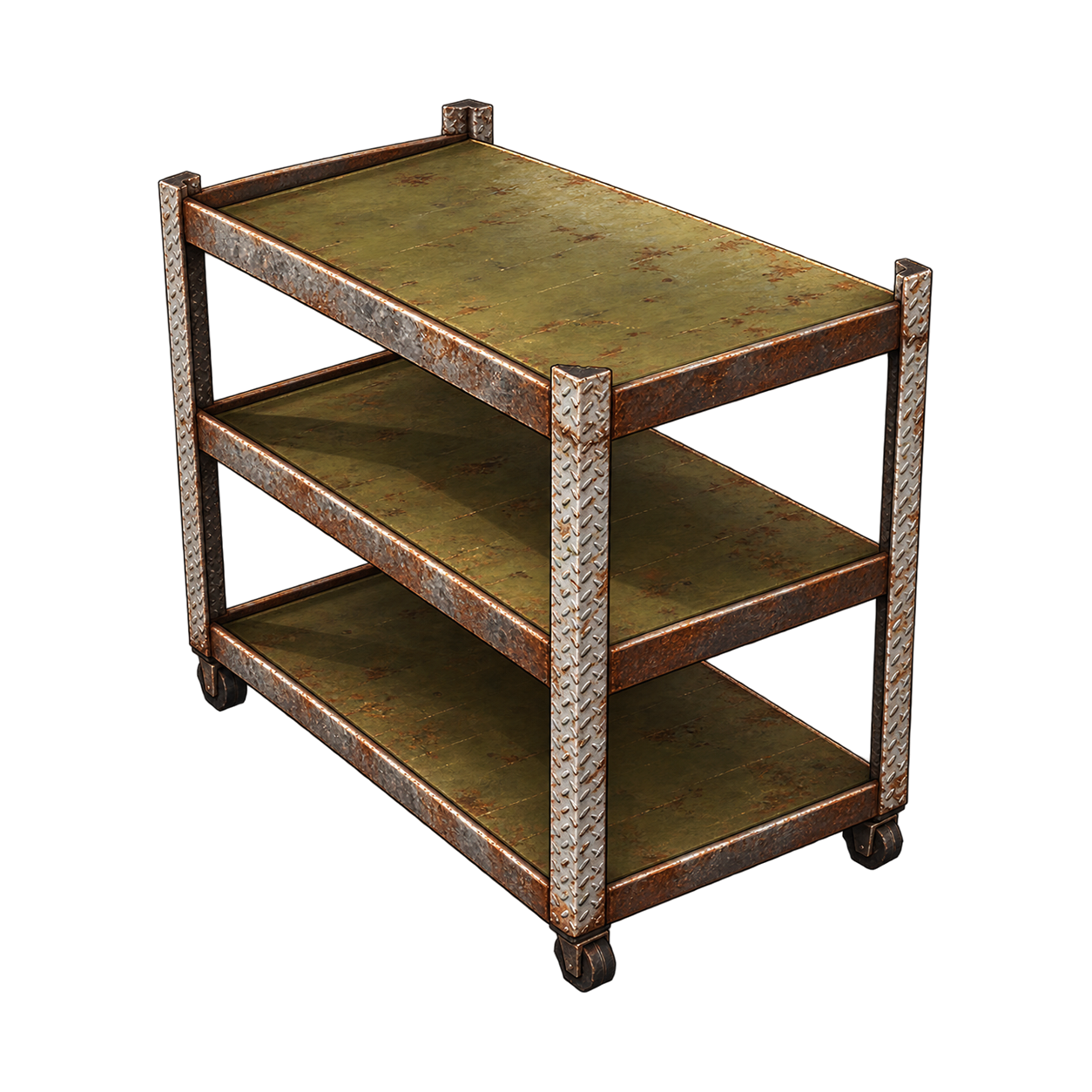
Steel shelving: a large three-deck steel rack for storage. Large chests fit the lower and middle decks; small and medium chests and stash caches can use the top. Mounted containers keep their own contents and labels.
Building support: newly built pieces collapse after five seconds without support when their supporting foundation, wall or pillar is destroyed. Doors and fitted locks go with their frames. Rebuild support in time to save them. Existing legacy builds stay as they are. Hosted items and storage contents fall to surviving support; when there is no ground, they remain at the lost host's position.
Building upgrades: upgrading a door or its frame keeps attached doors, locks and lights seated immediately. An upgrade that cannot safely keep its attachments refuses before spending materials.
C4: point and stick: a charge fits itself to the surface you aim at, with no rotation controls. Charges stick to every build part, including both sides of doors, gates and thin frames, as well as uneven surfaces and solid static scenery, including Origins buildings. A charge seats within 5 cm of the point you aim at; taller boards and decoration can clip into it without pushing it away. Edges can overhang; deep inside corners, floating, through-wall, pawn and overlapping-charge placements are refused. Static map buildings are not destructible. If a charge's construction support is destroyed it falls and still detonates on the original fuse. At contact, full-health wood and stone doors or walls take two charges and metal takes three; player and raider charges use the same damage, with damage to survivors unchanged.
Building destruction: destroyed and dismantled parts break into material-shaped pieces: boards and broken planks, stone blocks and chunks, and bent metal sheets, sized from the part itself. Pieces vary in size and tumble before settling and fading, with nearby debris limited during large collapses. Depleted stone and ore nodes crumble too.
Base damage: C4 and sustained fire batch building saves to reduce server work during raids. C4 also damages placed equipment whose visible model uses a skeletal mesh.
Power controls: the inventory has POWER switches for your generators and electrical lights, alongside the Lights & Fires controls. Each row has one selector, Auto lights can follow day and night, and both groups use the same selector size and row layout.
Electrical cables: cancel a cable route with right mouse button or Tab without spending the cable kit.
Working racks: the Drying Rack shows raw meat while it is drying something, and the Leather Rack shows stretched leather while it is tanning.
Placement previews: the preview of a part you are placing shows its own textures, slightly see-through, with a green or red outline, instead of a flat white shape.
Combat and weapons
Gunfire: every gun fires the moment you pull the trigger and holds an even rate of fire at any frame rate, shot sounds no longer cut each other off, weapon sounds are ready as soon as you equip, and holding the trigger on an empty magazine clicks. Each shot also costs the server much less work.
Hit feedback: hits on helmets and body armour show a metal, ceramic, plastic, fabric or leather impact. Any damage that gets through armour also bleeds, scaled to the damage taken. Soldiers flinch when hit again.
Blood: hits produce stronger directional spray, larger nearby ground and wall stains and more visible drips and trails. Stains are matte rather than glossy. World blood stays for two minutes before fading, with older marks clearing sooner in busy fights. Animals spray blood when hit, like people. Visitor blood is deep cyan-blue. The blood mist containing yellow sparks is gone; choose Off, Reduced or Full blood in Graphics.
Weapon mods: fitting or removing an attachment plays a sound, and a refused change plays a refusal sound. Changes made away from a Weapon Bench show the timer wheel while they take effect; at a bench they stay instant.
Armed kick: press U while holding a weapon or tool to push an enemy back and briefly stagger them. It costs stamina and has a cooldown; the kick itself cannot kill. Rebind it under Weapons & holdables in Controls.
Unarmed fighting: empty-hands fighting has punches, held guard and a front kick, with matching combat animations. Bandits, hunters and soldiers can use the fight system too.
AI and wildlife
Raids: attackers choose a breach target together, with a breacher and covering roles, and reconsider blocked or destroyed targets. Their guns do the same damage to building parts as player guns. Higher-level soldier raids can place C4 and throw grenades, checking their squad's escape and blast safety.
Soldier movement: soldiers check that cover and combat movement destinations are reachable and have room to stand, and promptly choose another route when movement is blocked.
Ground birds: flocks register and keep responding as areas stream in and out, so approaching or making noise can scatter them. Close wingbeats follow the flock as it flies away and fade out by 10 metres.
World and loot
Roadside wrecks: more abandoned cars on Origins can be searched for vehicle loot. Wrecks and tractors placed by the newer roadside dressing are not searchable yet.
Resources and towns: resource placement excludes the full footprints of all mapped points of interest, including rotated towns and areas that have not streamed in yet, so rocks and ore do not appear inside them.
Loot and prices: loot follows the danger tier of the place you search, and trader prices account for crafting costs. Obsolete recipes and stale items have been removed from acquisition. Finding an item that unlocks recipes now names it and tells you how many crafts it opens.
Saved loot: searchable containers keep their remaining contents when an update changes the loot profile for their location.
World entry: loose loot fits its actual shape to nearby support before appearing, and resource spawn requests give nearer items priority. Military corpses retain clothing skin overrides in solo and hosted worlds. Empty-hand contacts retain flesh and clothing impact feedback.
Water: wading ripples and splashes start at the water surface and ripples rise and fall with it. Vehicle wakes, ripples and splashes also start where each wheel or the hull meets the water. Footsteps in water no longer spawn ground effects under or above the surface.
Corpses: bodies resting across gaps, steps or uneven ground settle onto the surface and stay visible and lootable instead of disappearing.
Visitor crashes: players who have finished Spoils of War, and their online squadmates, receive a falling-craft notice and a crash marker like an airdrop. Eligible players joining late see the current event stage; an emptied crate is marked Looted.
Survival, trading and progression
First aid: a Primitive First Aid Kit now treats a region's trauma up to 50% condition in one use, as well as restoring health and stopping all bleeding. Use a regular First Aid Kit or AI-2 for further trauma recovery. Treatment hints and kit tooltips explain the limit, and a kit that cannot help is refused without spending a use. Fractures still need a splint.
Traders: prompts and trade screens show what kind of trader you are talking to, and trader voices play at the same volume as other characters.
Trader jobs: traders offer goods delivery and fetch jobs with valid routes and rewards worth more than simply selling the requested goods.
Activity XP: building, crafting, harvesting, fishing, exploration, looting, trading, repairs, medical treatment and station work all help you level. Reopening the same loot or cycling the same items through pickup, sale or dismantling does not provide endless XP.
Skills: Steady Hands reduces aim sway by 20 percent. Boiling dirty water counts toward Purifier and its route to Bloom Ward. Good Water asks for Bluegill, Trout, Tuna and Cyprinus, making Master Angler attainable. Unfinished skills show as Planned and are excluded from skill totals and next-skill suggestions.
Quest rewards: tutorials award useful supplies and 50 XP each, and story quests give more XP. Friend or Foe gives an M1911, while Spoils of War pays coins and lock picks. All Seven completes after any six of the seven crash sites; the dig remains optional.
Character, inventory and controls
Actions: after looting, harvesting and other actions, your character rises gently and blends back into normal movement, including when the loot screen opens.
Using your hands: opening doors, hand harvesting, looting and using consumables stow your held item and return it afterwards. The blocked-shot marker hides while those actions occupy your hands.
Character presentation: third-person turning keeps its familiar behaviour. Other players see the fishing line leave the rod in your hands.
Inventory: while dragging an item or holding a split stack, Q (your Toggle Storage key) switches between On person and Backpack without dropping the item from the cursor. Cancelling leaves it where it came from. Power captions and the Stats pane's buttons stay within their panels. Quick-use slots 3–9 refuse crafting materials such as plant fibre and cloth, ammunition, apparel, attachments and junk; consumables, placeables and building kits remain eligible. Older invalid shortcuts move their items into your backpack when there is room, without deleting items.
Hotbar: slots 3 to 9 hold consumables, placeables and build parts only. Resources such as plant fibre stay in your inventory.
Controls: bindings are grouped by activity and split into Keyboard & Mouse and Controller tabs. Settings opens on the device you last used. Tabs and column headings stay in place while the list scrolls, each tab remembers its place, and it accepts only that device's inputs.
Multiplayer and saves
Joining and movement: your character waits for server admission before starting movement prediction, avoiding unacknowledged movement during entry. The server also checks movement timing and refuses client-claimed teleports, impossible sprinting and out-of-range attacks.
Steam connection: a Steam-related join refusal or lost session explains why you cannot connect and what to do next, returning you to the front screen when needed.
Voice chat: push-to-talk releases cleanly, and capture stops when the game loses focus or a blocking menu opens. Press push-to-talk again after returning; speech buffered for a disconnected session is discarded.
Save reliability: disconnecting after death no longer holds server maintenance, and a refused item transfer keeps food spoilage consistent with its save. Older searched containers can be looted after restoration, and one damaged building-save cell no longer prevents building elsewhere.
Death recovery: interrupted death transfers can finish saving the corpse and its map marker after a server recovery.
Settings, performance and support
Content Creator Mode: a new option under Settings > Audio, off by default. When on, the game plays only music cleared for streaming and video, so recordings and streams are safe from copyright claims.
Performance: turret fire, structural damage and removing hosted items do less save work. Distant birds stay cheap, and crops, death poses and the world map avoid blocking asset loads during play.
Rendering: frame generation keeps its resources warm through temporary focus or viewport suspension, and the text cache has more room and keeps its loaded fonts, reducing repeated setup when changing screens.
Support reports: saving logs to the Desktop and preparing an upload run in the background, with a preparing message and protection against repeated clicks starting overlapping collections.
Administration: admins can destroy world items, AI, vehicles, corpses and player-built parts, then undo their last destroy.
Small fixes: the minibike rider's thumbs rest along the grips. The cable panel explains how to pin a route on a wall or floor. Campfire light keeps its usual fire colour, is slightly brighter and reaches a little further. The campfire no longer casts a shadow from its own wood across its firelight.