Reminder
The 60% discount on Lite and Plus that came with the 6.0 release is still available until tomorrow, I'd grab any of them if I were you- the Canvas feature alone + what 6.1.0 brings to it (in Lite and Plus) is a game changer I always wanted to add and something I see so much potential for growth in. Who knows, some insider leak might say Canvas looks so promising you might be able to soon add features as nodes to canvases, rearrange and resize them alongisde actual nodes, and make any canvas your home page whenever you enter the app + easily cycle through multiple home canvas left/right/top/bottom, with a side menu and many filters, for Lite & Plus only. We refuse to comment on such great ideas. Anyway-
Update 6.1.0
Today we're wrapping up 6.0 with update 6.1.0 on the test branch- canvases get layers, more error handling, QOL changes, UI tweaks, more localisation fixes, additional improvements to new features, bug fixes + new functionality.
Some bugs are to be expected for this and other test builds! The upcoming 6.1.X updates will be about perfecting what we just released, with 6.2 being something I'd rather not talk about yet, too many leaks, but it's really exciting stuff.
(6.1.1 is already live addressing some found issues; changes are in the in-app update notes- when we see 6.1 is stable enough we'll move it to the default branch too).
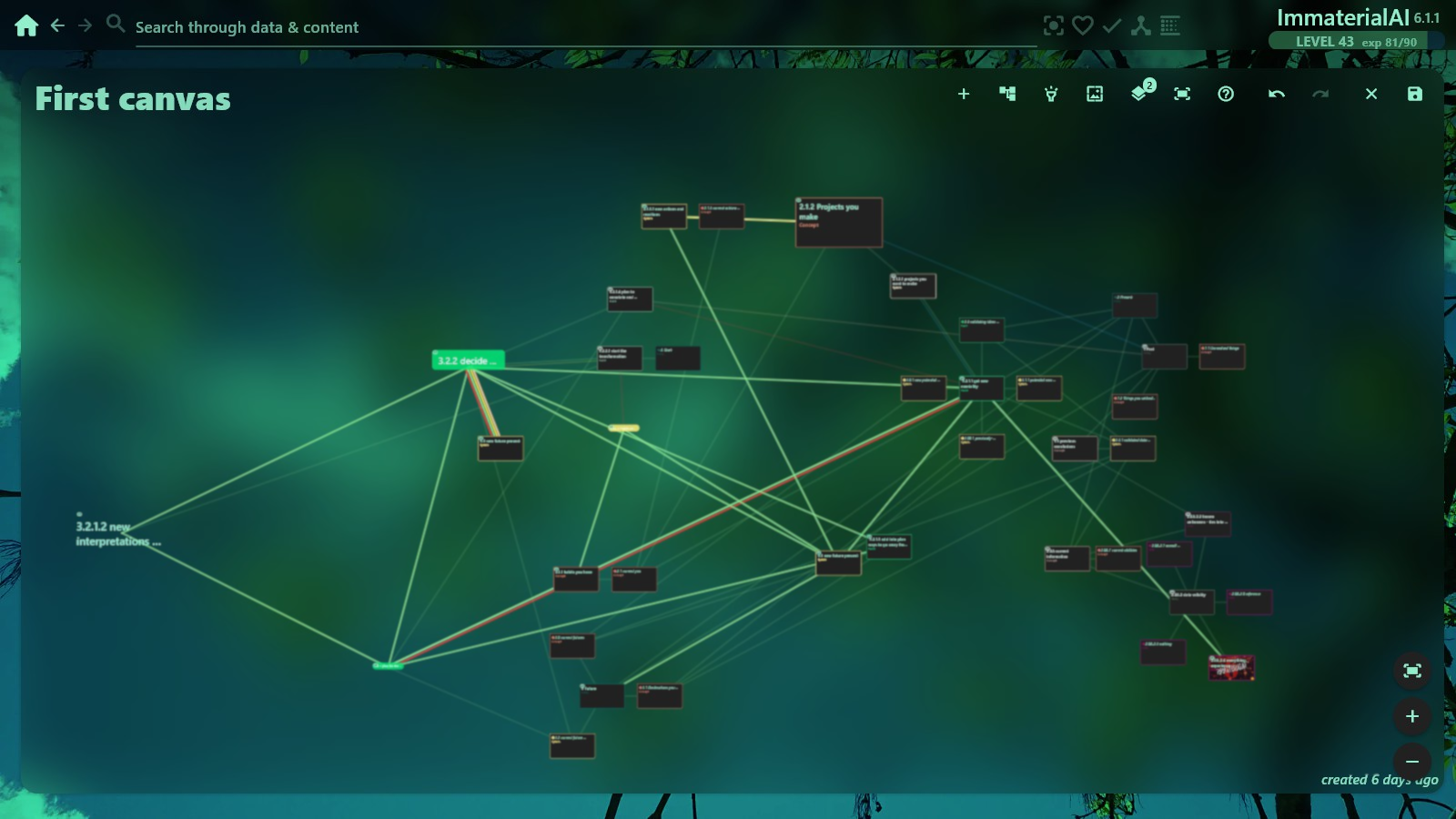
(picture: a multi-layer canvas with only one layer selected, the links from the other layer being dimmed)
All Users
Data-only mode & Models
Turning off Personal development features now persists across restarts, and the home rebuilds for the saved mode on launch (no more hidden features flashing back).
The selected data model and its filters are restored on restart, not just a pinned default.
Add & Chat boxes
The Add and Chat container boxes no longer clip, their lists sit inside the box, and the add forms fit their box and scroll — the type list and Create/Save button are always reachable. Add-node is more compact, the name field autofocuses, and Enter saves. On Plus/Lite a live hint shows how many nodes a comma-separated name will create.
Look & feel
Tooltips everywhere now match your skin (rounded, subtle border + shadow) instead of the default grey box.
Database
A dedicated Database settings section holds the local/shared database and the network (remote) database (Plus only) — plus a desktop Reveal database file shortcut.
Additional fixes
50+ small fixes, changes and tweaks
Plus & Lite
Canvas — layers
Boards can have multiple named layers. Switch the active layer (number keys 1-9, 0 for all, or the Layers panel) — everything not on it dims. Add / rename / delete layers, move the selected node onto a layer, per-node layer badges, a layer count on the toolbar, and the active layer is remembered per board.
Canvas — background & actions
Set a background image for a board (URL or a picked file) with cover / contain / tile fit; it renders behind the graph and pans/zooms with the board.
Node actions live in a floating pill above the node on hover/selection — open, smaller, bigger, add-link, duplicate, remove (with an Undo toast).
Highlighting a node (or two) now dims the links that aren't part of the highlight.
A Fit-to-content toolbar button, keyboard shortcuts (Ctrl+D duplicate, Delete removes), and the launcher no longer shows a redundant title over the box heading.
Canvas — link wording
The "links between two nodes" hover and dialog read each relation from the first node's side — "parent of" when it's the source, "child of" when it's the target — with the link-type name shown when it differs. Long lists wrap neatly. Nucleus gains a Fit button.
Fix
Opening a canvas on Lite now opens the board (not the node's details), and Canvas appears in the premium section for free users.
image backgrounds in nodes stretch to the whole node size
Plus Only
World selection
After typing a filter, results keep their include/exclude buttons; Enter picks the sole match; the Confirm button shows selected/excluded counts; and there are Select-all / Exclude-all filtered shortcuts.
Nucleus
link wording fixed like in Canvas